
Protect your Azure SQL Database with Firewall Rules
Hi All,
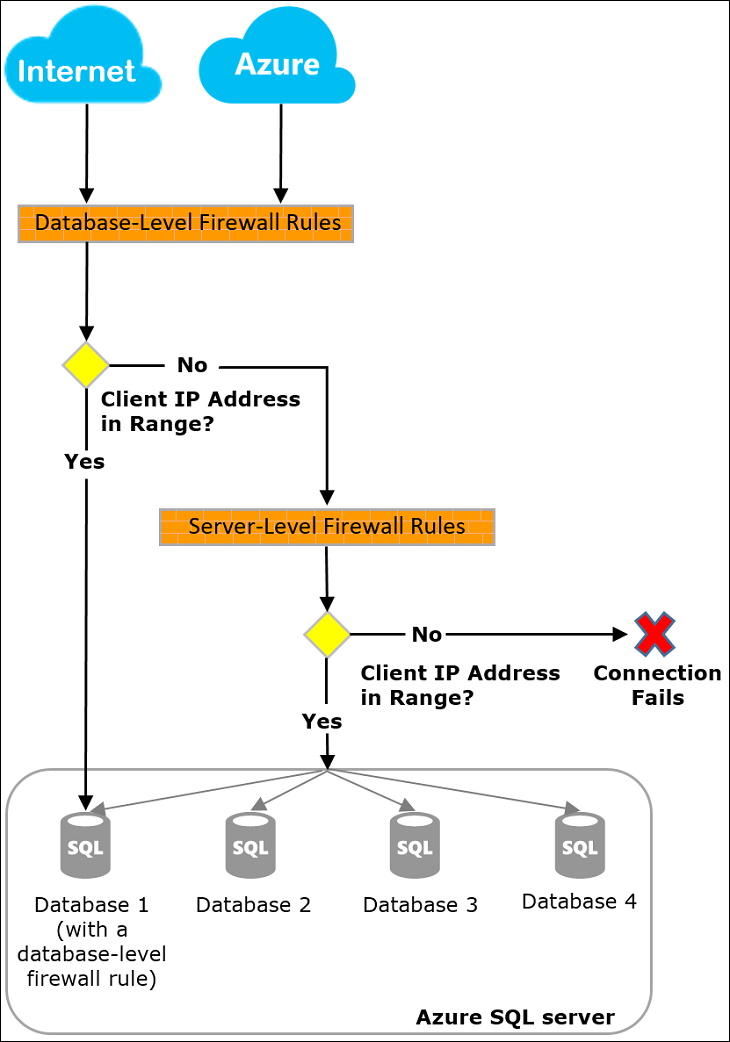
In this Blog Article, i want to talk about how to protect your Azure SQL Databases with Firewall Rules at Server or Database level.
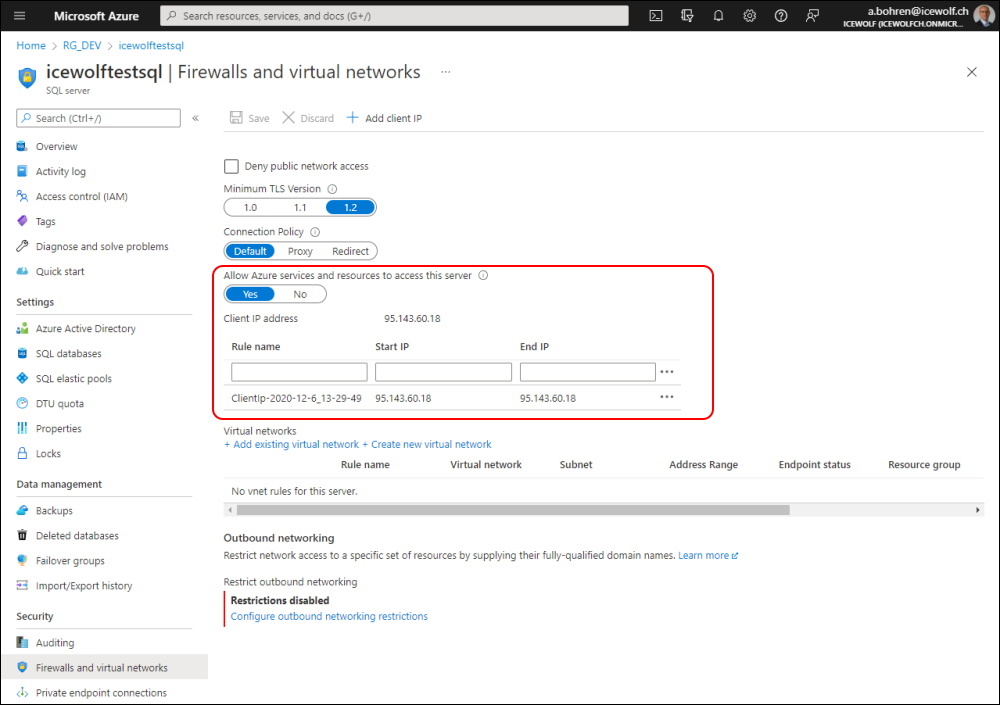
The Server Level you can find on your Server Object
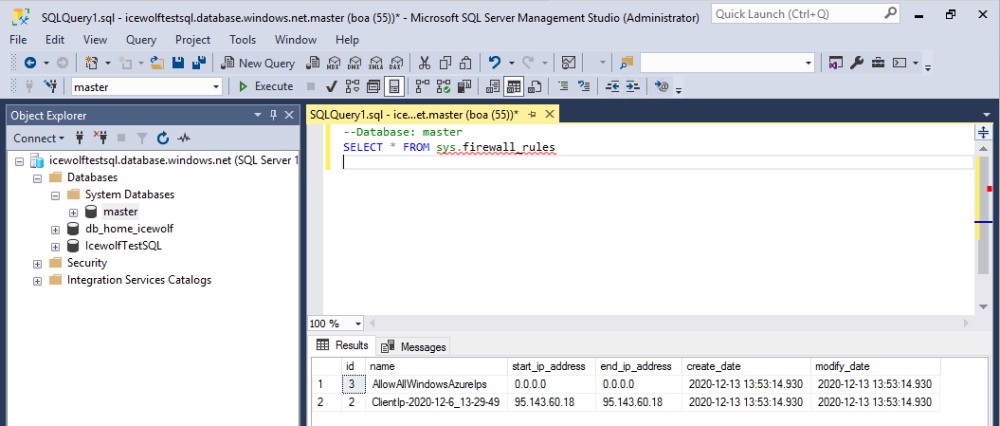
You can also find this when query the master Database
--Database: master
SELECT * FROM sys.firewall_rules
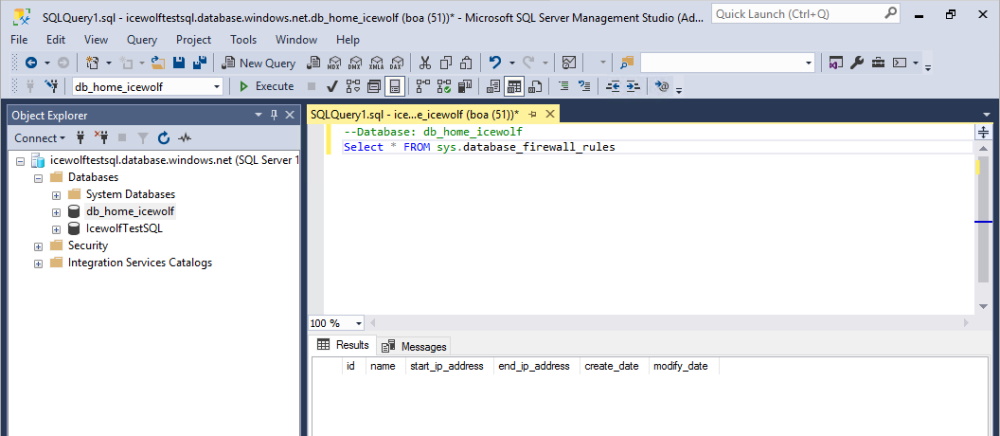
At the Database level use this
--Database: db_home_icewolf
Select * FROM sys.database_firewall_rules
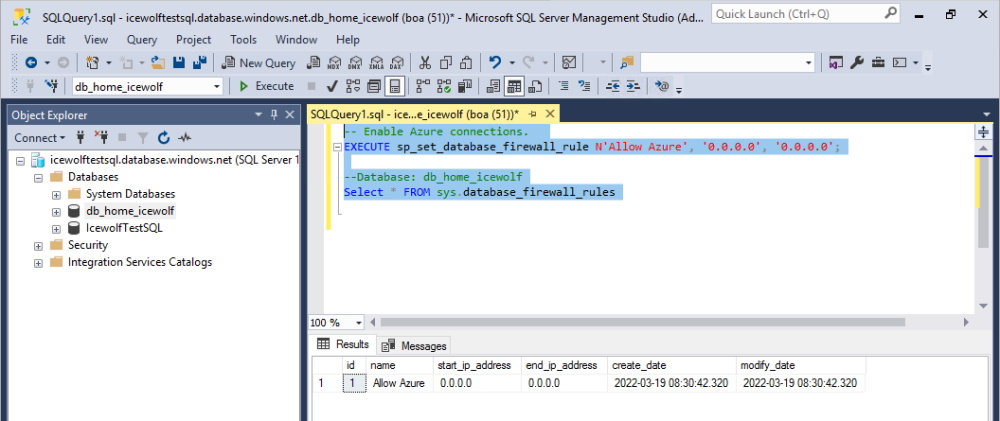
To allow Azure Services add the following
-- Enable Azure connections.
EXECUTE sp_set_database_firewall_rule N'Allow Azure', '0.0.0.0', '0.0.0.0';
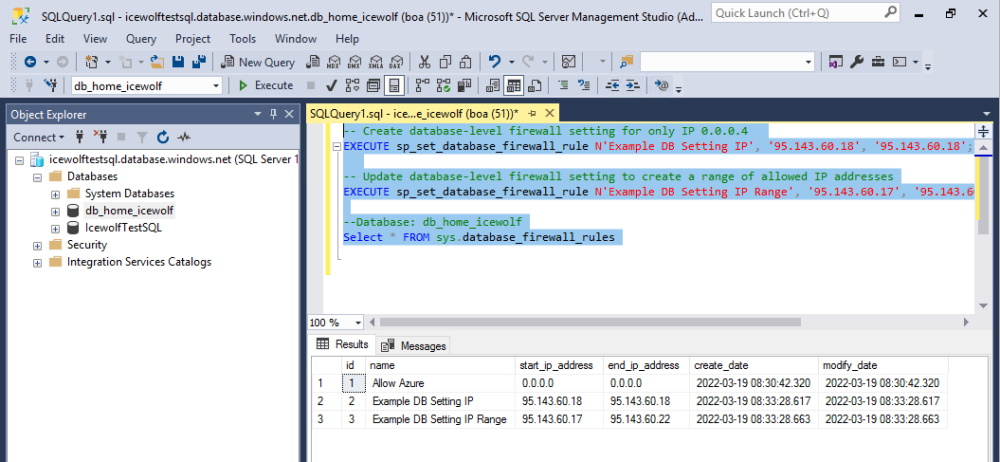
to add a custom IP or IP Range use these
-- Create database-level firewall setting for only IP 0.0.0.4
EXECUTE sp_set_database_firewall_rule N'Example DB Setting IP', '95.143.60.18', '95.143.60.18';
-- Update database-level firewall setting to create a range of allowed IP addresses
EXECUTE sp_set_database_firewall_rule N'Example DB Setting IP Range', '95.143.60.17', '95.143.60.22';
Regards Andres Bohren
