
Microsoft Bookings
Hi All,
By default Microsoft Bookings is enabled in Exchange Online.
If you have disabled it like me, you need to enable it first in the Exchange Online OrganizationConfig.
Get-Organizationconfig | fl *booking*
Set-Organizationconfig -BookingsEnabled $true
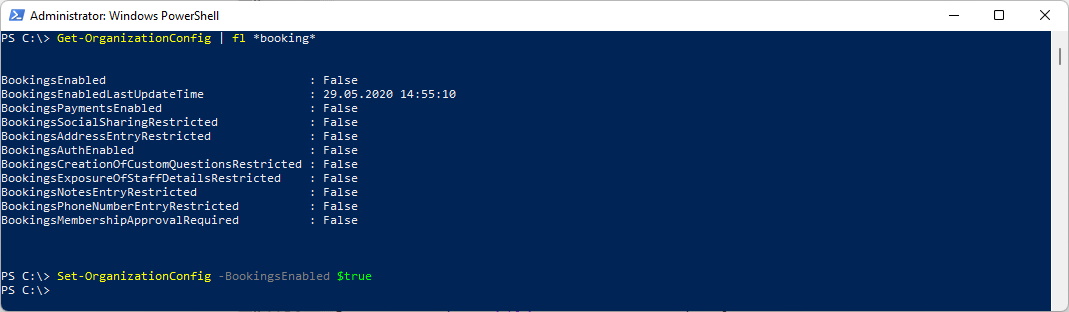
In the Default OwaMailboxPolicy all users can create Booking Mailboxes.
Get-OwaMailboxPolicy -Identity OwaMailboxPolicy-Default | fl *booking*

If you want to enable the Bookings creation only for one Mailbox you have to create a new OWAMailboxPolicy
Set-OwaMailboxPolicy "OwaMailboxPolicy-Default" -BookingsMailboxCreationEnabled:$false
New-OwaMailboxPolicy -Name "BookingsCreators"
Set-CASMailbox -Identity user@domain.tld -OwaMailboxPolicy "BookingsCreators"
Create a Bookings Mailbox
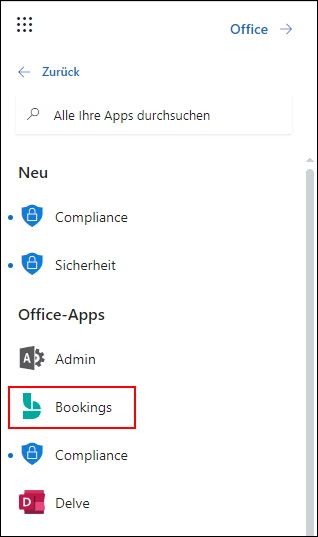
Open Microsoft Bookings in the App Launcher in Office 365 https://outlook.office.com/bookings
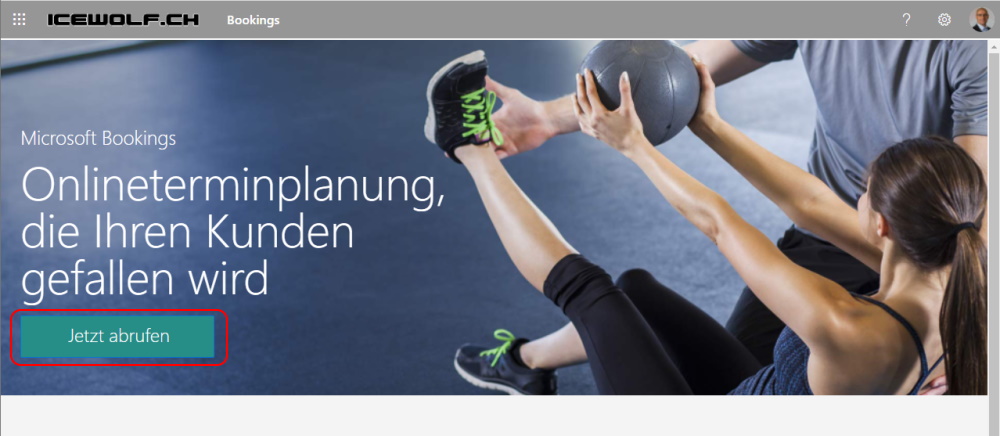
Choose “Add new Booking Calendar”
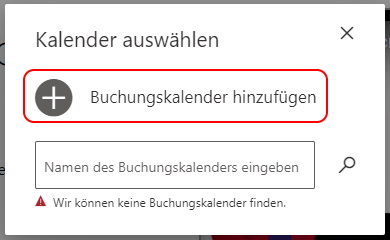
The Name will be the Mailbox of the Booking Calendar
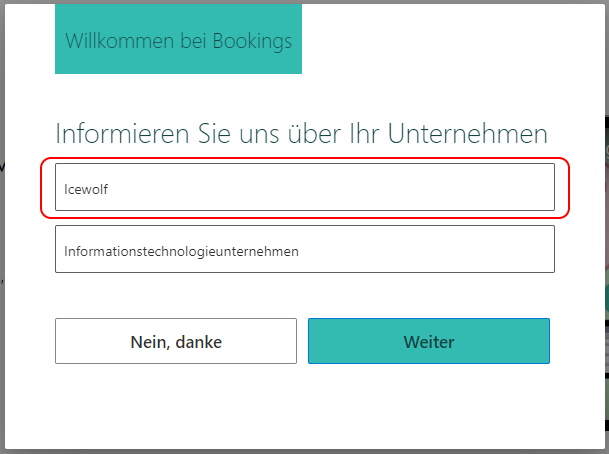
Okay, i change to the new Booking Experience
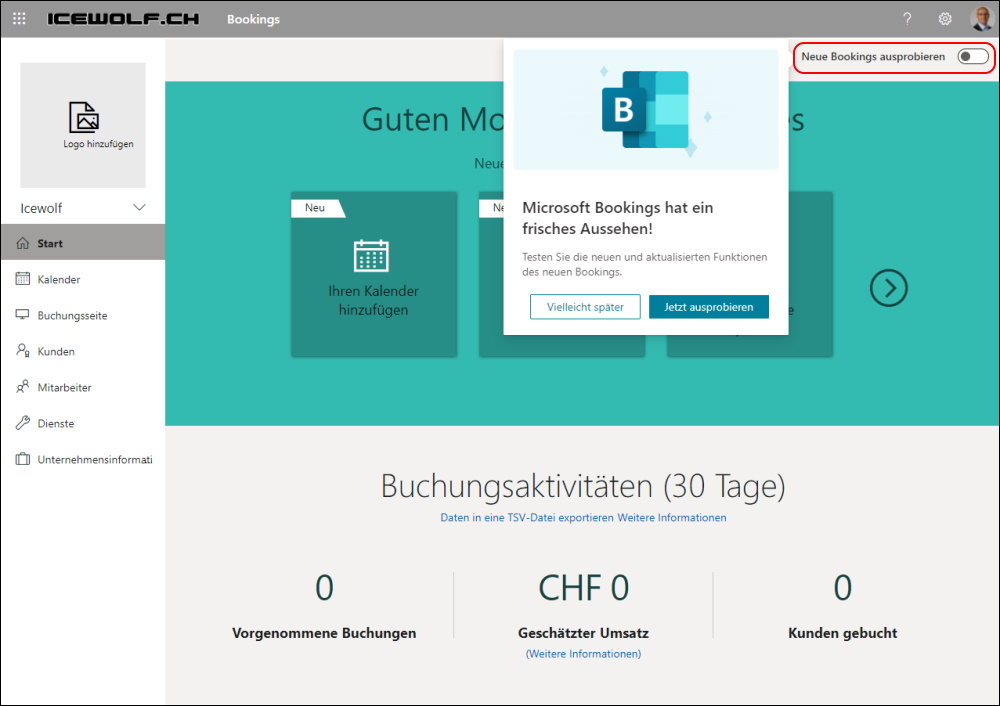
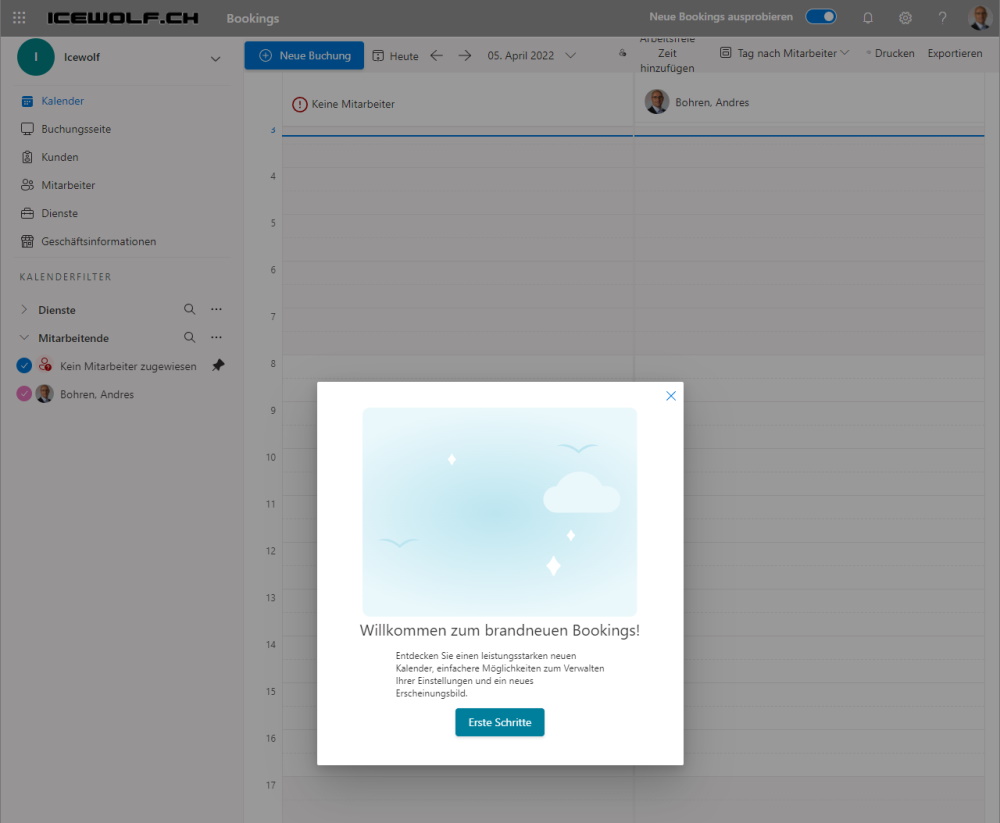
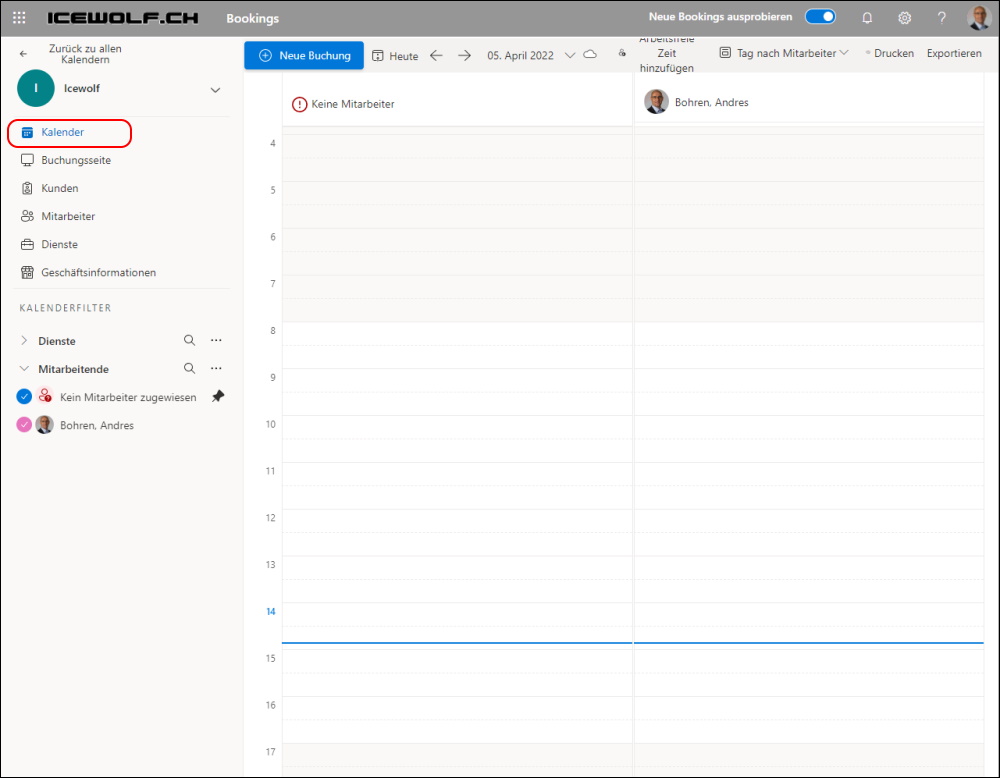
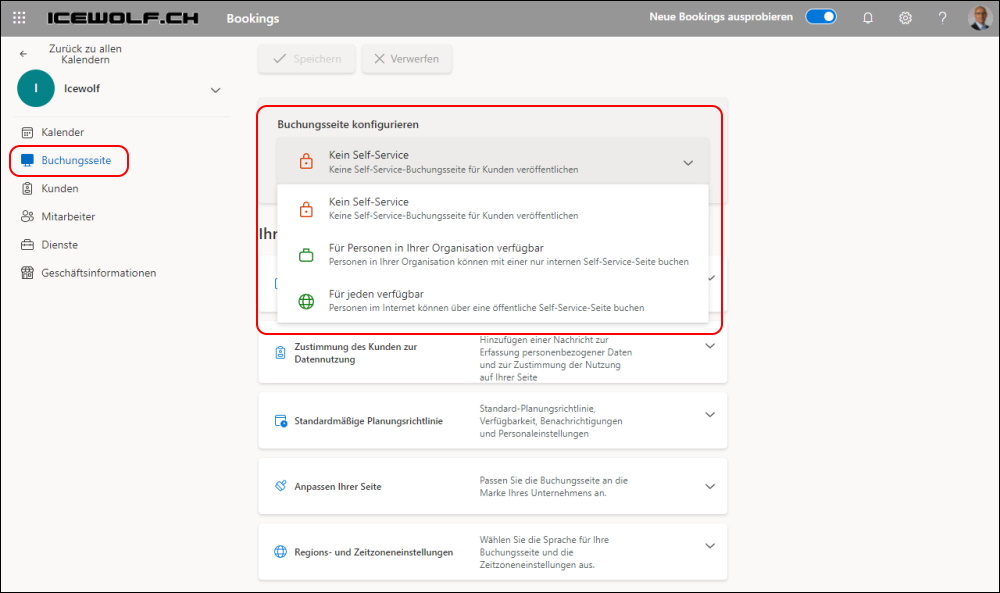
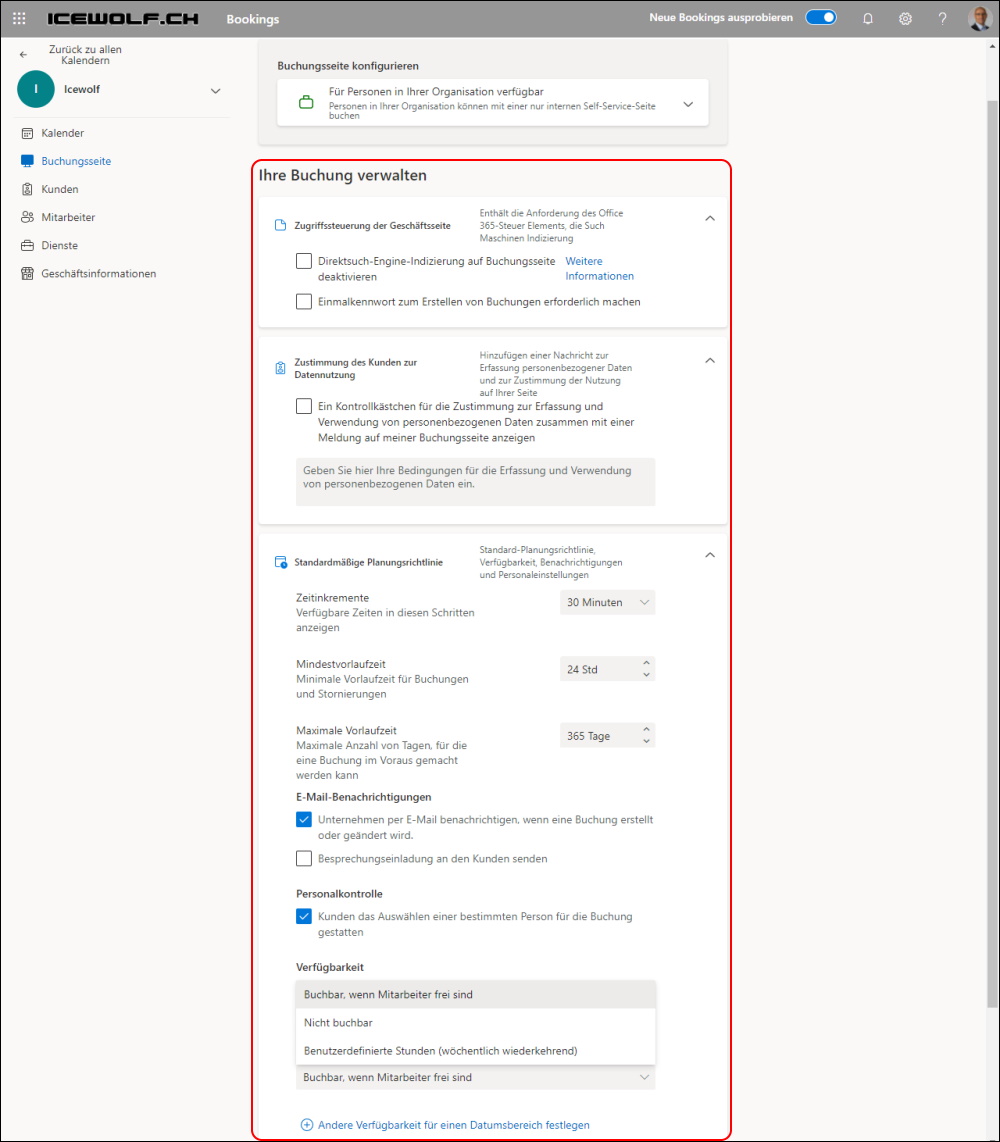
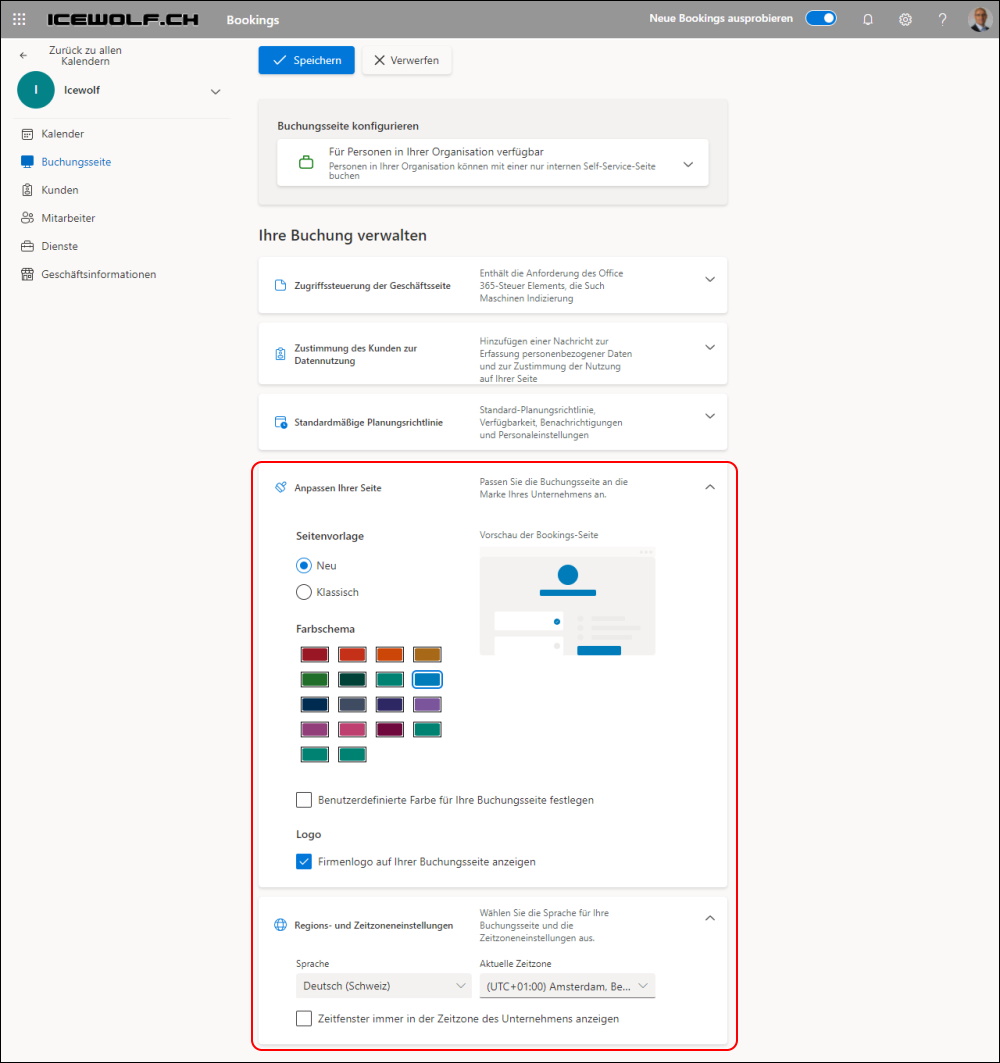
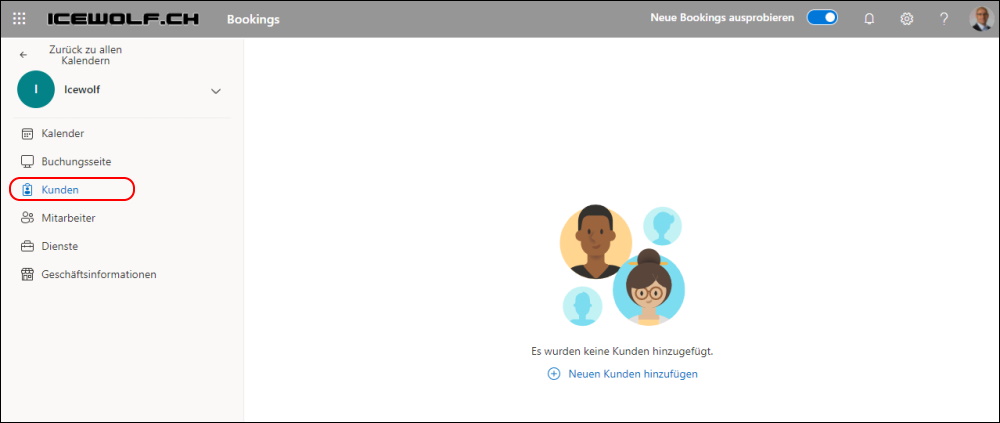
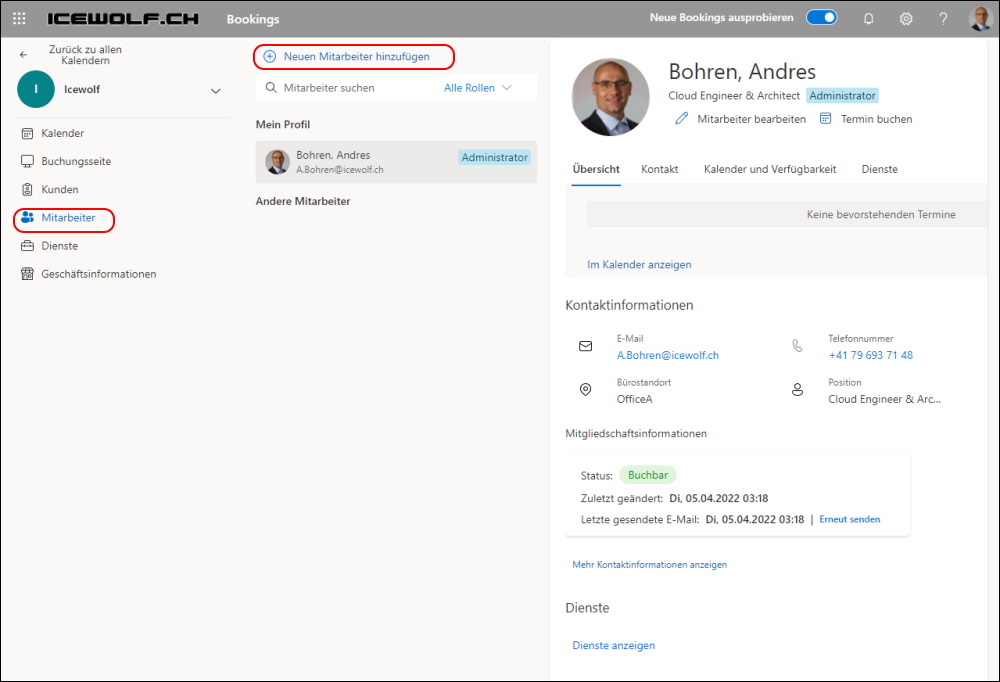
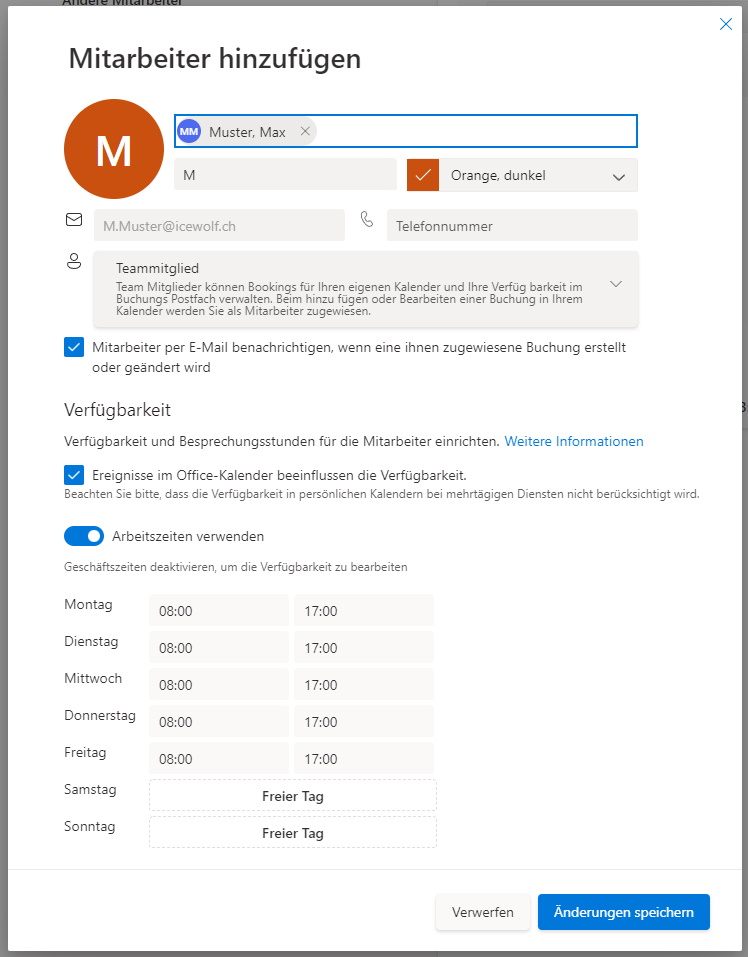
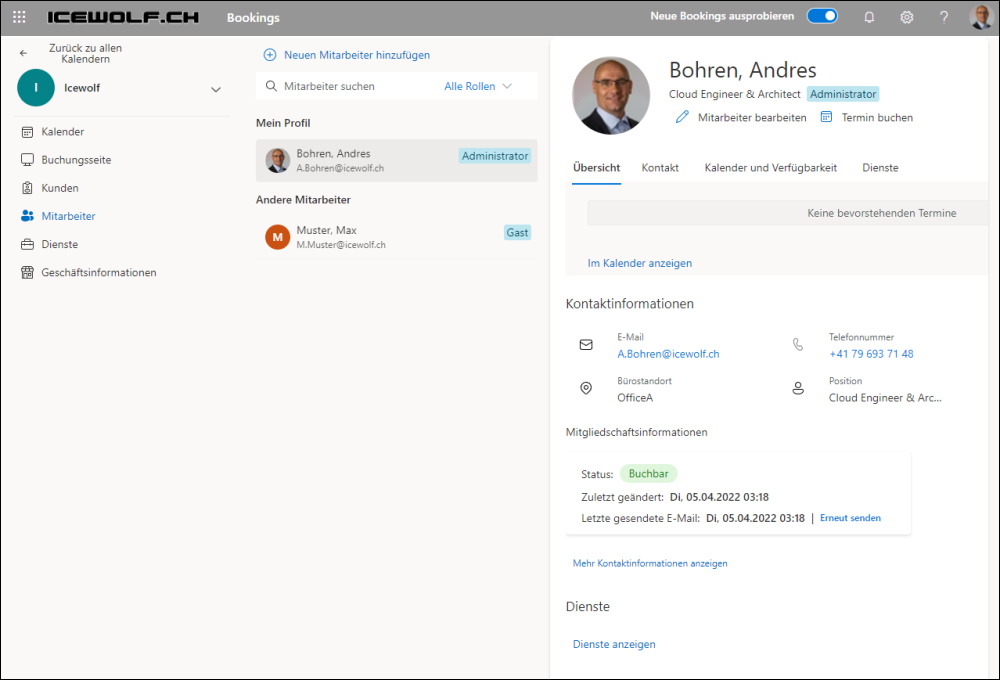
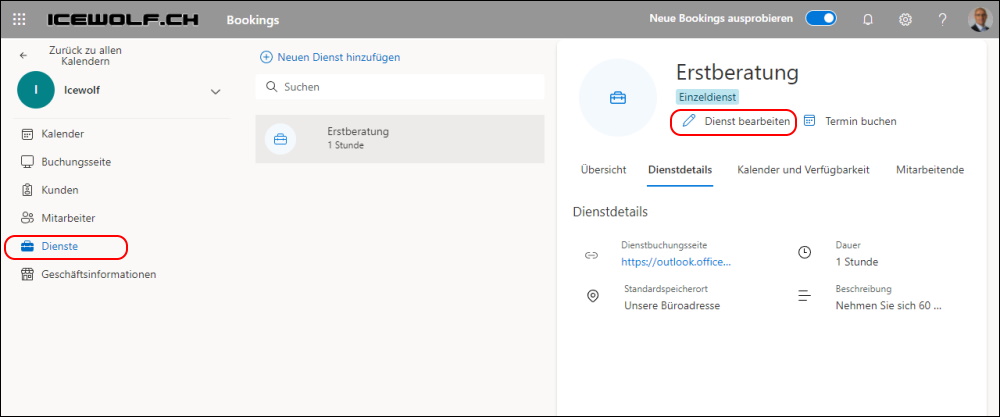
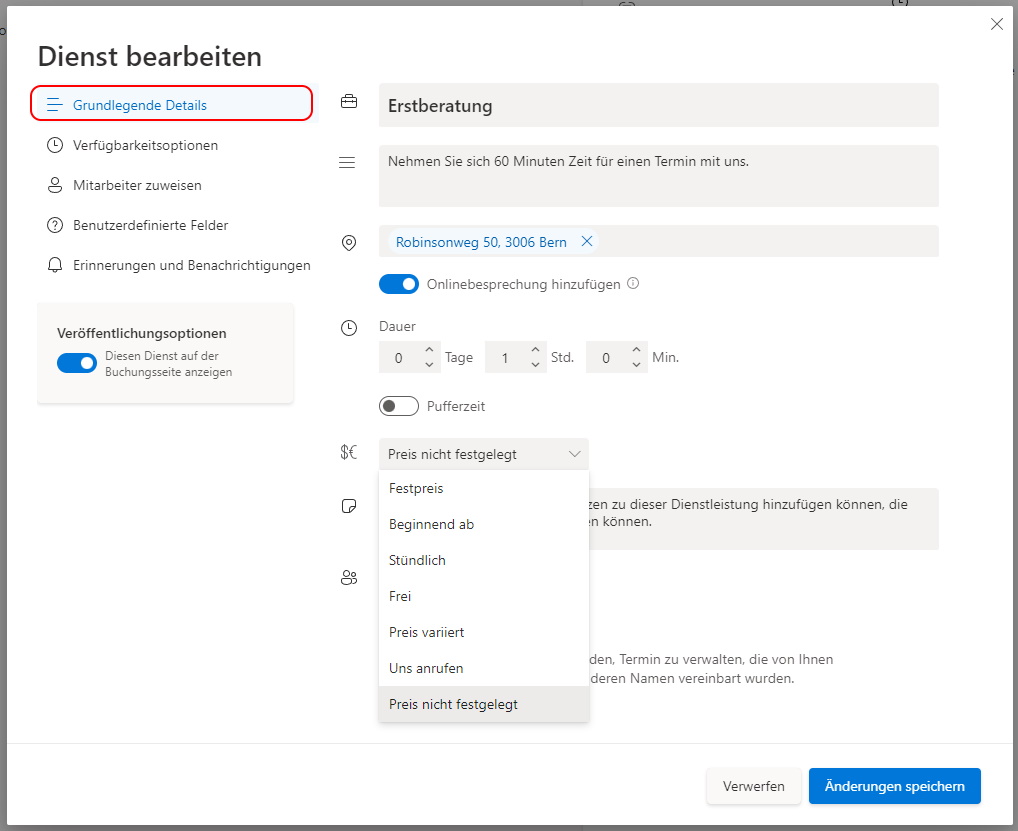
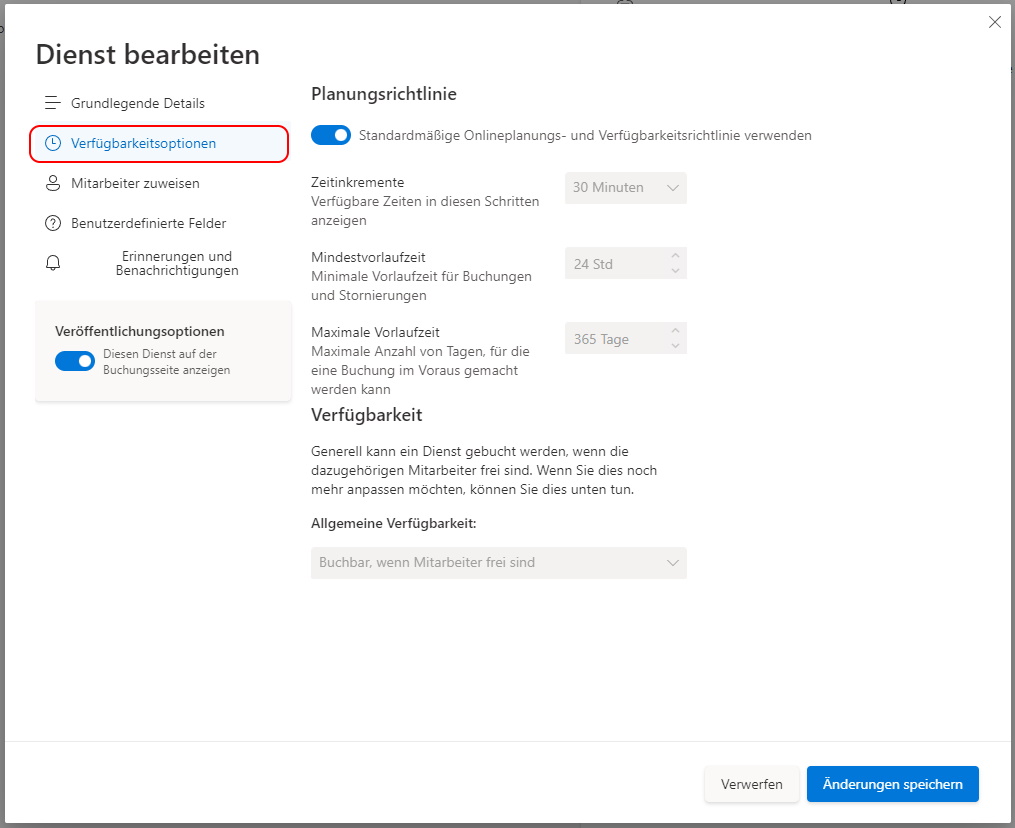
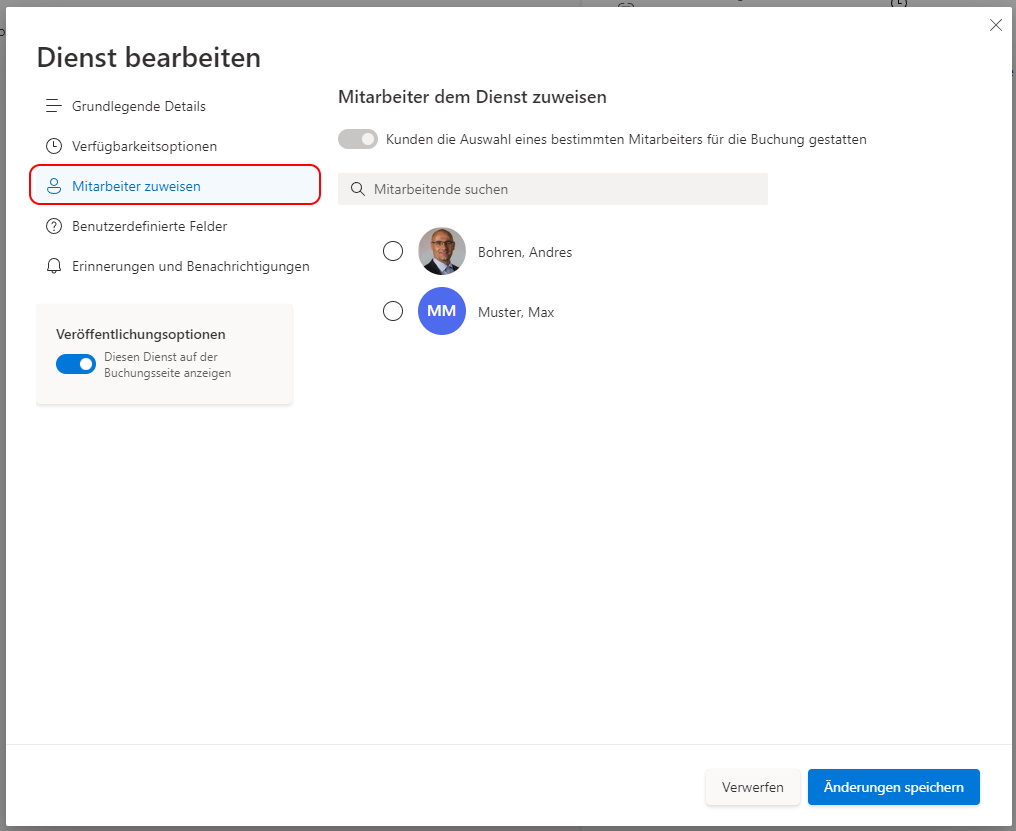
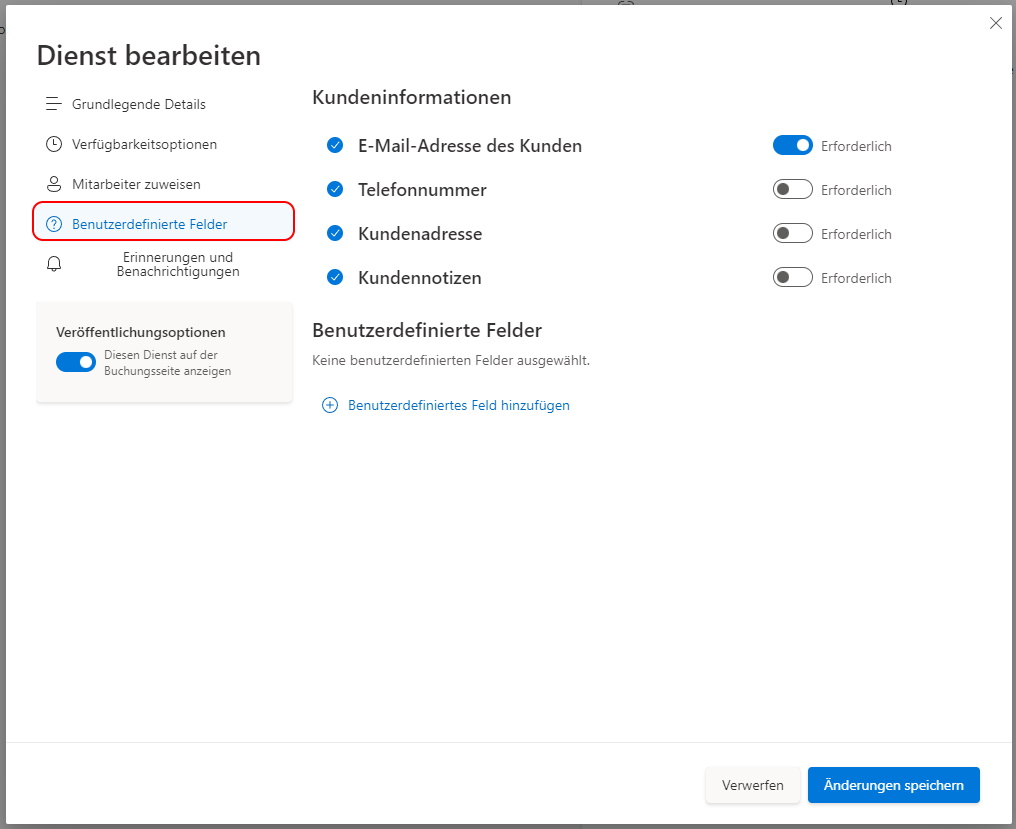
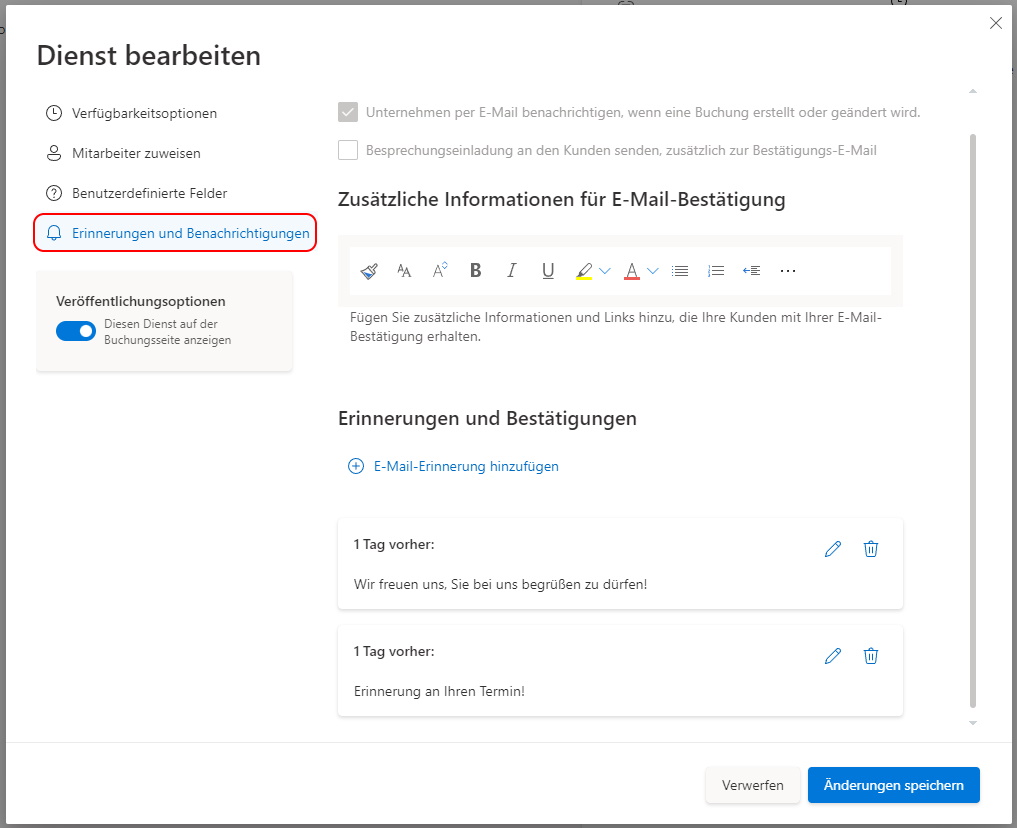
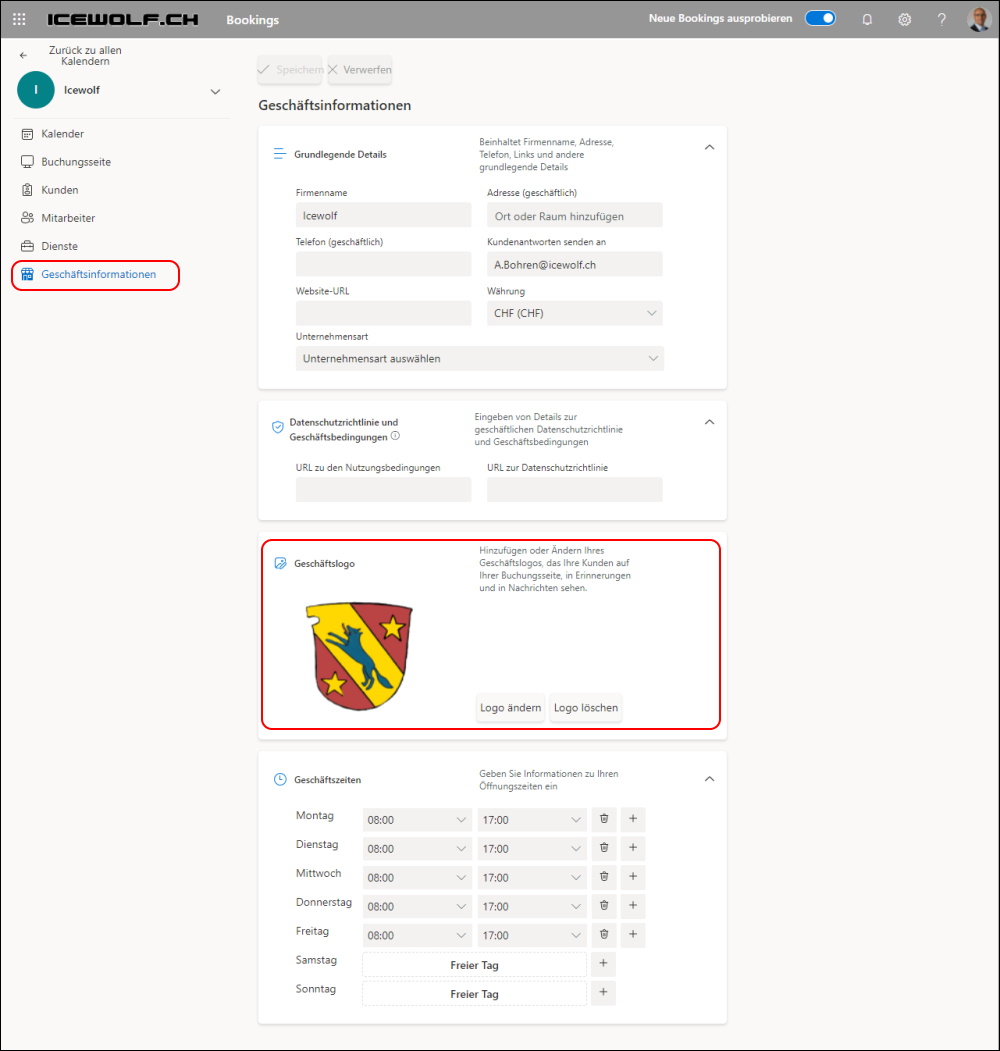
I’ve added a Logo here
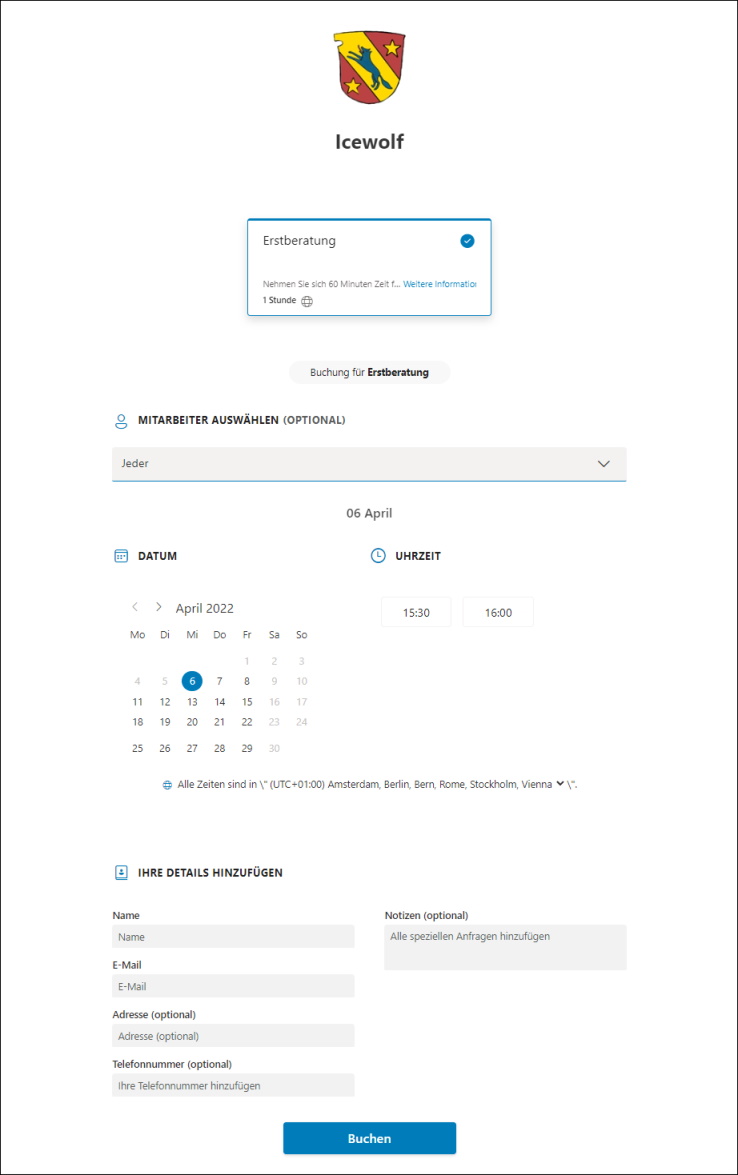
Enduser view of Bookings
This is the Screen the Enduser can book a Meeting
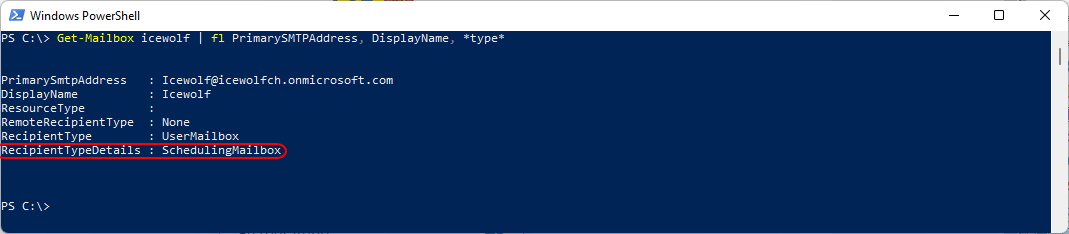
Check out the Mailbox: The RecipientTypeDetails is “SchedulingMailbox”
Get-Mailbox icewolf | fl PrimarySMTPAddress, DisplayName, *type*
Regards
Andres Bohren
