
AzureADAssessement and PowerBI Reports
Hi All,
Recently i came across an interessting Project. Now i had some Time to check it out.
## Install Module
Install-Module AzureADAssessment

## Authenticate using a Global Admin or Global Reader account.

Connect-AADAssessment
## Export data to "C:\AzureADAssessment" into a single output package.

Invoke-AADAssessmentDataCollection
It’s important to say, that you have to use PowerShell 7.
Seems to be that you need to have an Azure Active Directory P2 License to gather all the Logs.
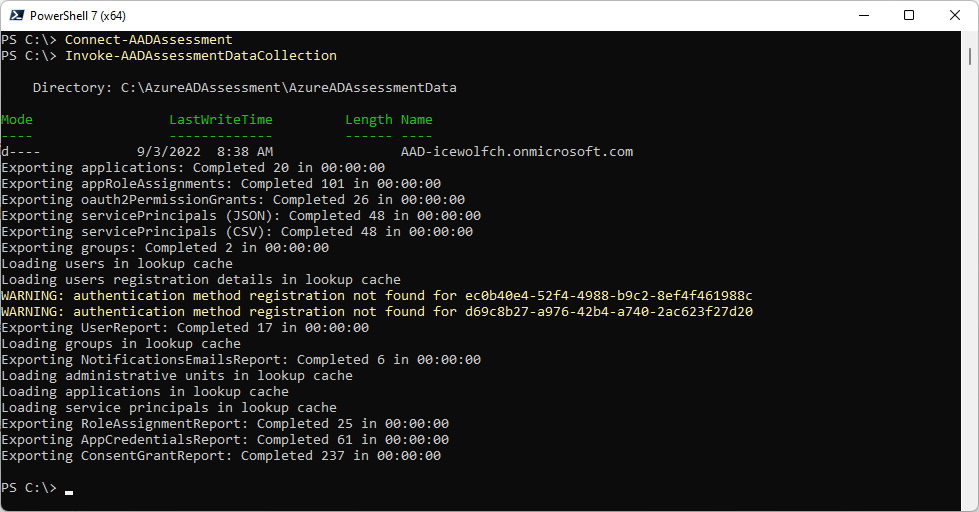
This generates the follinwing Output
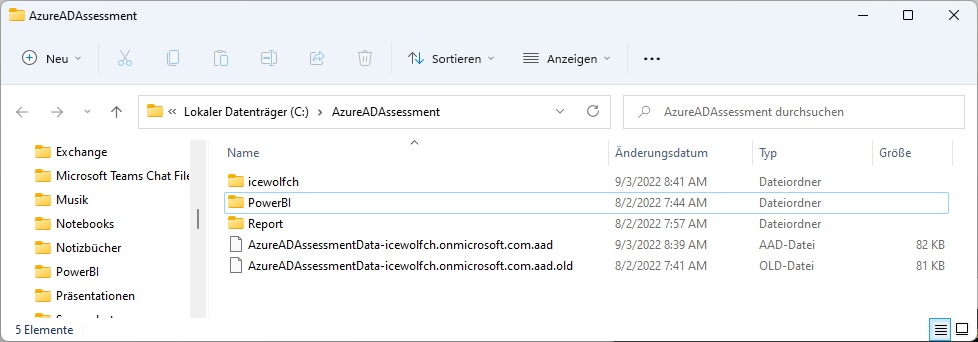
Now you can create the Reports with these Files
Complete-AADAssessmentReports -Path C:\AzureADAssessment\AzureADAssessmentData-icewolfch.onmicrosoft.com.aad -OutputDirectory C:\AzureADAssessment\icewolfch\Report

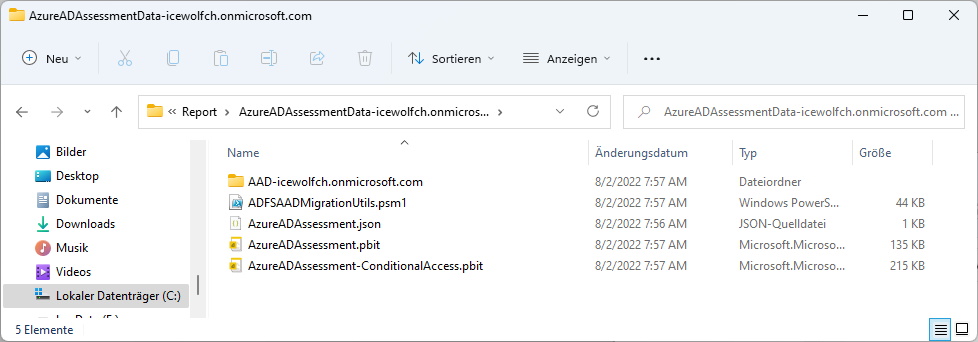
PowerBI Reports
Let’s open up AzureADAssessement.pbit
You have to fis some Settings to use the Report
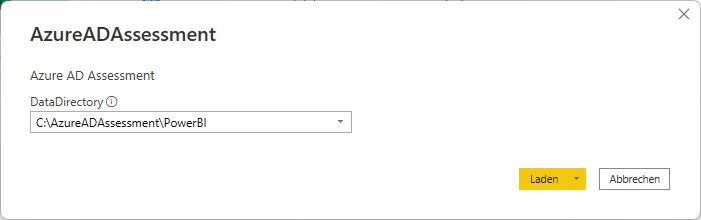
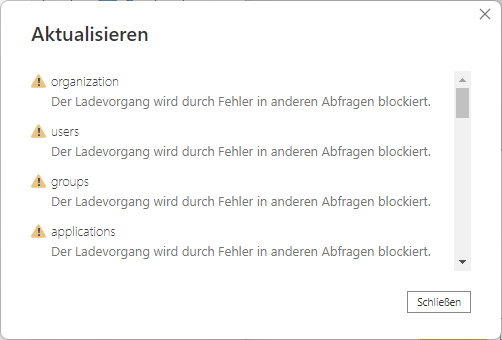
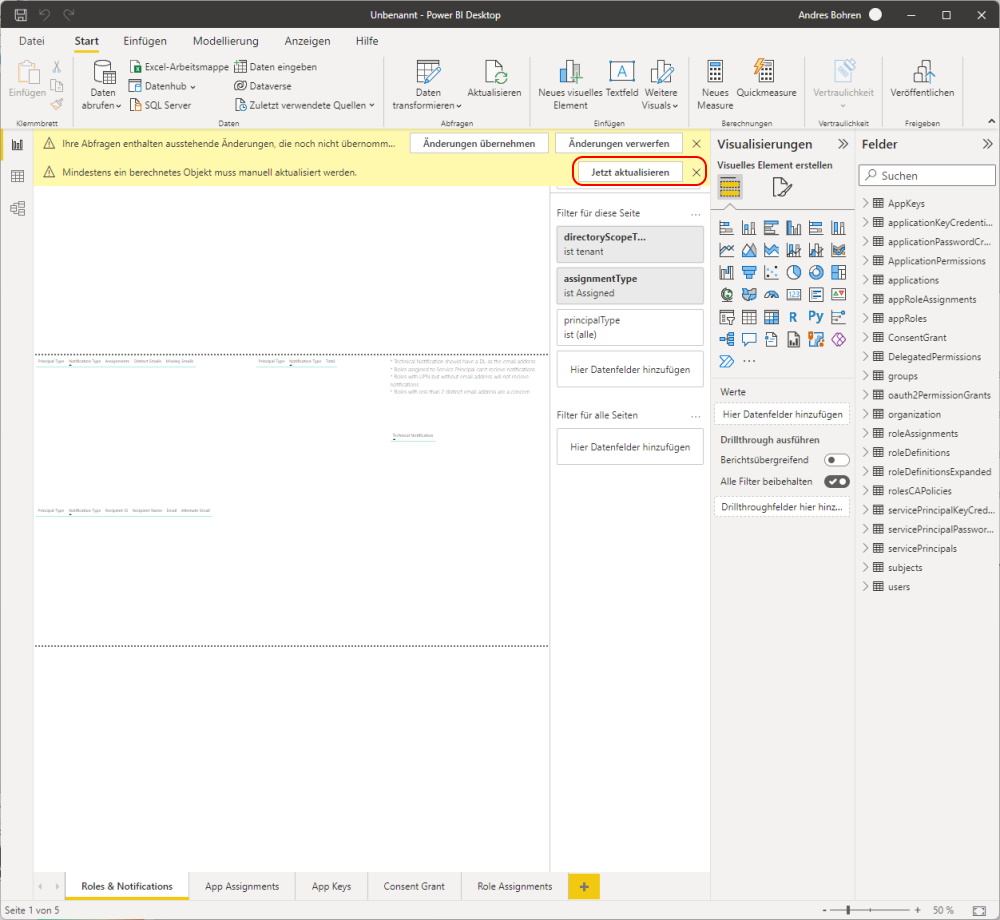
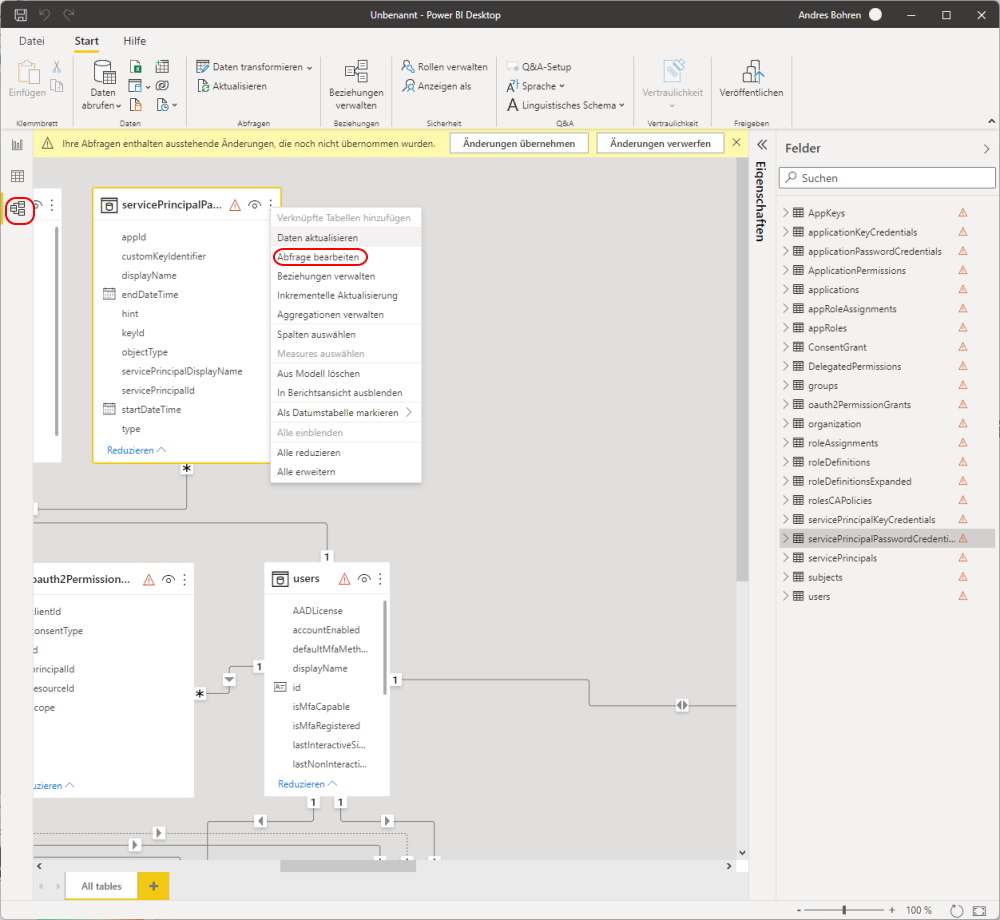
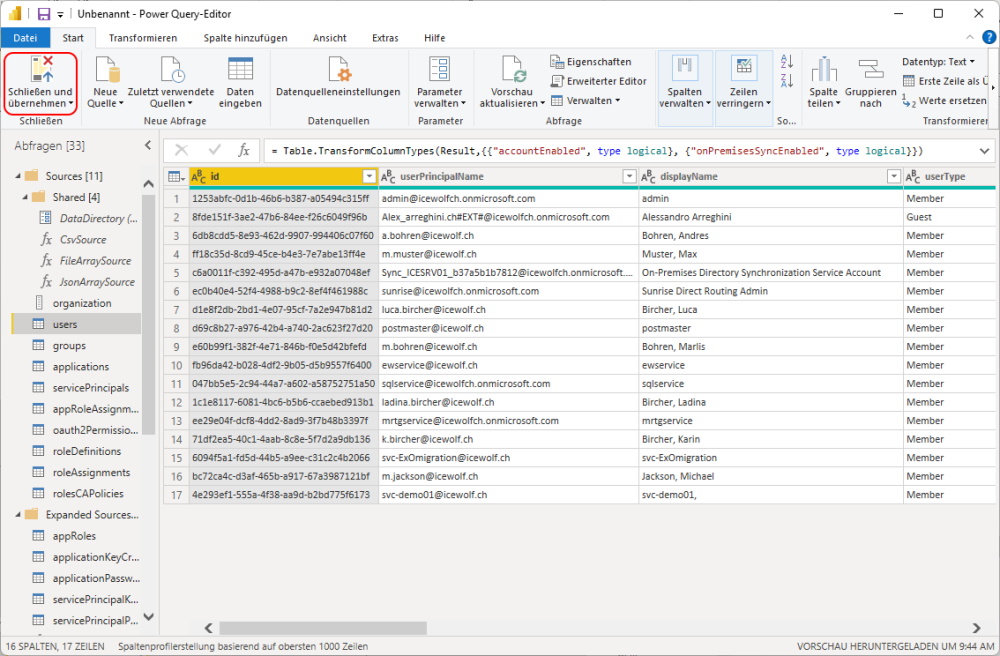
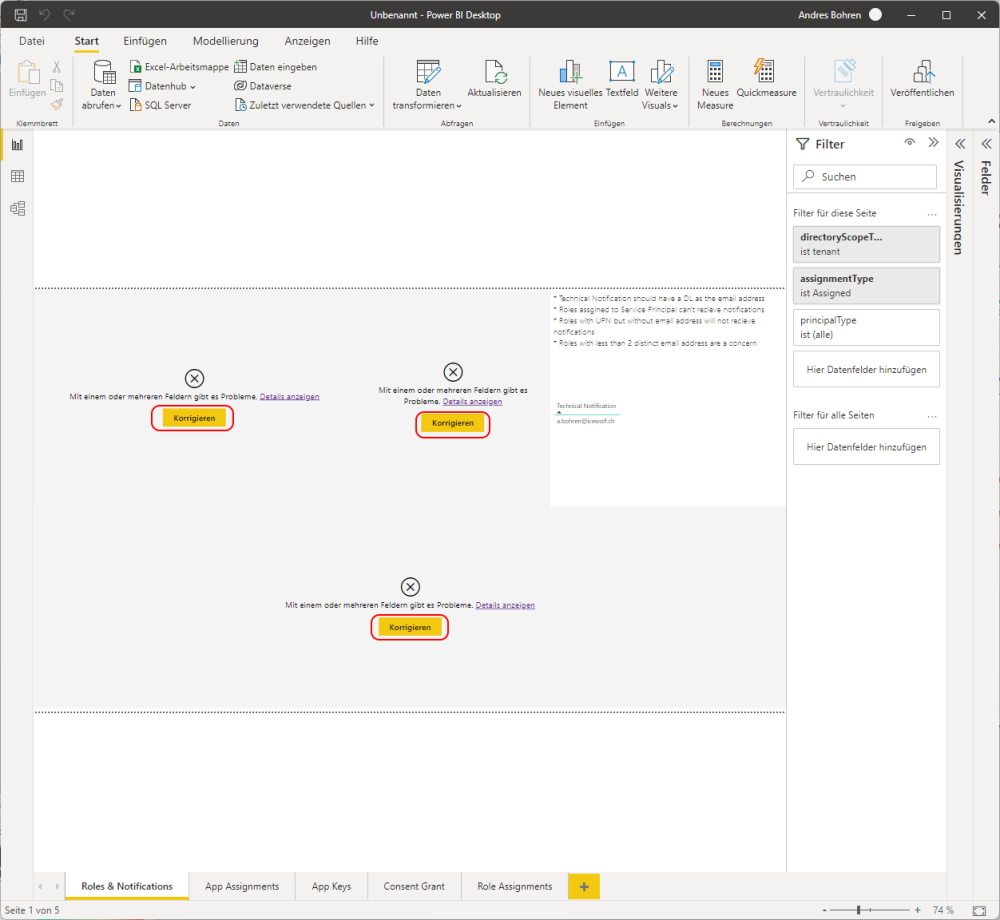
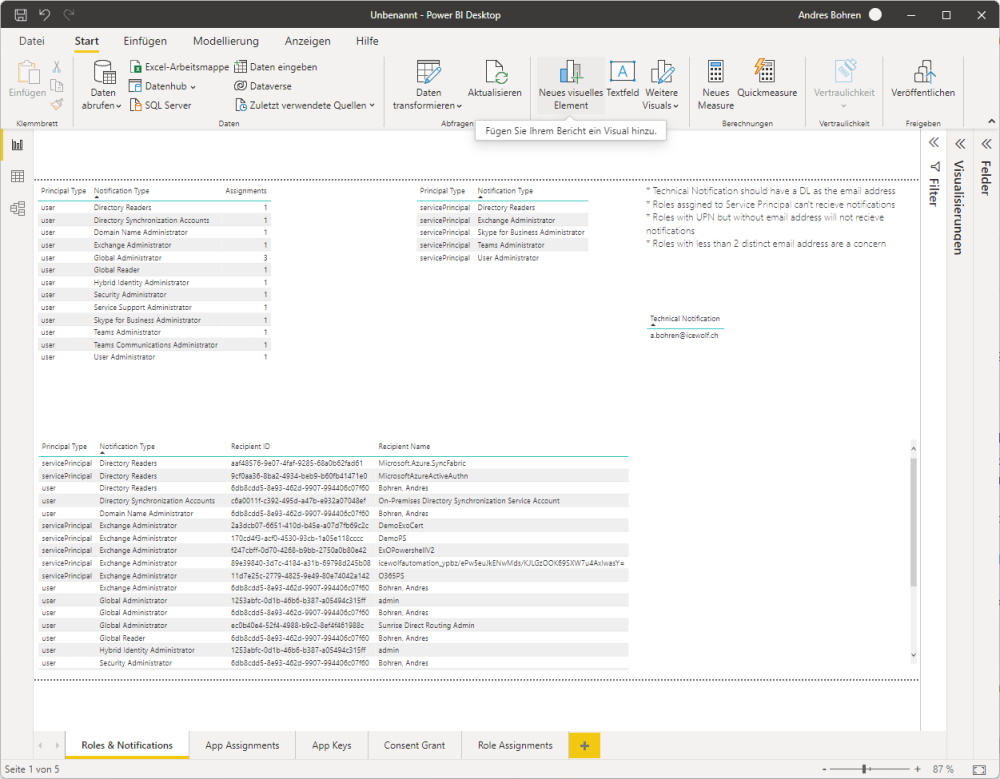
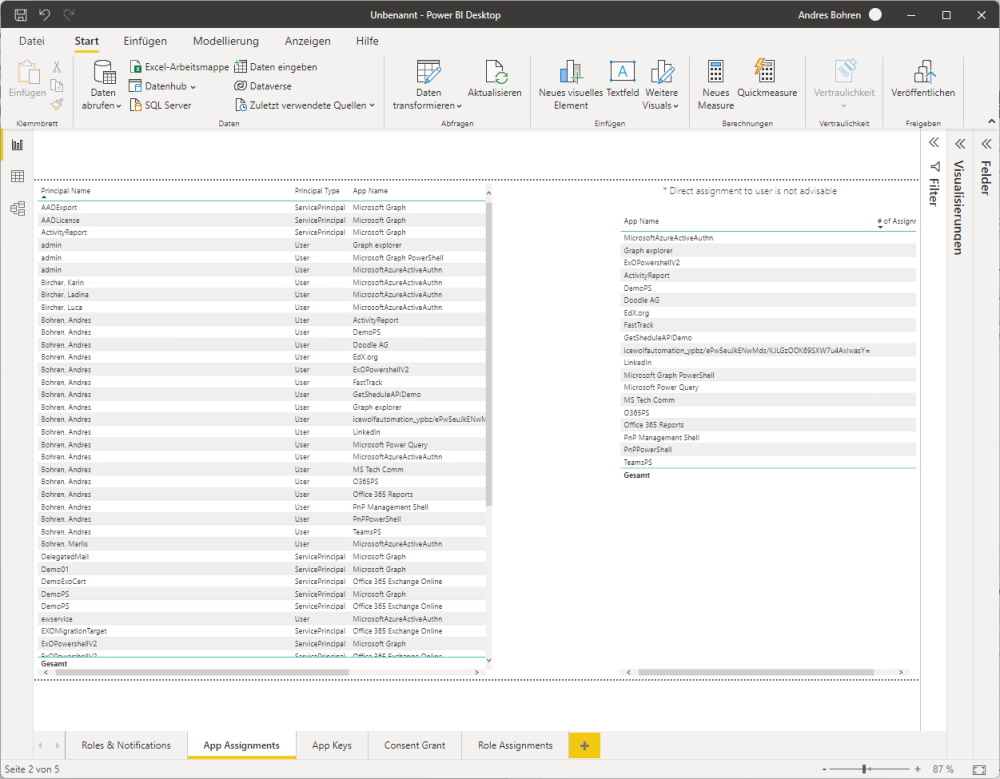
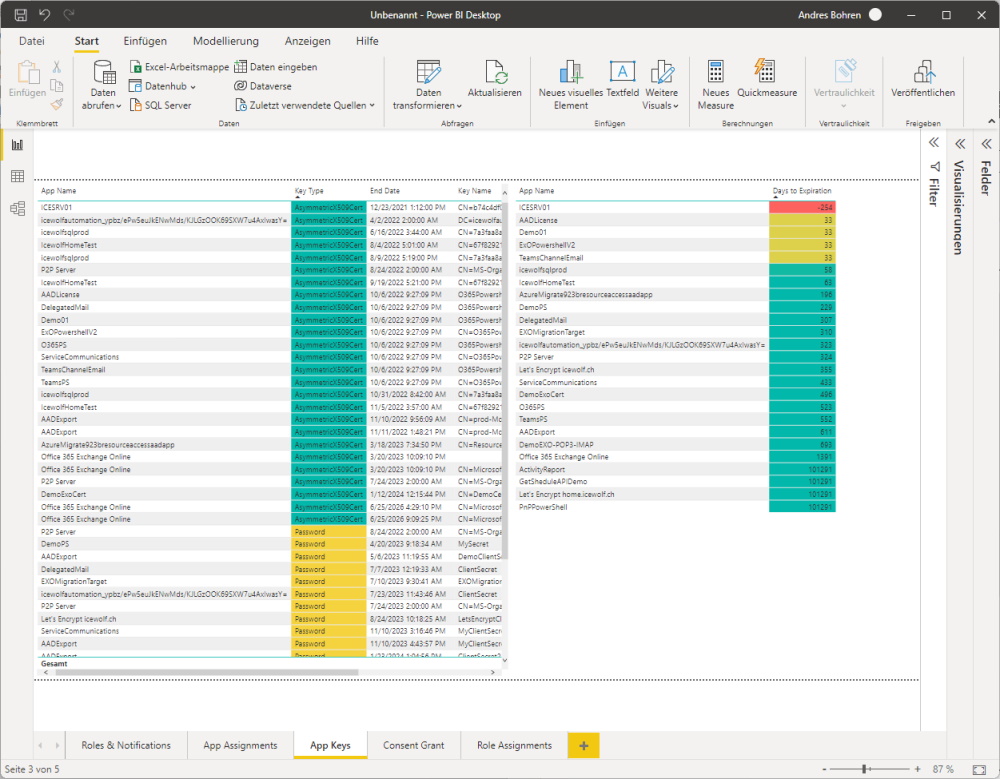
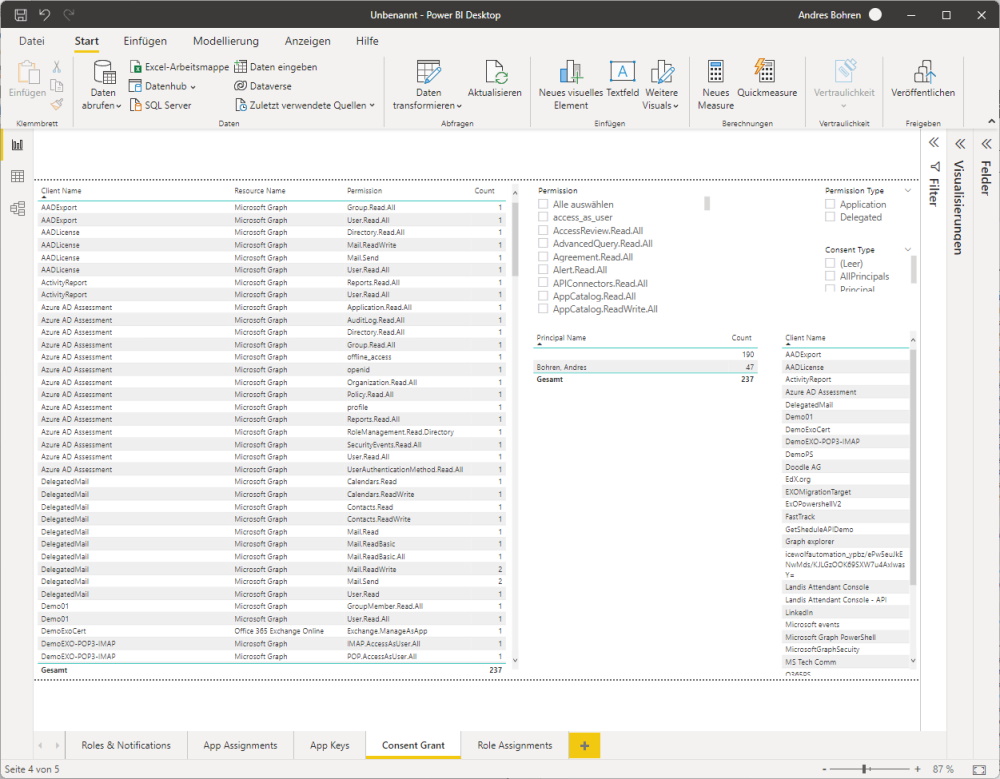
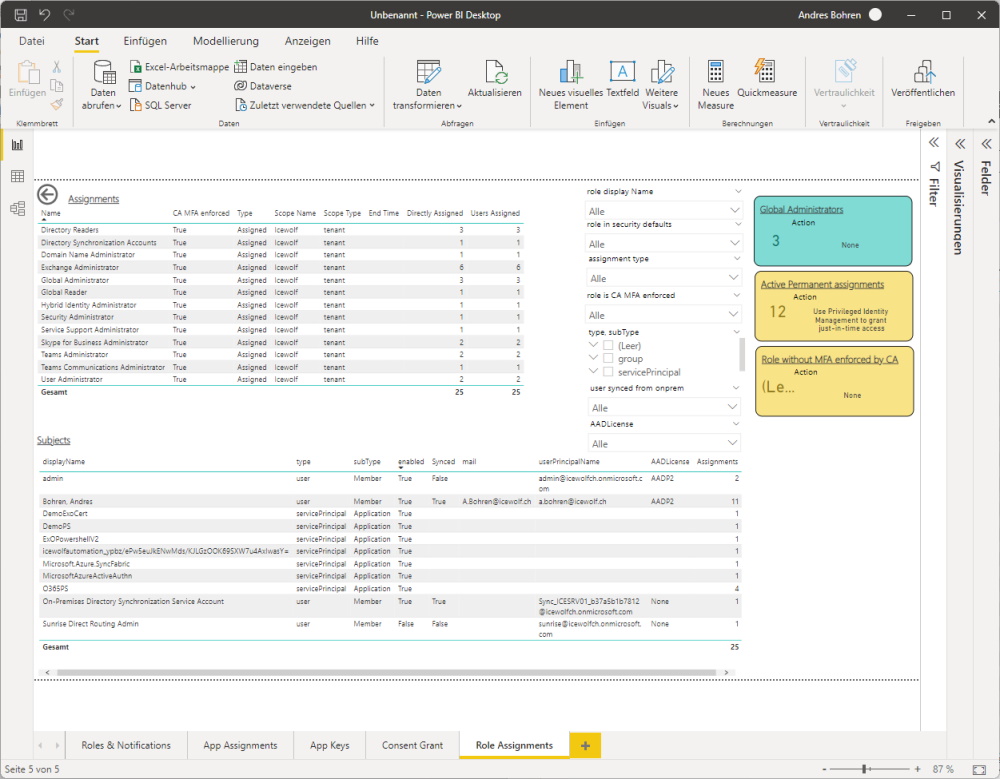
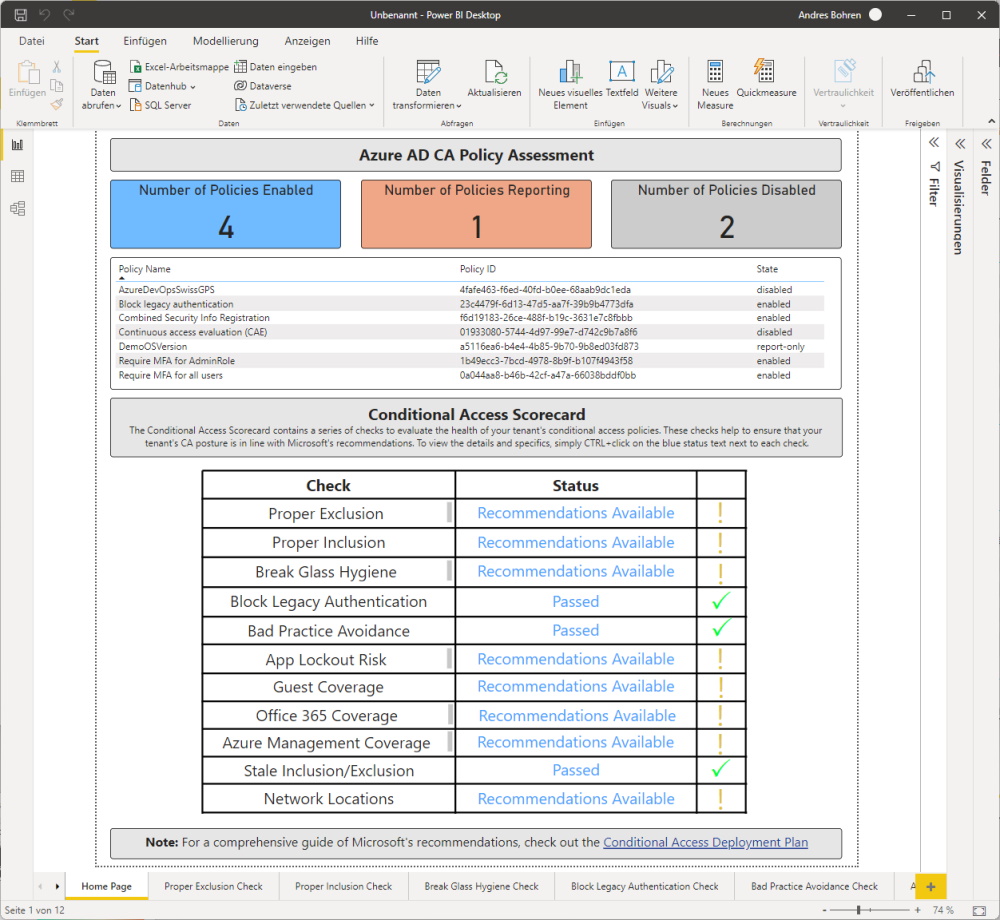
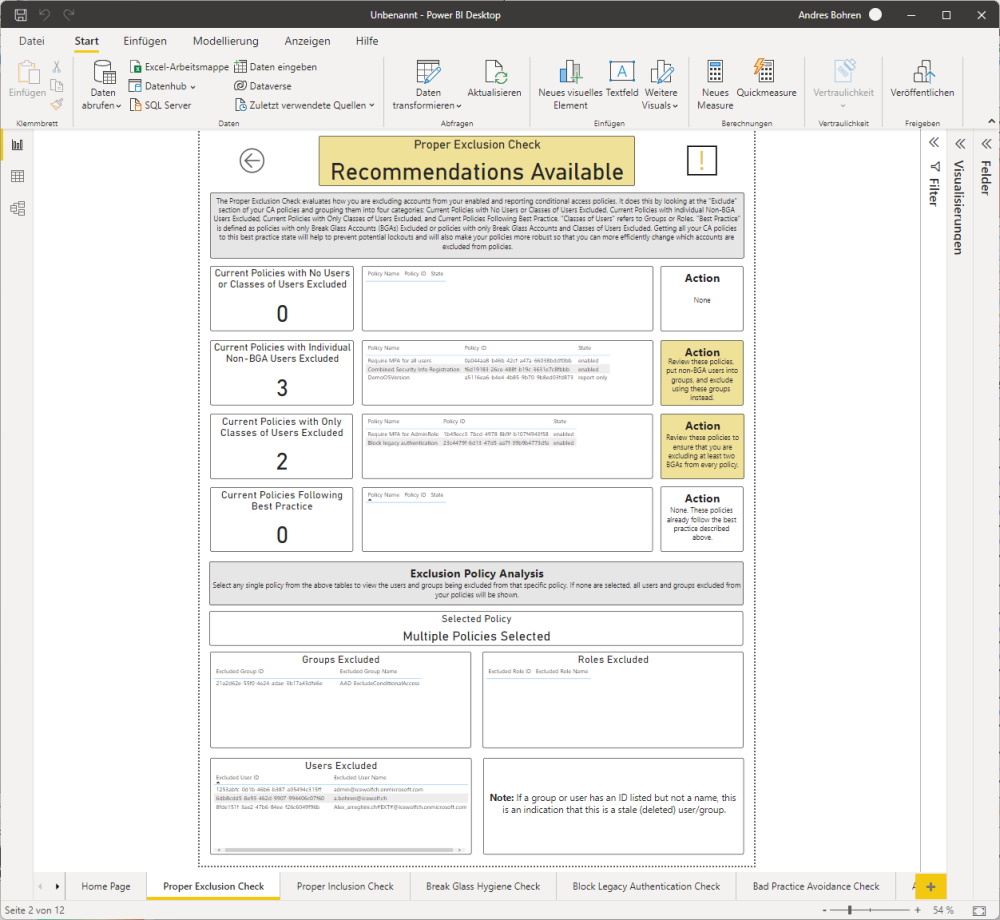
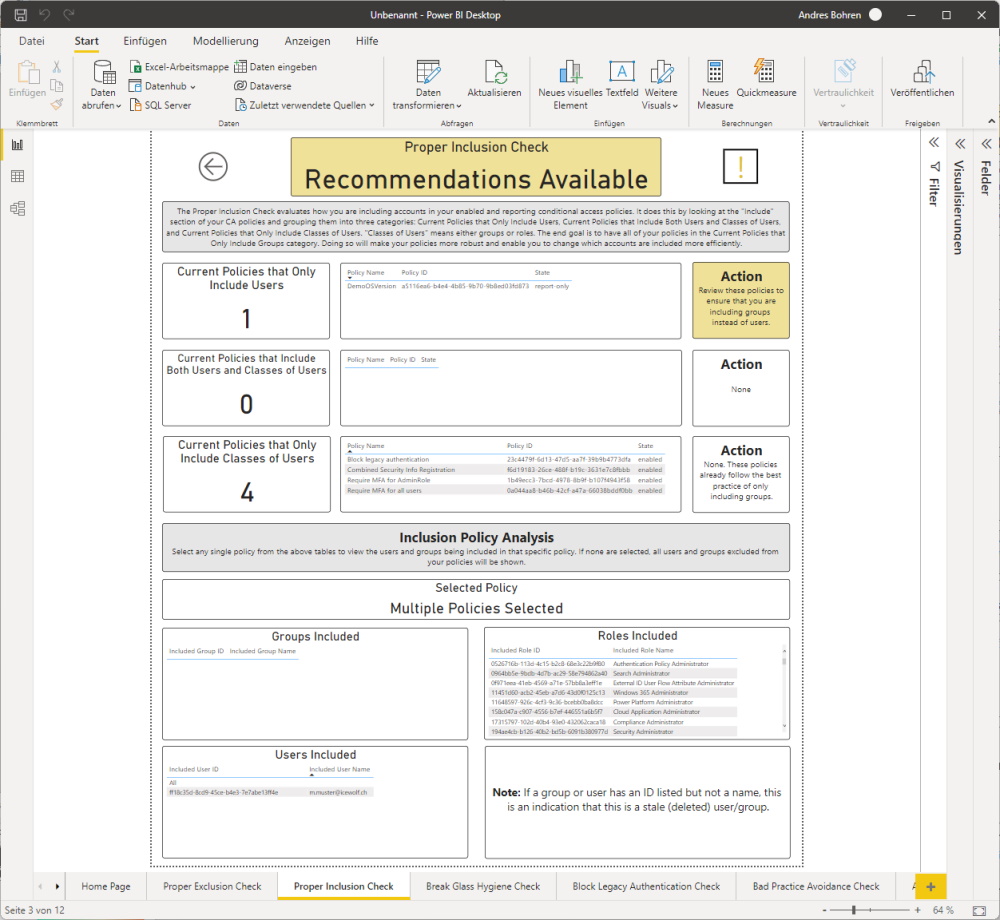
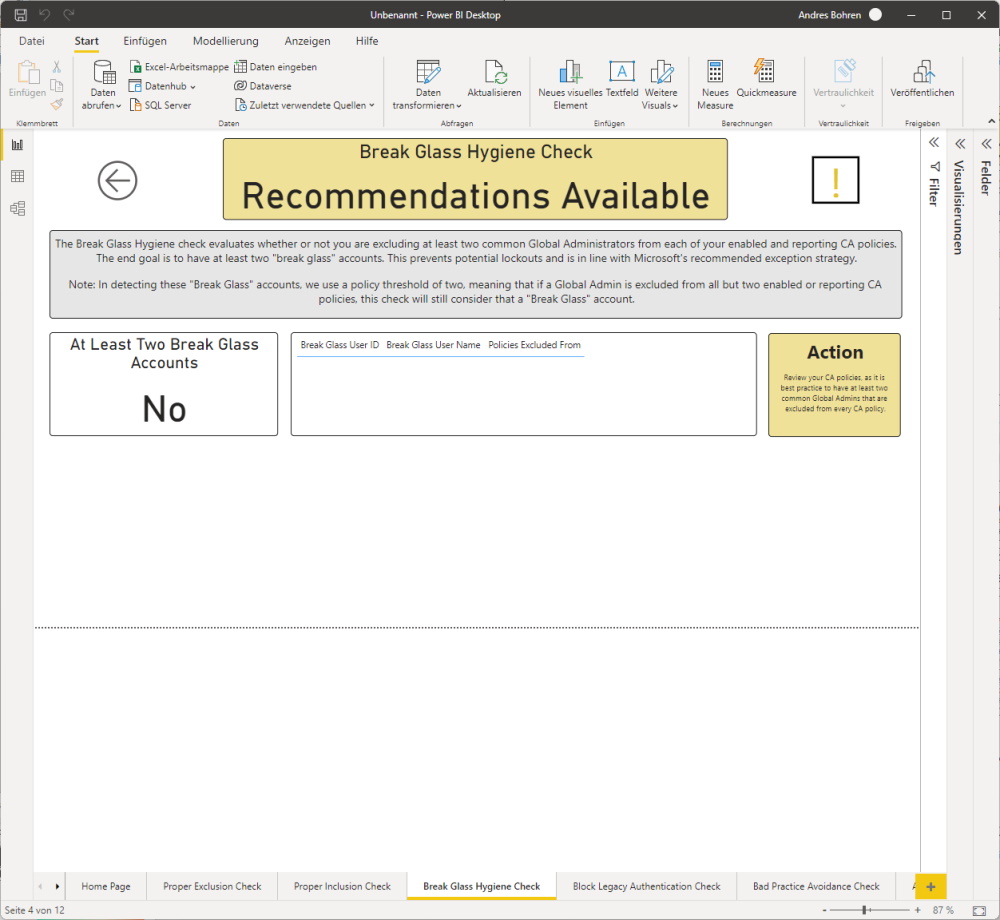
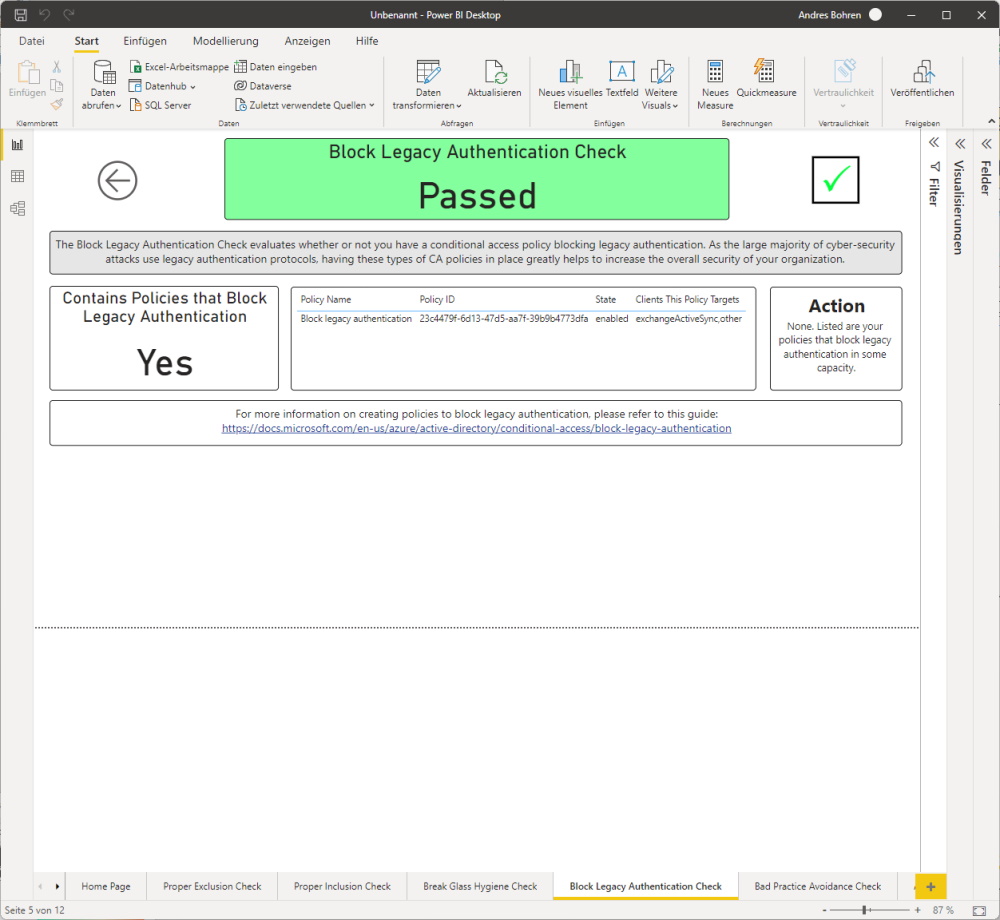
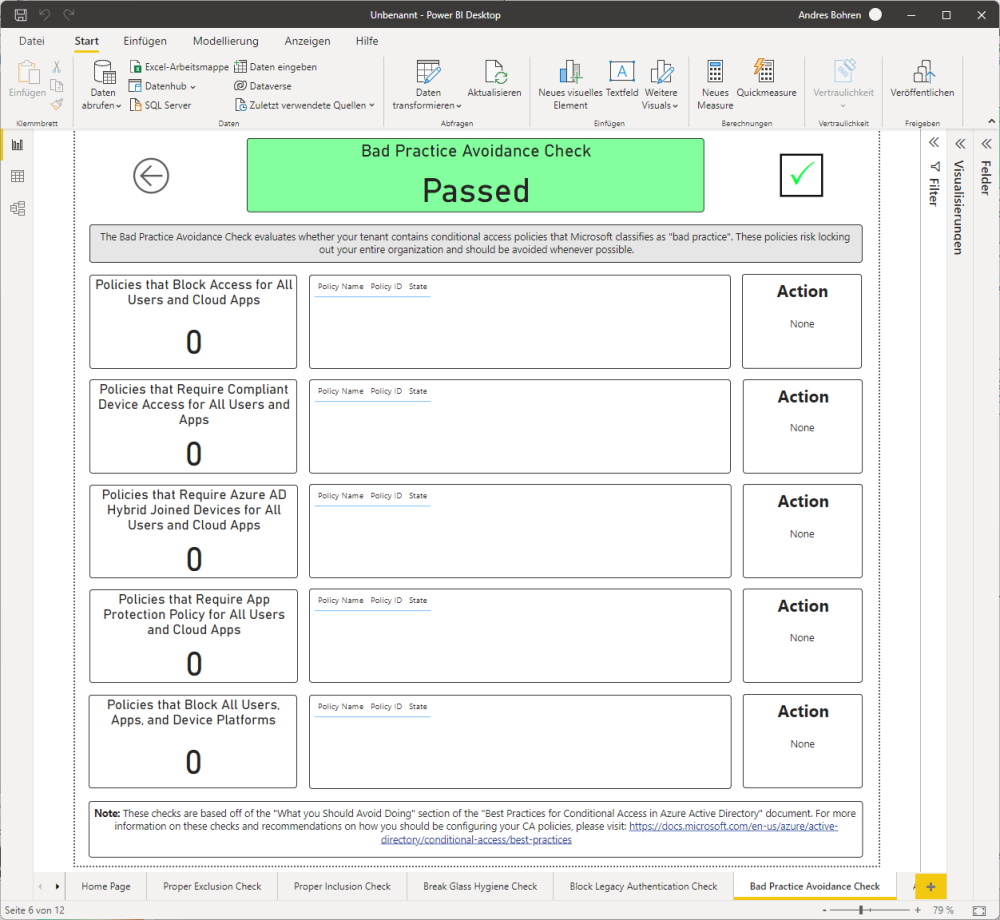
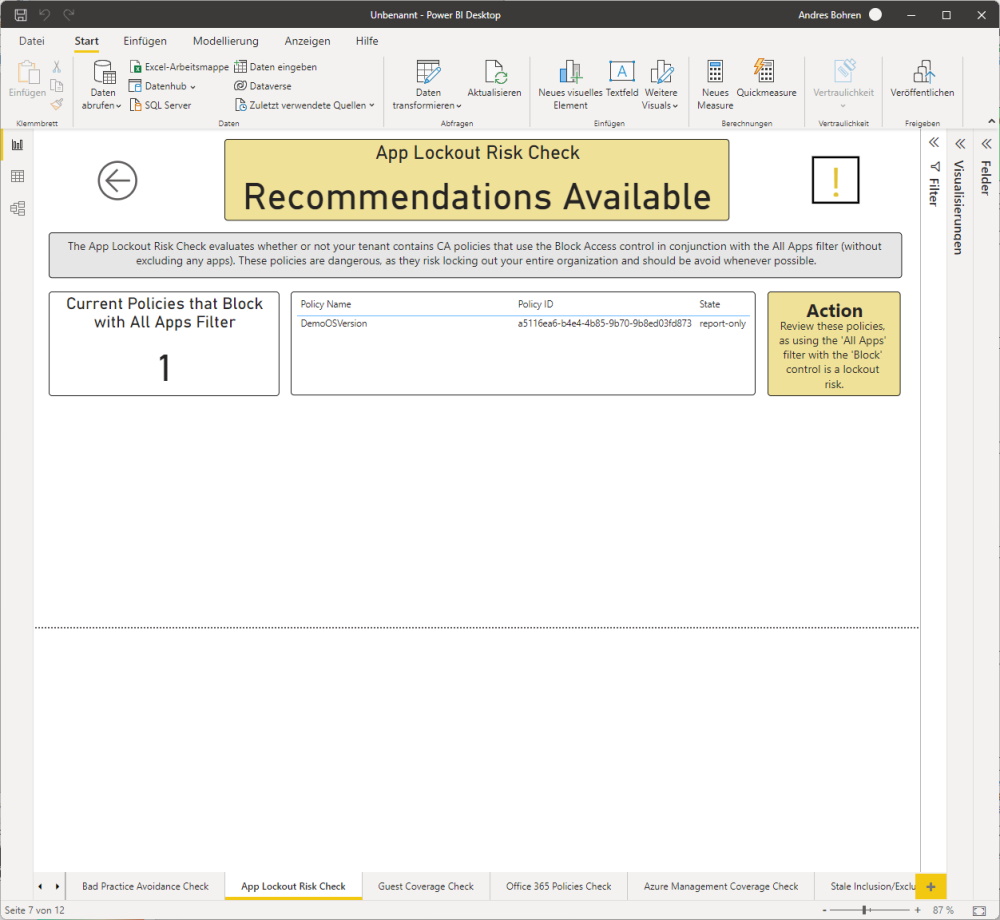
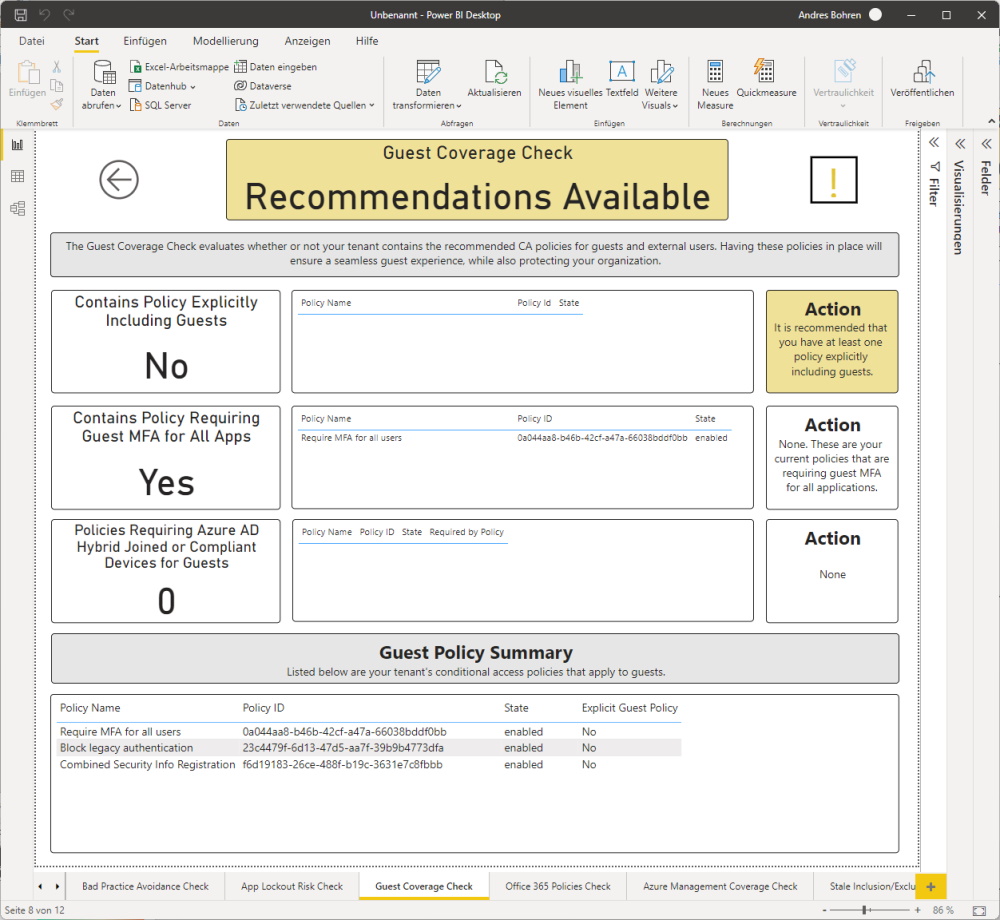
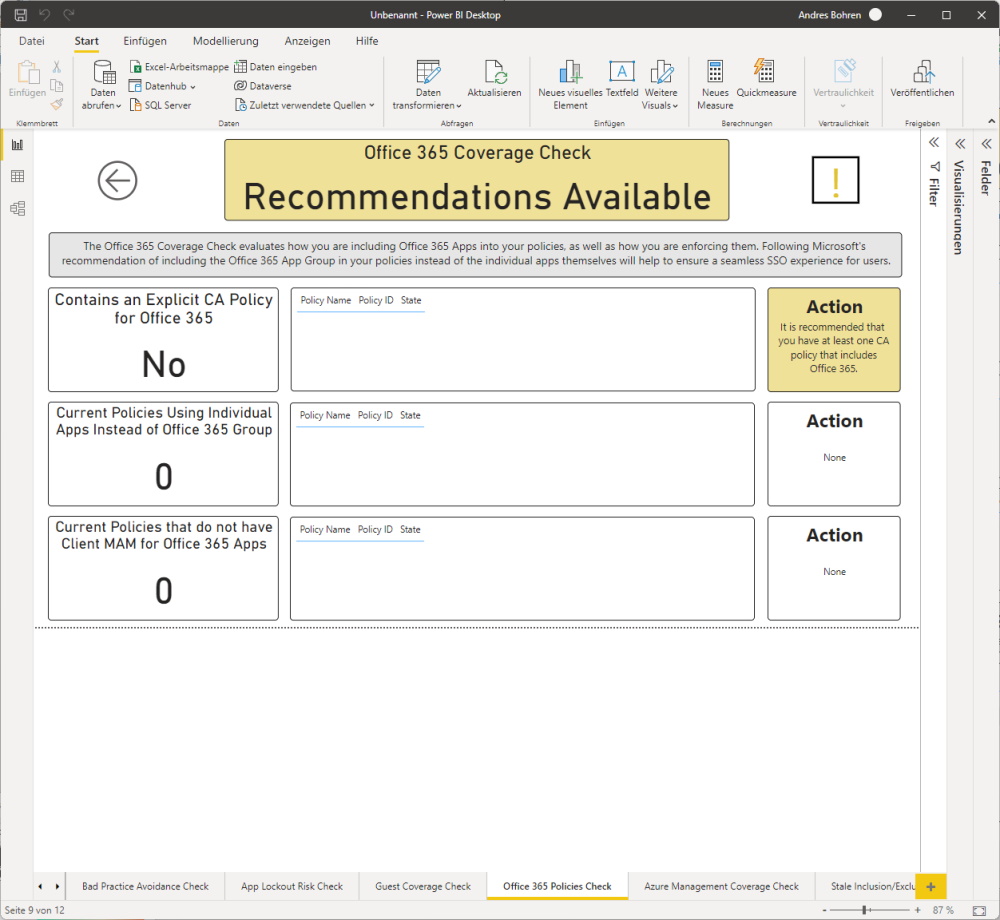
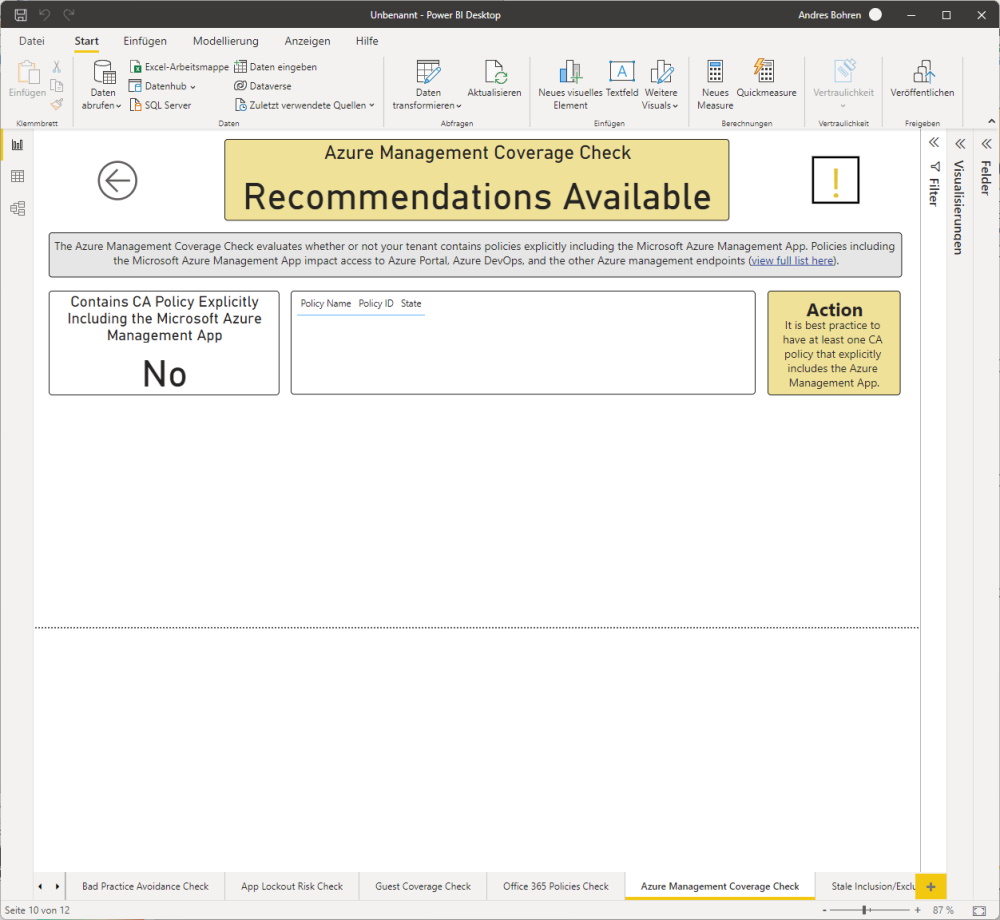
Now the PowerBI report works fine
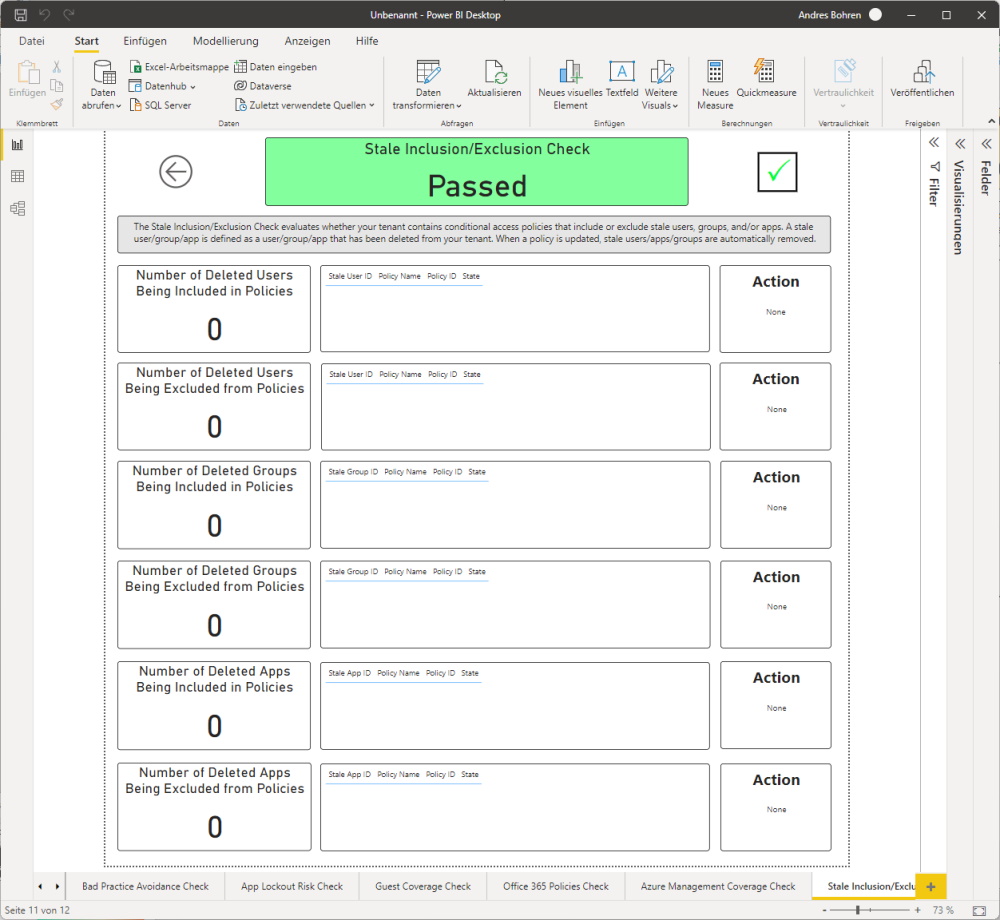
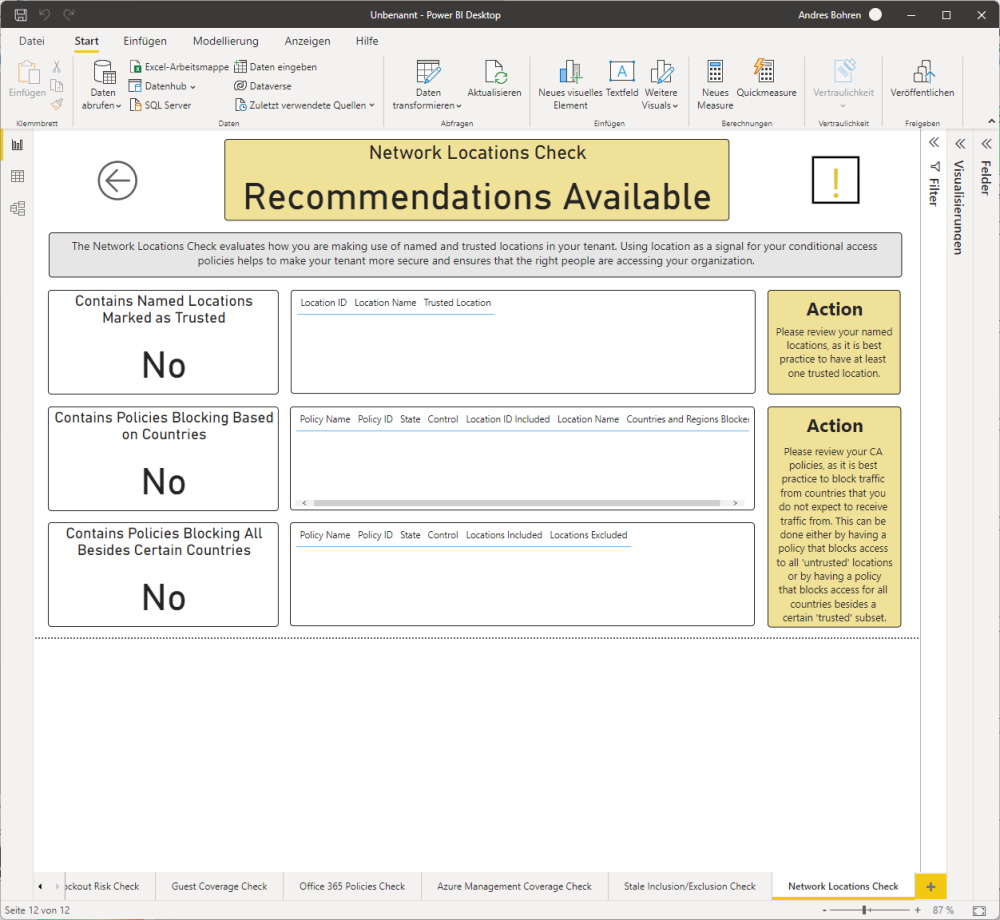
Summary
I think the Report is very useful as there is a lot of knowledge behind it.
Also it’s great to have some visualization to present that to Techies and Management.
Regards
Andres Bohren
