
How to set the DMARC Record for <tenant>.onmicrosoft.com Address
Hi All,
Did you know, that you can set DMARC Records for your onmicrosoft.com Address in M365?
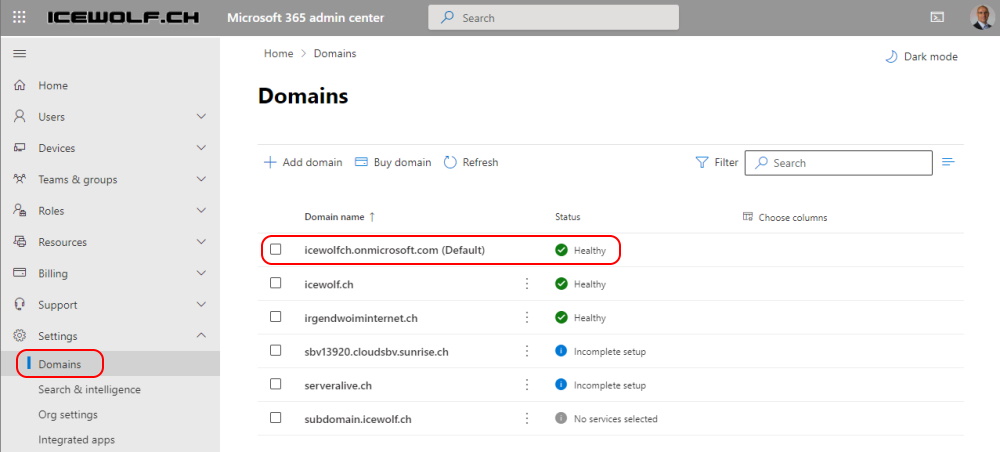
In the M365 Admin Center go to Domains https://admin.microsoft.com/Adminportal/Home#/Domains
Select the onmicrosoft.com Domain
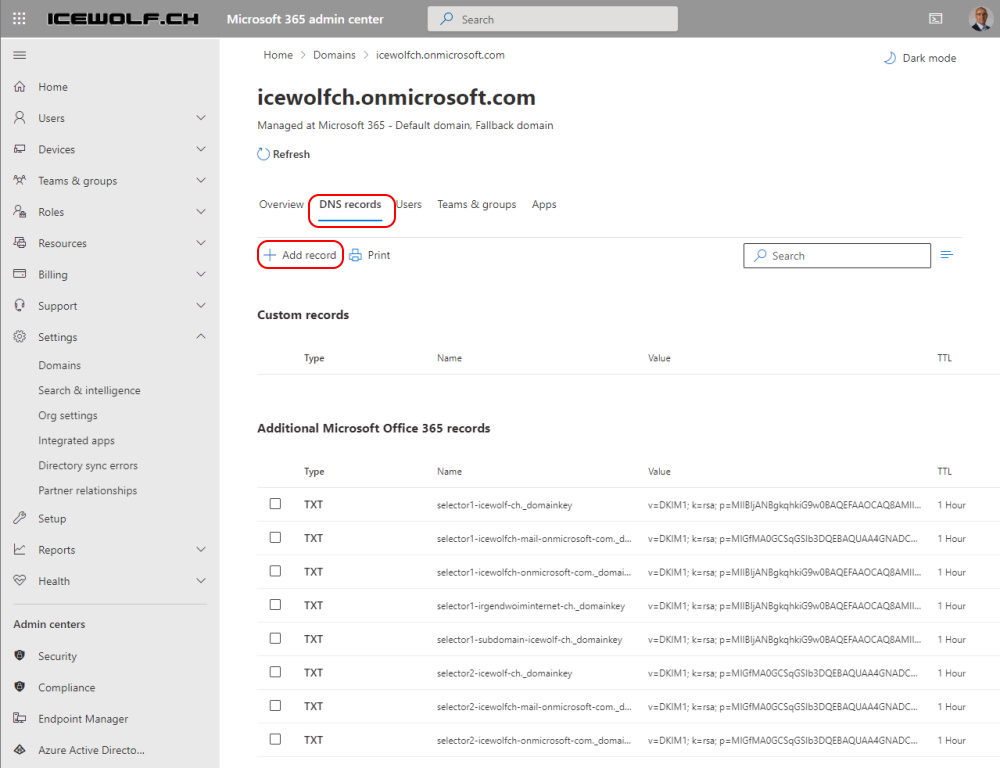
Select “DNS Records” and “Add record”
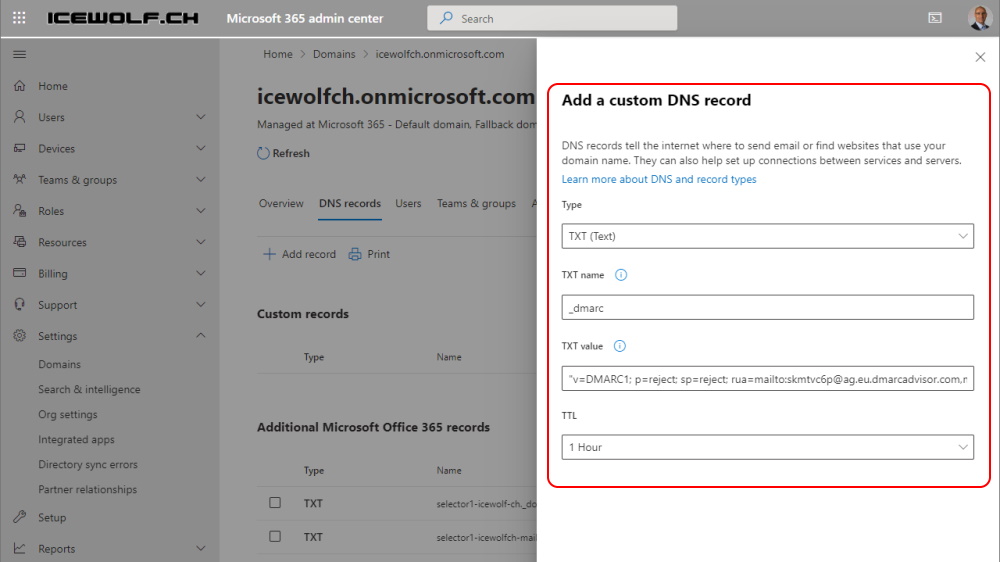
Now you can add your DMARC Configuration
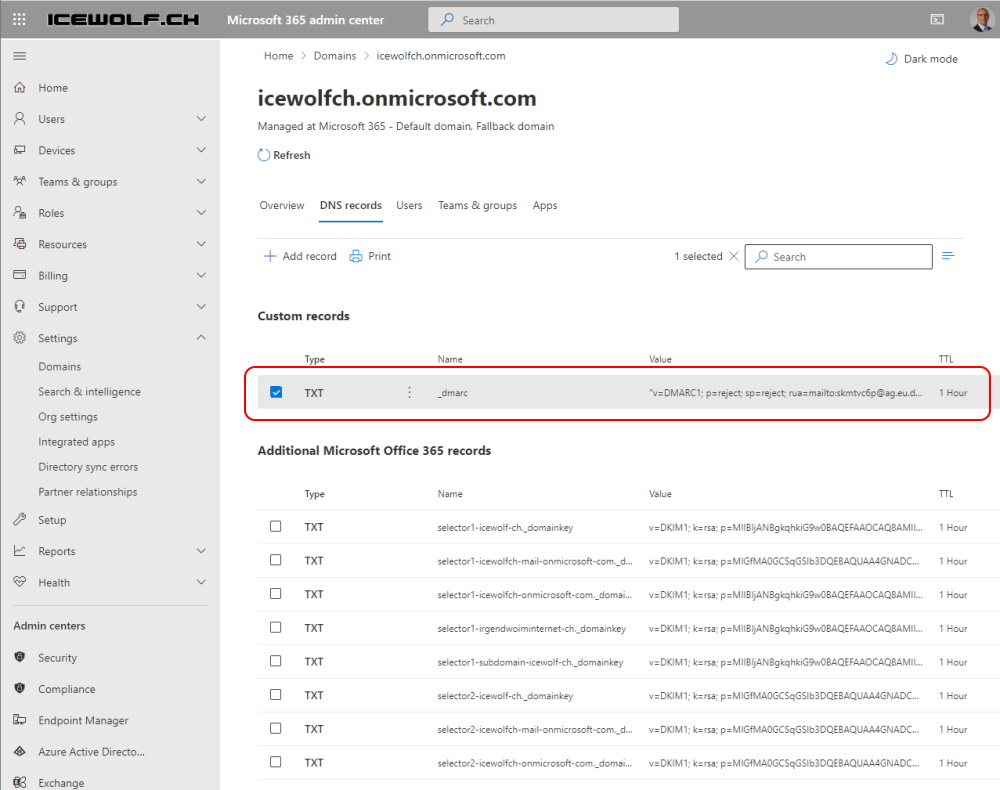
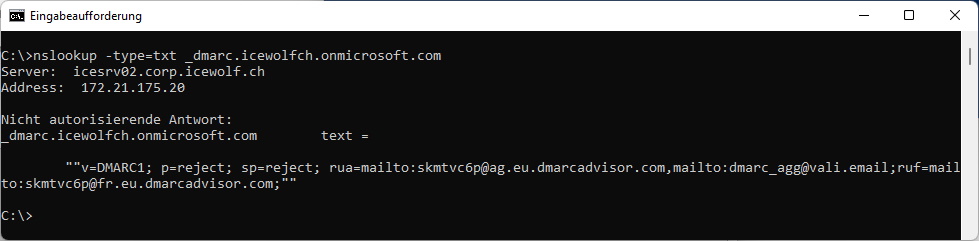
Now you can Check with nslookup
nslookup -type=txt _dmarc.<tenant>.onmicrosoft.com
Regards
Andres Bohren
