
MSIdentityTools PowerShell Module v2.0.20 released
Hi All,
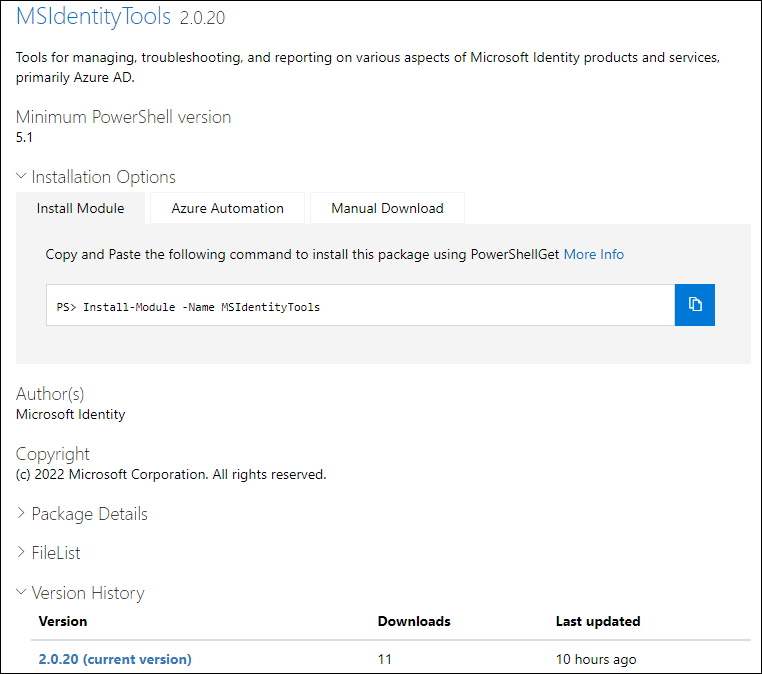
Microsoft has released the Version 2.0.20 of the MSIdentityTools PowerShell Module.
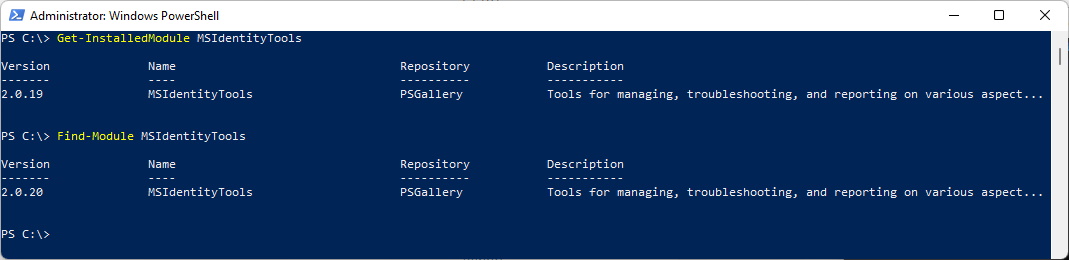
Check installed PowerShell Module Version and what is available in the PowerShell Gallery (Needs to run “As Administrator”)
Get-InstalledModule MSIdentityTools
Find-Module MSIdentityTools
Uninstall the old PowerShell Module and install the new one
Uninstall-Module MSIdentityTools
Install-Module MSIdentityTools

I would recommend to use PowerShell 7 with this Module
Get-Command -Module MSIdentityTools
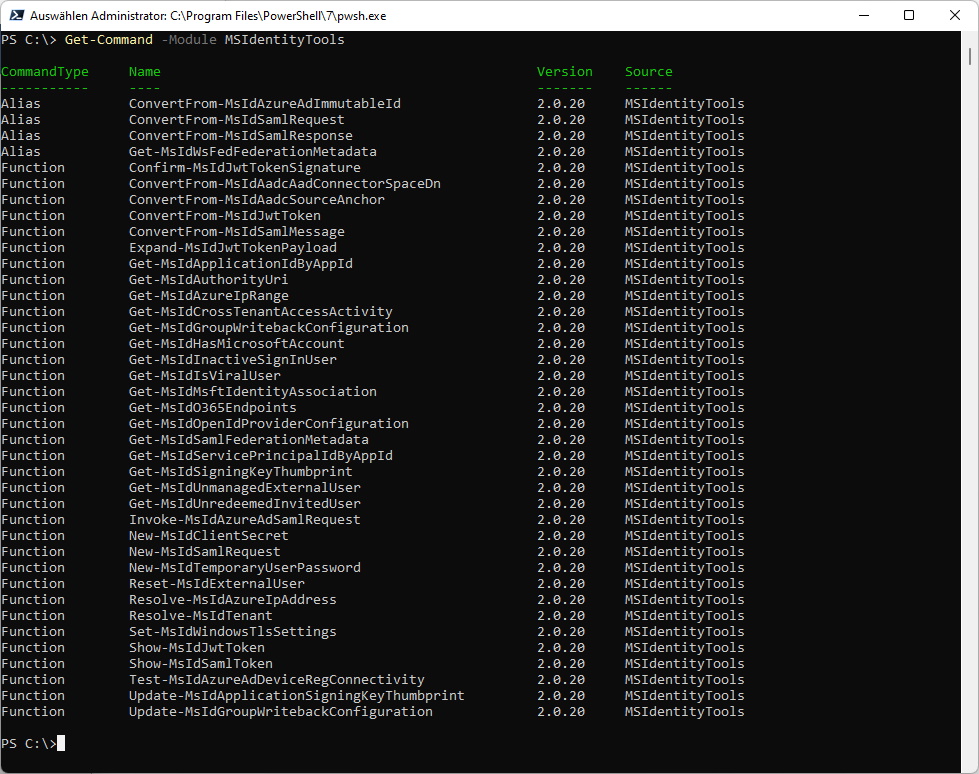
Let’s use this command. Gives you the same Result as in my Blog where i explained how it’s calculated
How AAD Connect calculates ImmutableId
ConvertFrom-MsIdAzureAdImmutableId -InputObject <ImmutableId>

Regards
Andres Bohren
