
Microsoft MCP Server for Enterprise (Preview)

Hi All,
Over Christmas i’ve read about the “Microsoft MCP Server for Enterprise” that is currently in Preview
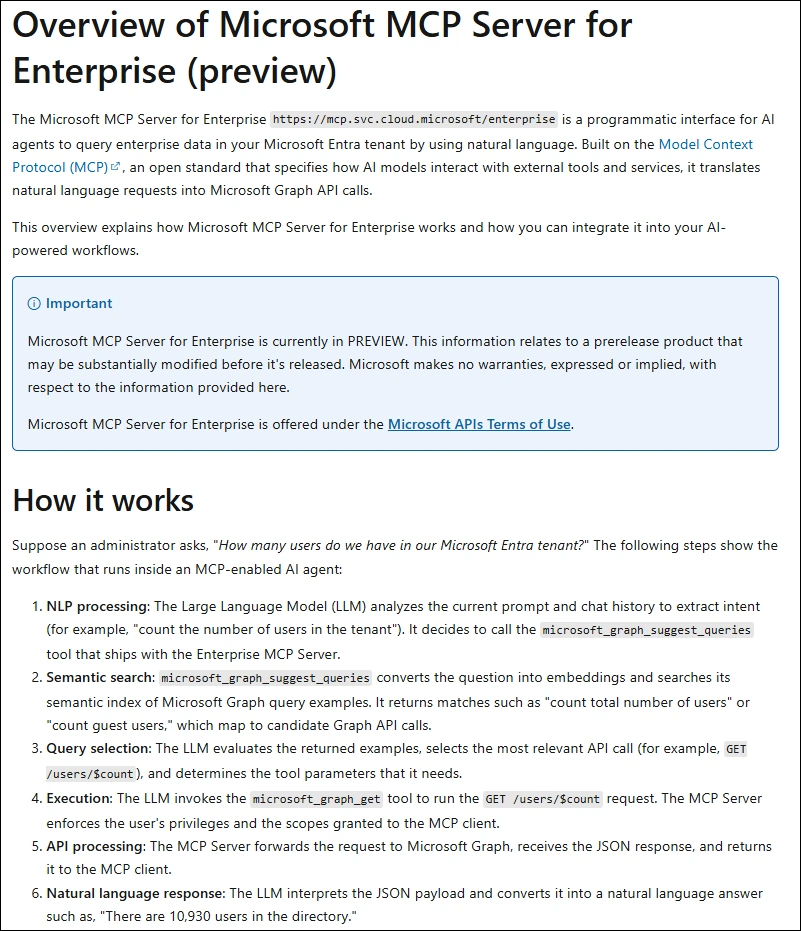
Setup
There is good Guidance on how to set it up here:
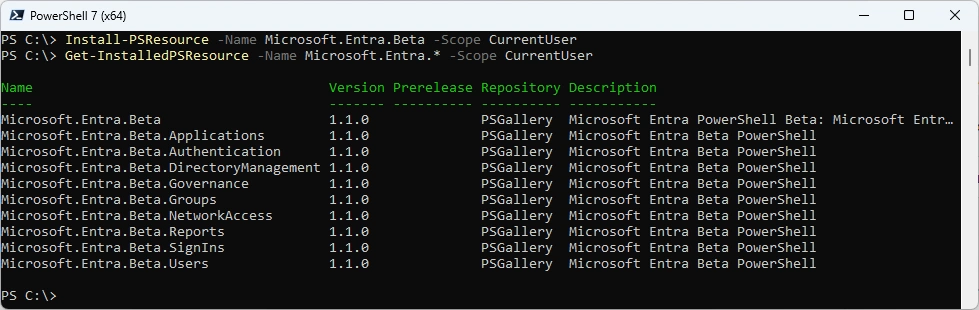
You will need to install the Microsoft.Entra.Beta PowerShell Module
- PowerShell Gallery Microsoft.Entra.Beta
Install-PSResource -Name Microsoft.Entra.Beta -Scope CurrentUser
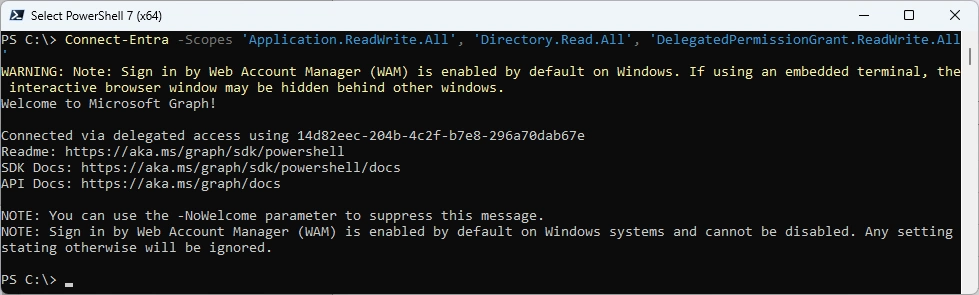
Connect to Entra
Connect-Entra -Scopes 'Application.ReadWrite.All', 'Directory.Read.All', 'DelegatedPermissionGrant.ReadWrite.All'
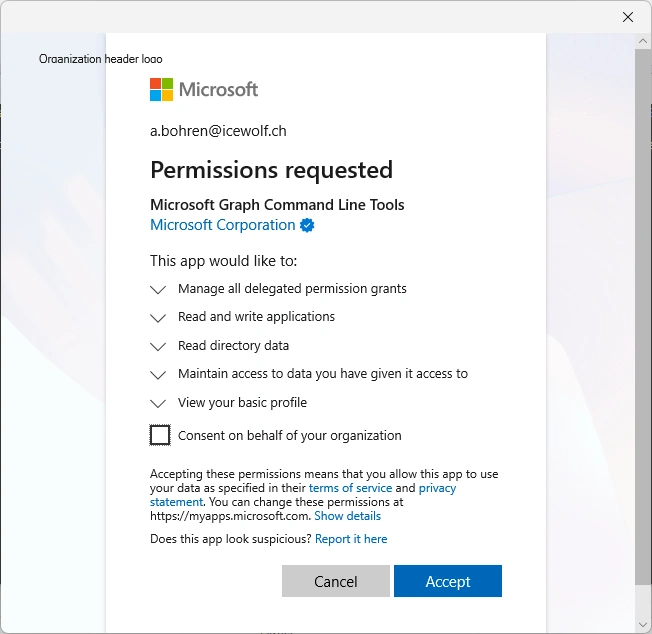
Permission Dialog
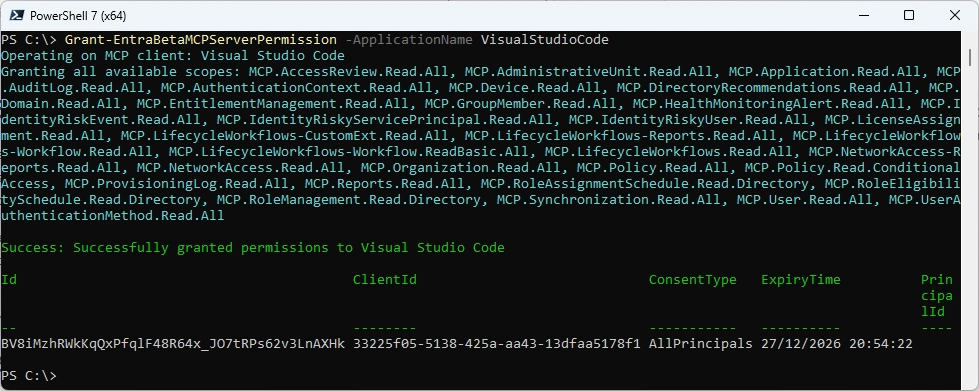
Grant MCP Permissions to VisualStudioCode
Grant-EntraBetaMCPServerPermission -ApplicationName VisualStudioCode
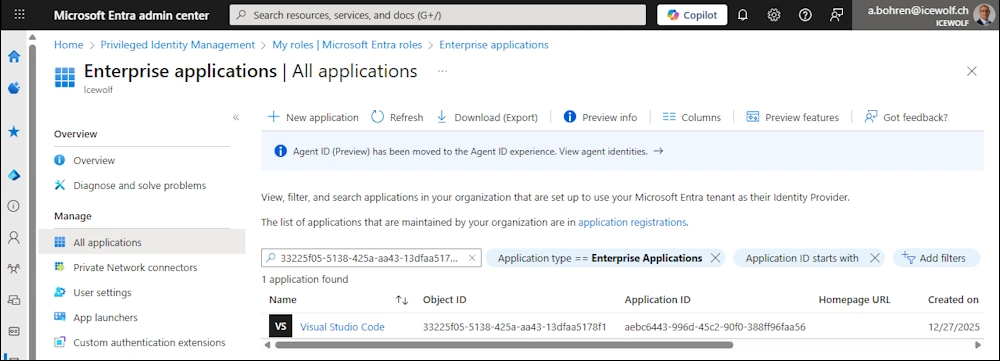
Enterprise Application
Searching for the ClientId from the Previous step in Enterprise Applications
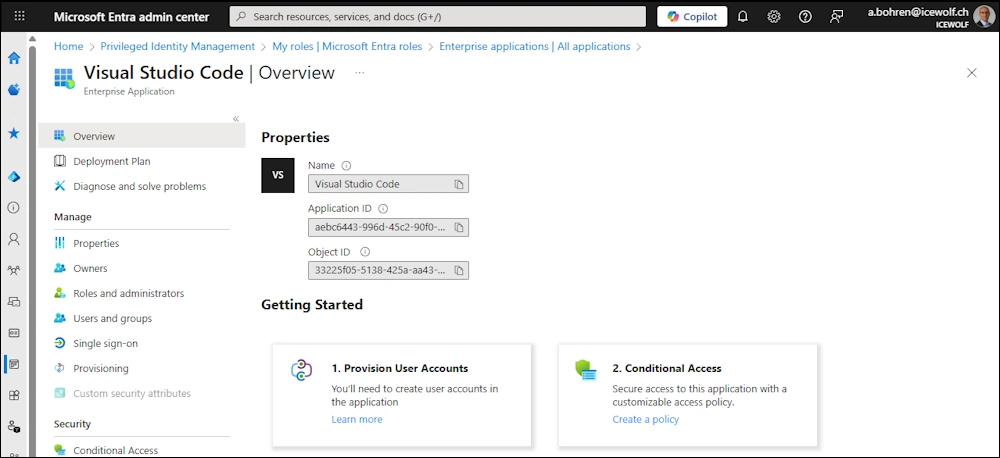
This is how “Visual Studio Code” Enterprise Application looks like
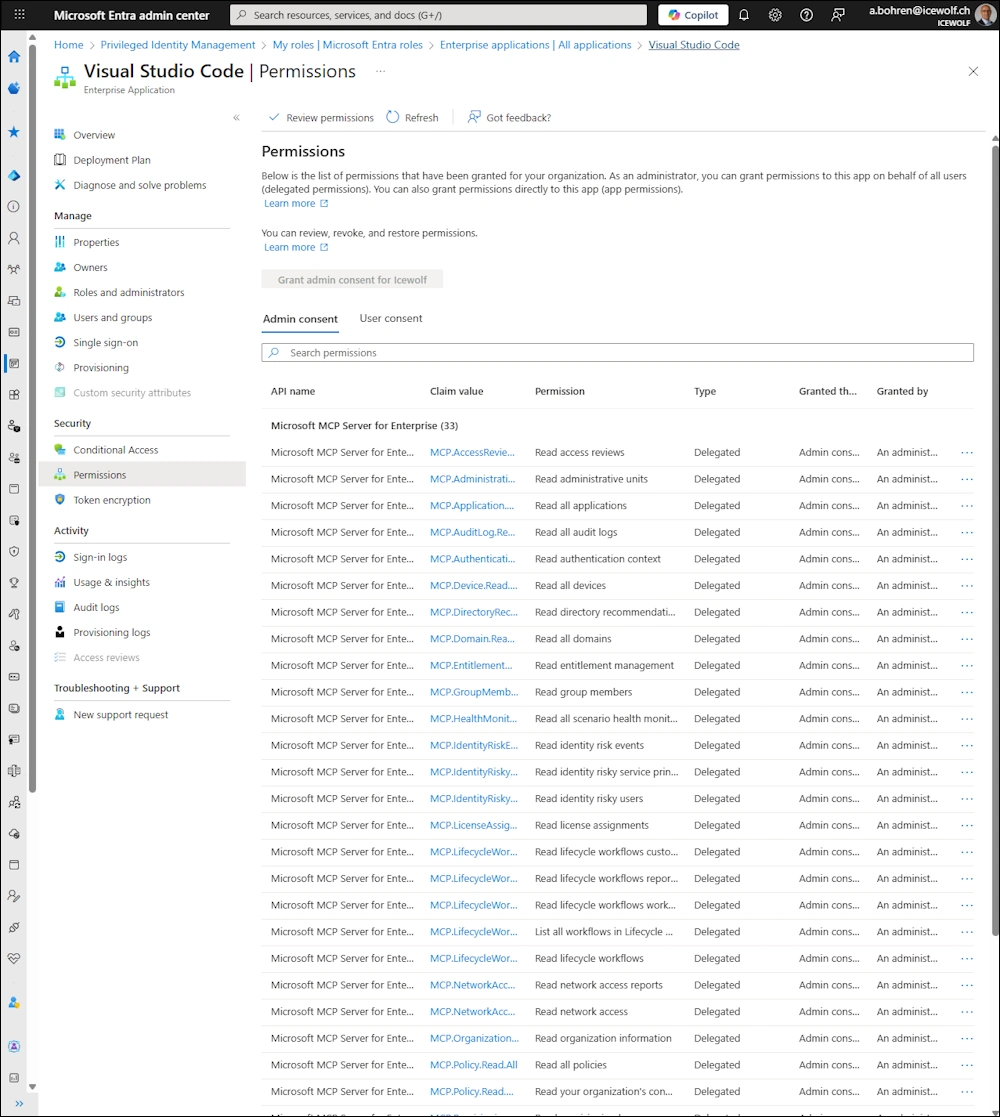
Permissions Assigned
Visual Studio Code
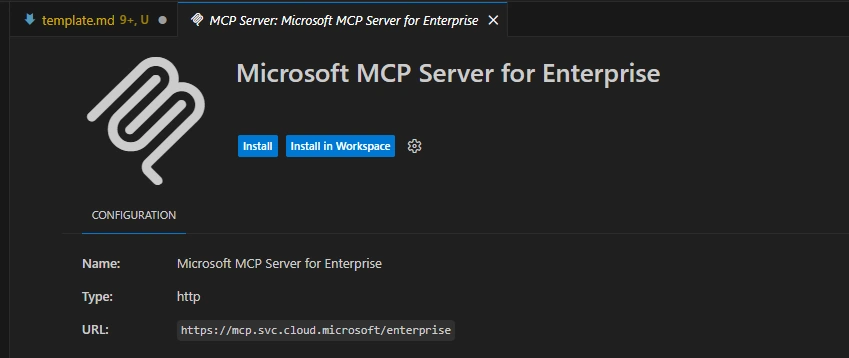
Now you have to install the MCP Server in Visual Studio
- Click Install Microsoft MCP Server for Enterprise to open VS Code’s MCP install page.
Authenticate to Microsoft
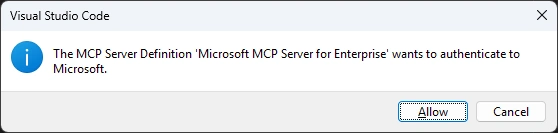
Select the Account to Authenticate

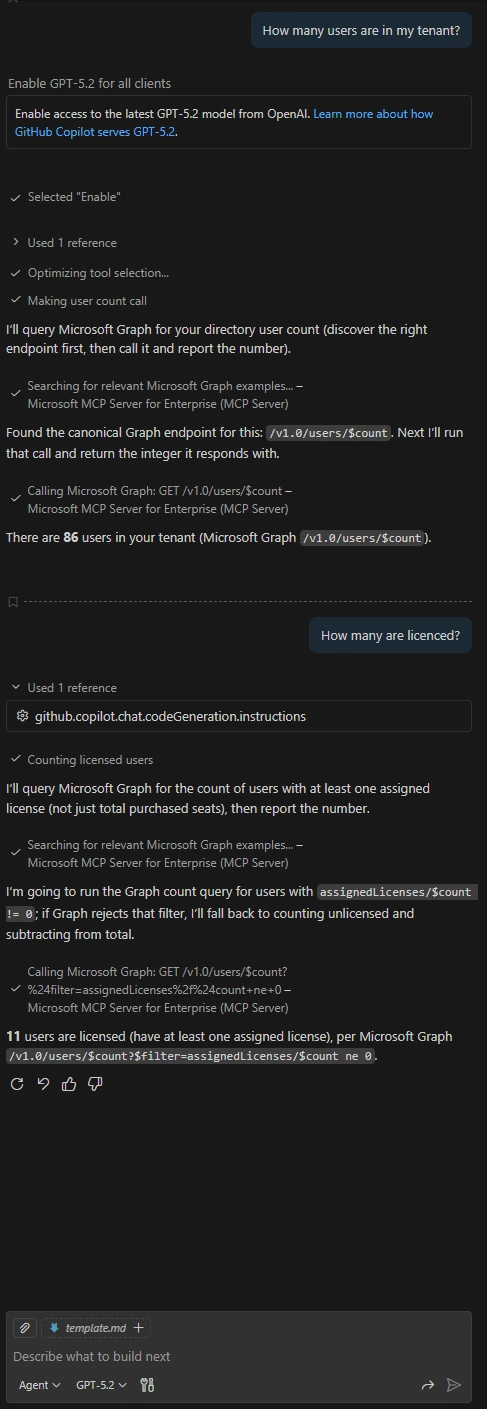
Now you can use the MCP Server and ask questions like
How many users are in my tenant?
MCP Servers in Visual Studi Code
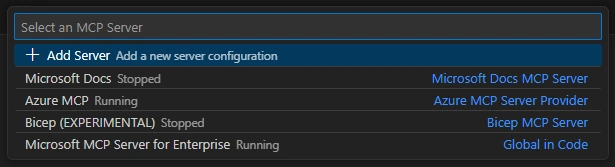
You can use Ctrl+Shift+P, which brings up the Command Palette. Now use this command
MCP: List Servers

Now it shows you the MCP Servers that are configured an the State (Stopped / Running)
Additional Information
Watch the Video from Merill Fernando with Luca Spolidoro from the Microsoft Entra AI Innovations team joins us to unveil the new Microsoft MCP Server for Enterprise. They discuss how this innovation allows admins and AI agents to interface with their tenant using natural language, bridging the gap between LLMs and the complexity of Microsoft Graph.
Watch it on Youtube
Regards
Andres Bohren
vscode Logo EntraID Logo M365 Logo PowerShell Logo


