
Microsoft.PowerShell.PSResourceGet 1.2.0-preview4 released

Hi All,
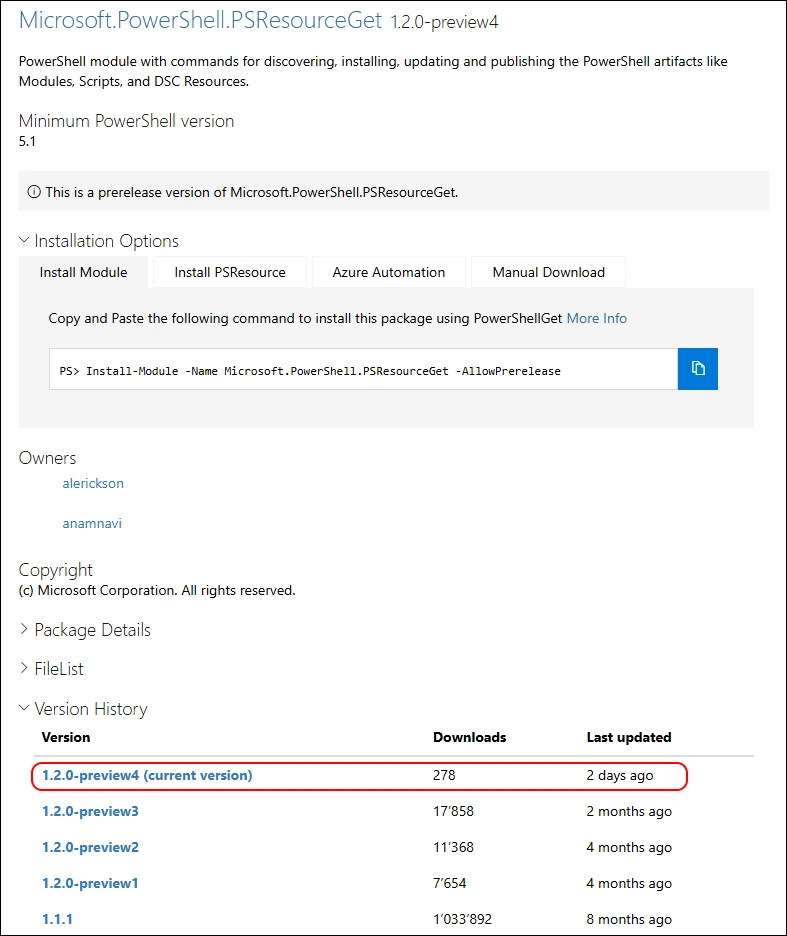
Two days ago, i did get a Notification that the 1.2.0-Preview4 of Microsoft.PowerShell.PSResourceGet has been released.
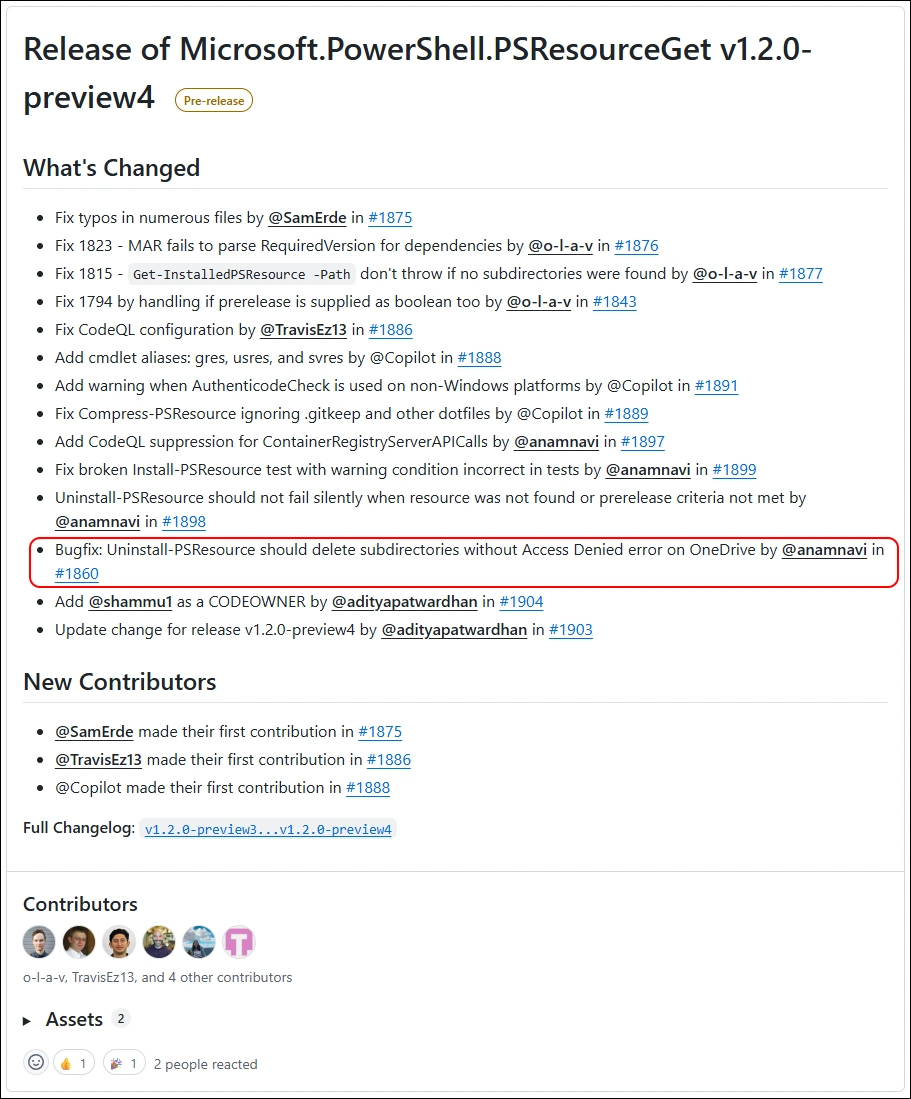
It should now include a fix for uninstalling Modules when OneDrive Folder Redirection is configured
PowerShell 5
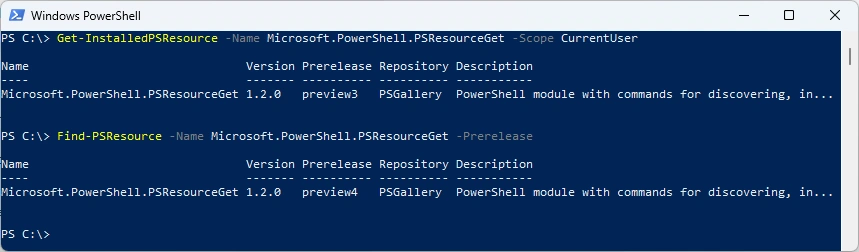
Check installed Module and what’s available on the PowerShell Gallery
Get-InstalledPSResource -Name Microsoft.PowerShell.PSResourceGet -Scope CurrentUser
Find-PSResource -Name Microsoft.PowerShell.PSResourceGet -Prerelease
It’s a little challenge to update the Module that is used for Installing the Module 🤔
Install-PSResource -Name Microsoft.PowerShell.PSResourceGet -Scope CurrentUser -Prerelease

Tried with the -Reinstall Parameter
Install-PSResource -Name Microsoft.PowerShell.PSResourceGet -Scope CurrentUser -Prerelease -Reinstall
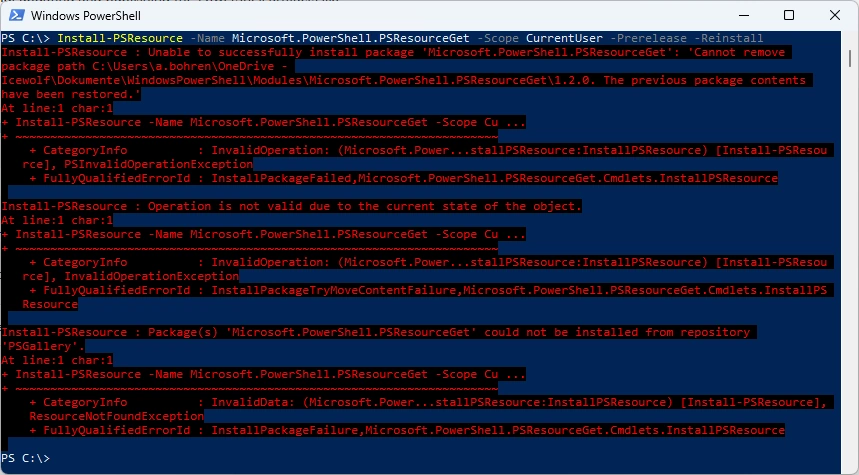
I’ve ended up deleting the Module Directory for the current User
- Documents\WindowsPowerShell\Modules (PowerShell 5)
- Documents\PowerShell\Modules (PowerShell 7)

Now i am using the Install-Module from the PowerShellGet Module to install the Module
Install-Module -Name Microsoft.PowerShell.PSResourceGet -Scope CurrentUser -AllowPrerelease
Get-InstalledPSResource  -Name Microsoft.PowerShell.PSResourceGet -Scope CurrentUser

Testing Uninstall with the Uninstall-PSResource Module.
This result’s in the following Error Message.
Cannot uninstall module with OneDrive based path on Windows PowerShell due to .NET issue. Try installing and uninstalling using PowerShell 7+ if using OneDrive
The Tip to use PowerShell 7 does not work, because PowerShell 5 and PowerShell 7 use a diffrent Path for the Modules.
Uninstall-PSResource -Name ExchangeOnlineManagement -Scope CurrentUser -SkipDependencyCheck
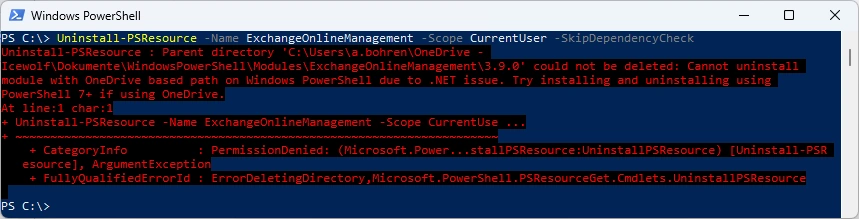
I’ve updated the M365PSProfile PowerShell Module and the Uninstall-M365Module Function with the Parameter -FileMode. It will delete the Module Folder of that Module.
Uninstall-M365Module -Module ExchangeOnlineManagement -Scope CurrentUser -FileMode

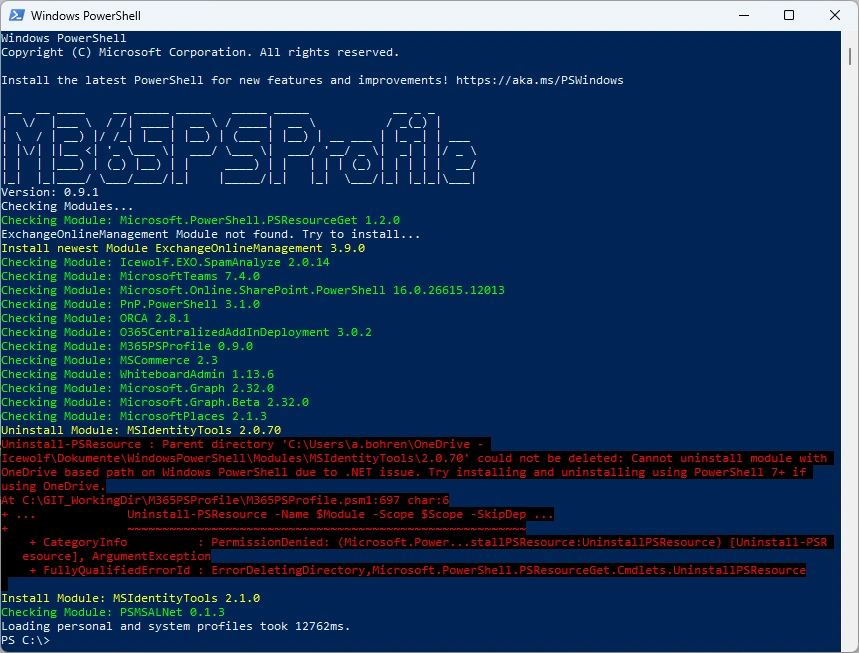
I used the Install-M365Module Function of M365PSProfile but uninstalling old Modules using Uninstall-PSResource still fails
Install-M365Module
PowerShell 7
I’ve deleted the Module Folder in “Documents\PowerShell\Modules” with the Windows Explorer and installed the Module with the Install-Module command from the PowerShellGet Module
Install-Module -Name Microsoft.PowerShell.PSResourceGet -Scope CurrentUser -AllowPrerelease
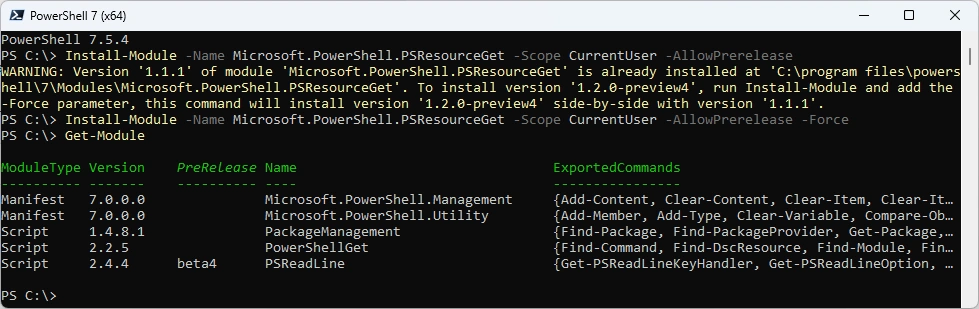
It seems, that it works in PowerShell 7
Uninstall-PSResource -Name ExchangeOnlineManagement -Scope CurrentUser -SkipDependencyCheck

Summary
It seems that the fix helps in PowerShell 7 but not in PowerShell 5. At least the Error Message has changed. But it’s not the result i’ve expected. I would still expect the Install-PSResource command to succeed - regardless of the PowerShell version or OneDrive folder redirection.
Regards
Andres Bohren
PowerShell Logo