
Entra Connect Sync 2.5.190 released
Hi All,
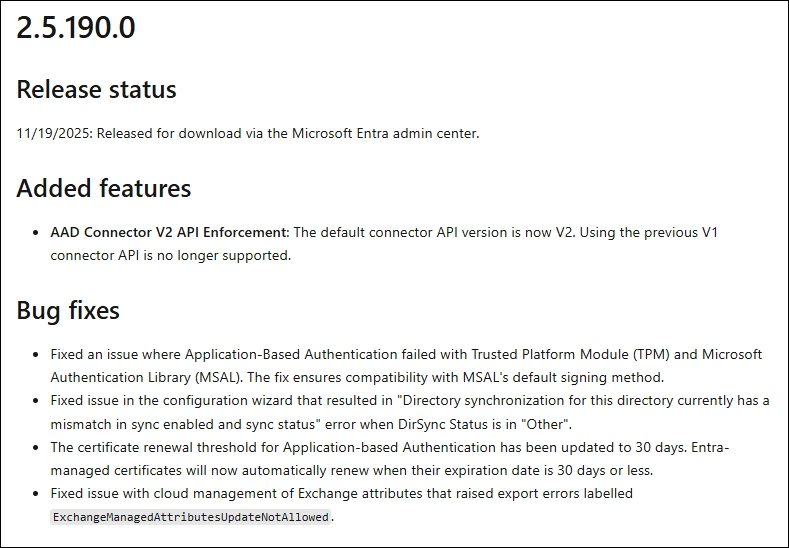
About two weeks ago, Microsoft has released a new Version of Entra Connect Sync.
You can download it only in the Microsoft Entra Admin Center
Download
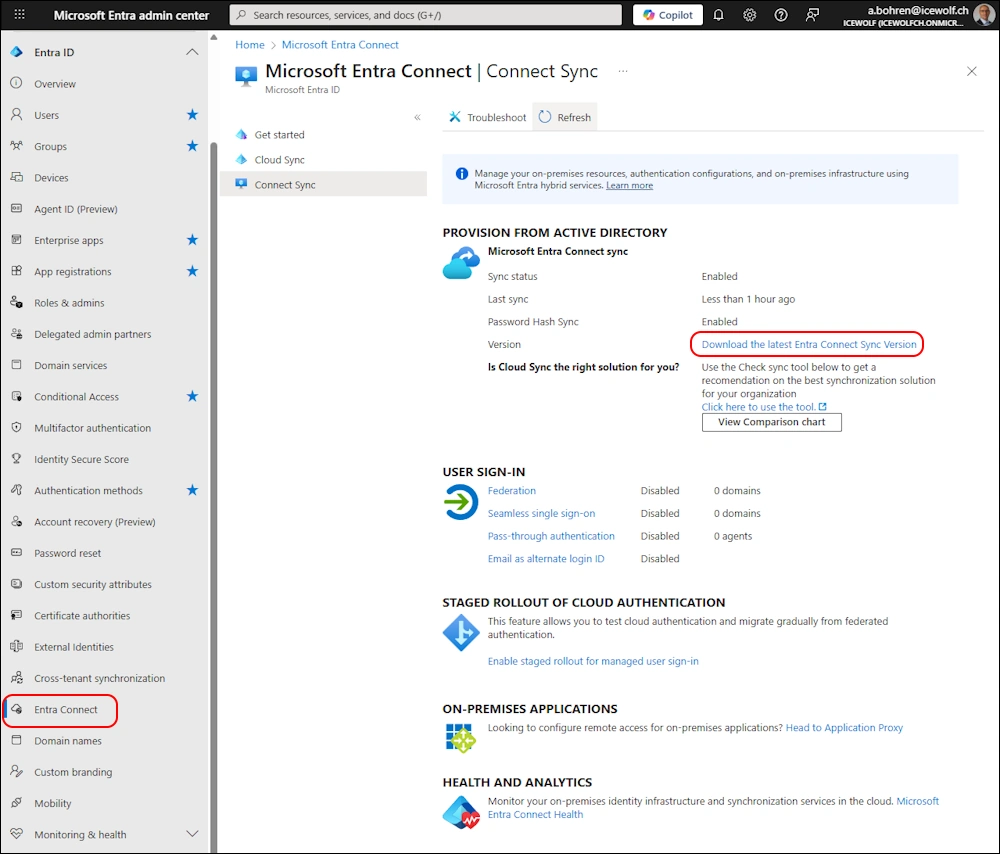
Download is only available in Entra Admin Portal and is now not as hidden anymore
Entra Admin Center > Identity > Entra Connect > Entra Connect Sync Download the latest Entra Connect Sync Version
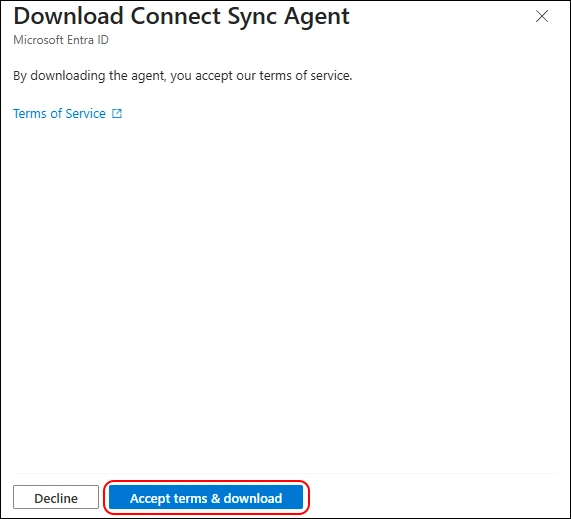
If you click on the Download Link you have to click on the “Accept terms & download” Button. It will download AzureAdConnect.msi 😂
Another missed chance to rename the Downloaded File 😉
Upgrade
After downloading the AzureAdConnect.msi you need to run it
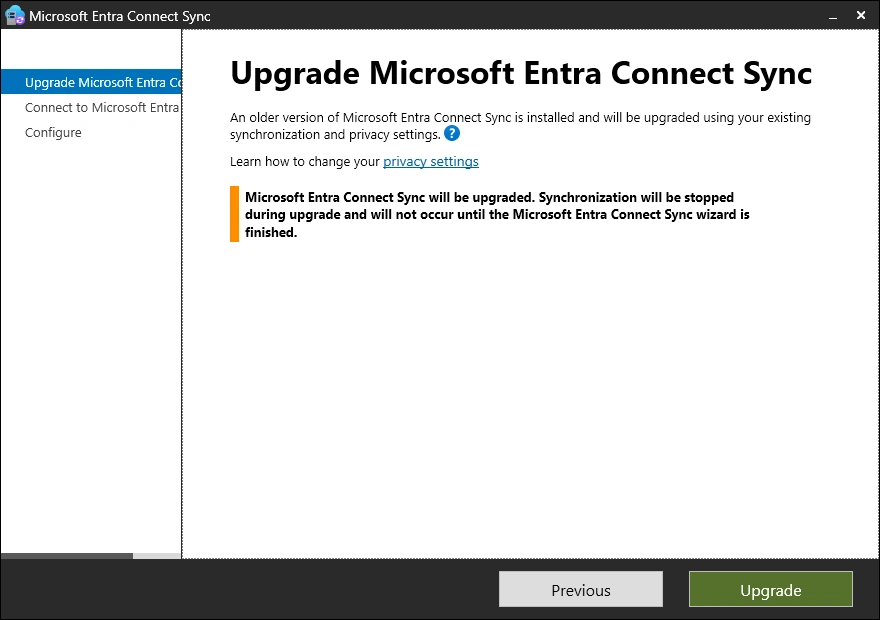
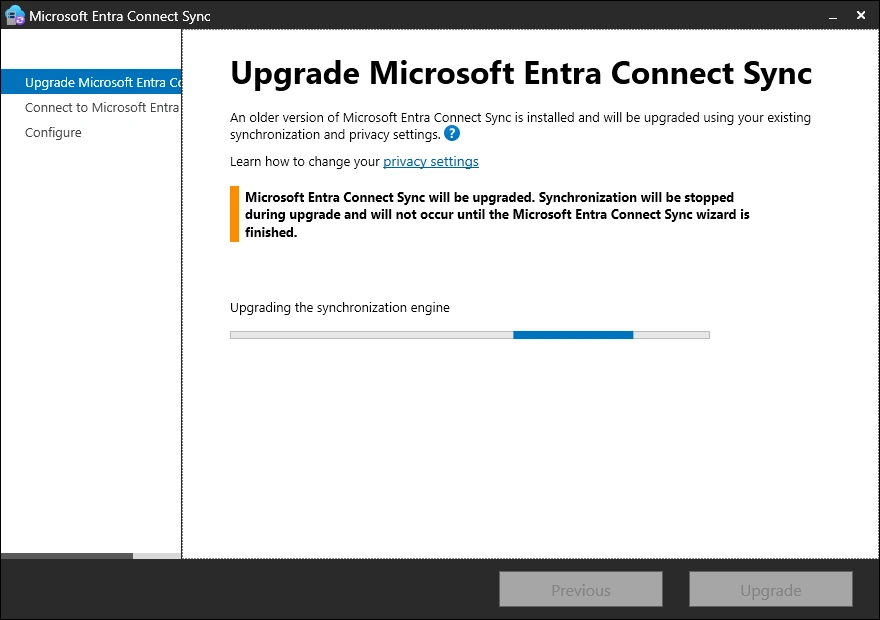
Now you need to Sign-In with the “Hybrid Identity Administrator” or “Global Administrator” Role
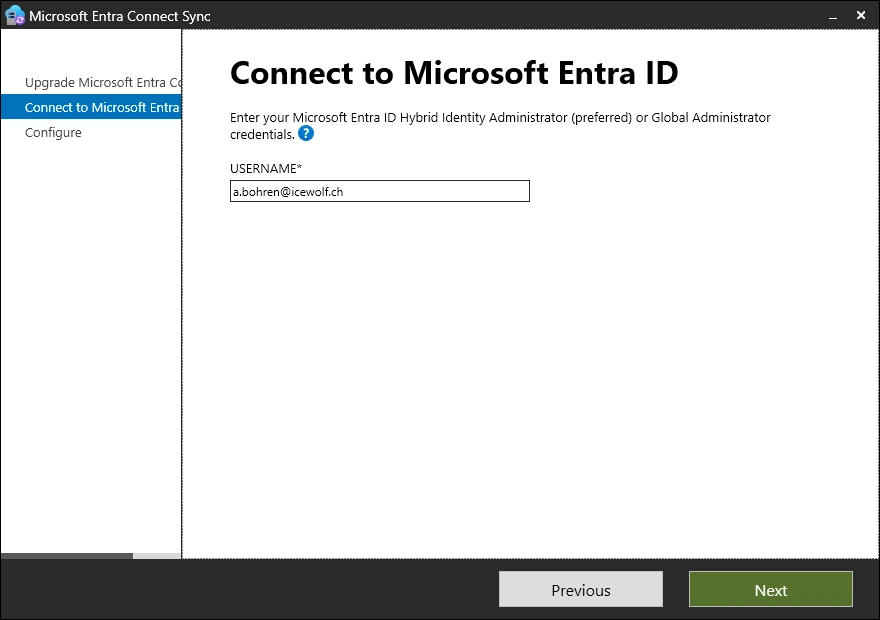
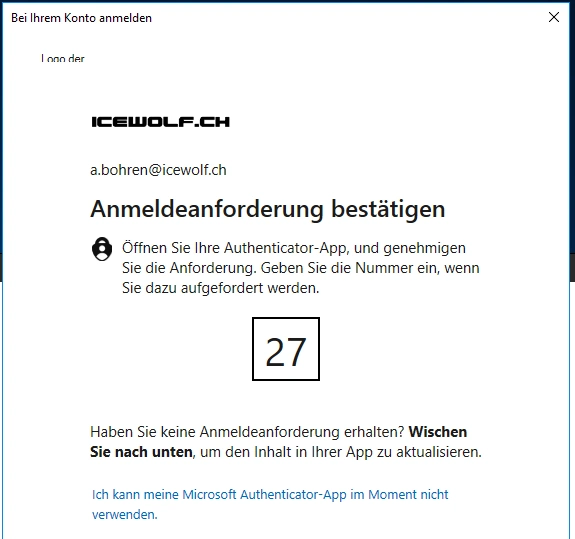
Sign-In and response to the MFA Challenge
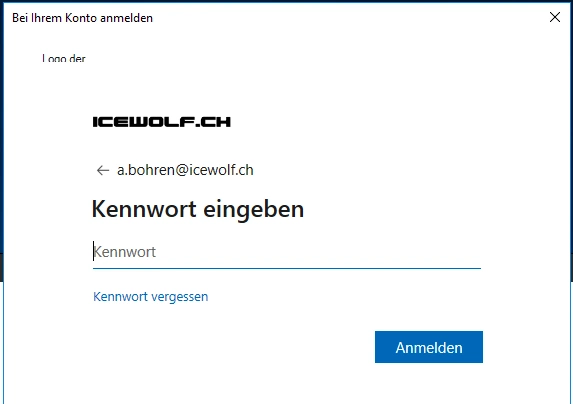
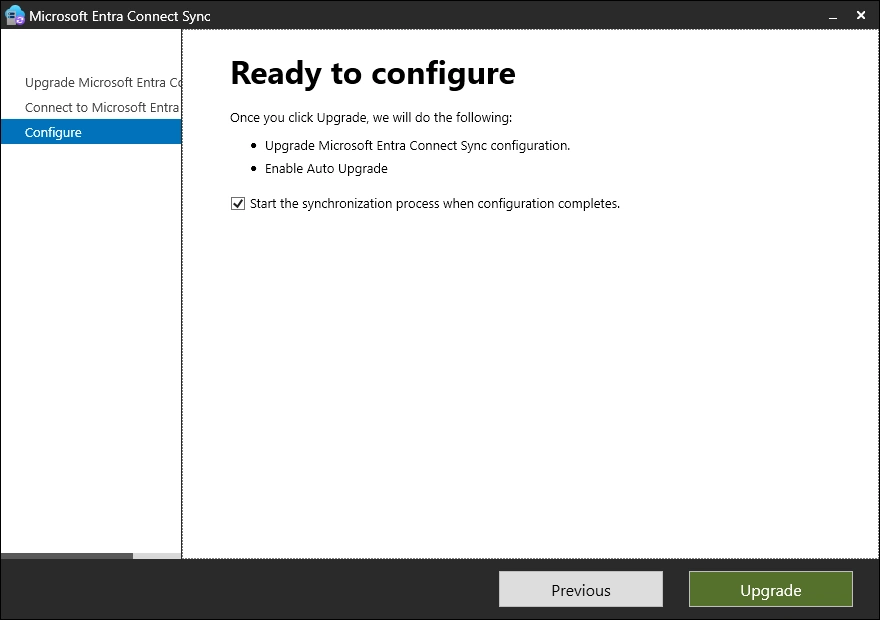
Now you are ready to upgrade
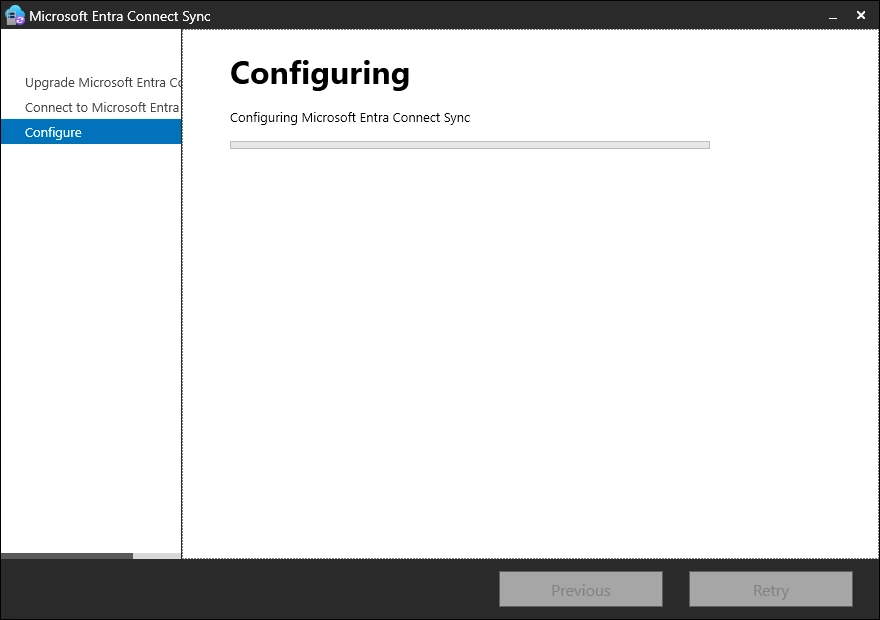
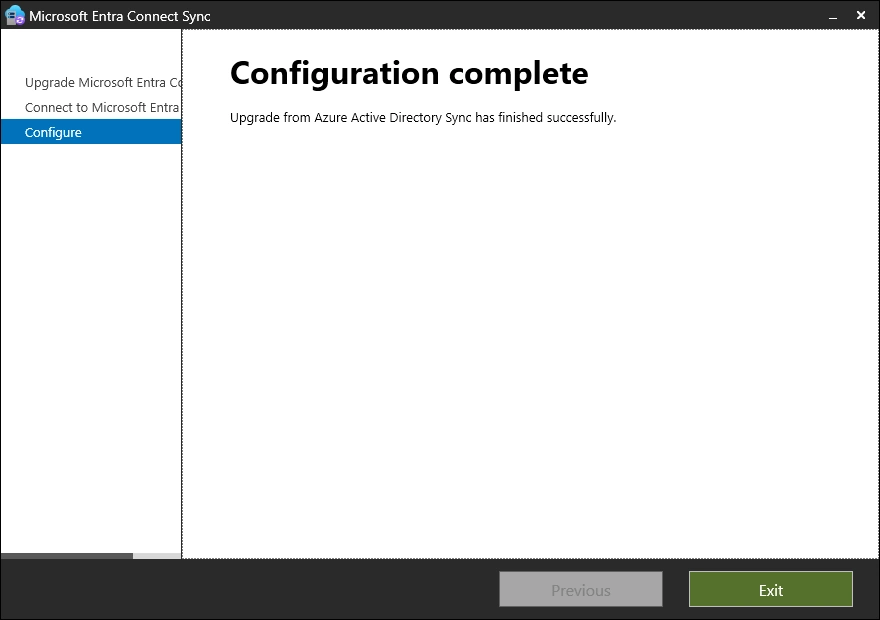
Successfully updated
Checks
Let’s check the Version after the Installation
(Get-Item "C:\Program Files\Microsoft Azure AD Sync\Bin\miiserver.exe").VersionInfo

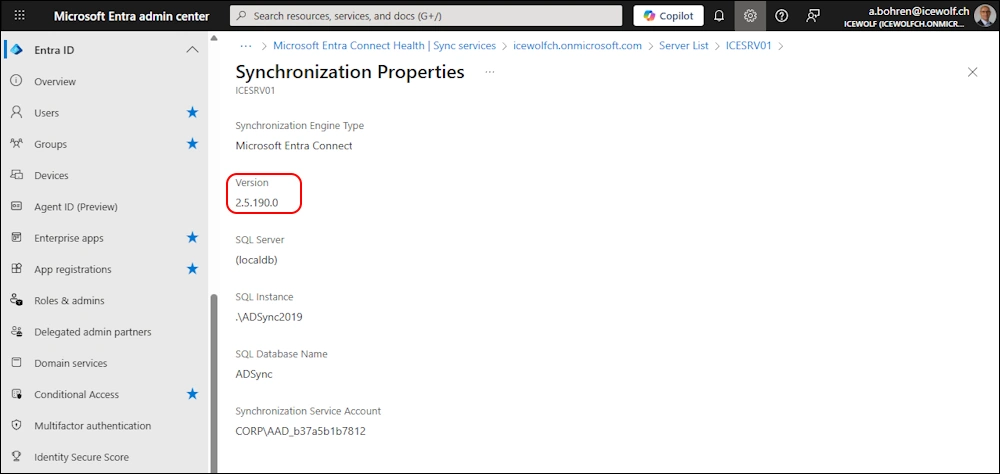
Check Entra
It takes a while to update the Version Number in Entra
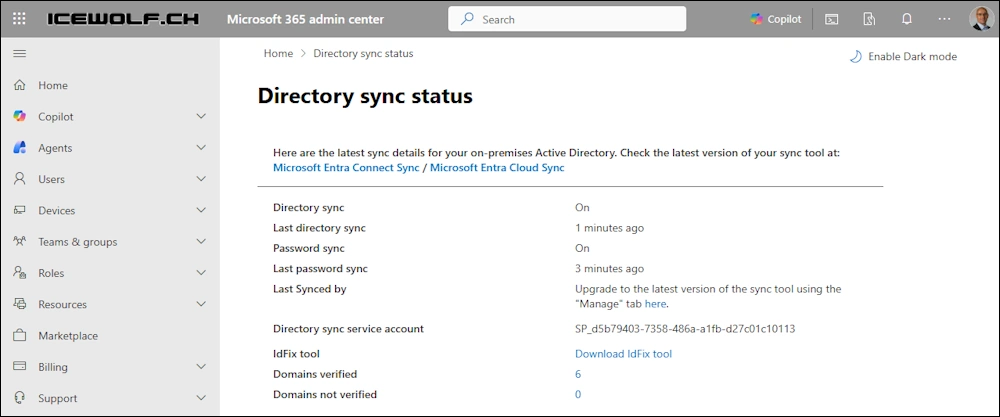
Check Entra Connect Sync in M365 Admin Center Directory sync status
Regards
Andres Bohren
EntraID Logo Security Logo
