
Azure VM Automatic Extension Upgrade

Hi All,
Recently i’ve been stumbled over this Article:
Azure Portal
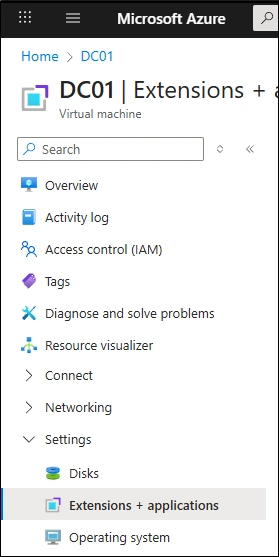
Select the Machine > Settings > Extensions + Applications
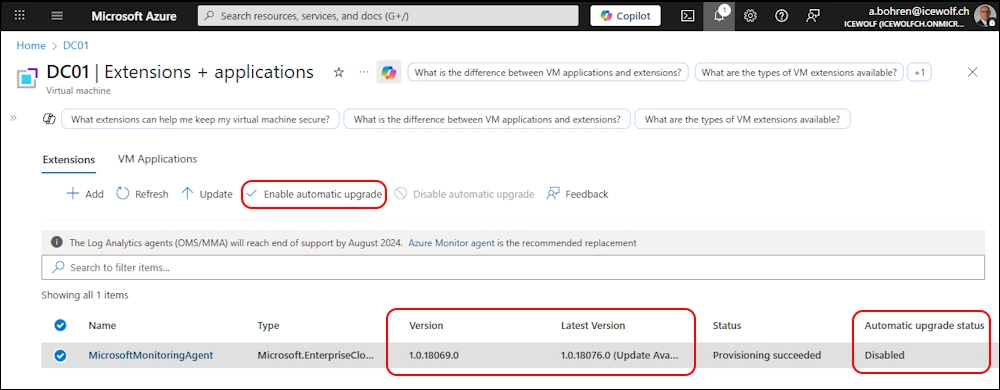
Here you could “Enable automatic upgrade” of an Extension
AZ PowerShel
You need to use the AZ PowerShell Module
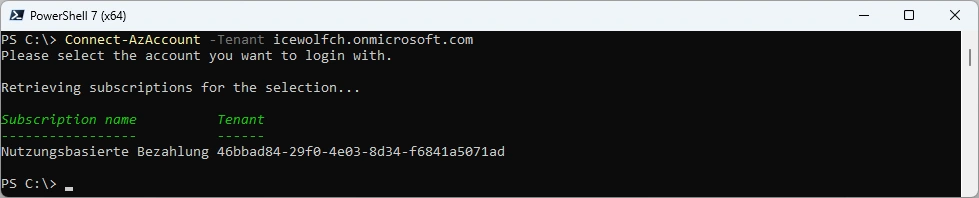
Connect to Azure
Connect-AzAccount -Tenant icewolfch.onmicrosoft.com
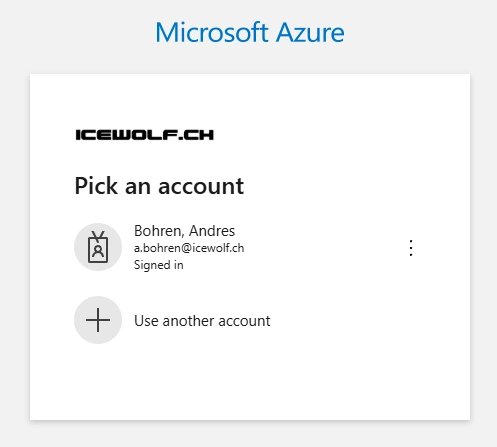
Sign In
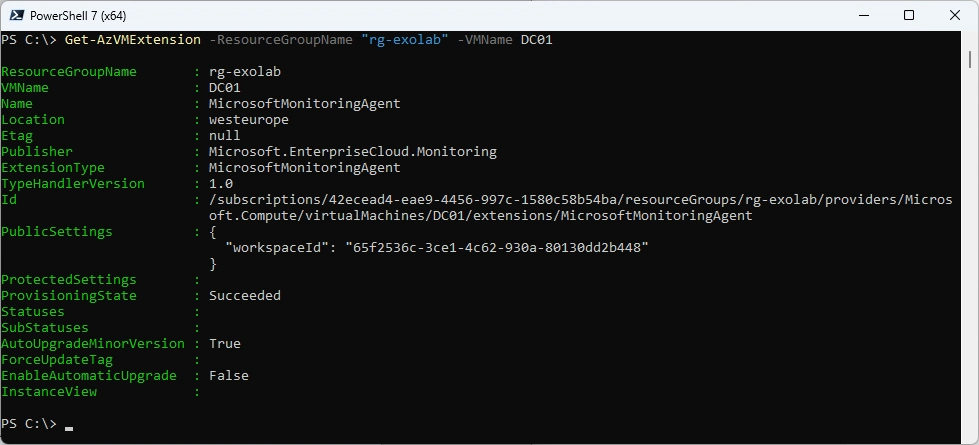
Get Azure VM Extension
Get-AzVMExtension -ResourceGroupName "rg-exolab" -VMName DC01
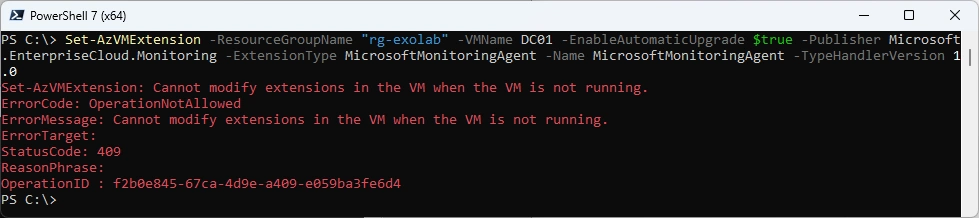
Set Azure VM Extension to Automatic Upgrade
Set-AzVMExtension -ResourceGroupName "rg-exolab" -VMName DC01 -EnableAutomaticUpgrade $true -Publisher Microsoft.EnterpriseCloud.Monitoring -ExtensionType MicrosoftMonitoringAgent -Name MicrosoftMonitoringAgent -TypeHandlerVersion 1.0

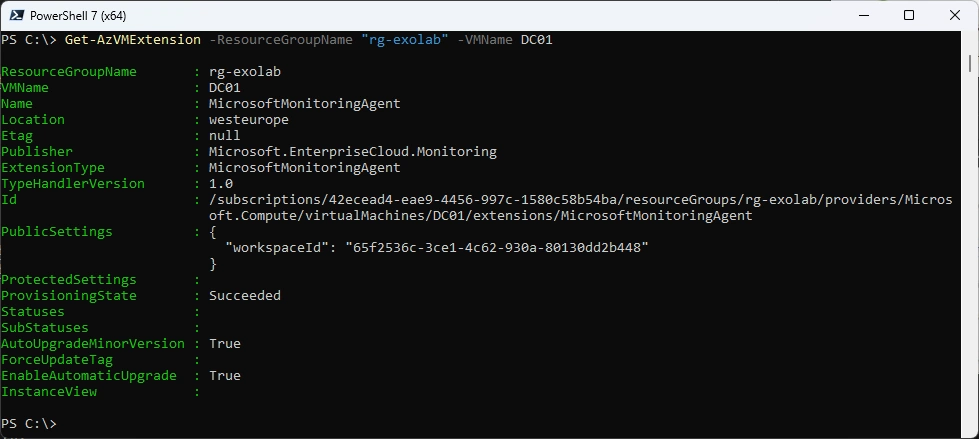
Get Azure VM Extension
Get-AzVMExtension -ResourceGroupName "rg-exolab" -VMName DC01
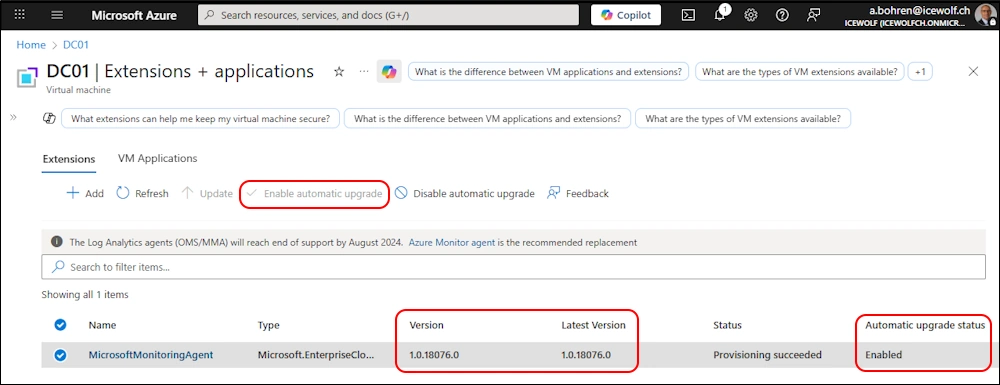
Azure Portal
Here is the Result in the Azure Portal
Regards
Andres Bohren
Azure Logo PowerShell Logo
