
Exchange Server February 2026 Security Updates

Hi All,
Microsoft has released the Exchange Server Security Updates yesterday for these Exchange Server Versions:
- Exchange Server Subscription Edition (SE)
- Exchange Server 2019 CU14 and CU15 (to access, enroll into the ESU program)
- Exchange Server 2016 CU23 (to access, enroll into the ESU program)
Exchange Team Blog Article
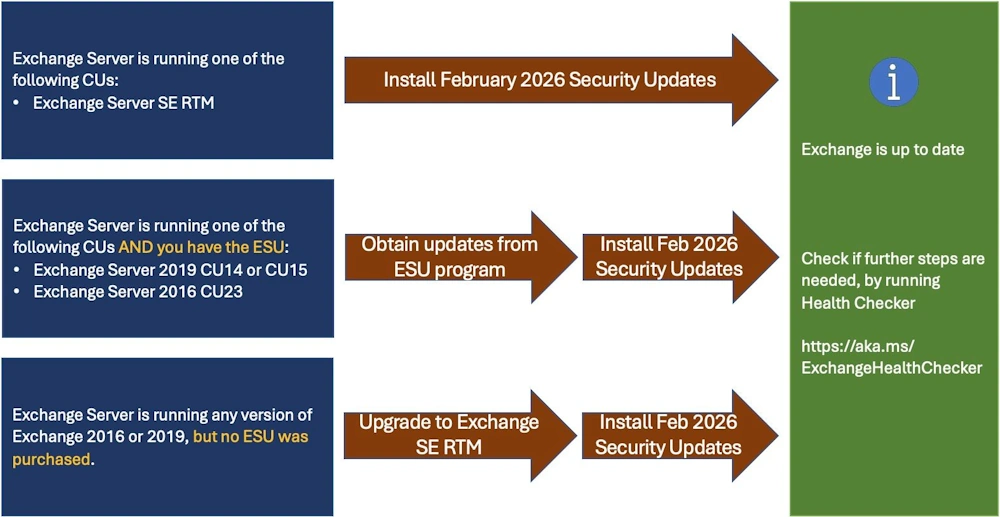
Exchange Server Subscription Edition
In my case, i’ve downloaded the Security Update for Exchange Server Subscription Edition
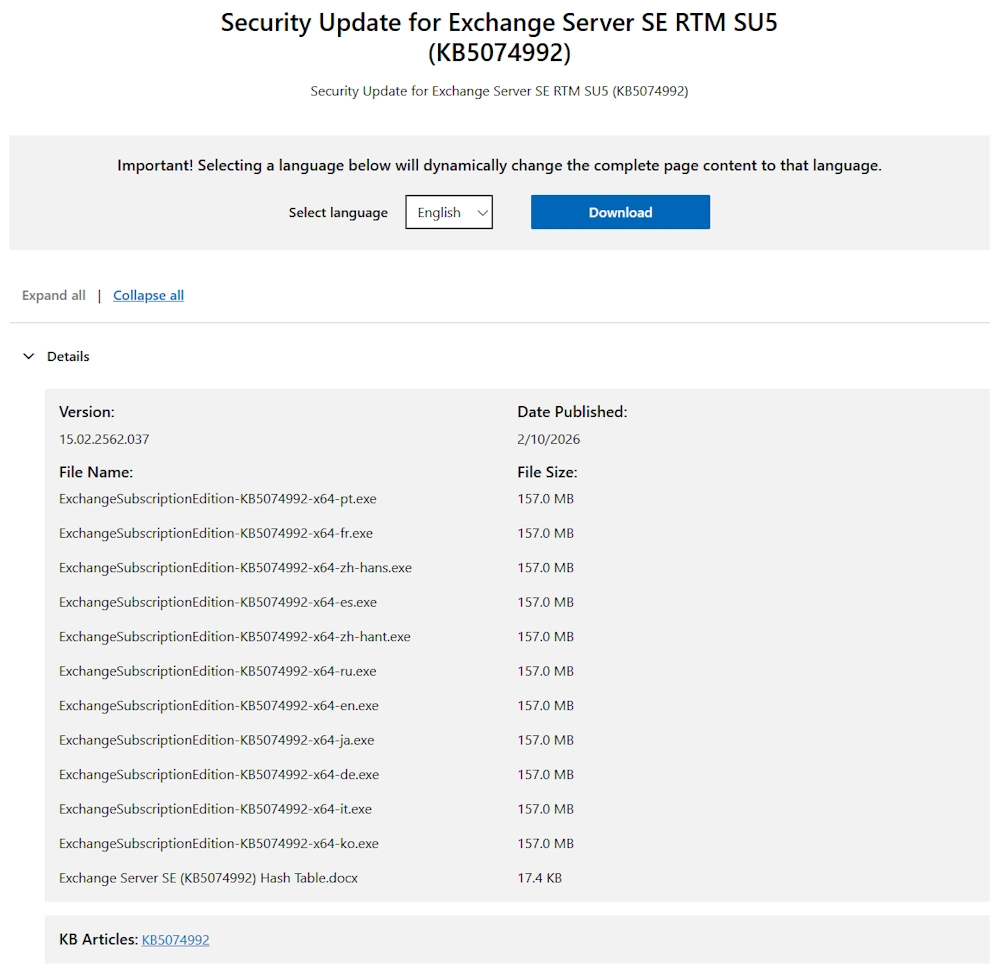
Check Pending Reboot
It’s best to check for Pending Reboot, before the installation.
Check for pending reboot with PowerShell
.\Check-PendingReboot.ps1

After the reboot everything is fine
.\Check-PendingReboot.ps1

Installation
Now the Installation of the Security Update can be started
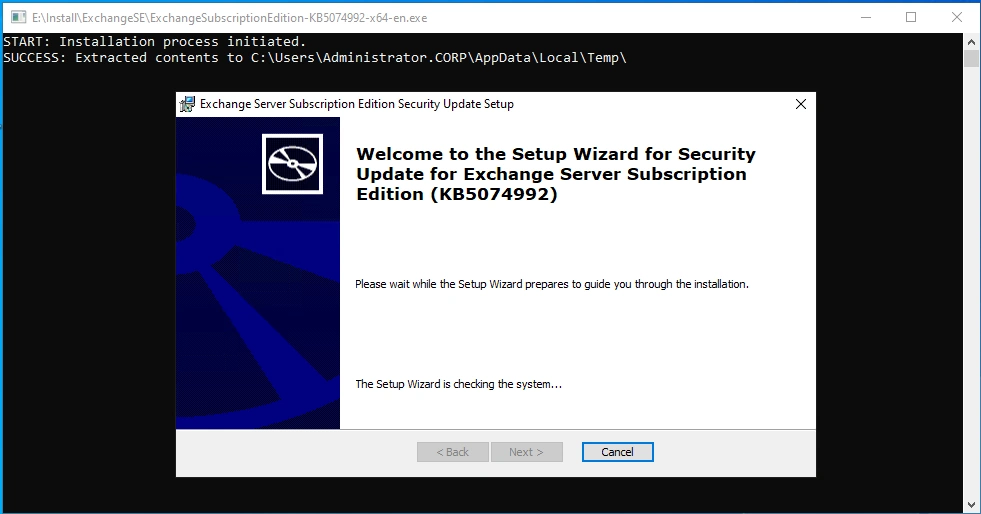
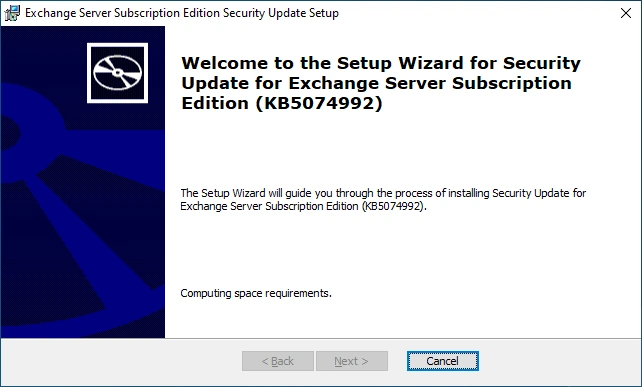
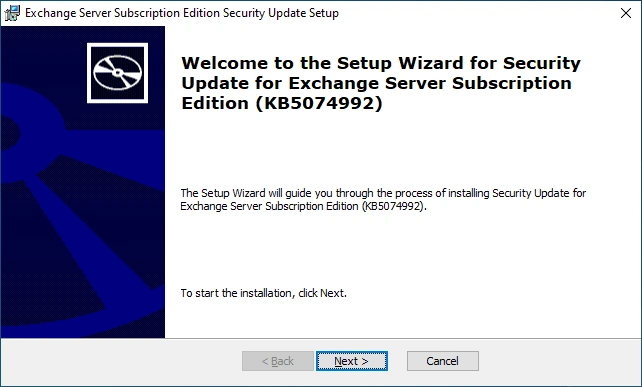
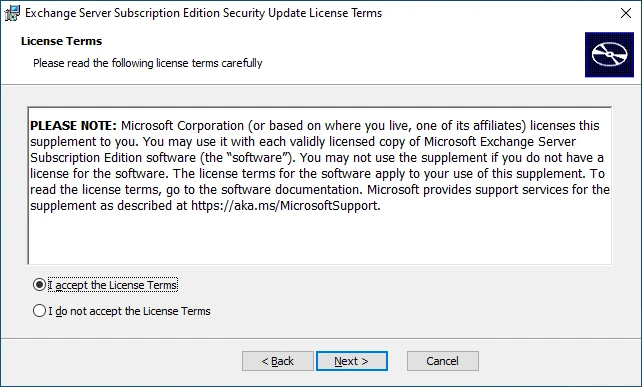
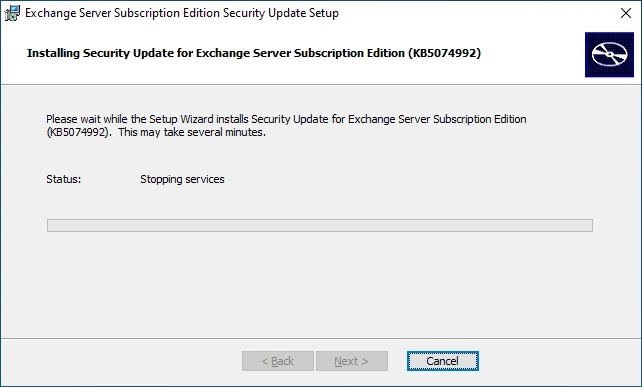
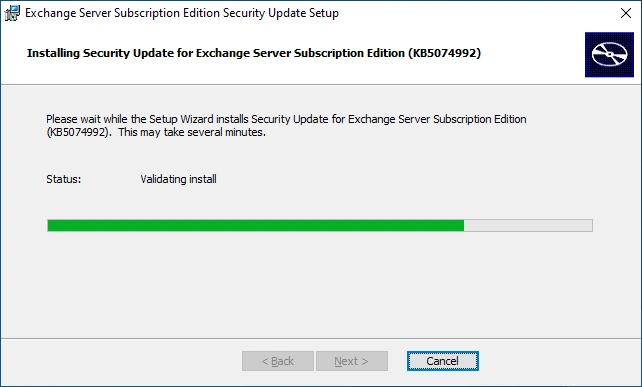
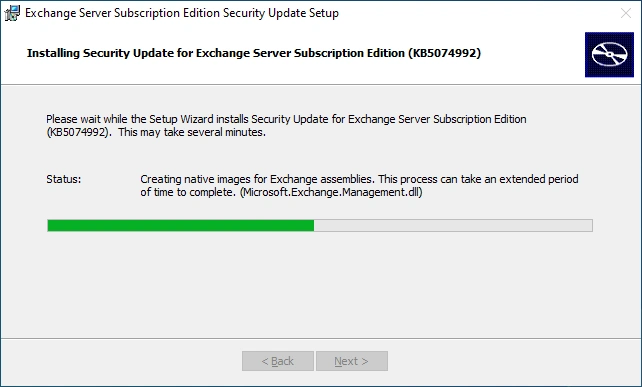
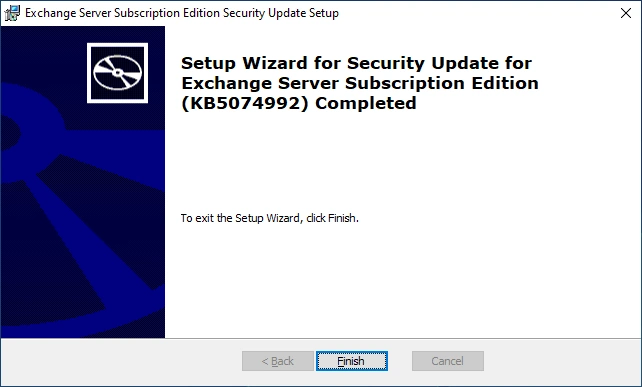
Installation was successful
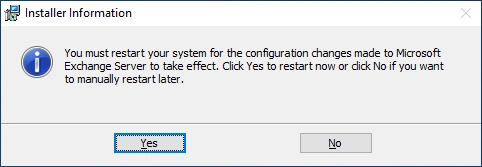
You have to Reboot after the Installation
Check Version
Check the Exchange Server Version
Get-Command Exsetup.exe | ForEach-Object {$_.FileVersionInfo}

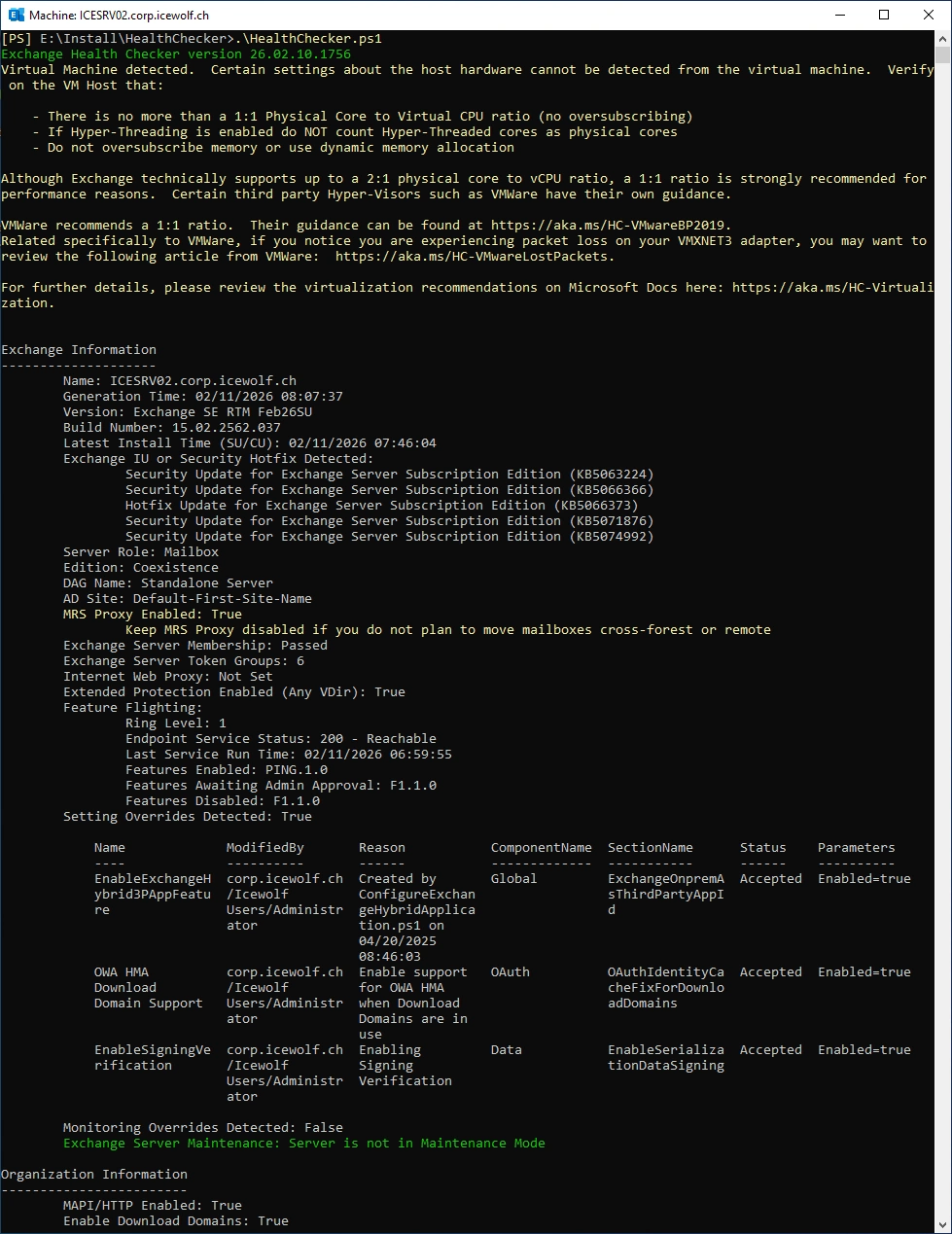
Healthchecker
After Updating Exchange you should always run HealthChecker
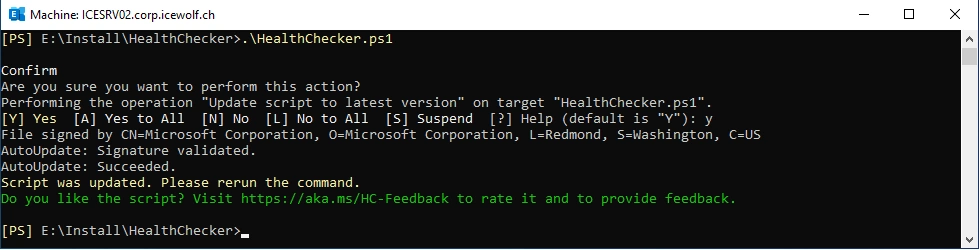
Run HealthChecker to update Version
.\HealthChecker.ps1
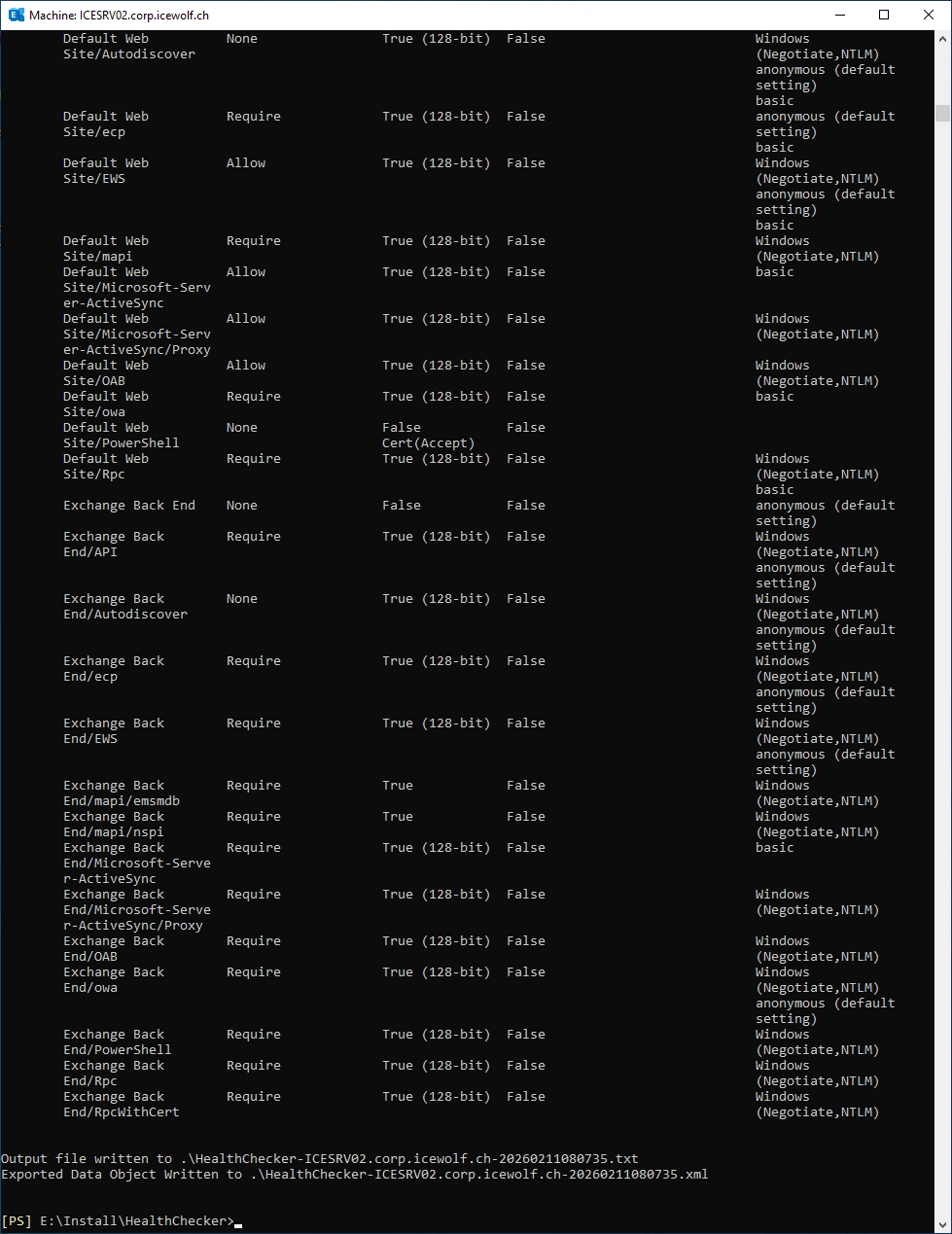
Run HealthChecker and check the Warnings and Errors
.\HealthChecker.ps1
Regards
Andres Bohren
Exchange Logo