
Azure PowerShell Module AZ 15.2.0 released
Hi All,
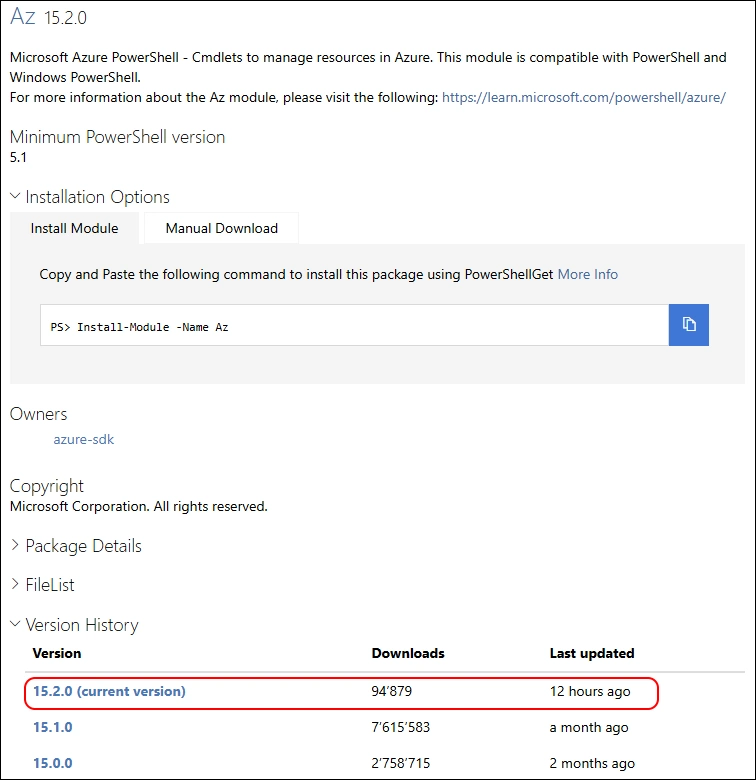
Just a few hours ago, a new Version of the AZ (Azure) PowerShell Module has been released to PowerShell Gallery.
- PowerShell Gallery Az 15.2.0
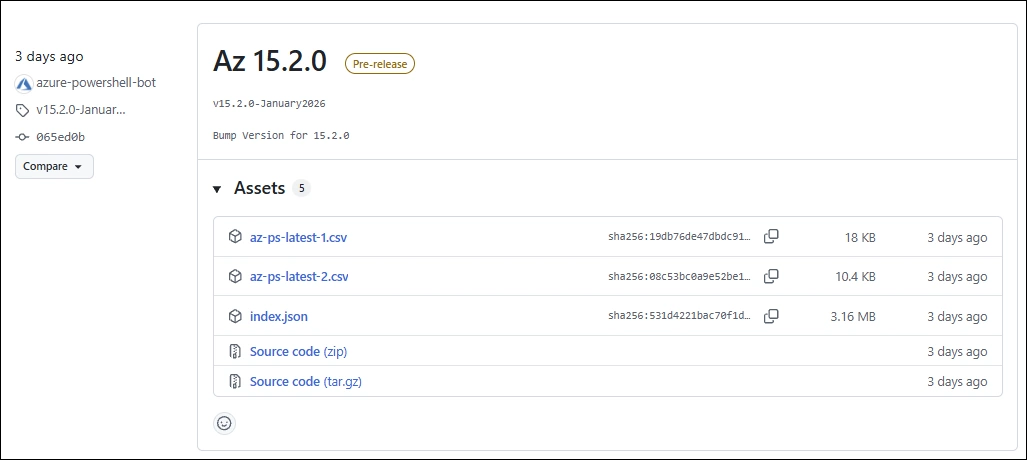
- GitHub Release Notes Az
I am using the new PSResourceGet here instead of the PowerShellGet commands.
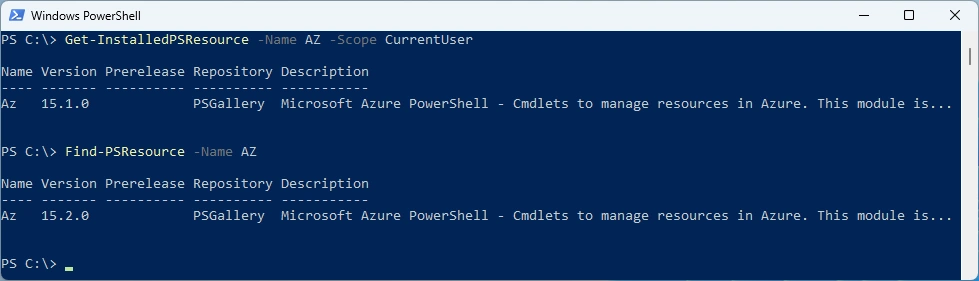
Show installed Versions and what’s available in PowerShell Gallery
Get-InstalledPSResource -Name AZ -Scope CurrentUser
Find-PSResource -Name AZ
Uninstall the old Modules
Uninstall-PSResource AZ -Scope CurrentUser -SkipDependencyCheck
Uninstall-PSResource AZ.* -Scope CurrentUser -SkipDependencyCheck
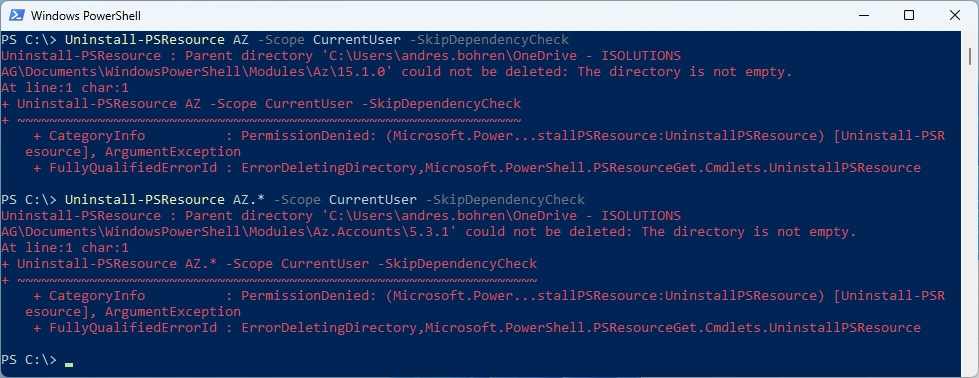
In the last few weeks i’ve noticed that uninstalling some Modules seems to have Problems. Might be it’s related to the CurrentUser Scope that is redirected to OneDrive. Anyone else seeing this?
I’ve updated the M365PSProfile PowerShell Module and the Uninstall-M365Module Function with the Parameter -FileMode. It will delete the Module Folder of that Module.
Install-PSResource M365PSProfile
Import-Module M365PSProfile
Uninstall-M365Module -Modules AZ -Scope CurrentUser -FileMode

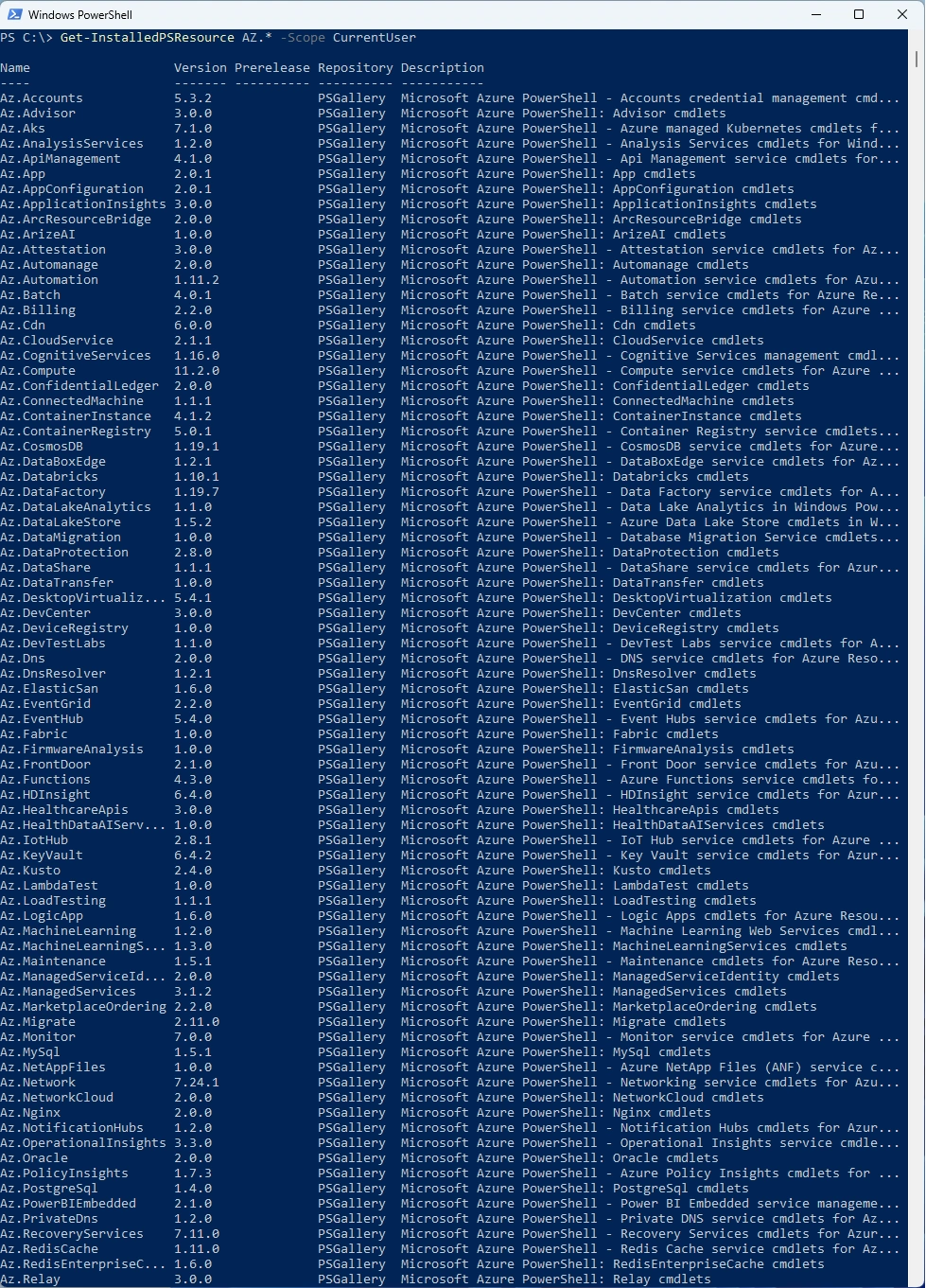
Now i can install the newest AZ Module and list all the AZ.* Modules
Install-PSResource AZ -Scope CurrentUser
Get-InstalledPSResource -Name AZ -Scope CurrentUser

List all the Modules from the AZ Modules
Get-InstalledPSResource AZ.* -Scope CurrentUser
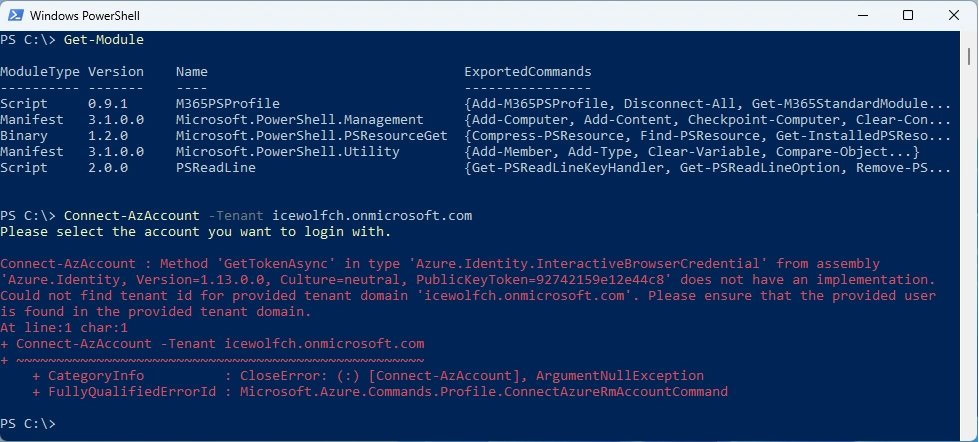
It seems when the Microsoft.PowerShell.PSResourceGet Module is loaded you end up with the following Error:
Connect-AzAccount : Method ‘Get TokenAsync’ in type ‘Azure.Identity.InteractiveBrowserCredential’ from assembly ‘Azure.Identity, Version-I .13.0.0, Culture-neutral, PublicKeyToken=92742159e12e4Zc8’ does not have an implementation. Could not find tenant id for provided tenant domain icewolfch.onmicrosoft.com’ Please ensure that the provided user is found in the provided tenant domain.
Get-Module
Connect-AzAccount -Tenant icewolfch.onmicrosoft.com
If the Microsoft.PowerShell.PSResourceGet Module is not loaded, the command works
Get-Module
Connect-AzAccount -Tenant icewolfch.onmicrosoft.com
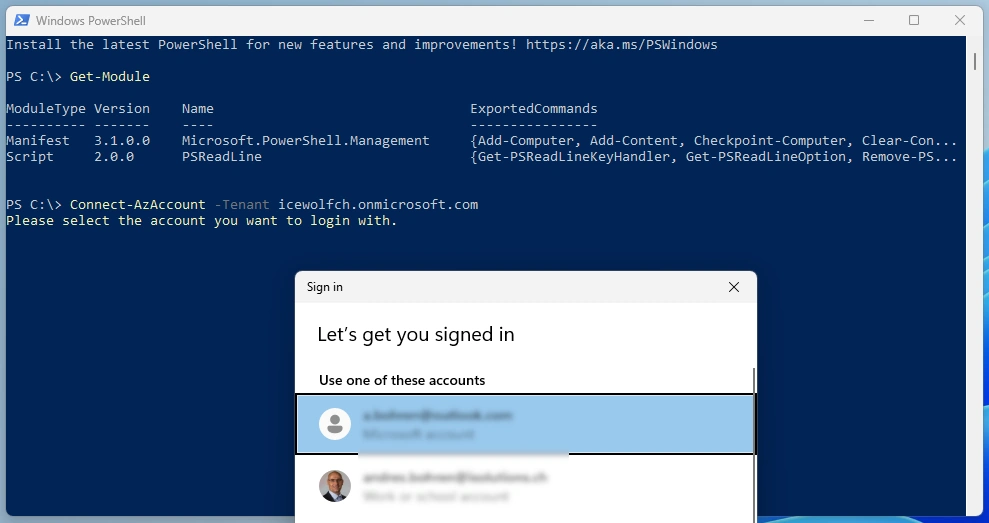
Also no issue when starting PowerShell without a Profile
start powershell -noprofile

Like that, the command works without a problem
Connect-AzAccount -Tenant icewolfch.onmicrosoft.com
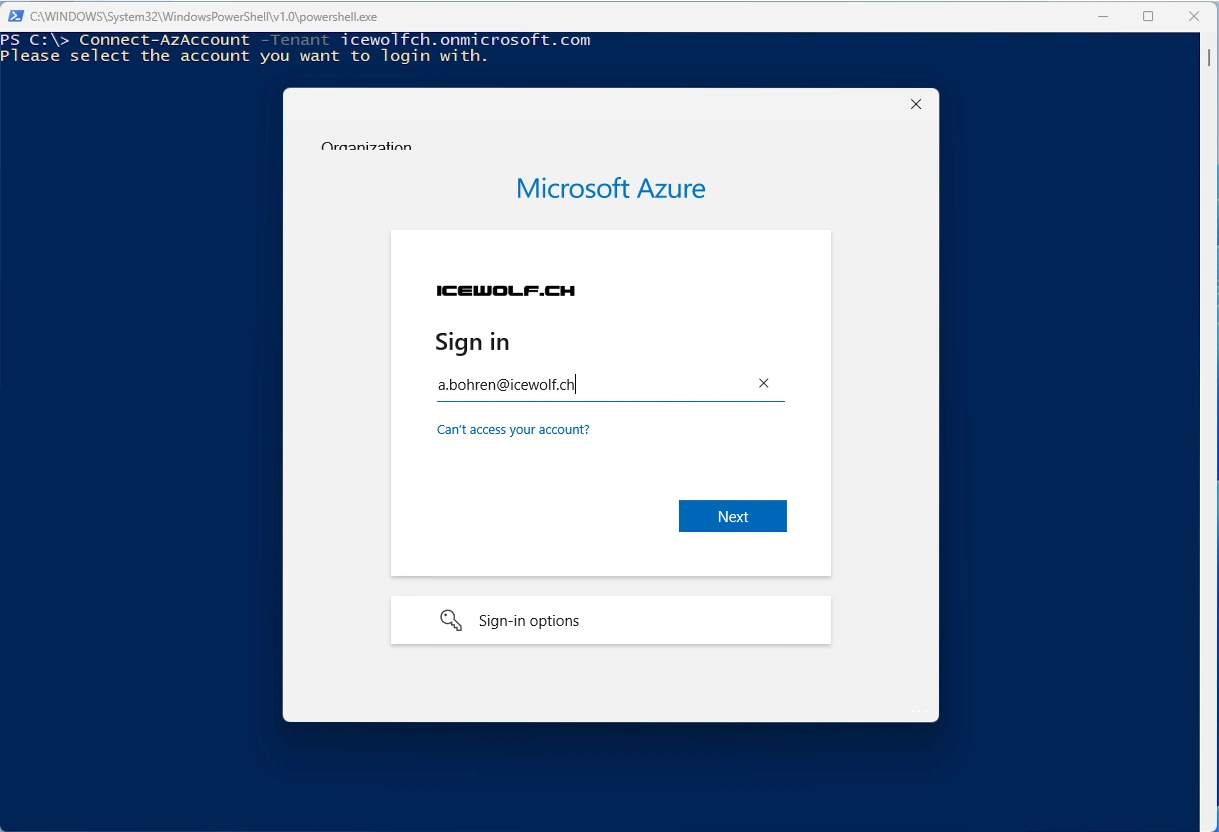
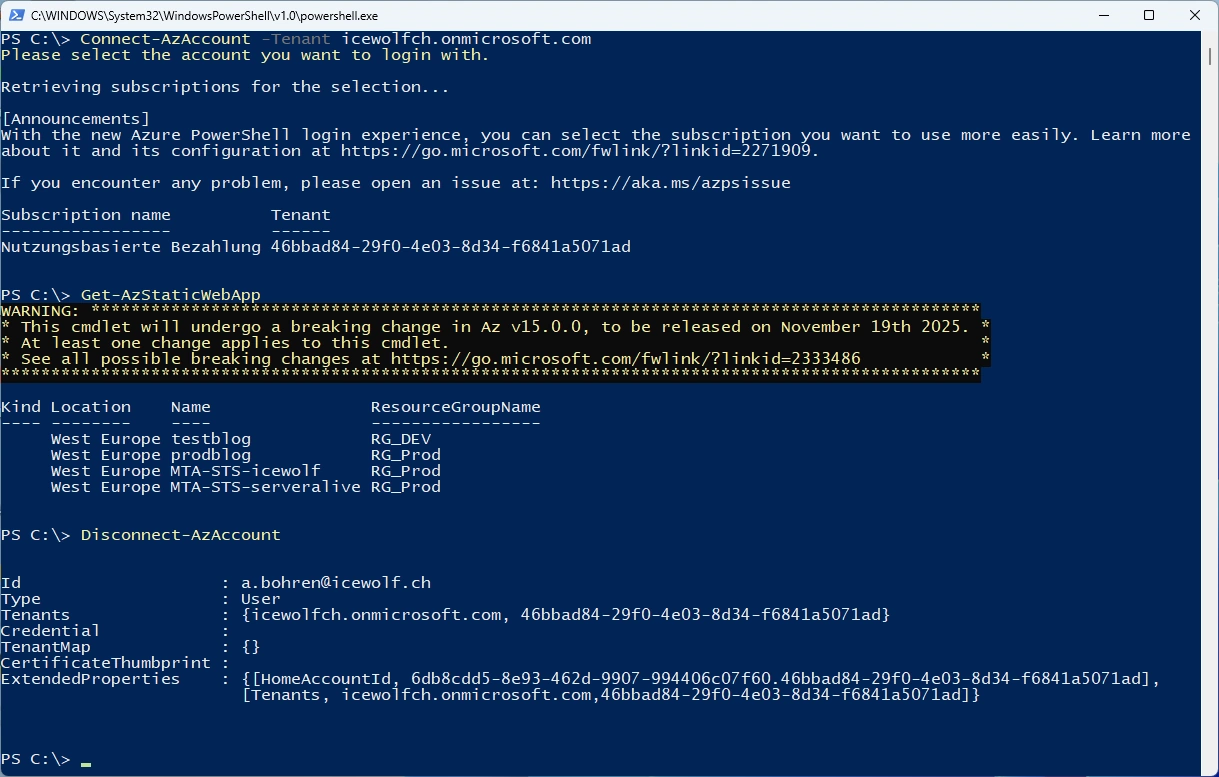
List Azure Static Web Apps
Get-AzStaticWebApp
Disconnect-AzAccount
Or you can simply use my M365PSProfile Module - find the Documentation here: https://github.com/fabrisodotps1/M365PSProfile/
Install-PSResource -Name M365PSProfile
Add-M365PSProfile
Install-M365Module -Scope CurrentUser -Modules AZ
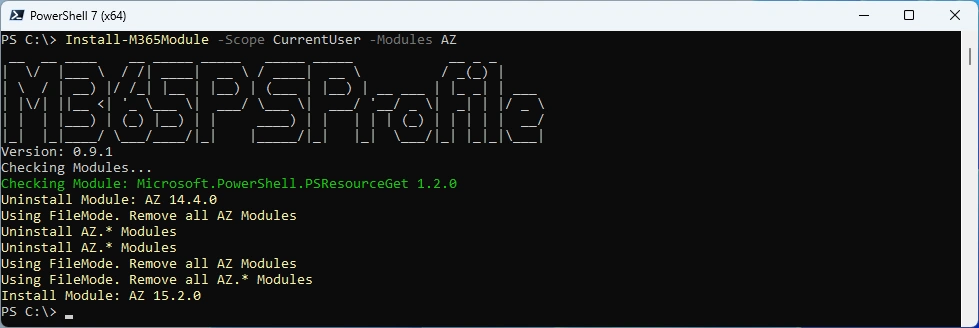
Note: The ‘Get TokenAsync’ Error with Connect-AzAccount only happens in PowerShell 5.1. Works fine in PowerShell 7.x
Regards
Andres Bohren
Azure Logo PowerShell Logo
