
MicrosoftTeams PowerShell Module 7.6.0 released

Hi All,
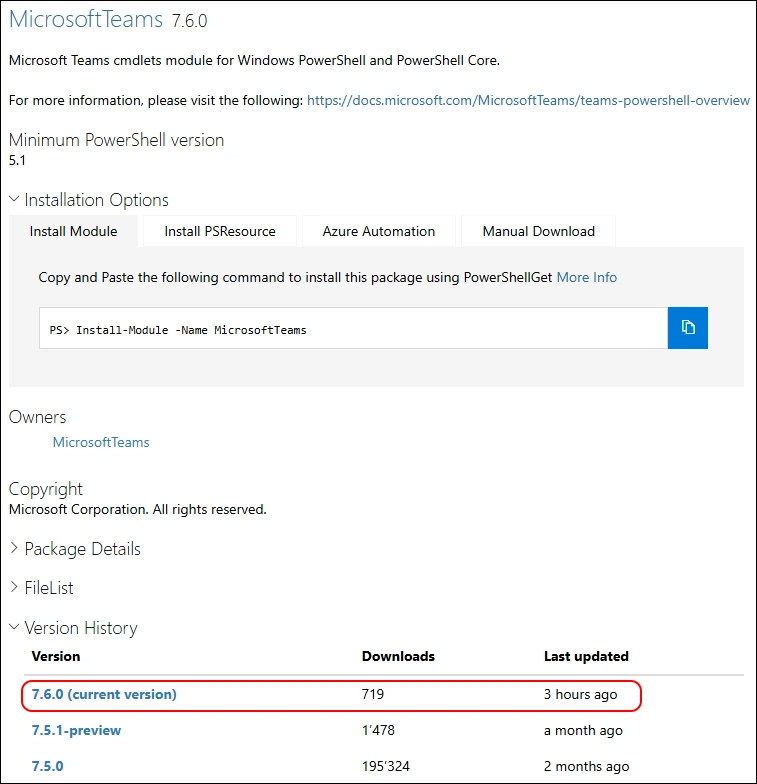
A few days ago, Microsoft has released the MicrosoftTeams PowerShell Module 7.6.0 to the PowerShell Gallery.
- PowerShell Gallery MicrosoftTeams 7.6.0
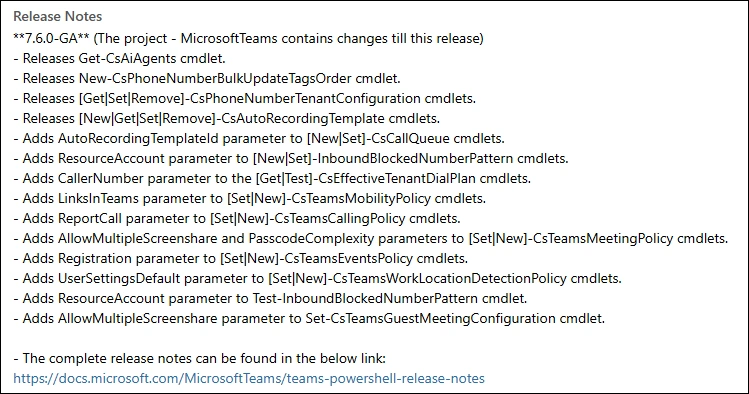
Read more details in the Release Notes
- Releases Get-CsAiAgents cmdlet.
- Releases New-CsPhoneNumberBulkUpdateTagsOrder cmdlet.
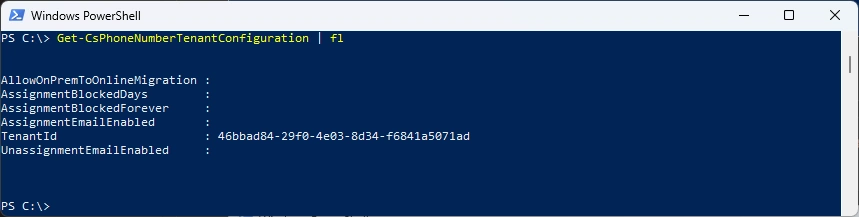
- Releases [Get|Set|Remove]-CsPhoneNumberTenantConfiguration cmdlets.
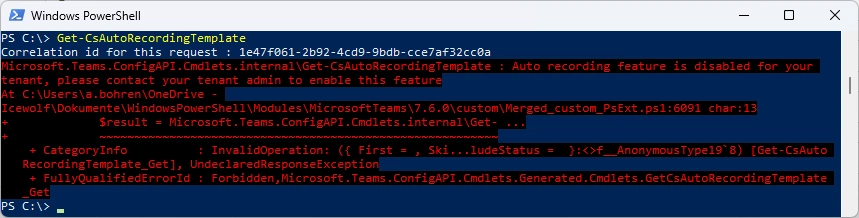
- Releases [New|Get|Set|Remove]-CsAutoRecordingTemplate cmdlets.
- Adds AutoRecordingTemplateId parameter to [New|Set]-CsCallQueue cmdlets.
- Adds ResourceAccount parameter to [New|Set]-InboundBlockedNumberPattern cmdlets.
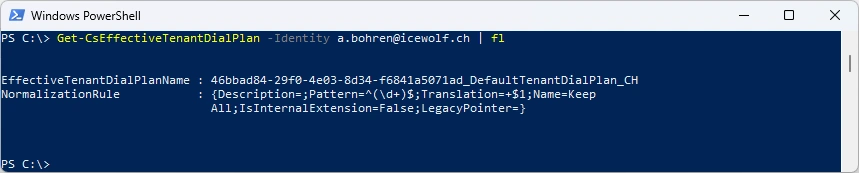
- Adds CallerNumber parameter to the [Get|Test]-CsEffectiveTenantDialPlan cmdlets.
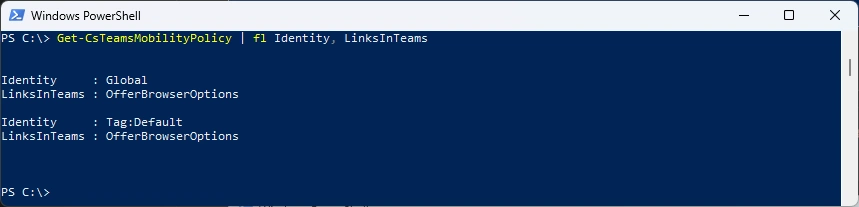
- Adds LinksInTeams parameter to [Set|New]-CsTeamsMobilityPolicy cmdlets.
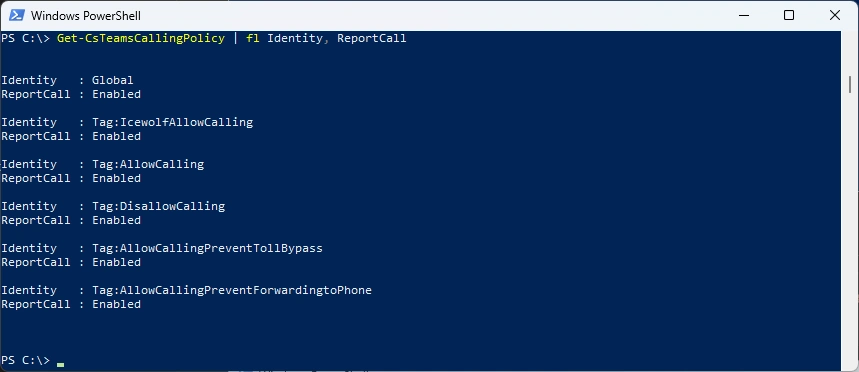
- Adds ReportCall parameter to [Set|New]-CsTeamsCallingPolicy cmdlets.
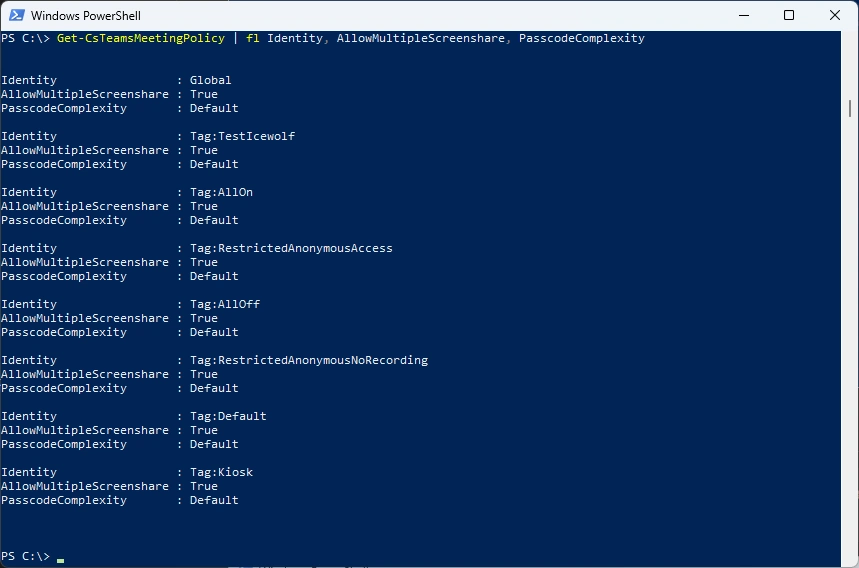
- Adds AllowMultipleScreenshare and PasscodeComplexity parameters to [Set|New]-CsTeamsMeetingPolicy cmdlets.
- Adds Registration parameter to [Set|New]-CsTeamsEventsPolicy cmdlets.
- Adds UserSettingsDefault parameter to [Set|New]-CsTeamsWorkLocationDetectionPolicy cmdlets.
- Adds ResourceAccount parameter to Test-InboundBlockedNumberPattern cmdlet.
- Adds AllowMultipleScreenshare parameter to Set-CsTeamsGuestMeetingConfiguration cmdlet.
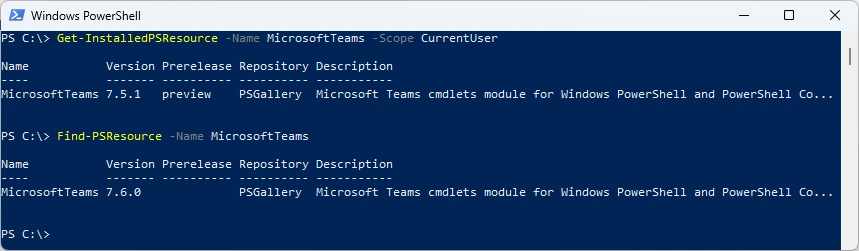
I am using the new PSResourceGet here instead of the PowerShellGet commands.
Check installed Module and what’s available in the PowerShell Gallery
Get-InstalledPSResource -Name MicrosoftTeams -Scope CurrentUser
Find-PSResource -Name MicrosoftTeams -Prerelease
Uninstall the old Module and install the newest Module
Uninstall-PSResource -Name MicrosoftTeams -Scope CurrentUser
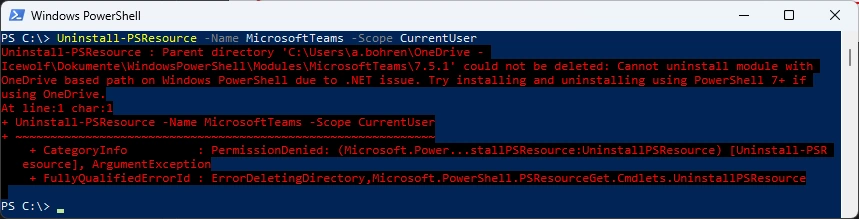
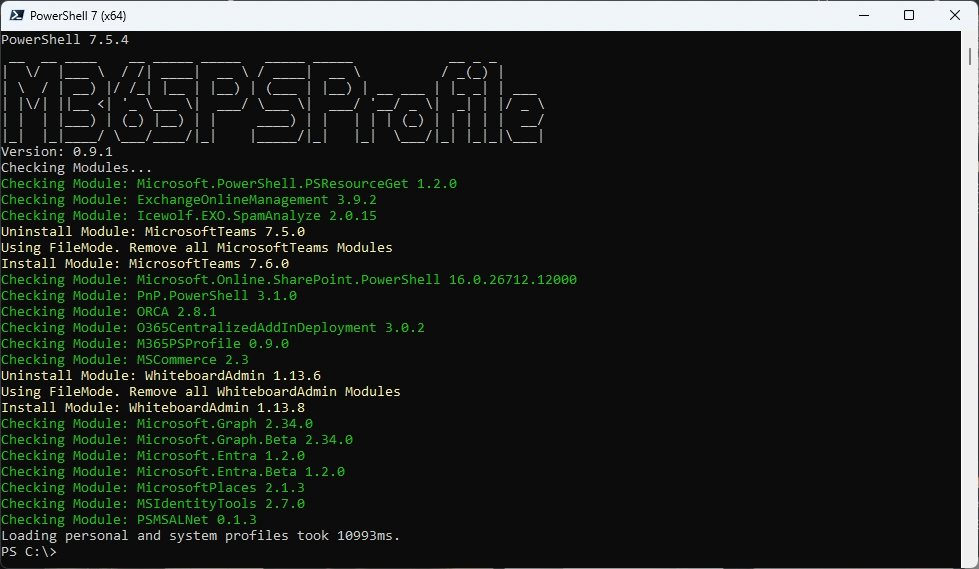
I’ve updated the M365PSProfile PowerShell Module and the Uninstall-M365Module Function with the Parameter -FileMode. It will delete the Module Folder of that Module.
Uninstall-M365Module -Modules MicrosoftTeams -Scope CurrentUser -FileMode

Install the new Version and check it
Install-PSResource -Name MicrosoftTeams -Scope CurrentUser
Get-InstalledPSResource -Name MicrosoftTeams -Scope CurrentUser

Some basic testing
Connect-MicrosoftTeams
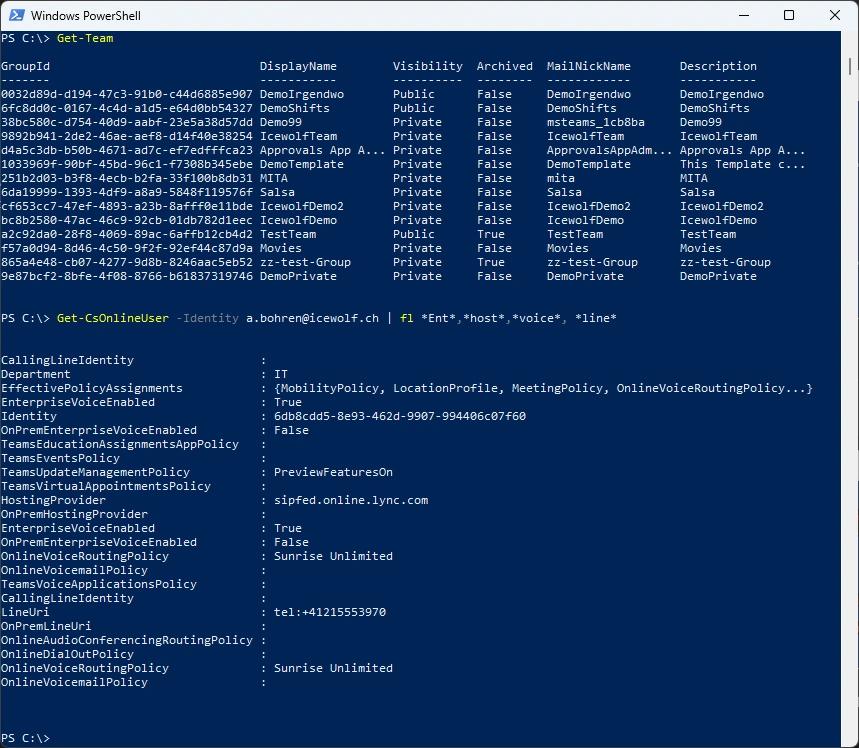
Get-Team
Get-CsOnlineUser -Identity a.bohren@icewolf.ch | fl *Ent*,*host*,*voice*, *line*
New Commandlets or updates
Get-CsAiAgents -IsTeamsIvrEnabled -ProviderId "9d8f559b-5de4-46a4-902a-ad4271e83efa,905de543-6cf8-44a4-ab05-83bcd500f39e"

Get-CsPhoneNumberTenantConfiguration | fl
Get-CsAutoRecordingTemplate
Get-CsCallQueue -Identity c46cdc50-b36c-4899-a0ae-c9491f88e5ff | fl AutoRecordingTemplateId

Get-CsInboundBlockedNumberPattern

Get-CsEffectiveTenantDialPlan -Identity a.bohren@icewolf.ch | fl
Get-CsTeamsMobilityPolicy | fl Identity, LinksInTeams
Get-CsTeamsCallingPolicy | fl Identity, ReportCall
Get-CsTeamsMeetingPolicy | fl Identity, AllowMultipleScreenshare, PasscodeComplexity
Get-CsTeamsEventsPolicy | fl Identity, Registration

Get-CsTeamsWorkLocationDetectionPolicy | fl Identity, UserSettingsDefault

Get-CsTeamsGuestMeetingConfiguration | fl Identity, AllowMultipleScreenshare

Or you can simply use my M365PSProfile Module - find the Documentation here: GitHub Documentation
Install-PSResource -Name M365PSProfile -Scope CurrentUser
Install-M365Module
Regards
Andres Bohren
PowerShell Logo Teams Logo
