
Microsoft.Graph PowerShell Modules 2.35.0 released

Hi All,
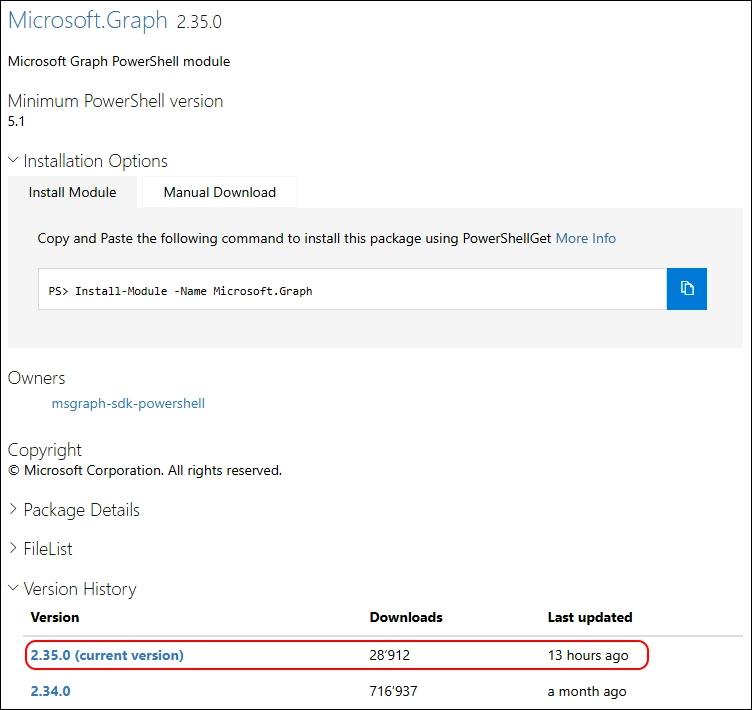
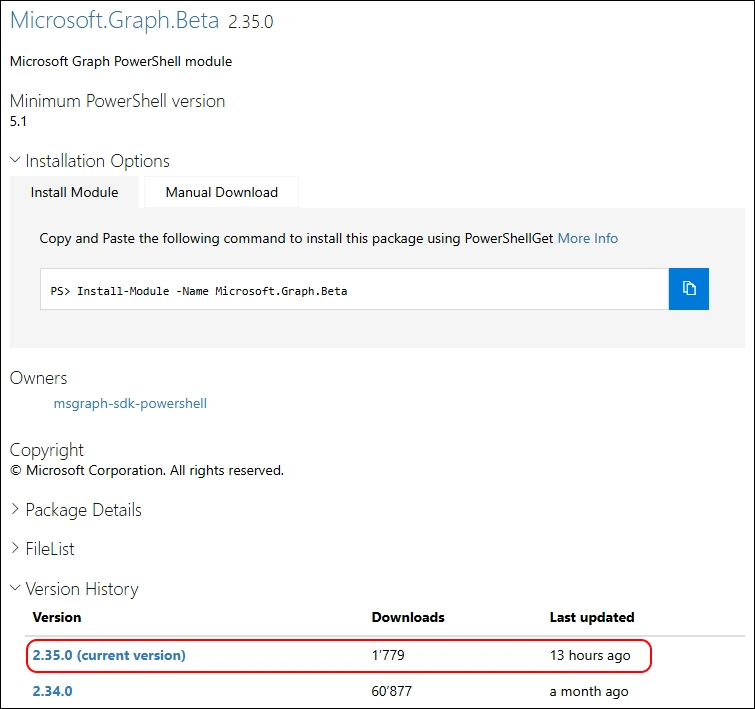
A a day ago, Microsoft has released the Version 2.35.0 of Microsoft.Graph and Microsoft.Graph.Beta Modules.
- PowerShell Gallery Microsoft.Graph 2.35.0
- PowerShell Gallery Microsoft.Graph.Beta 2.35.0
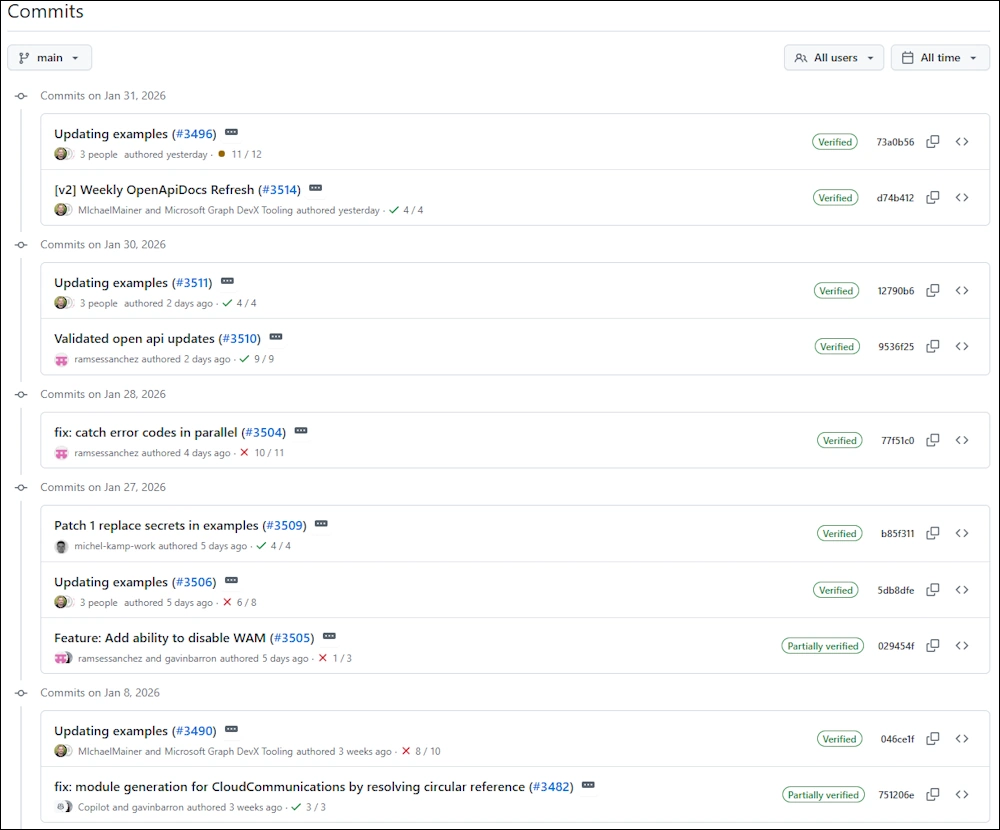
No Release Notes have been published but you can review the Commit History
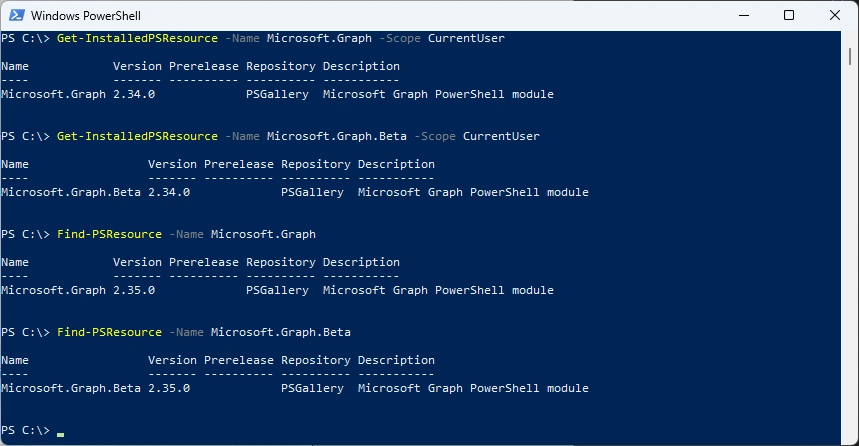
I am using the new PSResourceGet here instead of the PowerShellGet commands.
Show installed Versions and what’s available in PowerShell Gallery
Get-InstalledPSResource -Name Microsoft.Graph -Scope CurrentUser
Get-InstalledPSResource -Name Microsoft.Graph.Beta -Scope CurrentUser
Find-PSResource -Name Microsoft.Graph
Find-PSResource -Name Microsoft.Graph.Beta
Uninstalling the old Microsoft.Graph Modules.
Get-InstalledPSResource Microsoft.Graph -Scope CurrentUser -ErrorAction SilentlyContinue | Uninstall-PSResource -Scope CurrentUser -SkipDependencyCheck

Get-InstalledPSResource Microsoft.Graph.Beta -Scope CurrentUser -ErrorAction SilentlyContinue | Uninstall-PSResource -Scope CurrentUser -SkipDependencyCheck
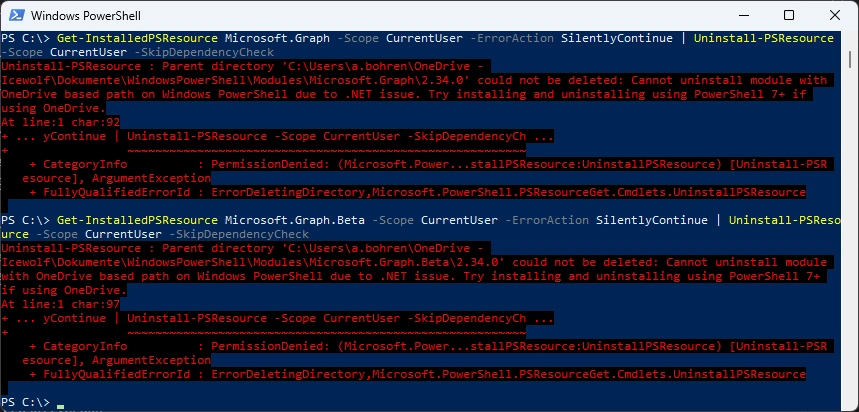
In the last few months i’ve noticed that uninstalling some Modules seems to have Problems. Might be it’s related to the CurrentUser Scope that is redirected to OneDrive. Anyone else seeing this?
I’ve updated the M365PSProfile PowerShell Module and the Uninstall-M365Module Function with the Parameter -FileMode. It will delete the Module Folder of that Module.
Install-PSResource -Name M365PSProfile -Scope CurrentUser
Import-Module M365PSProfile
Uninstall-M365Module -Modules Microsoft.Graph,Microsoft.Graph.Beta  -Scope CurrentUser -FileMode

Installing the New Microsoft.Graph Modules
Install-PSResource -Name Microsoft.Graph -Scope CurrentUser
Install-PSResource -Name Microsoft.Graph.Beta -Scope CurrentUser

List all the Modules
Get-PSResource Microsoft.Graph.* -Scope CurrentUser
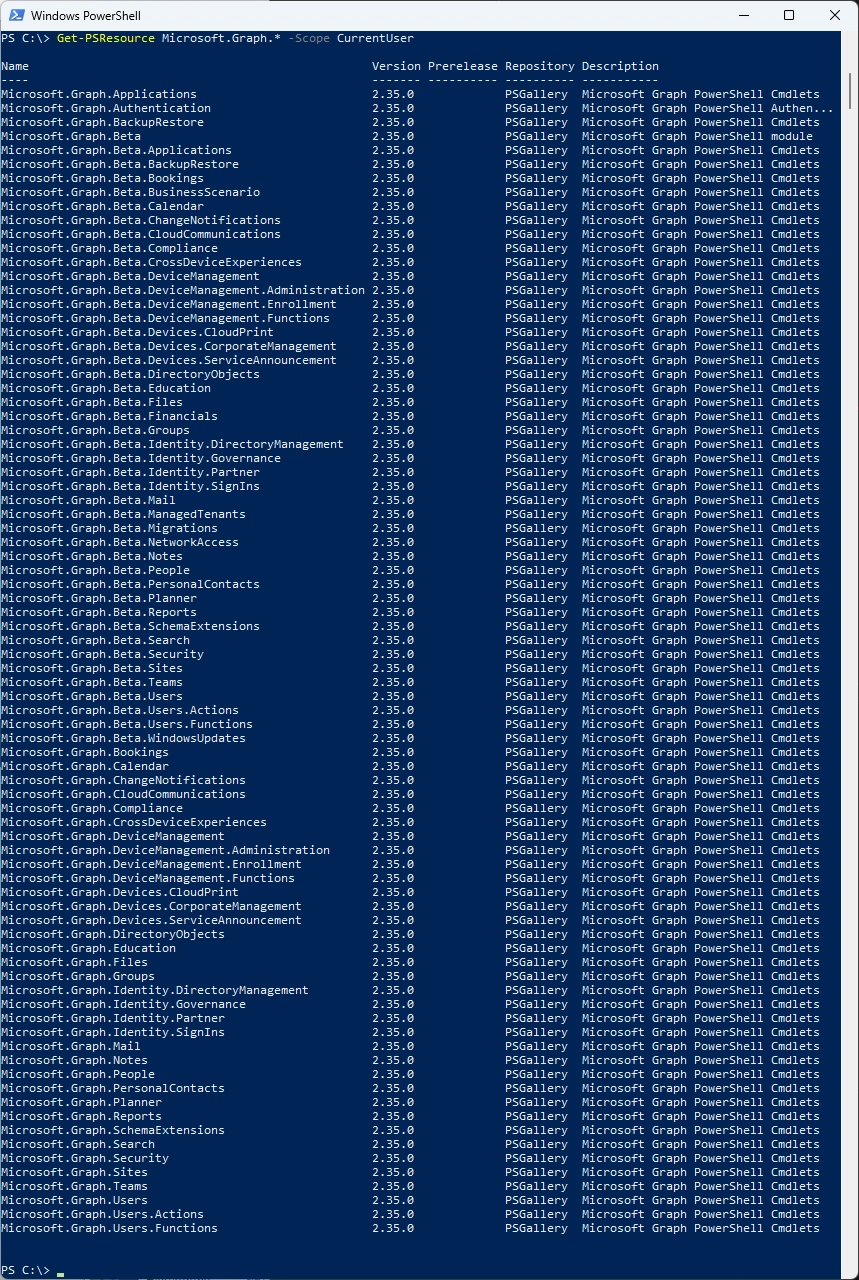
Some basic testing - seems that there are Problems. I did open an Issue on GitHub
Connect-MgGraph -Scopes user.read.all -NoWelcome
Get-MgUser -UserId a.bohren@icewolf.ch
Disconnect-MgGraph
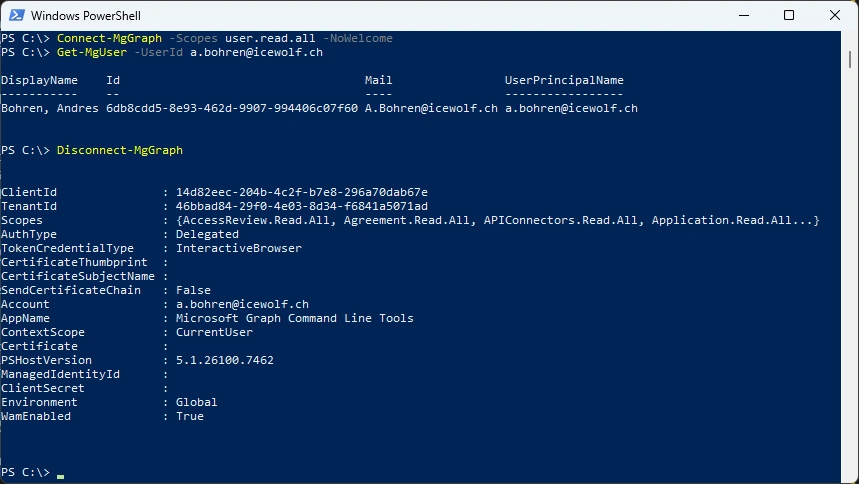
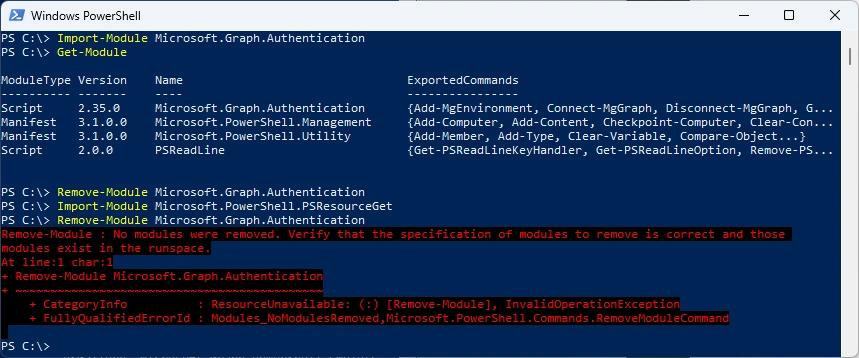
In Powershell 5.1 if you load Microsoft.PowerShell.PSResourceGet first, you get an error when trying to load Microsoft.Graph.Authentication
Import-Module Microsoft.Graph.Authentication
Get-Module
Remove-Module Microsoft.Graph.Authentication
Import-Module Microsoft.PowerShell.PSResourceGet
Import-Module Microsoft.Graph.Authentication
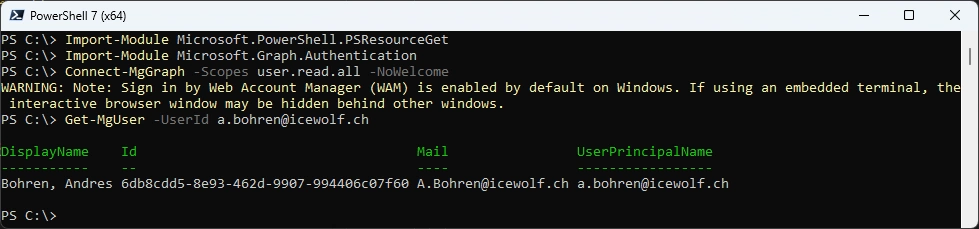
In PowerShell 7.x this works fine
Import-Module Microsoft.PowerShell.PSResourceGet
Import-Module Microsoft.Graph.Authentication
Connect-MgGraph -Scopes user.read.all -NoWelcome
Get-MgUser -UserId a.bohren@icewolf.ch
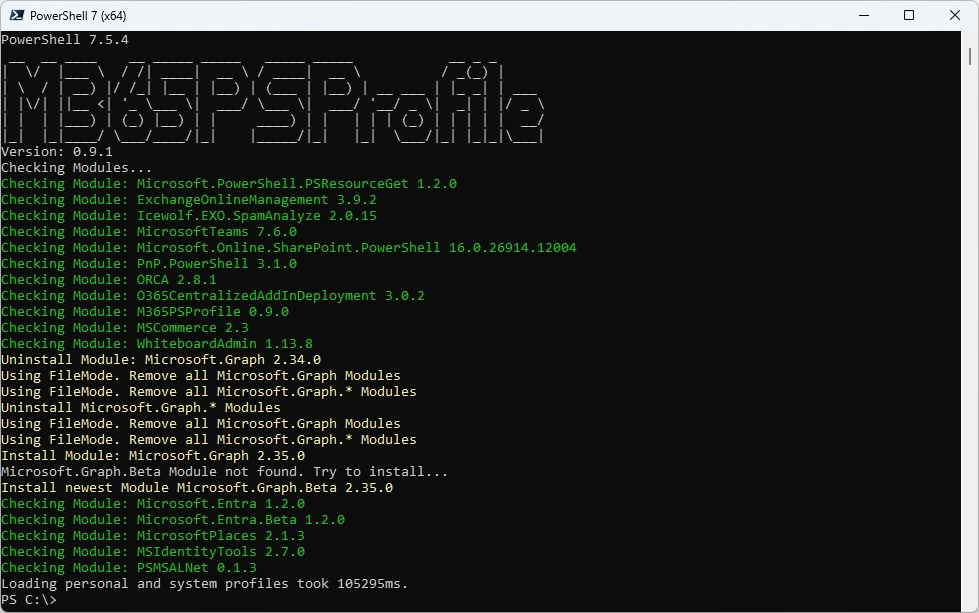
Or you can simply use my M365PSProfile Module - find the Documentation here: https://github.com/fabrisodotps1/M365PSProfile/
Uninstall-M365Module -Modules Microsoft.Graph, Microsoft.Graph.Beta -Scope CurrentUser -FileMode
Install-M365Module
Regards
Andres Bohren
M365 Logo PowerShell Logo
