
Exchange Online DANE and MTA-STS Connector Modes

Hi All,
A few days ago, Microsoft has annouced the DANE and MTS STS Connector Modes in Exchange Online.
Admins can now configure these Settings on a Outbound Connector:
- Opportunistic (default): Exchange Online attempts SMTP DANE and MTA‑STS validation when available but continues delivery if the destination does not support them.
- Mandatory (SMTP DANE only): Enforces full SMTP DANE with DNSSEC validation. Mail is queued if validation fails or the destination does not support SMTP DANE.
- None: Disables SMTP DANE and/or MTA‑STS validation for the connector, reducing security in favor of compatibility for specific partner scenarios.
I’ve written several Articles about DANE and MTA-STS:
- DANE - DNS based Authentification of Named Entities
- Exchange Online DANE Inbound Preview
- Mail Transfer Agent Strict Transport Security (MTA-STS)
- Deploy MTA-STS with PS.MTA-STS PowerShell Module
PowerShell
These Settings are currently only available in PowerShell
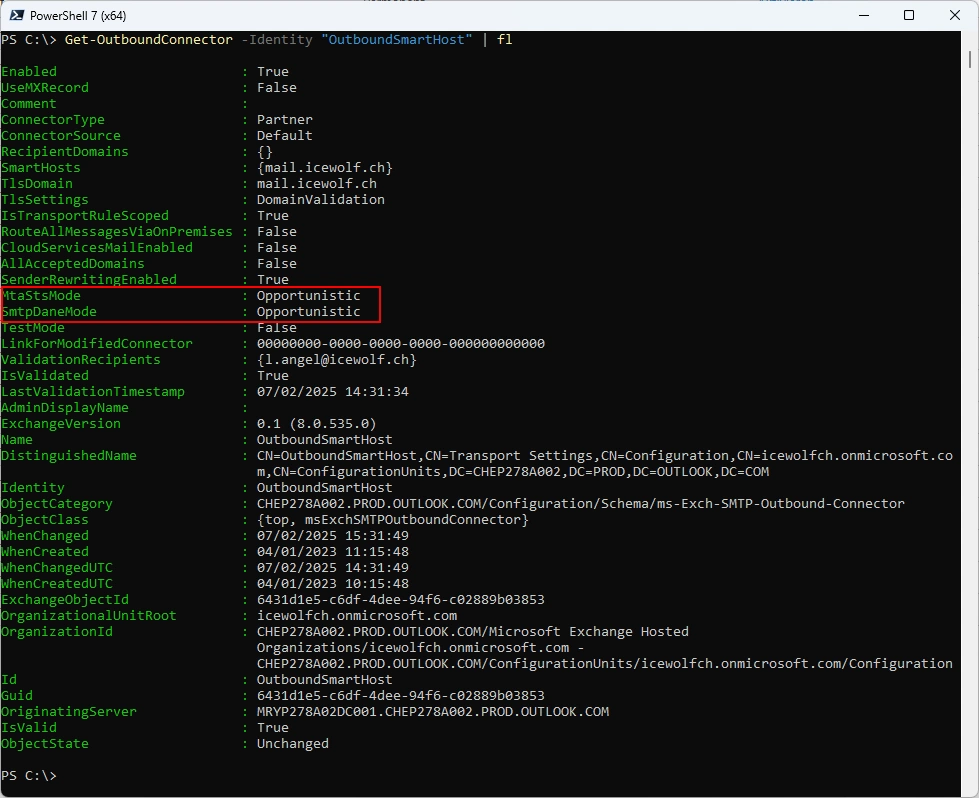
There are two new Properties “MtaStsMode” and “SmtpDaneMode” in a Outbound Connector.
Connect-ExchangeOnline -ShowBanner:$false
Get-OutboundConnector -Identity "OutboundSmartHost" | fl
Disable MTA-STS and DANE on the Outbound Connector
Set-OutboundConnector -Identity "OutboundSmartHost" -MtaStsMode "None" -SmtpDaneMode "None"
Get-OutboundConnector -Identity "OutboundSmartHost" | fl
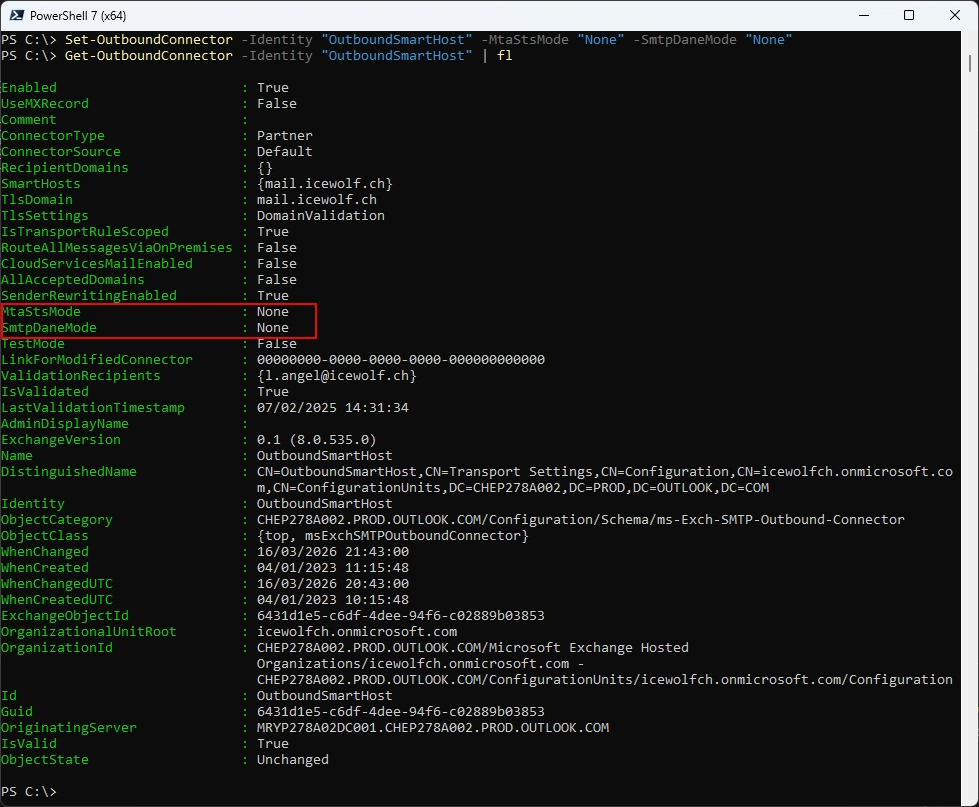
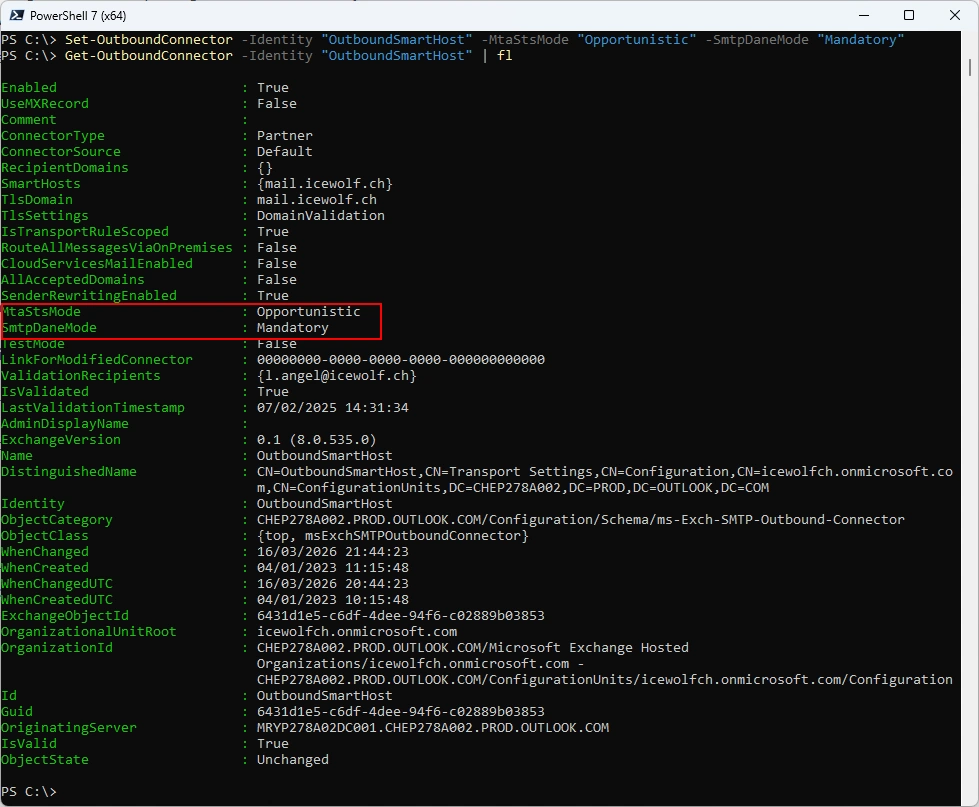
MtaStsMode only upports “Opportunistic” (Default) or “None”. SmtpDaneMode supports “Opportunistic” (Default), “Mandatory” or “None”.
Set-OutboundConnector -Identity "OutboundSmartHost" -MtaStsMode "Opportunistic" -SmtpDaneMode "Mandatory"
Get-OutboundConnector -Identity "OutboundSmartHost" | fl
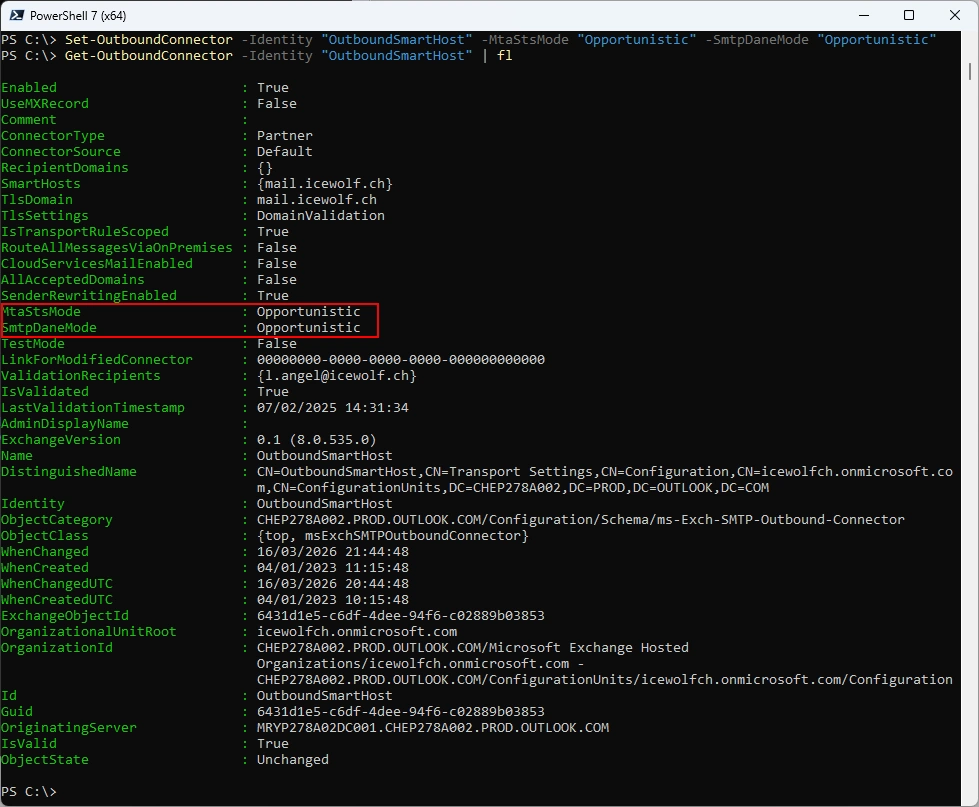
Back to default
Set-OutboundConnector -Identity "OutboundSmartHost" -MtaStsMode "Opportunistic" -SmtpDaneMode "Opportunistic"
Get-OutboundConnector -Identity "OutboundSmartHost" | fl
Summary
I think it’s a good thing that you can configure the DANE and MTA-STS Modes. I also believe it’s a good choice to have the setting on Opporunistic - if the peer supports DANE and MTA-STS it will use the enhanced Security that comes with it. If there are any Problems or temporary Problems, you can now disable it. Or if you don’t want Mails to be sent if DANE is not supported - for example for a Partner connector, you now have the ability to set it to mandatory.
Regards
Andres Bohren
Exchange Logo Security Logo
