
Entra Verified ID Upgrade signing key to become FIPS compliant

Hi All,
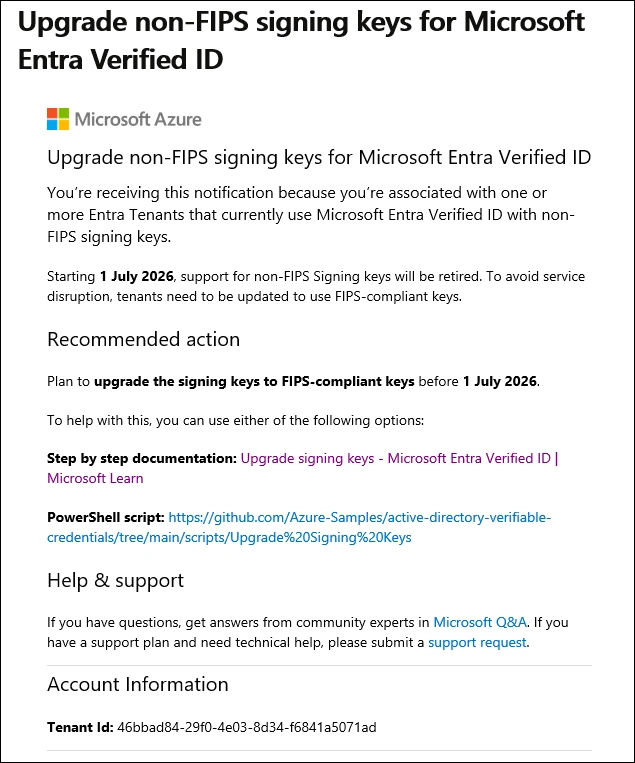
This Morning i was greeted with a Mail from Microsoft, to upgrade my Signing Key of Microsoft Entra Verified Id to a FIPS-compliant key.
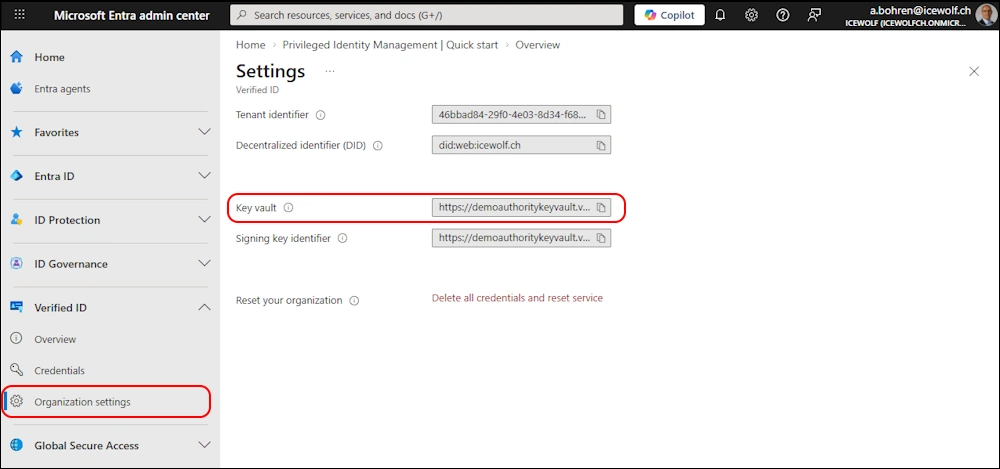
I have used Verified ID Advanced Setup, so the signin Key is in Azure Keyvault
Upgrade
Microsoft offers a Script for the upgrade on GitHub
Prerequisits:
- PowerShell 7+ recommended; Windows PowerShell 5.1 also works
- MSAL.PS module - Installed automatically if missing
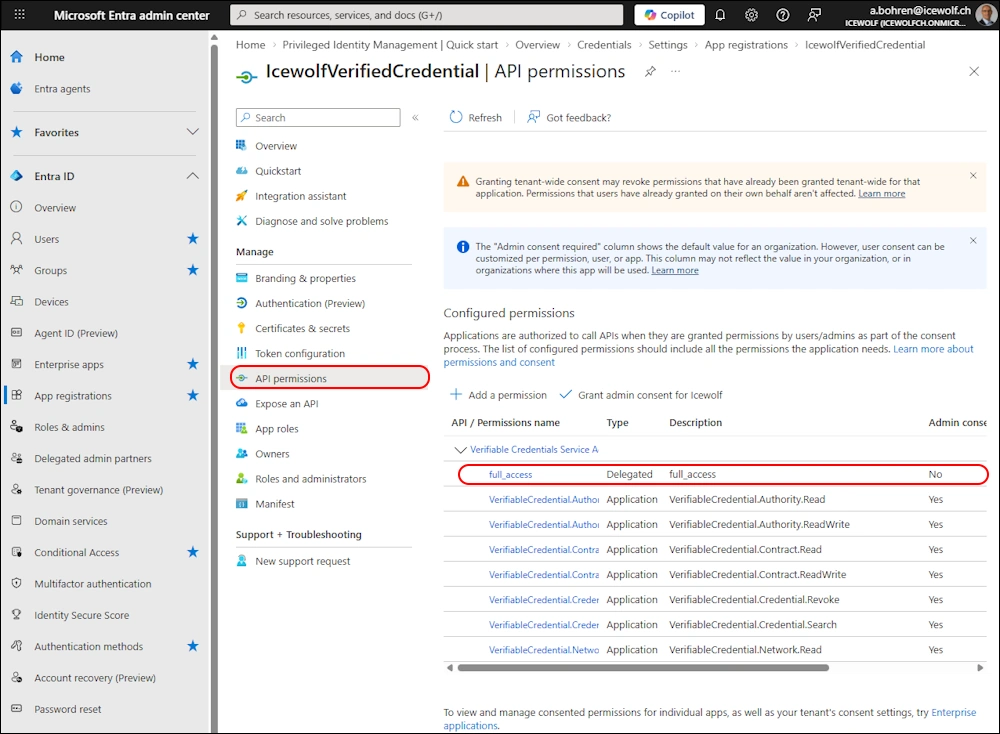
- App registration Must have Verifiable Credentials Service Admin API permission (6a8b4b39-c021-437c-b060-5a14a3fd65f3/full_access)
- Key Vault access - The signing-in user must have permission to create keys in the authority’s Key Vault
- Web server access - Ability to deploy files to https://your-domain/.well-known/
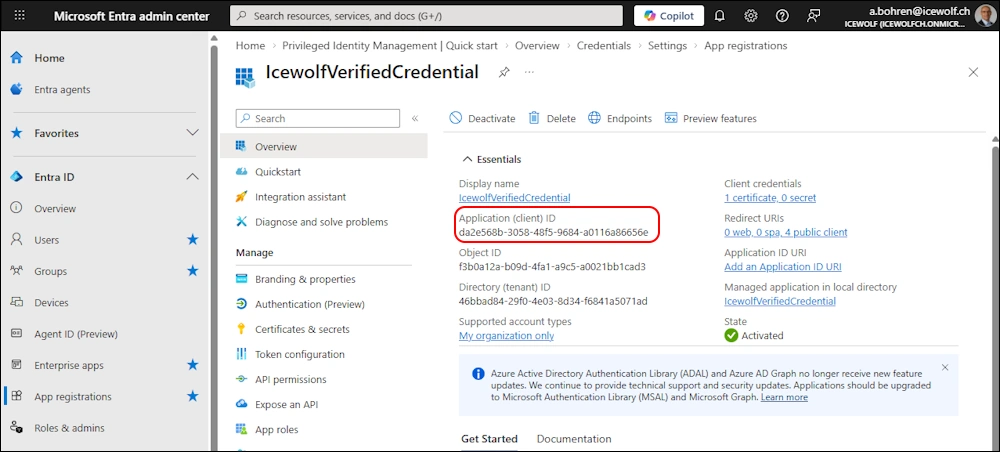
I still have the App with these Permissions from this Blog article
Permissions: Verifiable Credentials Service Admin API permission > full_access
Now we can start the Script
.\Upgrade-SigningKey.ps1 -TenantId "icewolfch.onmicrosoft.com" -ClientId "da2e568b-3058-48f5-9684-a0116a86656e"
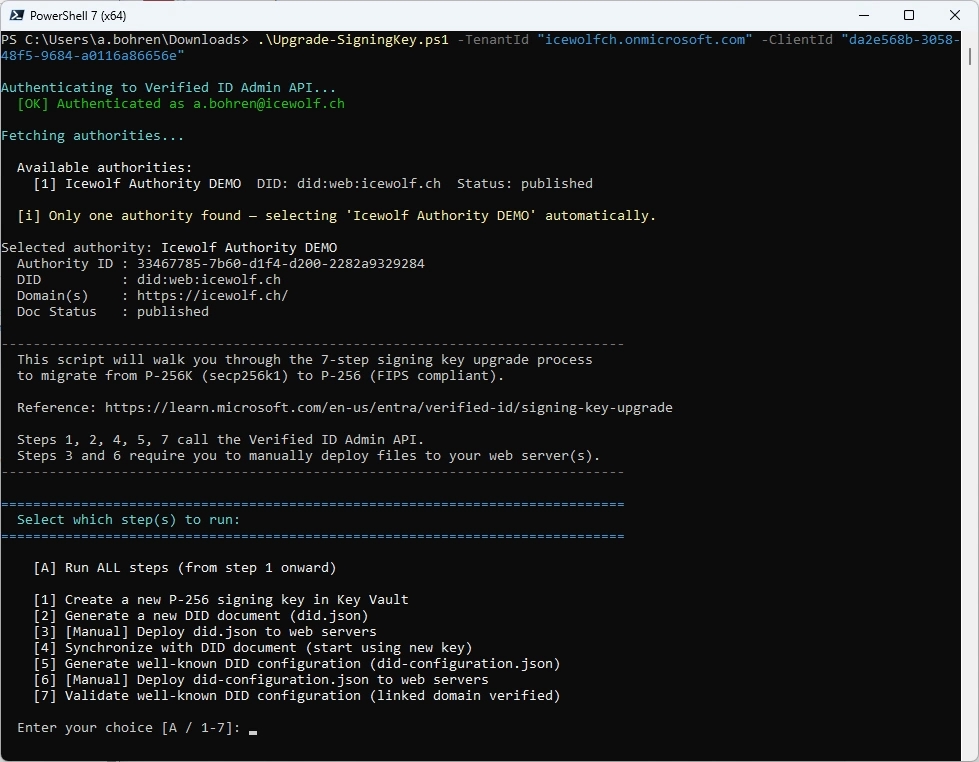
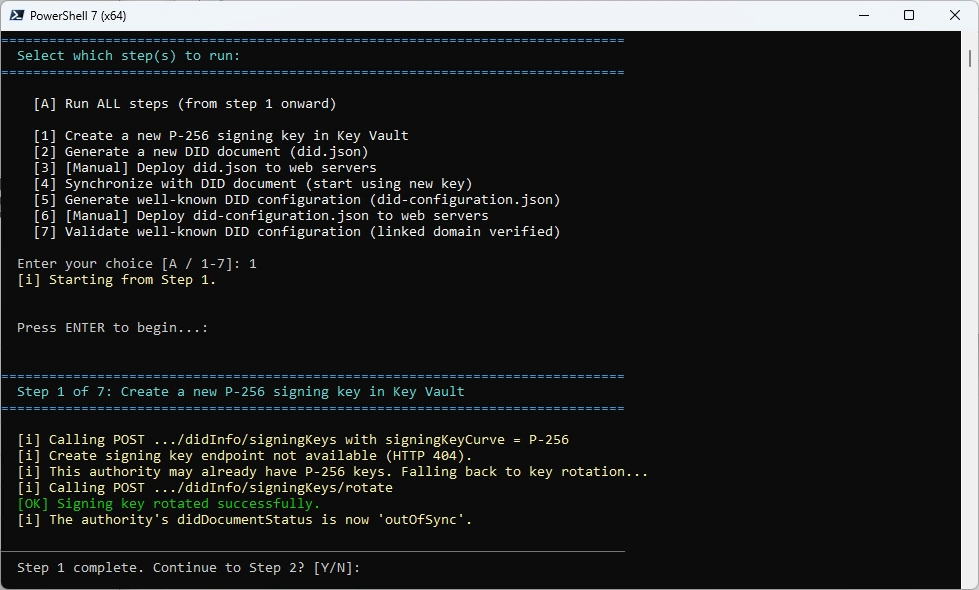
Let’s start with Step 1
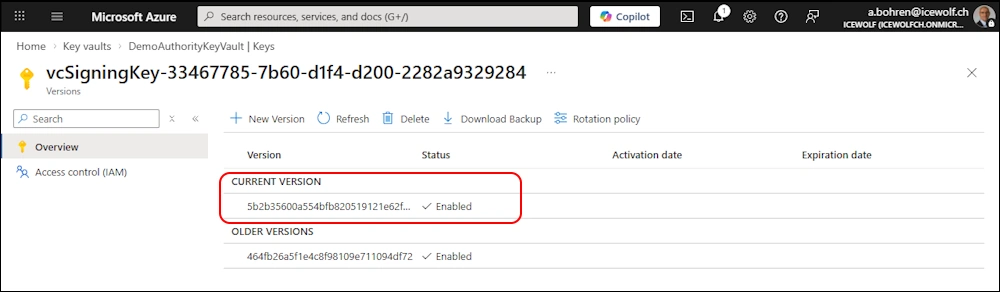
I can see in the Azure Key Vault the Key has been rotated
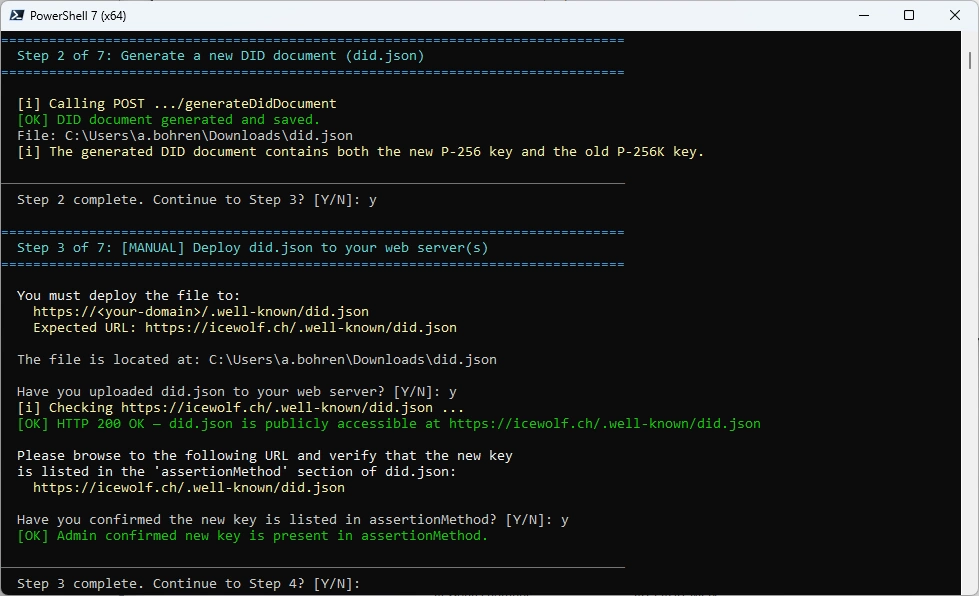
Step 2 and 3
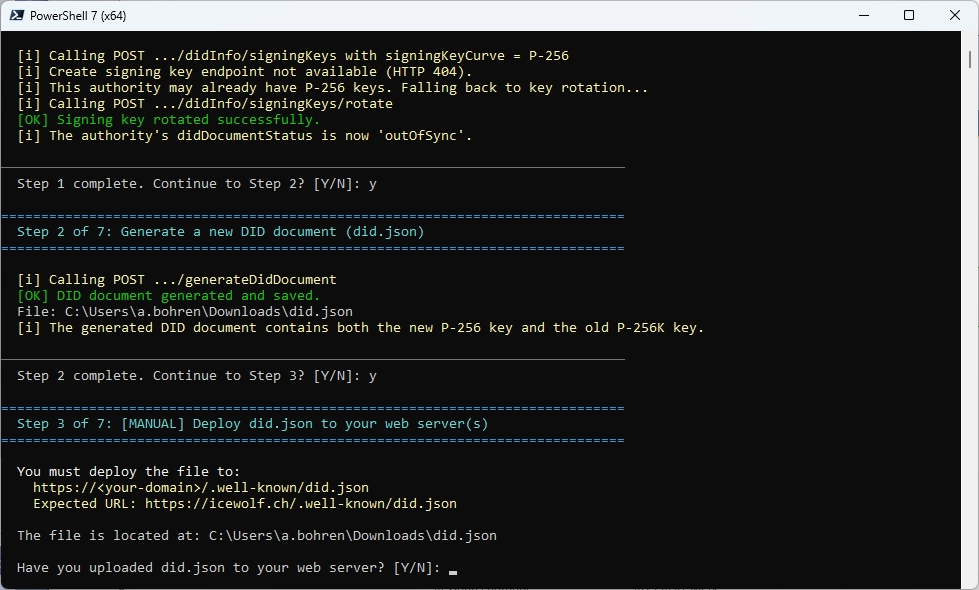
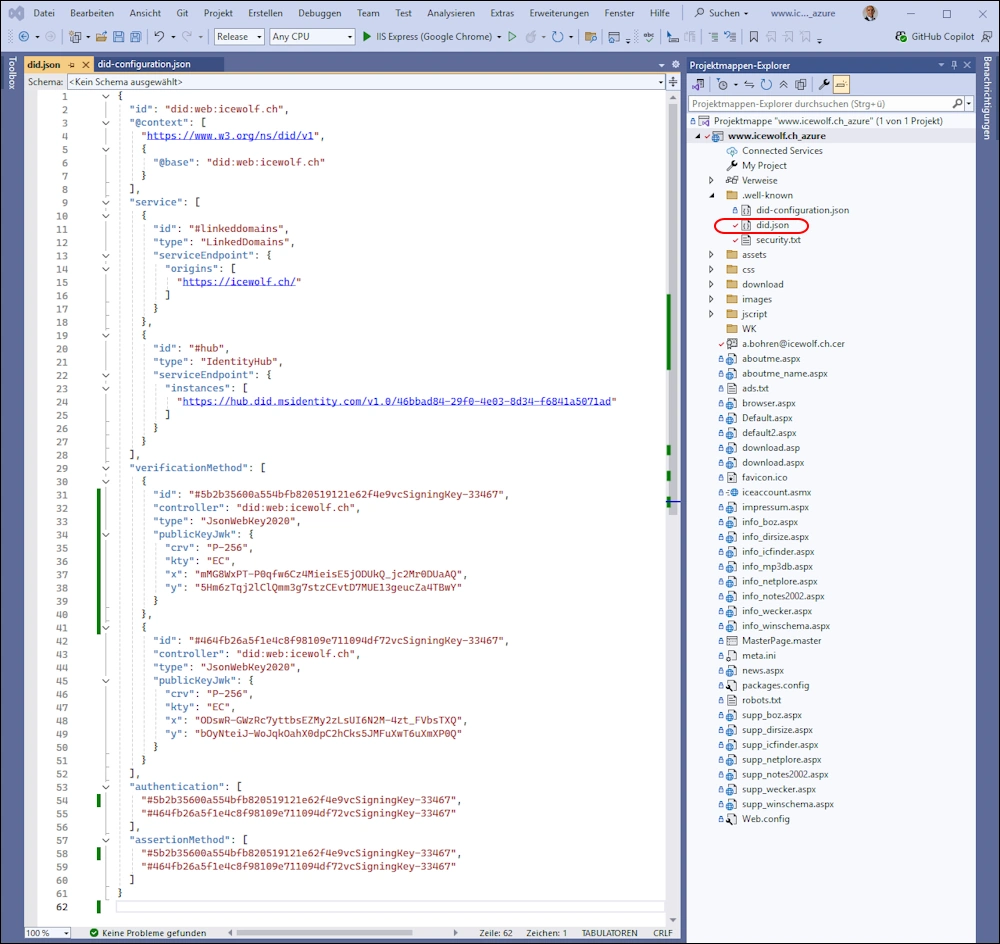
The did.json file has to be published on my Webserver for icewolf.ch. I use Azure App Service and change the did.json here
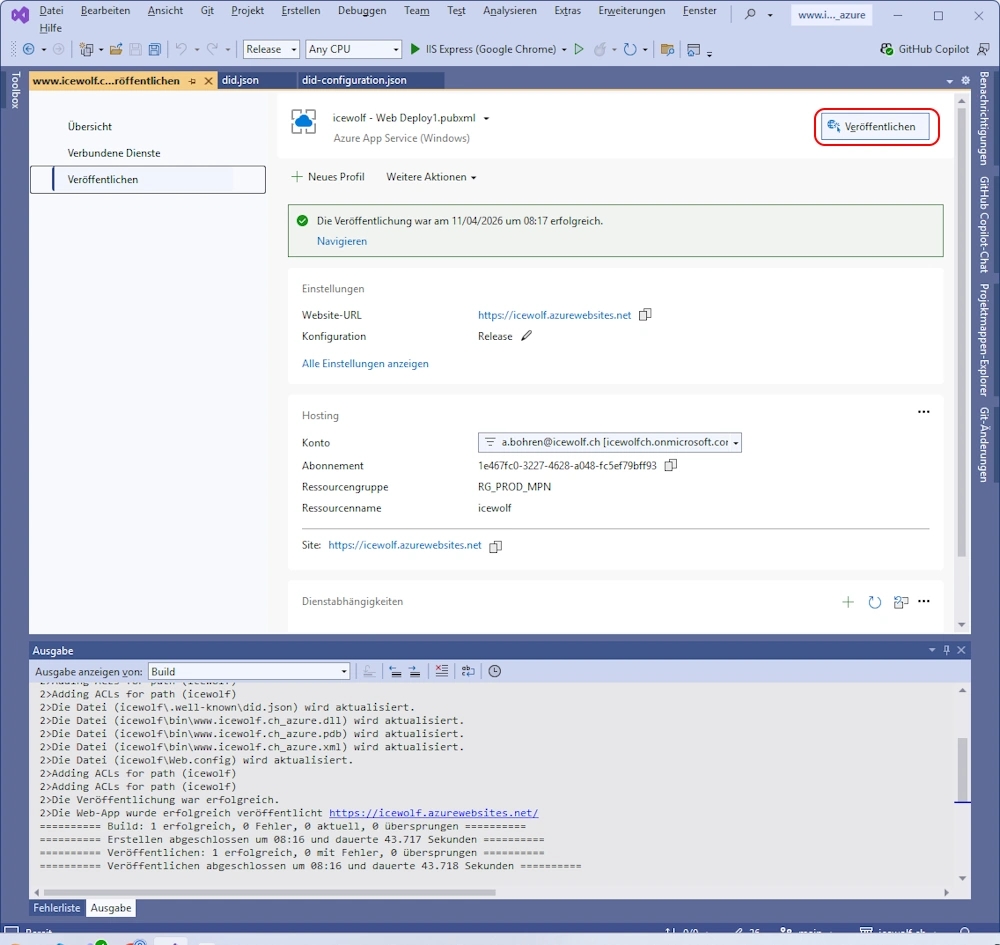
Now the new Version of the Website has to be deployed
Next check is on Webserver
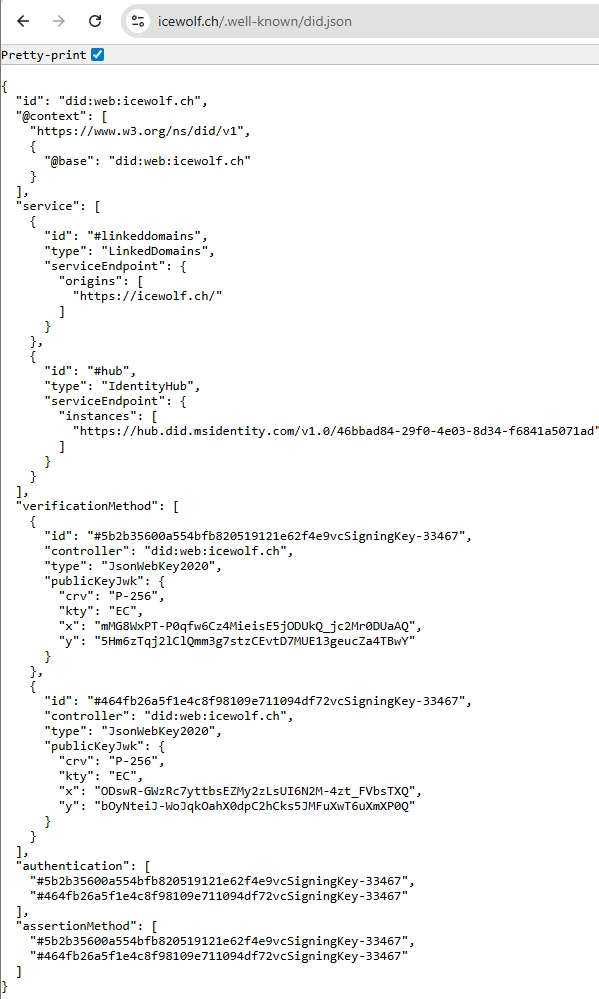
The did.json File has been updated
Now we need to update the did-configuration.json
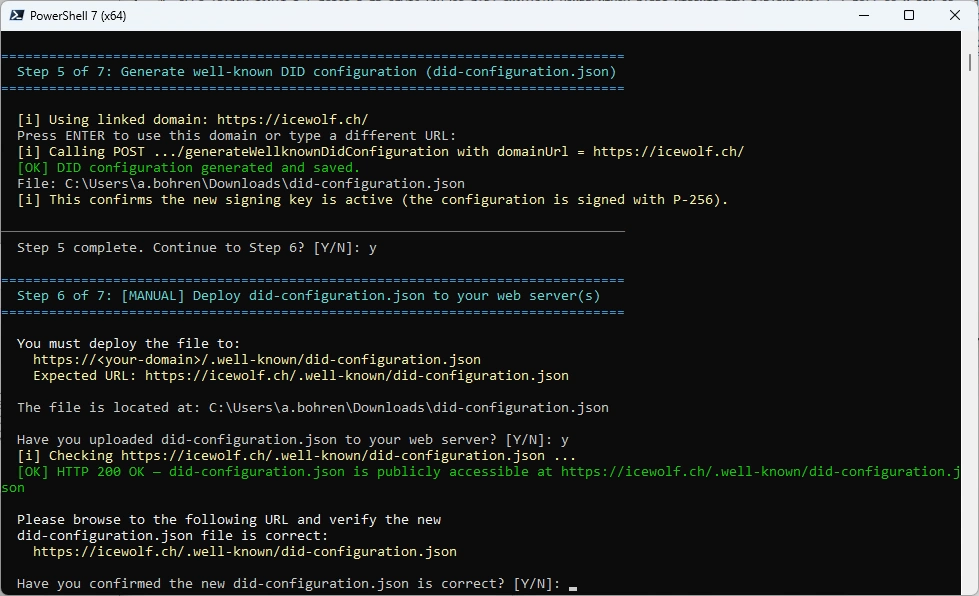
Same procedure here: Update did-configuration.json
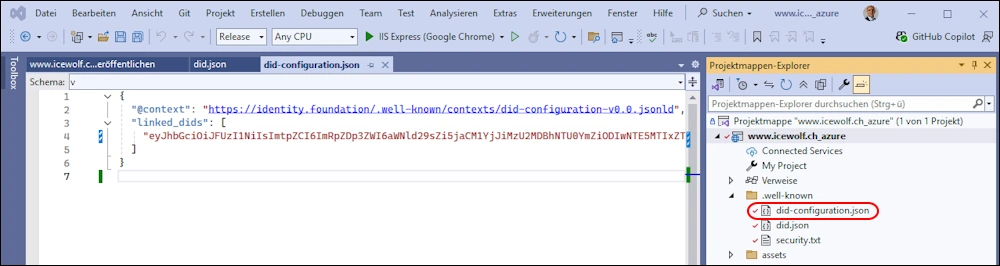
Deploy
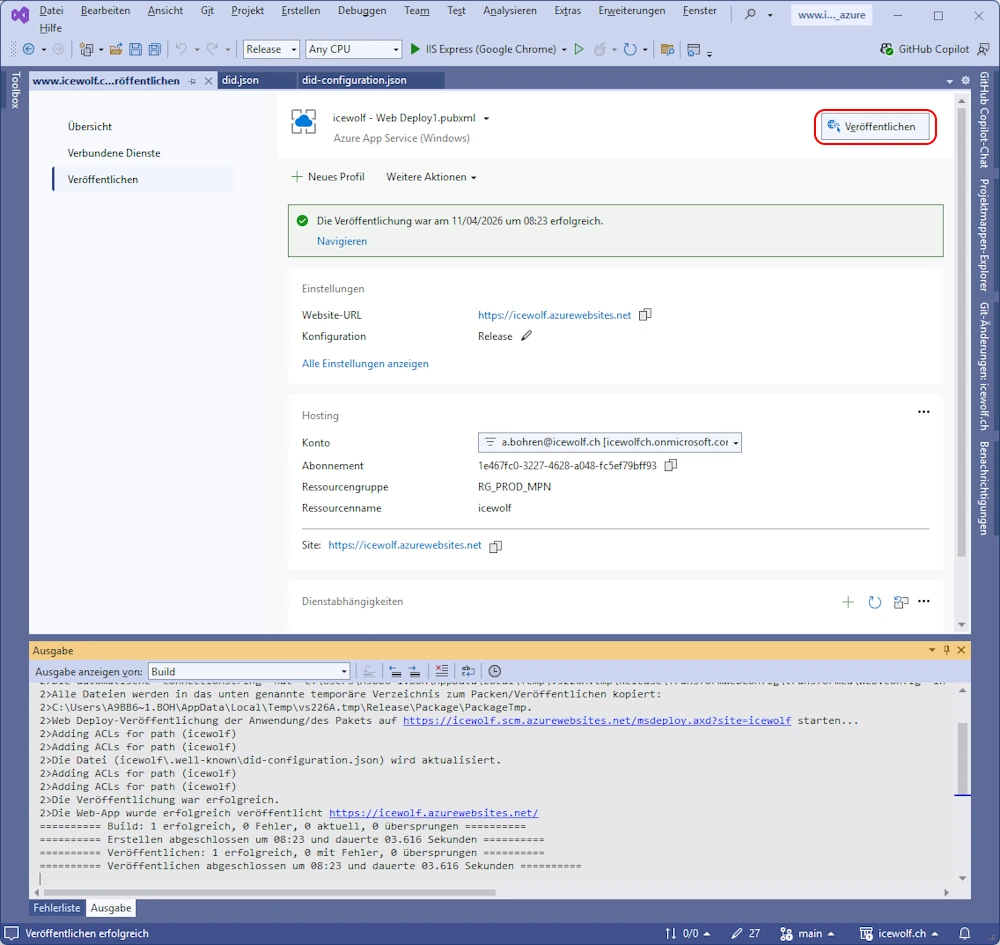
Check on Webserver

Validation is called - and that’s it 😎
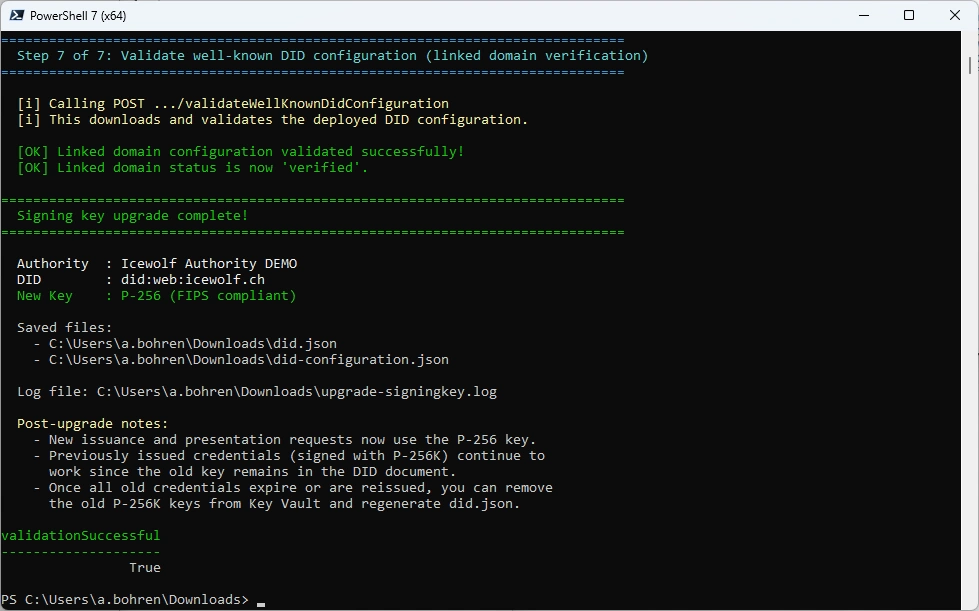
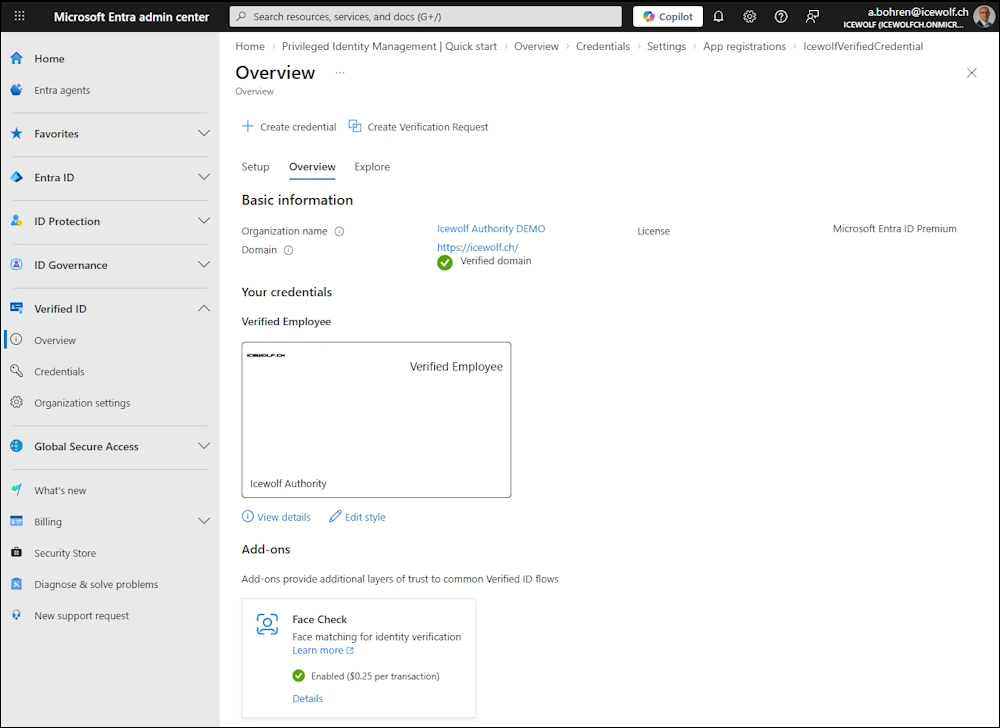
Checking Entra Verified ID and everything still looks fine
Summary
It was a smooth process and did take me less than one hour - despite documenting everything and creating Screenshots.
Regards
Andres Bohren
EntraID Logo PowerShell Logo Security Logo

