
Exchange Server SE SU10 V2 has been released

Hi All,
Yesterday, Microsoft has released the Exchange SE SU10 V2.
- Exchange Team Blog Released: September 2026 V2 Exchange Server Security Updates
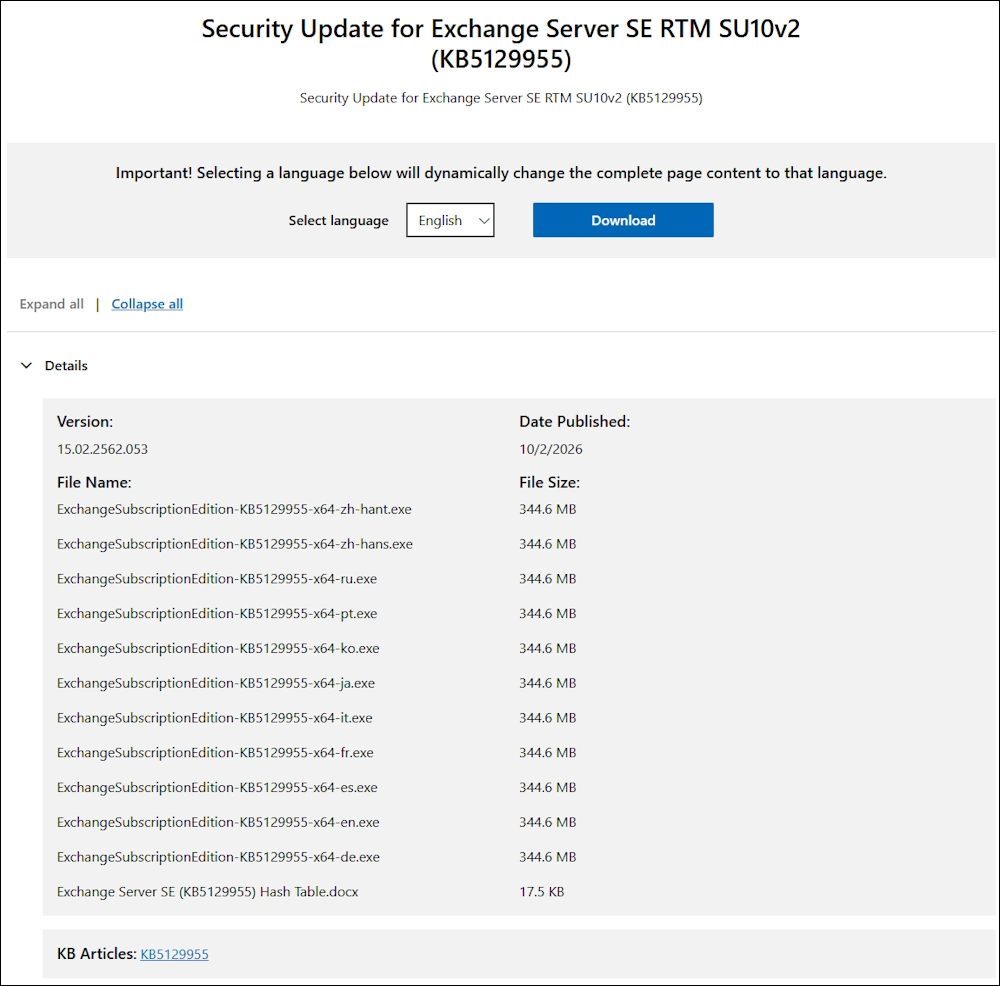
- Description of version 2 of the security update for Microsoft Exchange Server Subscription Edition RTM October 2, 2026 (KB5129955)
It fixes the following CVEs
- CVE-2026-96940 - Microsoft Common Vulnerabilities and Exposures
- CVE-2026-55007 - Microsoft Common Vulnerabilities and Exposures
- CVE-2026-69355 - Microsoft Common Vulnerabilities and Exposures
- CVE-2026-69356 - Microsoft Common Vulnerabilities and Exposures
- CVE-2026-69361 - Microsoft Common Vulnerabilities and Exposures
- CVE-2026-69375 - Microsoft Common Vulnerabilities and Exposures
- CVE-2026-69378 - Microsoft Common Vulnerabilities and Exposures
- CVE-2026-69382 - Microsoft Common Vulnerabilities and Exposures
- CVE-2026-69641 - Microsoft Common Vulnerabilities and Exposures
Known issues in this update
- Published calendar (.ics) returns HTTP 500 for calendar applications
- Availability (free/busy) fails for delegated mailboxes in Exchange hybrid deployments that use Graph API only
- A ContentEngine deadlock occurs because of missing Korean WordBreaker rule files
Issues resolved in this update
- Wrapper messages appear in shared mailbox in hybrid environments after installing the June 2026 Security Update
- Availability (free/busy) fails for delegated mailboxes in Exchange hybrid deployments using Graph API only
The Process is simple: Install the SU and the run the Exchange Health Checker
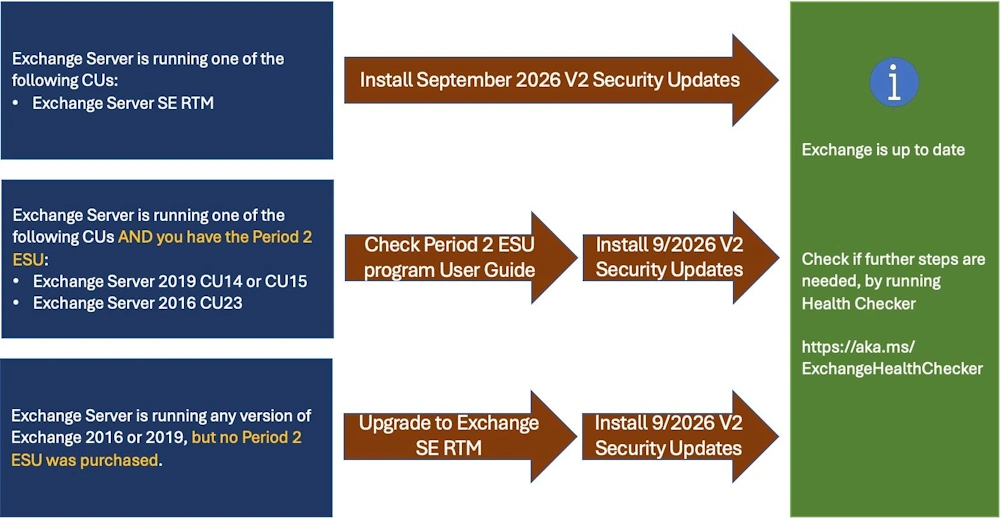
You can download the Security Update here:
Installation
Bevore starting the Installation, i check if there is a pending reboot with a PowerShell Script i’ve wrote
.\Check-PendingReboot.ps1

After a reboot everything looks fine
.\Check-PendingReboot.ps1

Let’s start the Installation
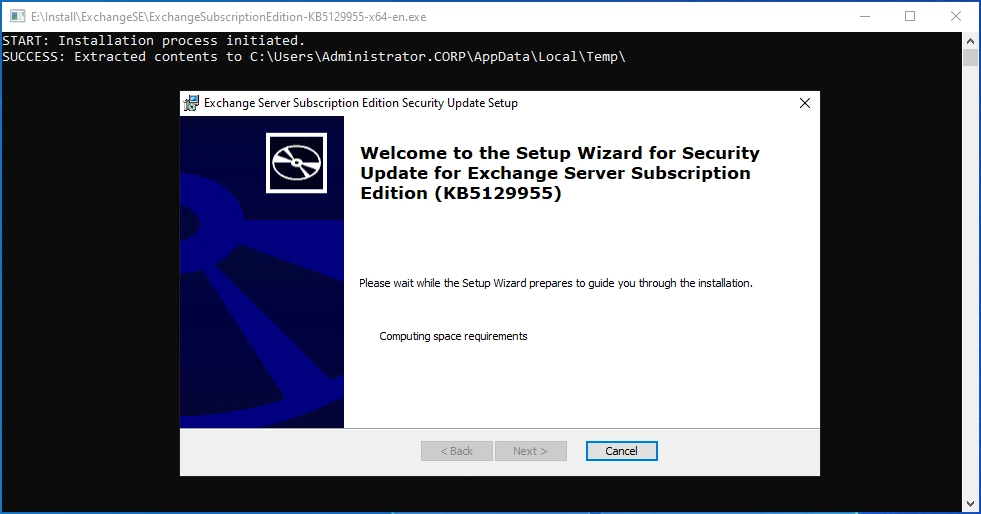
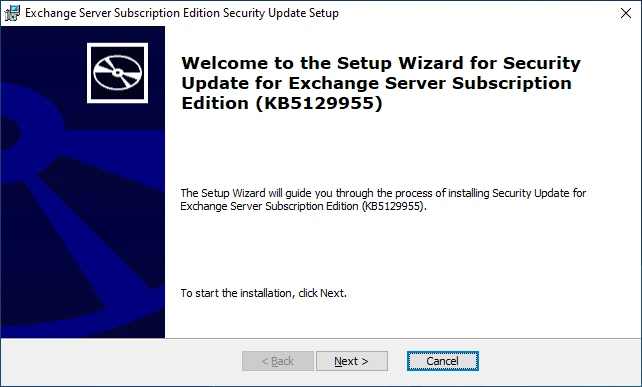
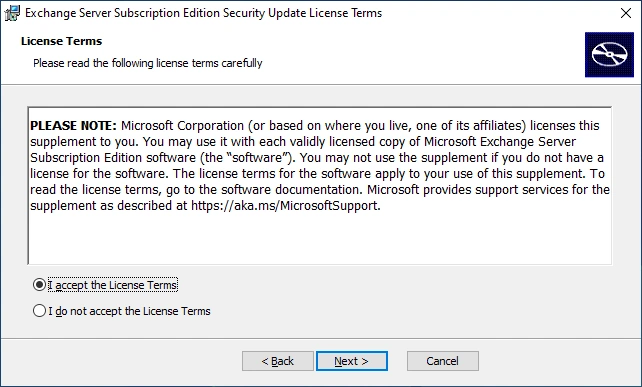
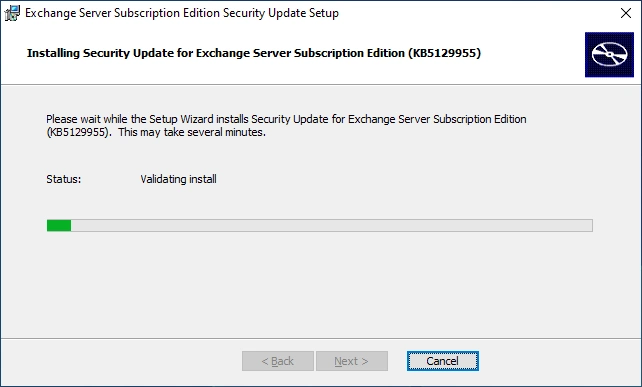
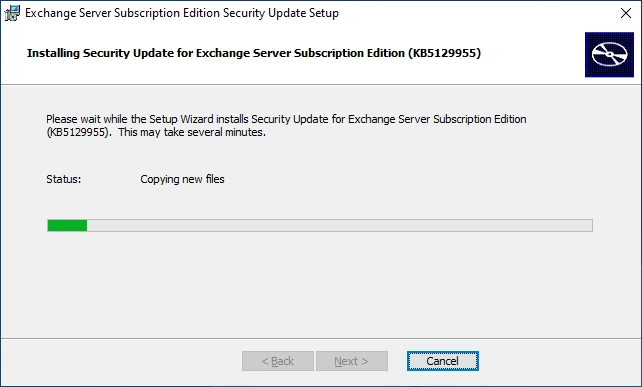
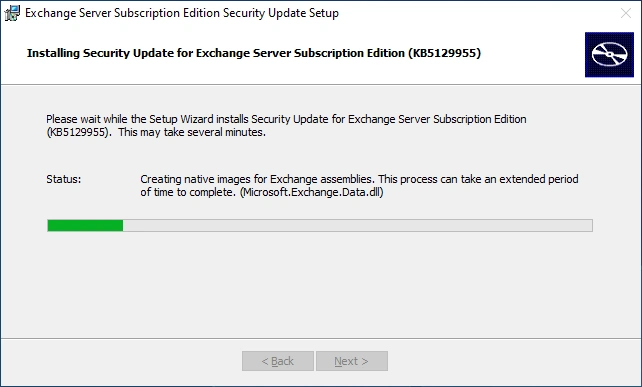
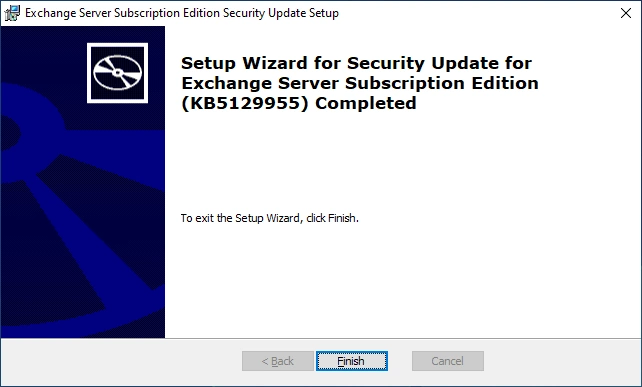
The Installation of the Security Update has successfully completed
Check the Version
Get-Command Exsetup.exe | ForEach-Object {$_.FileVersionInfo}

Check for Pending reboot
.\Check-PendingReboot.ps1

Healthchecker
Microsoft recommends to run the HealthChecker after each Installation. The HealthChecker can be downloaded here:
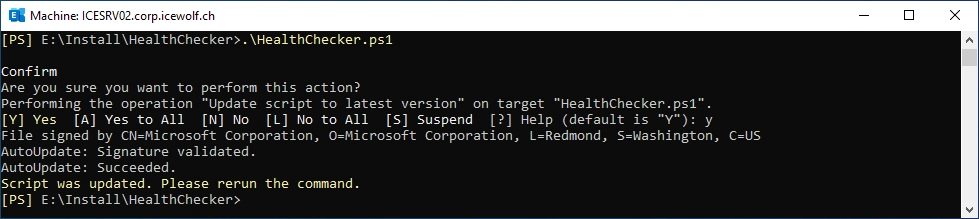
In the first run, the HealthChecker updates the Script
.\HealthChecker.ps1
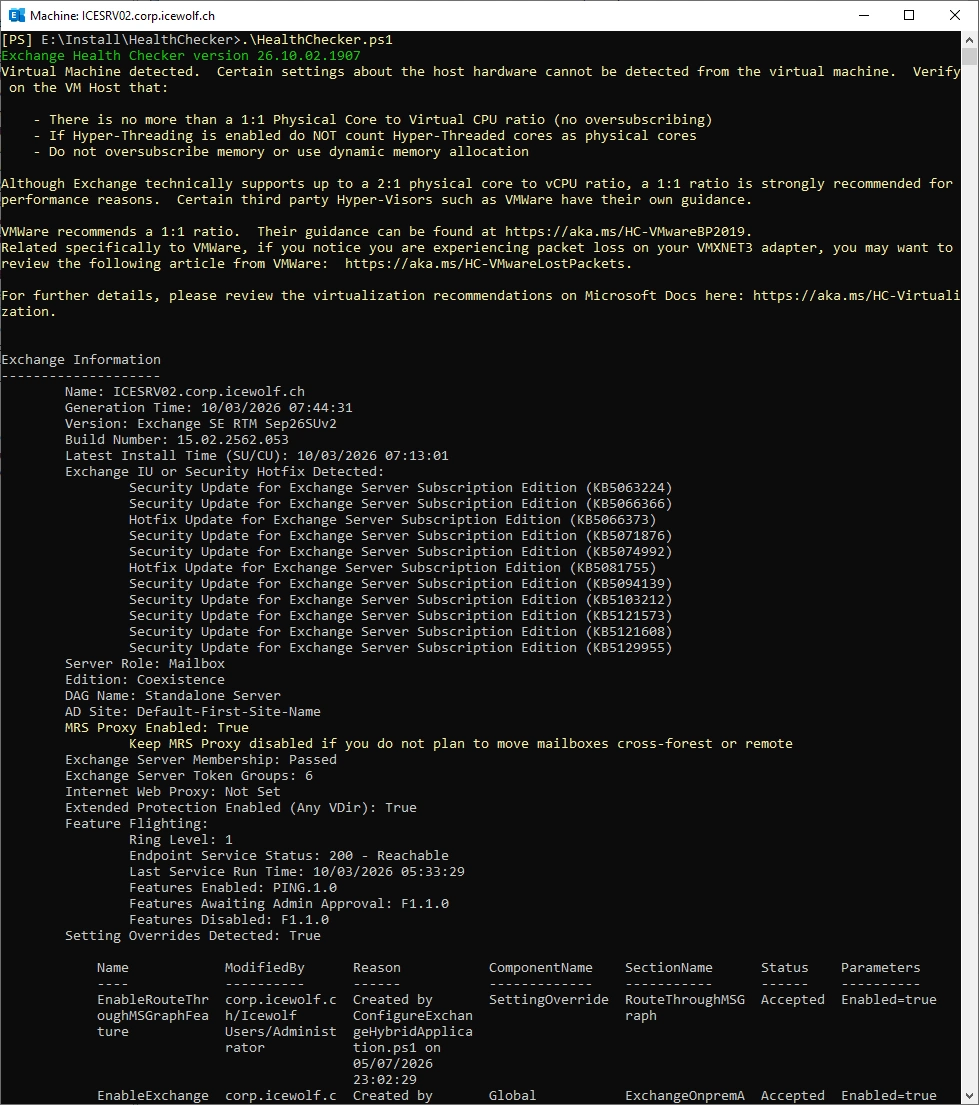
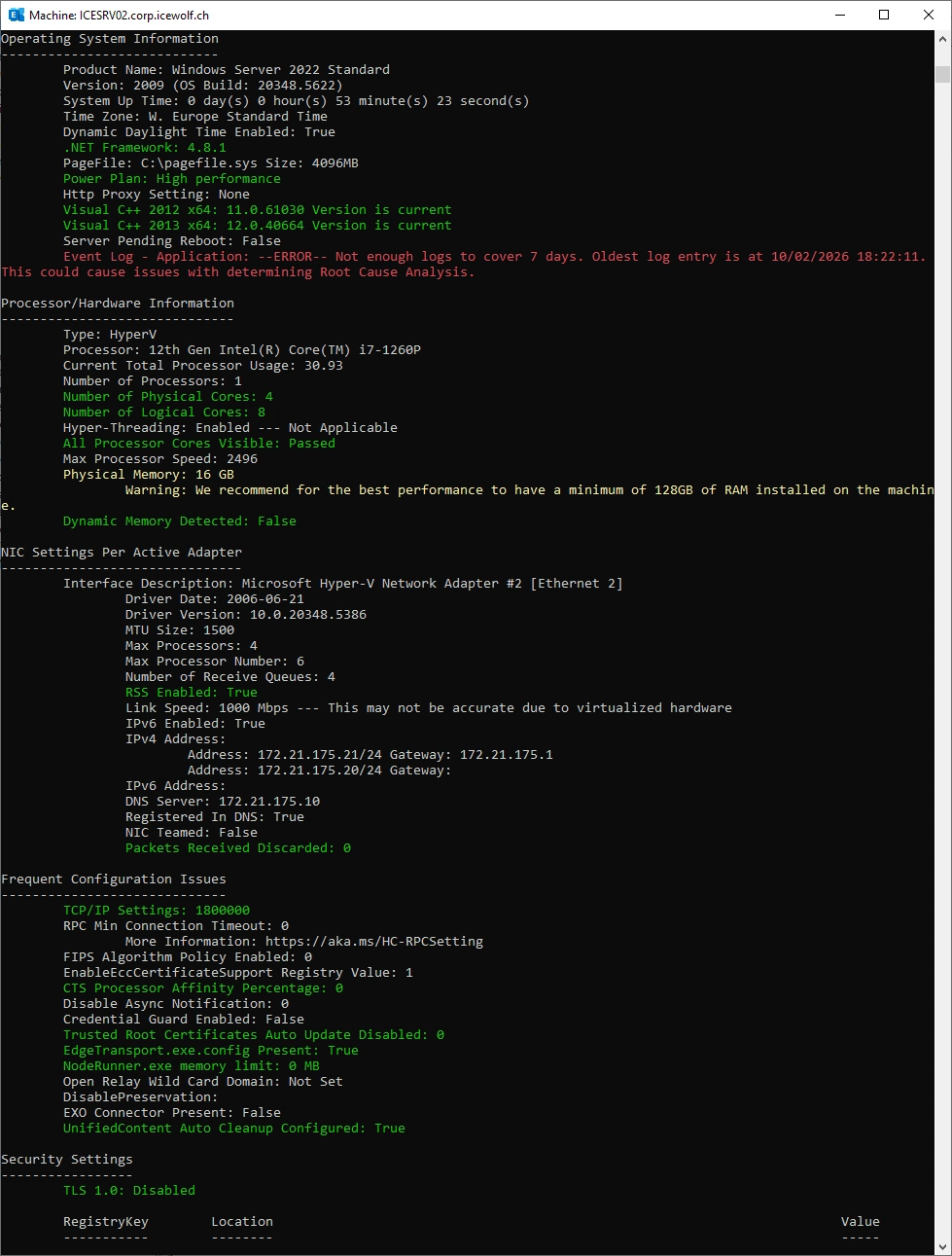
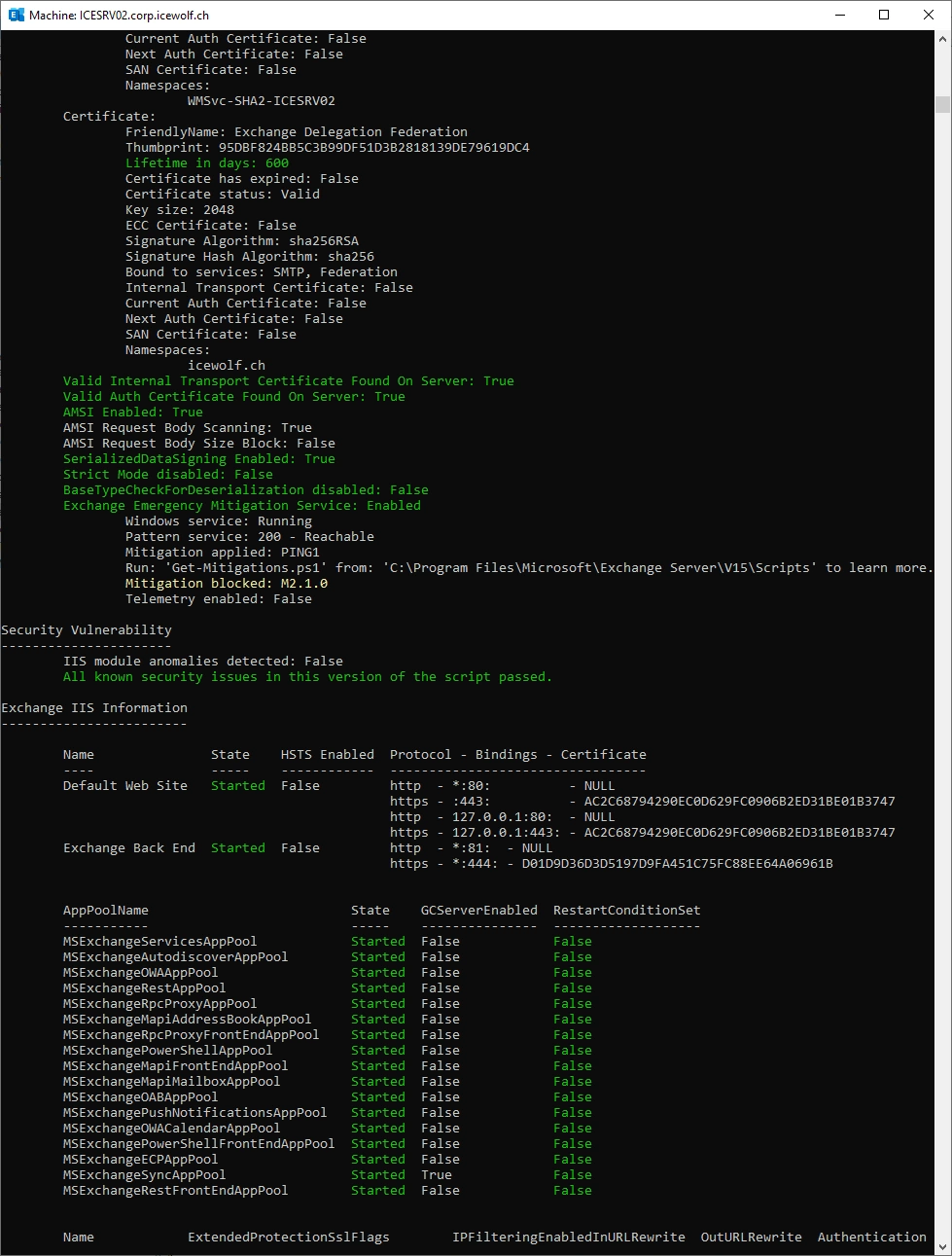
Now we can run the HealthChecker - nothing worring was found
.\HealthChecker.ps1
Happy Exchange patching 😎
Regards
Andres Bohren
Exchange Logo Security Logo
