
Entra Connect Sync 2.6.92 released
Hi All,
Somehow i missed, that Microsoft has released the Entra Connect Sync Version 2.6.92.0.
I’ve blogged about Entra Connect Sync 2.6.91 a few weeks ago.
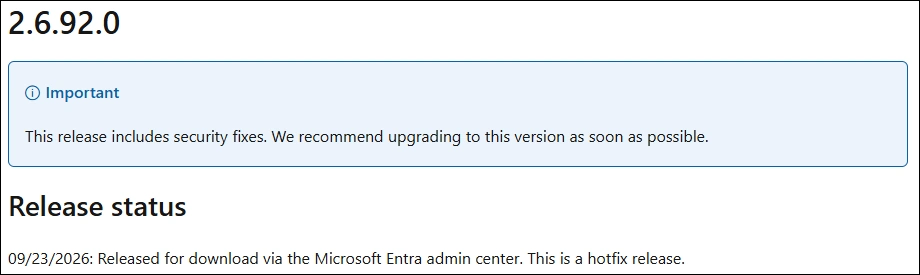
Check current version
#Version
(Get-Item "C:\Program Files\Microsoft Azure AD Sync\Bin\miiserver.exe").VersionInfo

Download
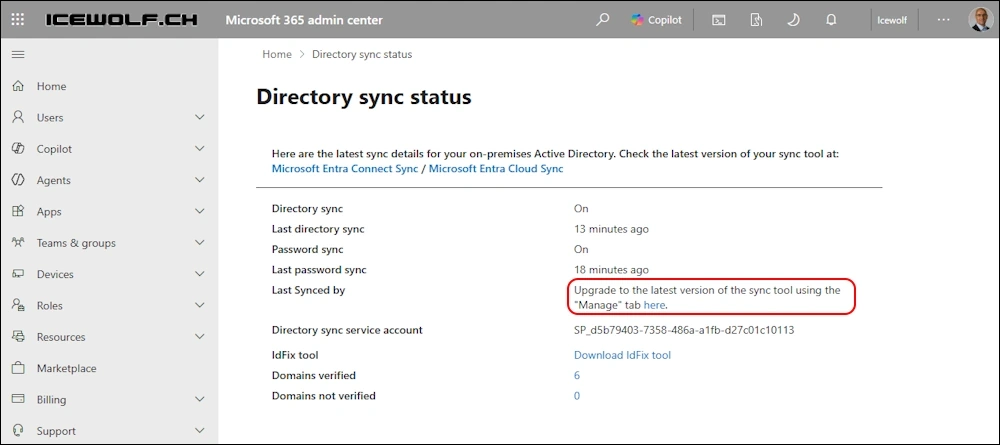
The easiest way is to check Entra Connect Sync in M365 Admin Center Directory sync status and use the Link there
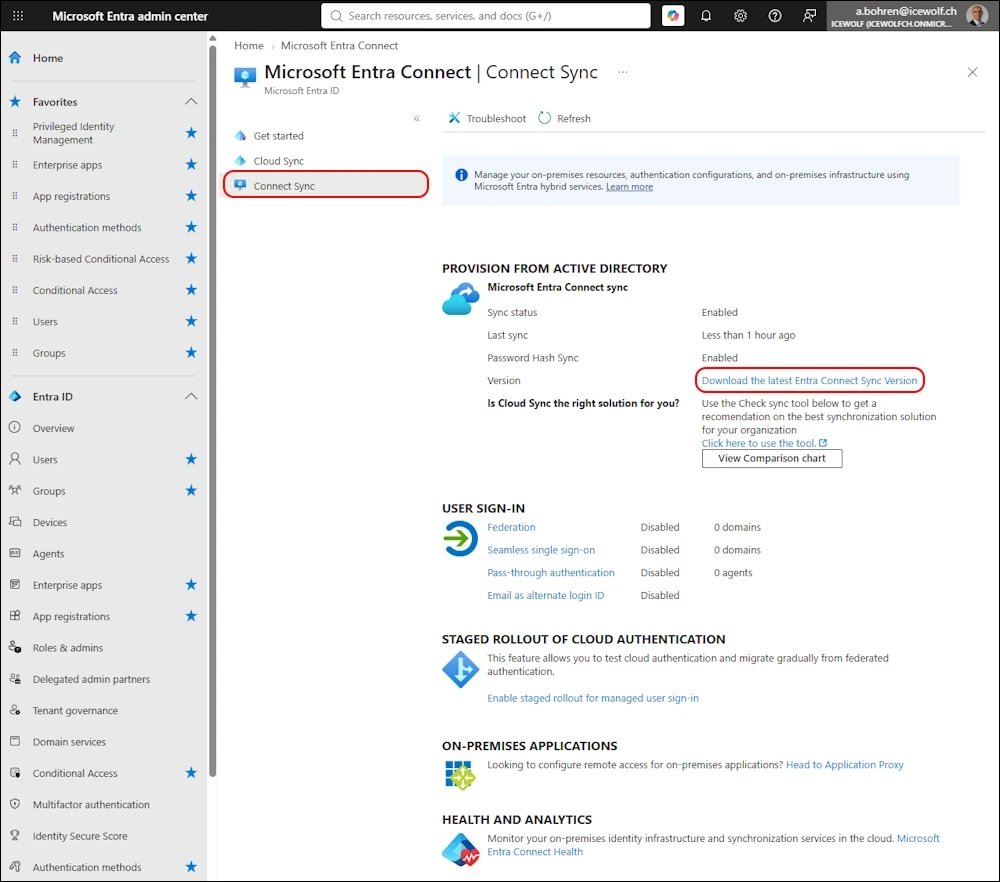
Or go to the Entra Admin Portal and find it there Entra Admin Center > Identity > Entra Connect > Entra Connect Sync Download the latest Entra Connect Sync Version
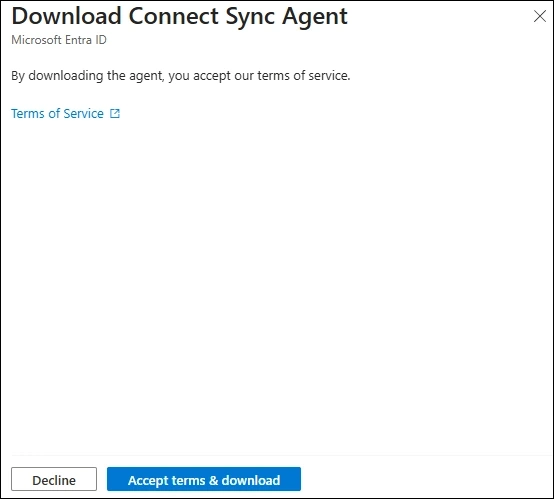
If you click on the Download Link you have to click on the “Accept terms & download” Button. It will download AzureAdConnect.msi 😂
Another missed chance to rename the Downloaded File 😉
Upgrade
After downloading the AzureAdConnect.msi you need to run it
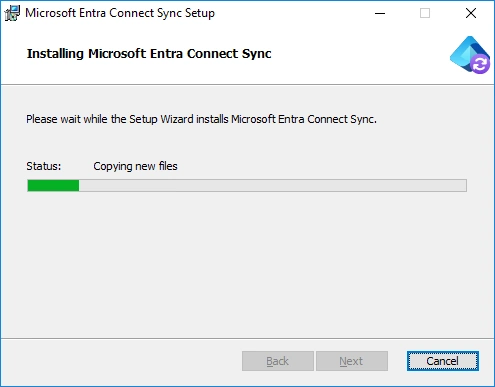
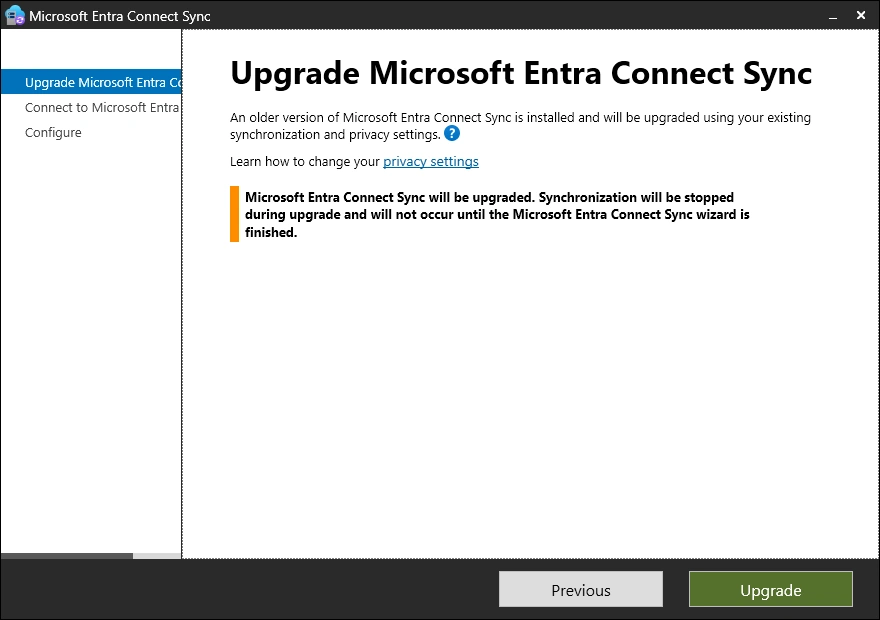
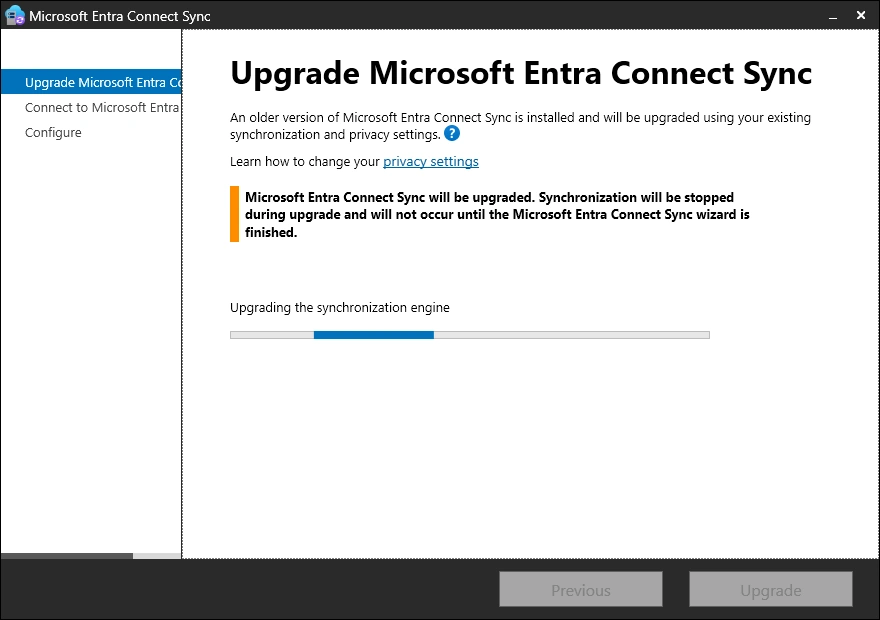
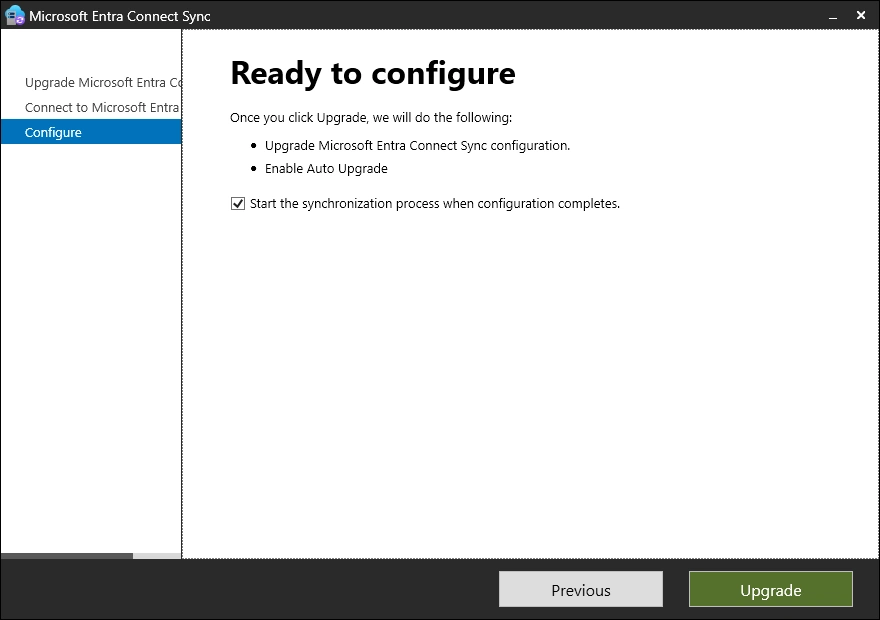
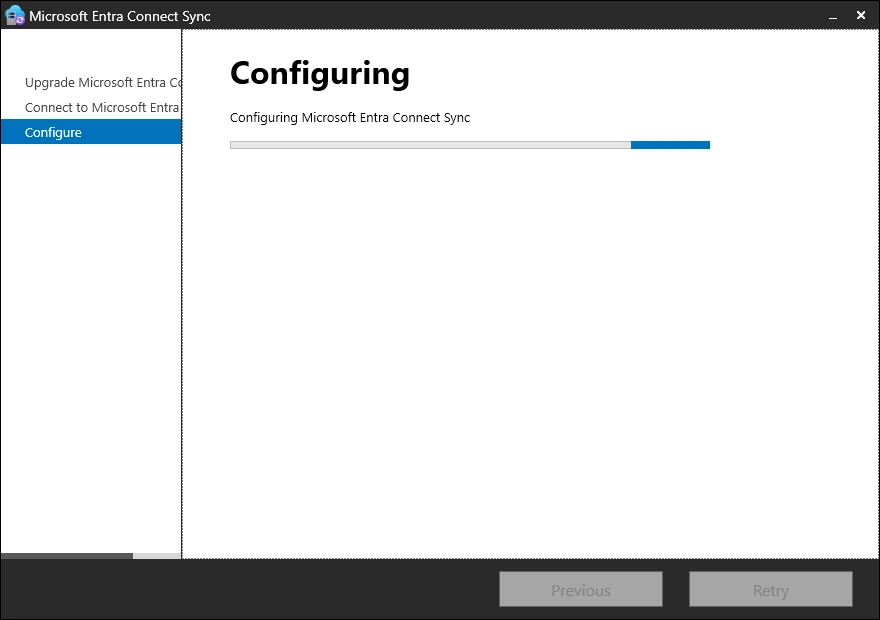
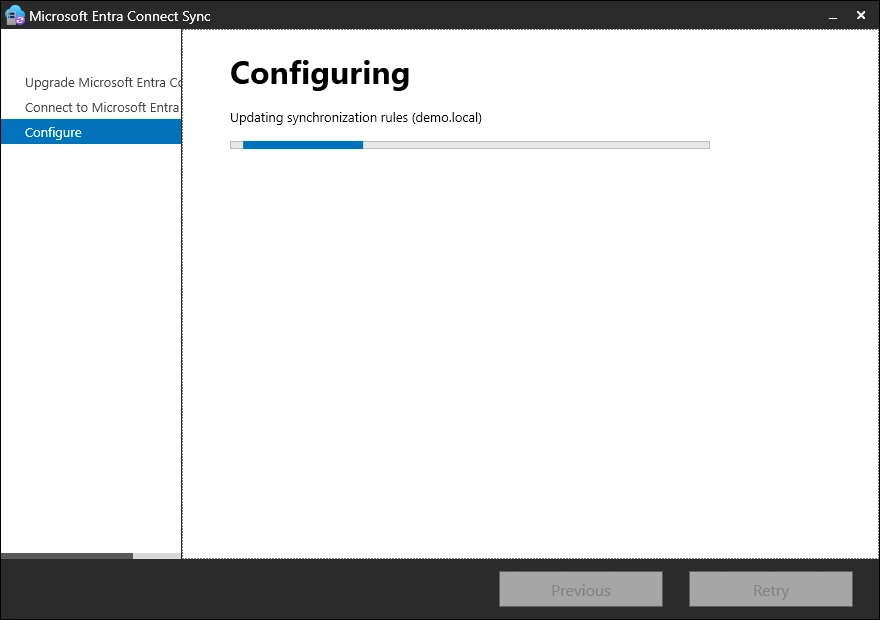
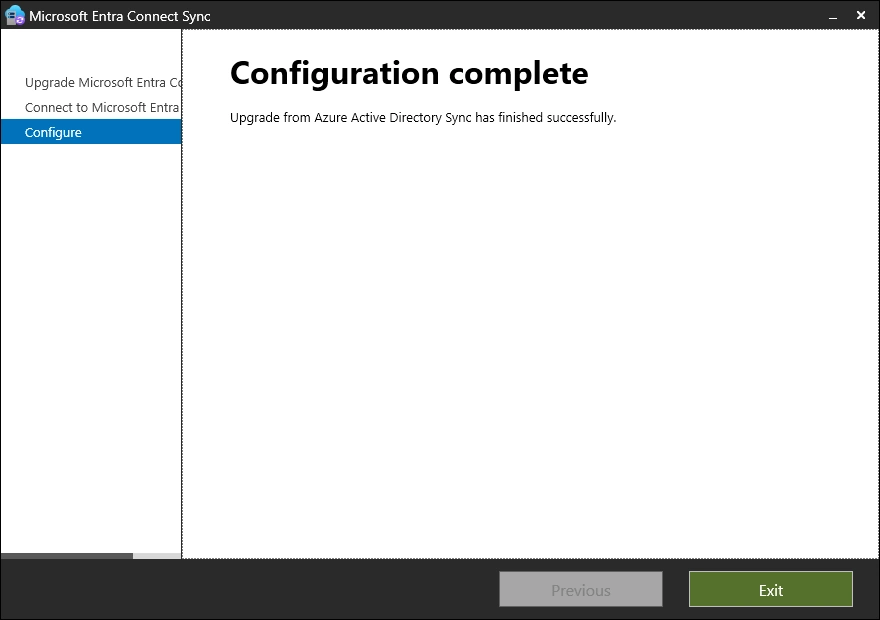
Upgrade was successful
Checks
Let’s check the Version after the Installation
#Version
(Get-Item "C:\Program Files\Microsoft Azure AD Sync\Bin\miiserver.exe").VersionInfo

Check the AutoUpgrade Setting is set to Enabled
#Autoupgrade
Get-ADSyncAutoUpgrade
Get-ADSyncAutoUpgrade -Detail

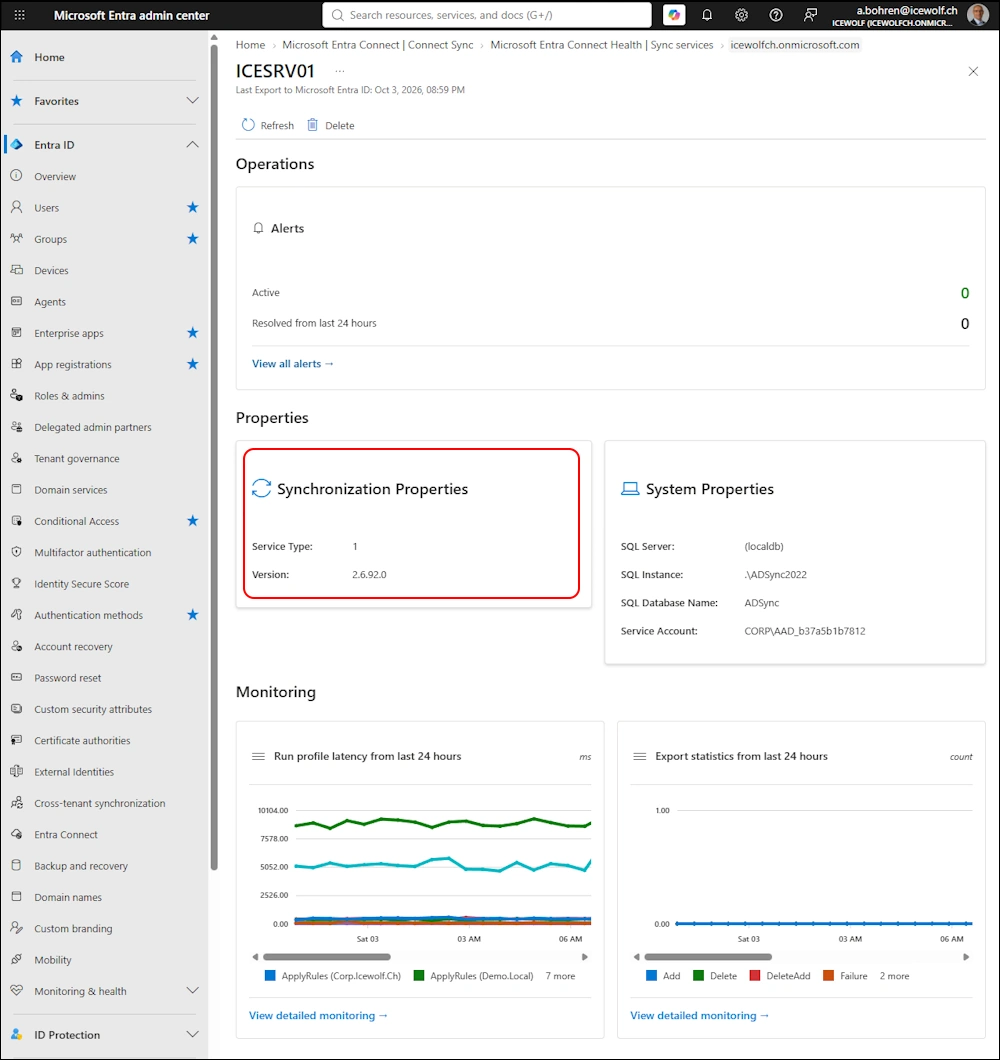
Check Entra
It takes a while to update the Version Number in Entra.
It seems this part of Entra has been overhauled
Regards
Andres Bohren
EntraID Logo