
Manage Linux with Azure Arc

Hi All,
I’ve blogged about Azure Arc a while ago.
Now i’ve upgraded my Linux Firewall from Rocky 9.4 to Rocky 10.2
While installing the new Server i’ve:
- Migrated the iptables Rules to firewalld with Copilot
- Installed PowerShell 7
Before it was a CentOS 8 Machine an i’ve blogged about that too.
Install ARC on Linux
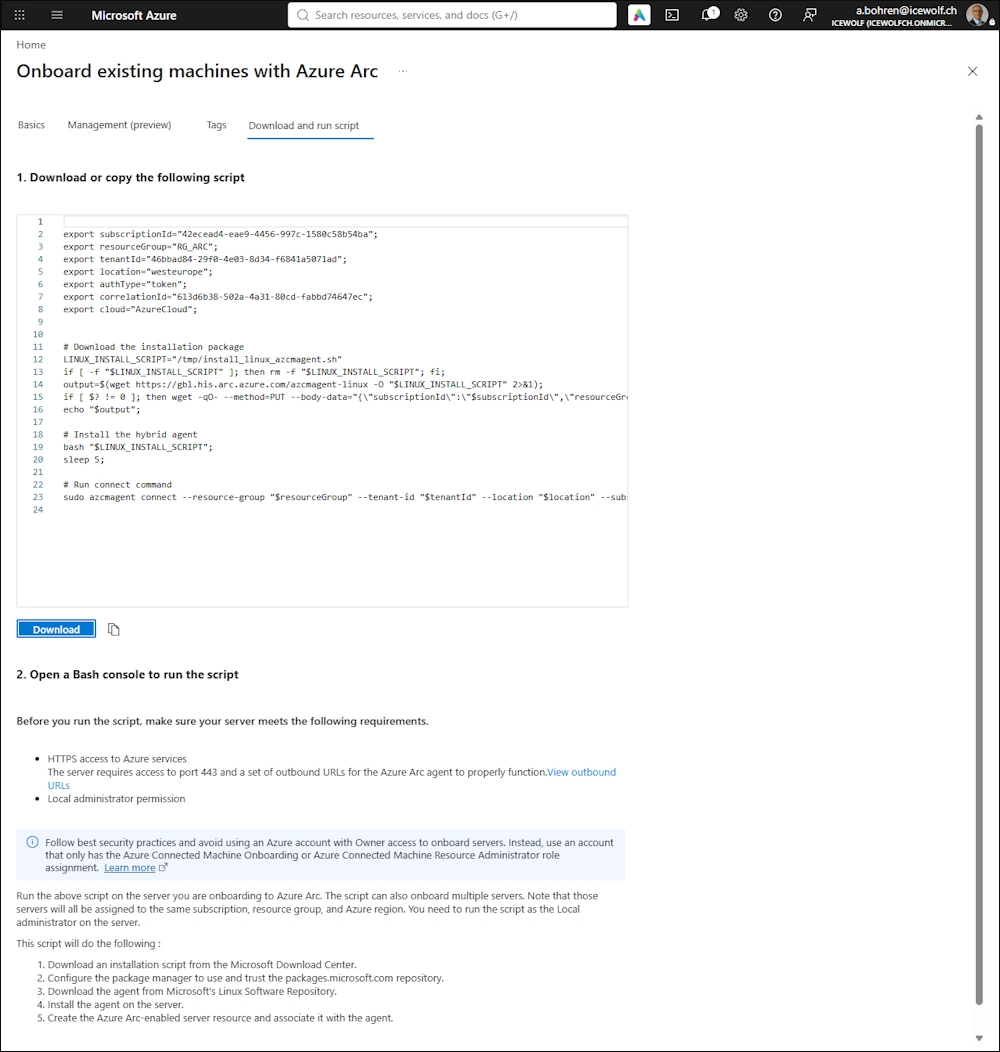
You can create a Creation Script on Azure to install the Agent on Linux
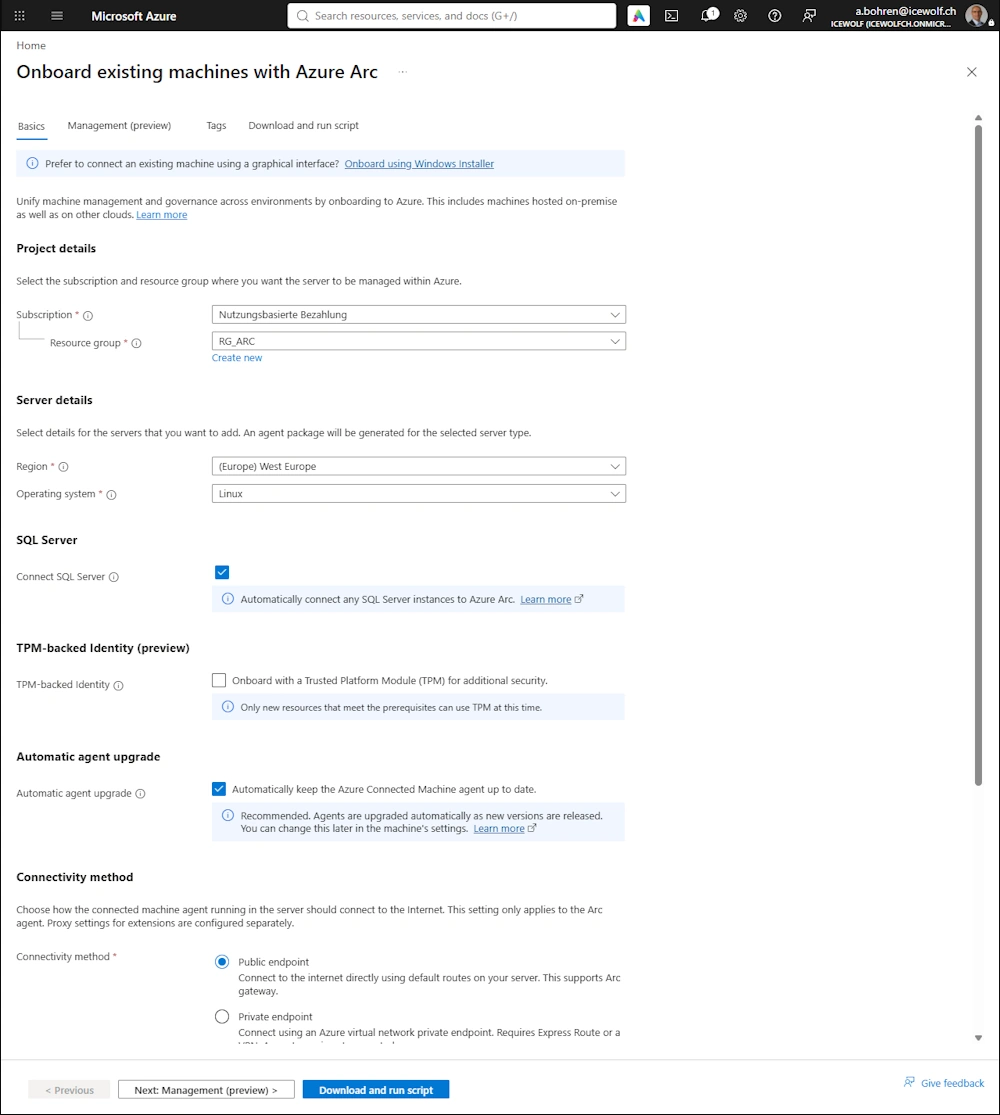
Installation Script
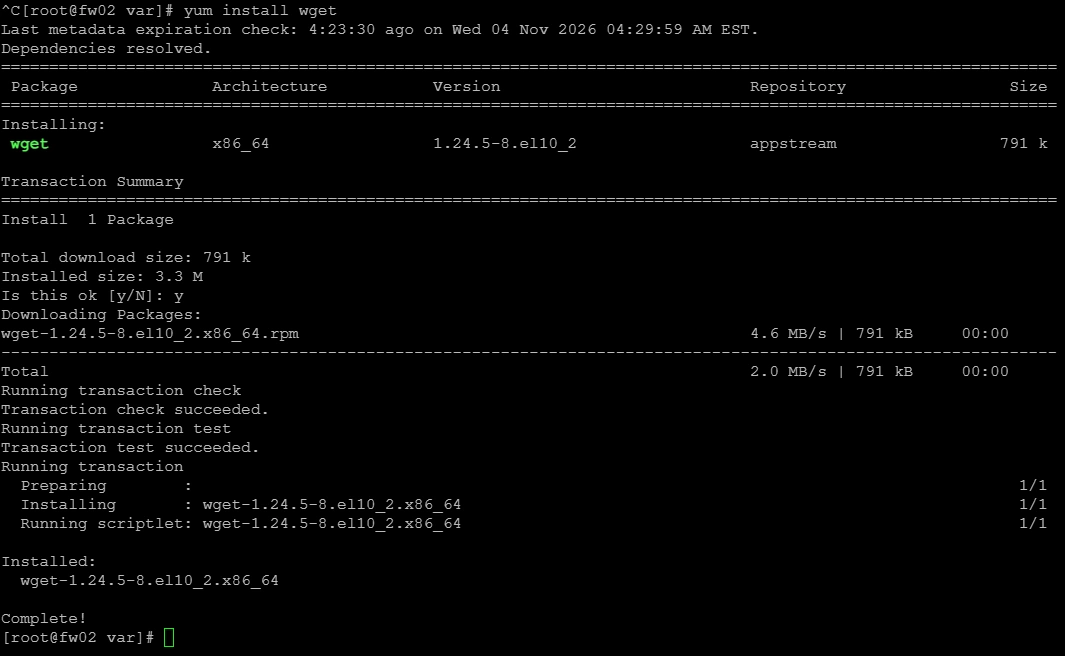
Make sure you have installed wget
yum install wget
Create an installARC.sh and paste the Script and make it executable
vi installARC.sh
chmod +x installARC.sh

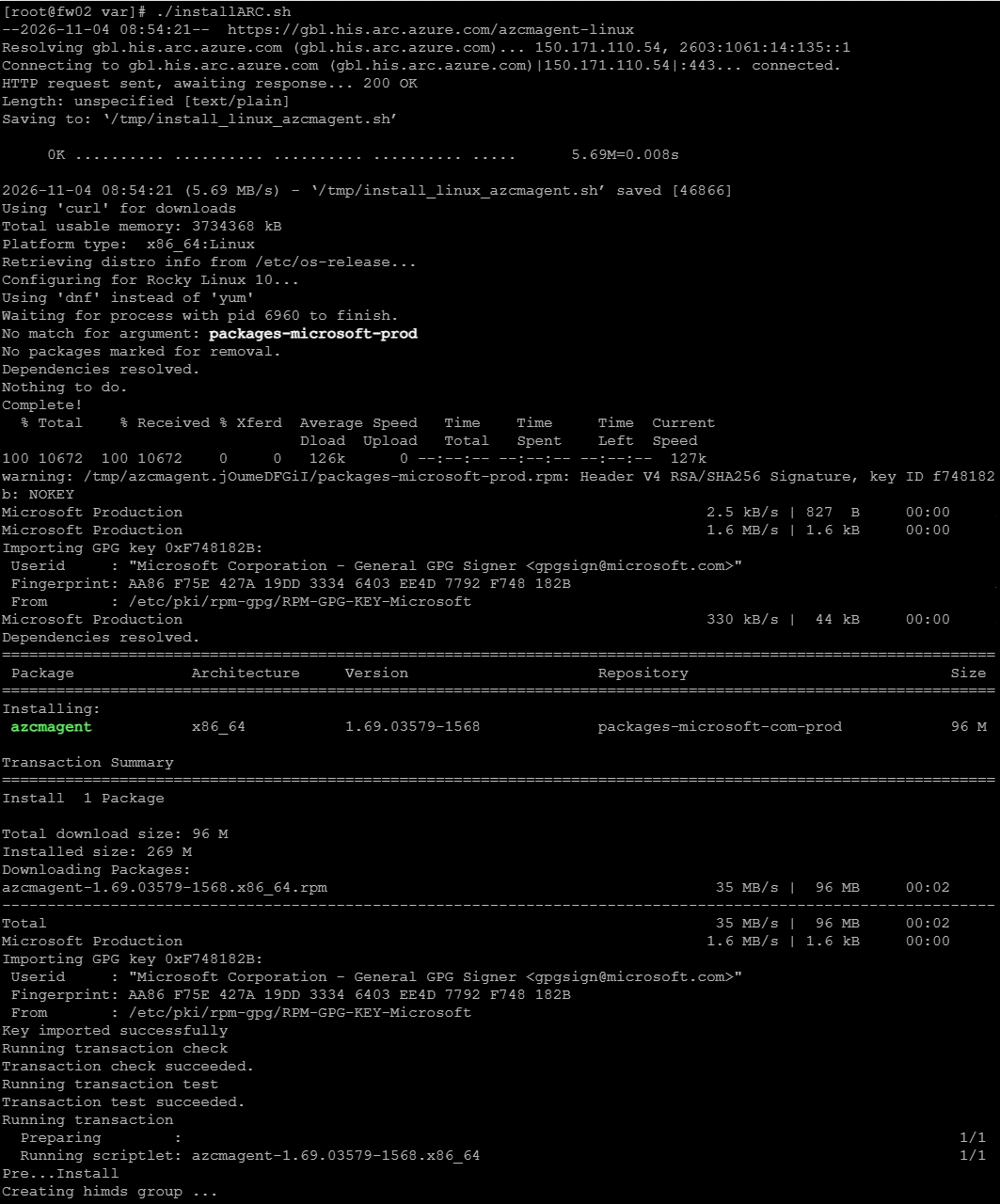
Execute the install Script
./installARC.sh
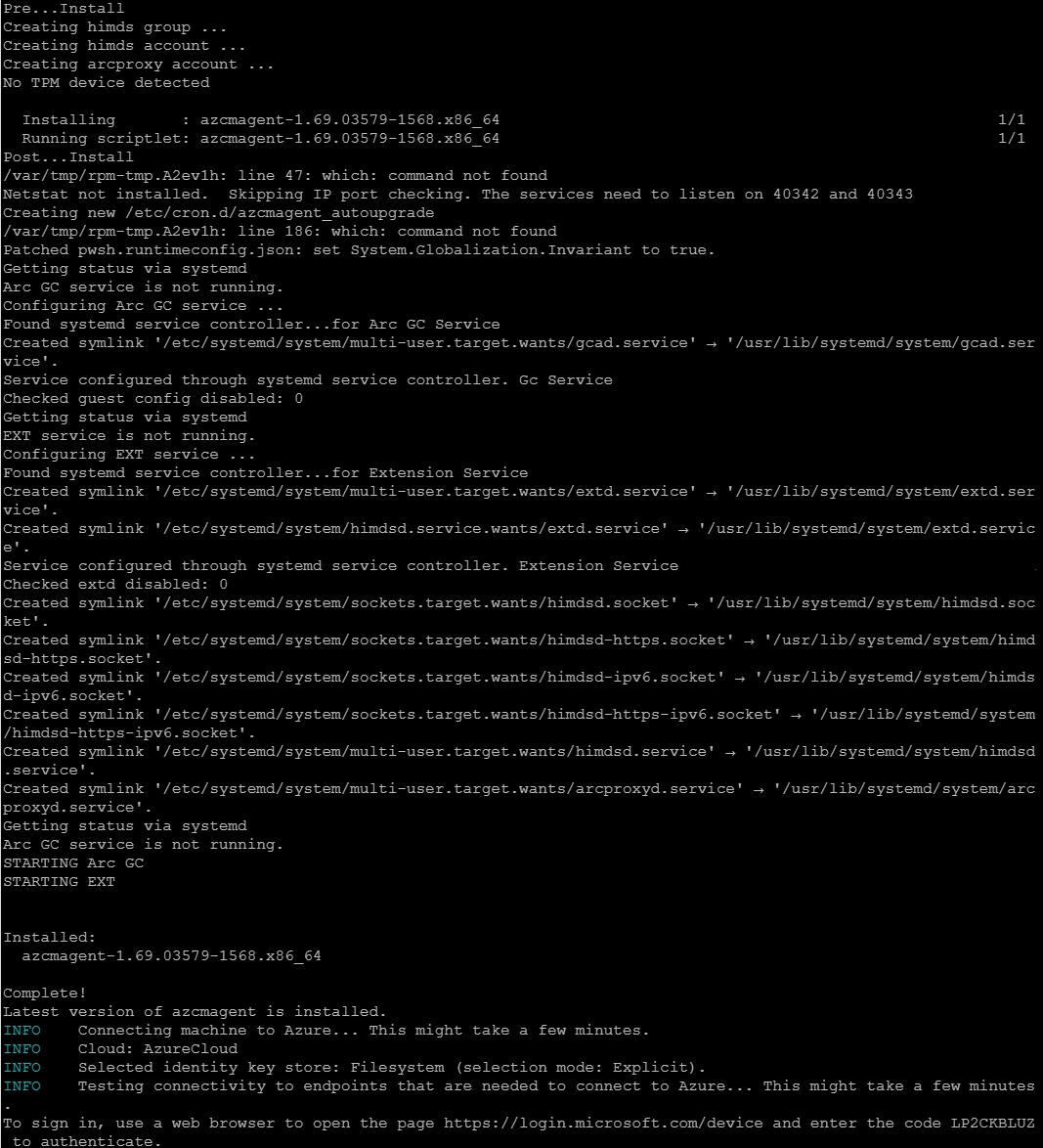
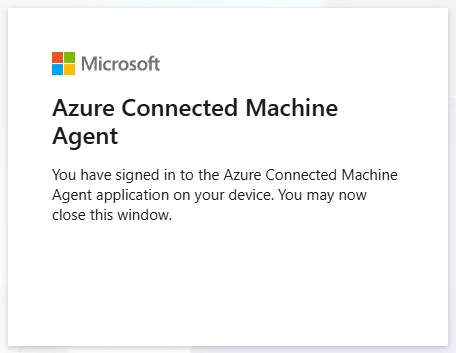
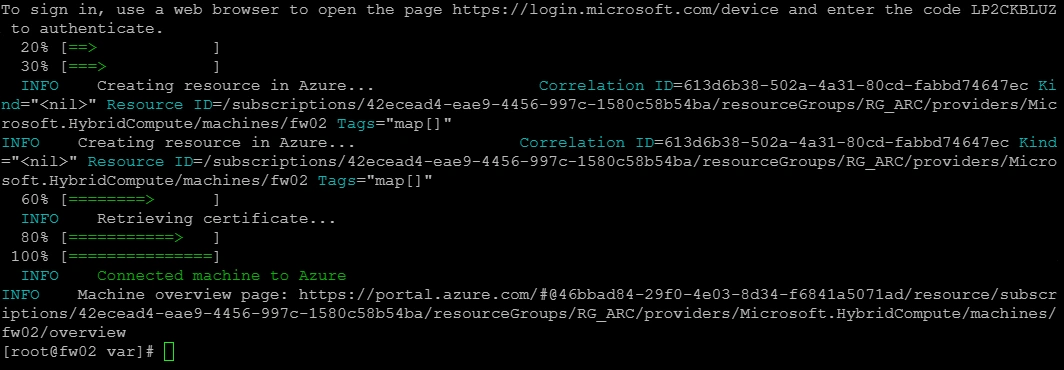
Now you need to Signin with DeviceCode
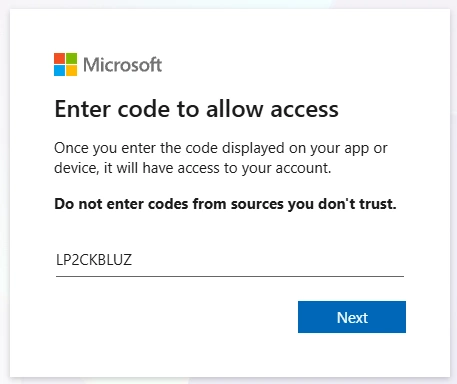
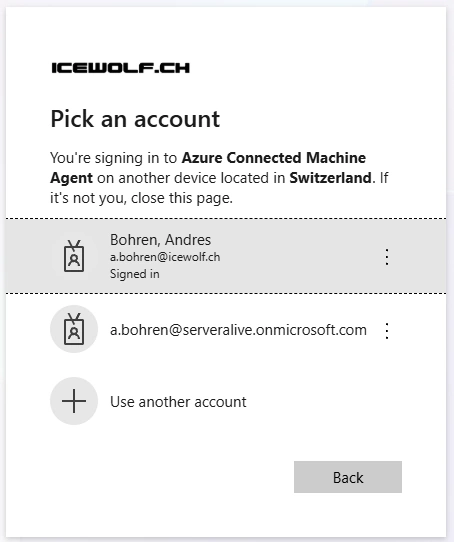
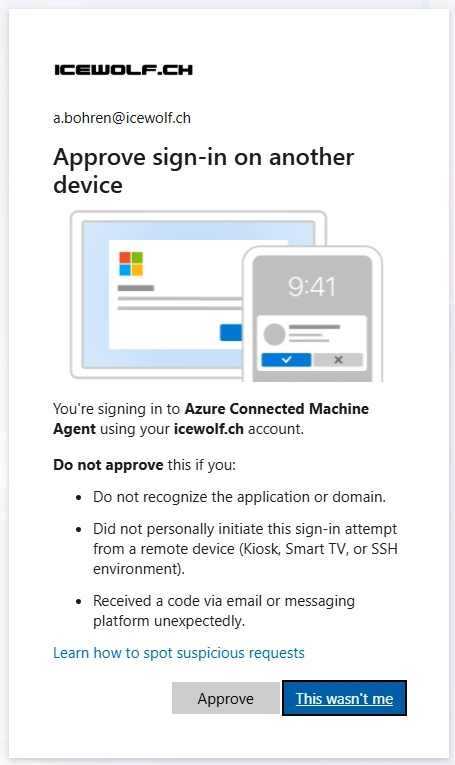
Agent is installed and connected to Azure
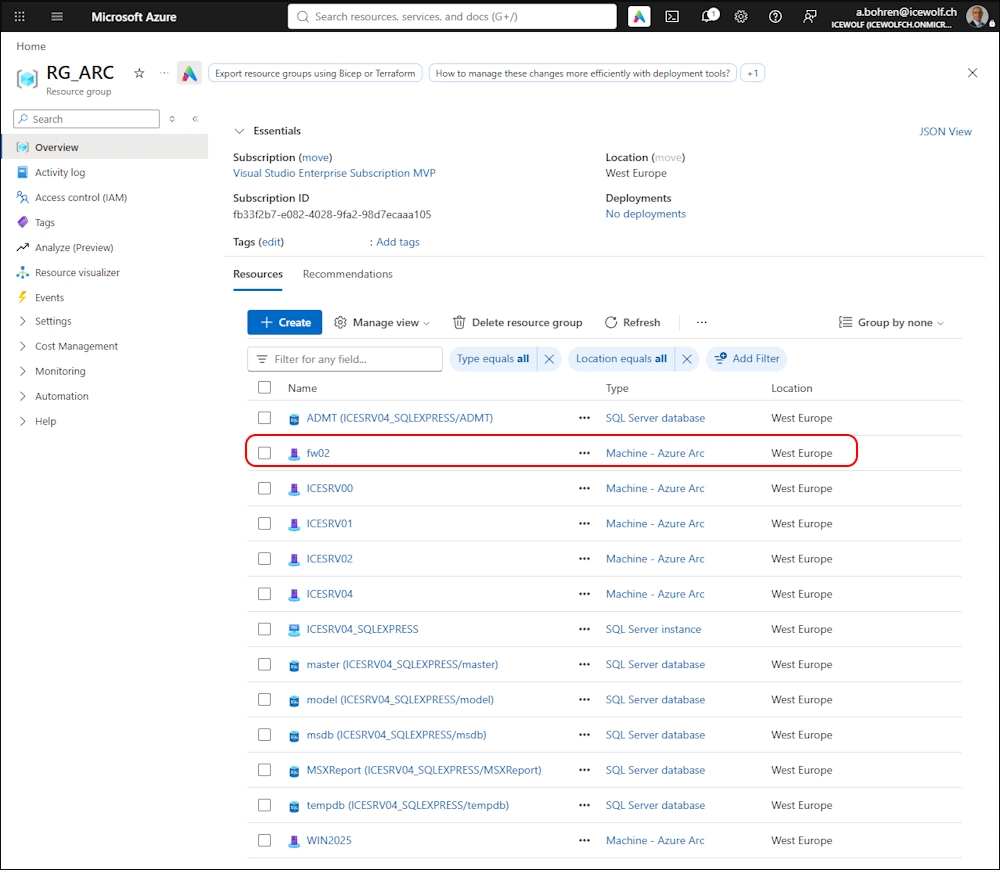
Azure Portal
Now we can see the Linux Machine in the Azure ARC Resource Group
Details
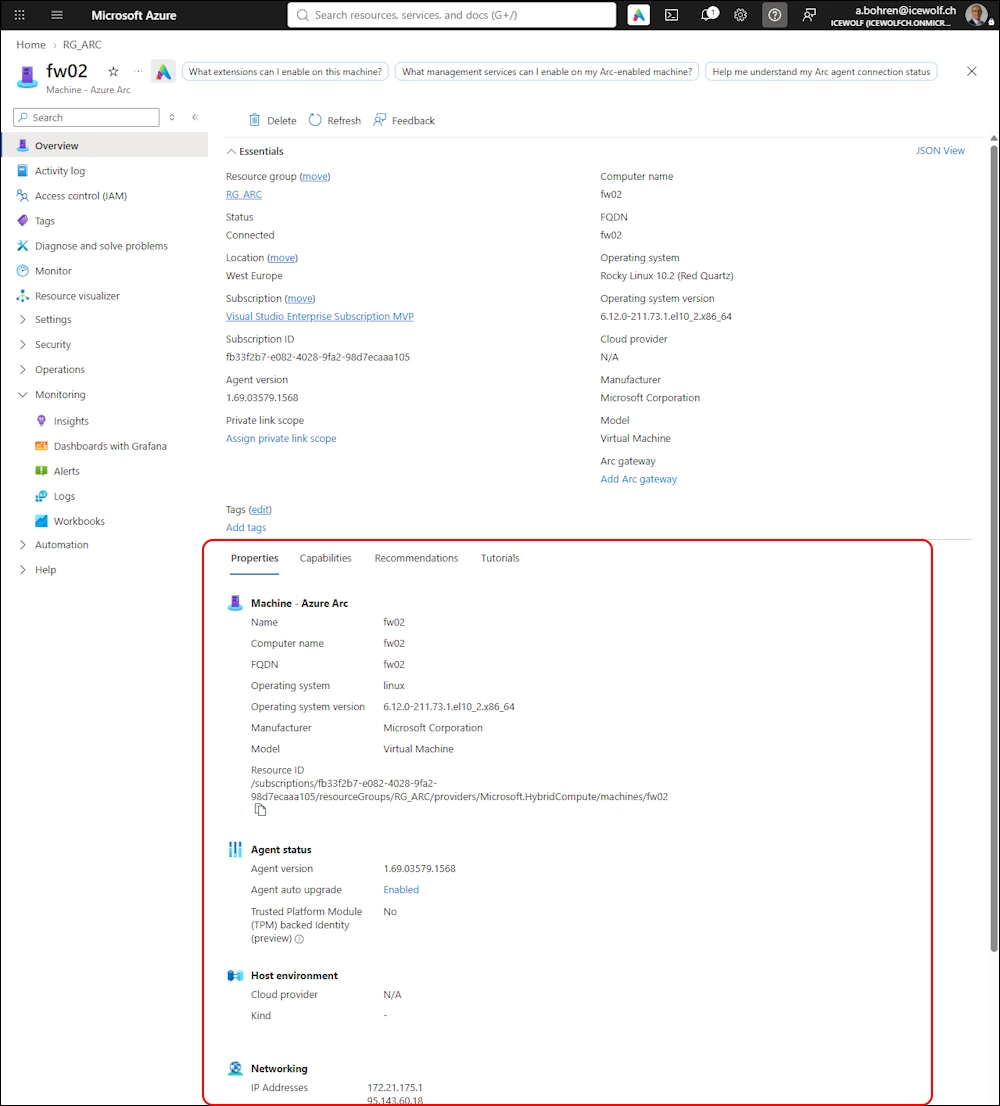
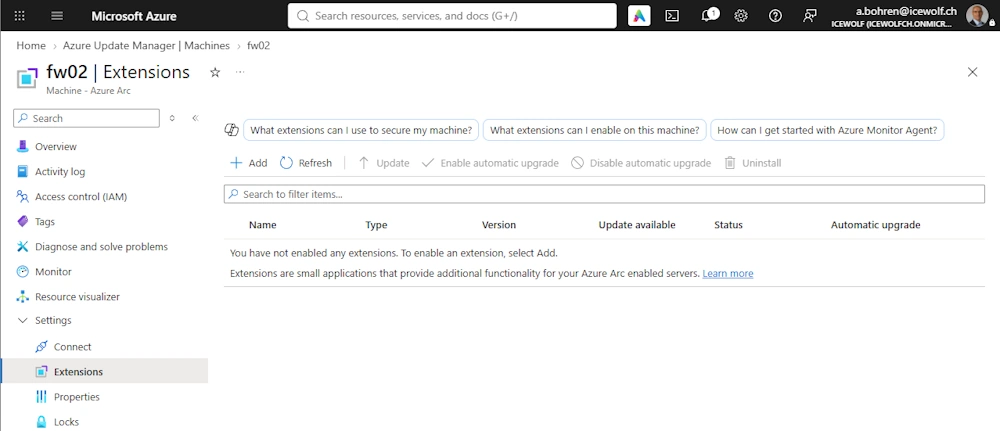
As you can see, currently there are no Extensions installed
Azure Update Manager
Make sure you have phyton and which installed
# List installed Packages
dnf list python3
dnf list which

# Install Packages
dnf install python3
dnf install which

We can see the ARC Server in Azure Update Manager. Let’s check for Updates
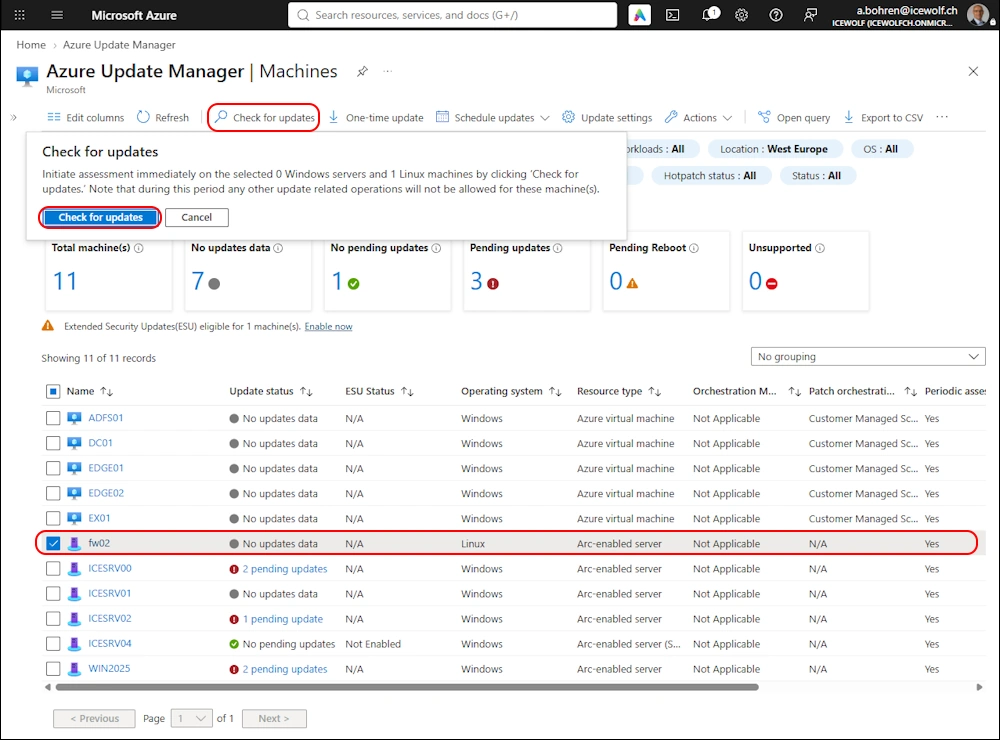
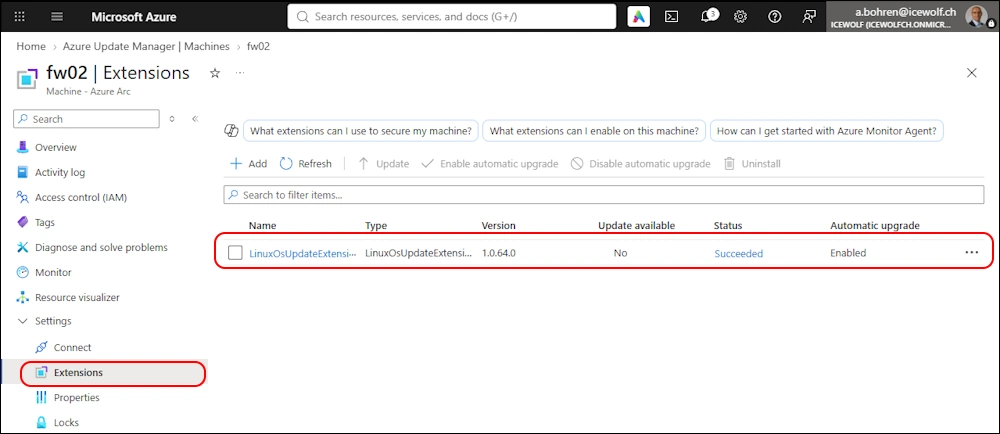
With that Action the LinuxOSUpdateExtension will be installed
After a short time, we can see that there are Updates available
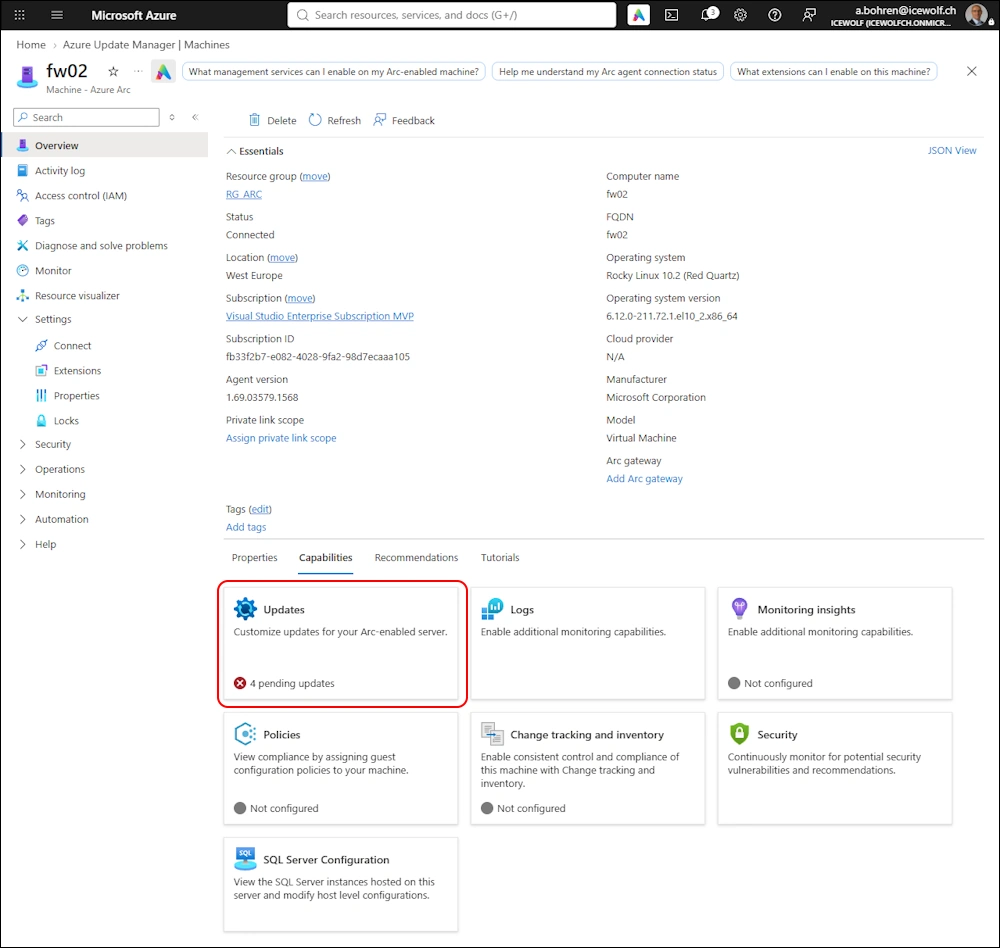
Details of the avialable updates
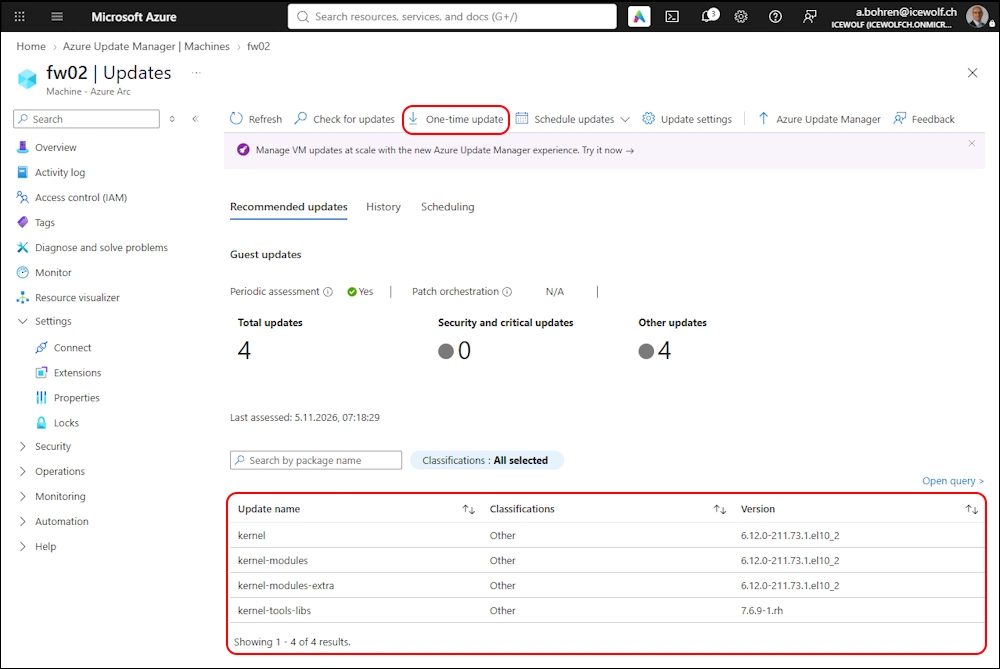
Let’s install them
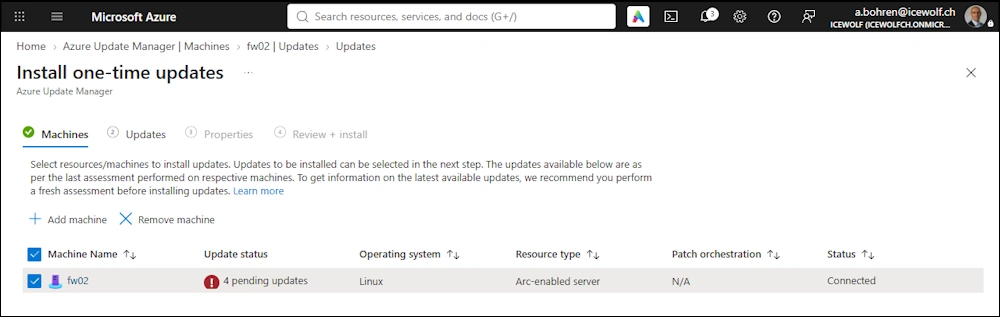
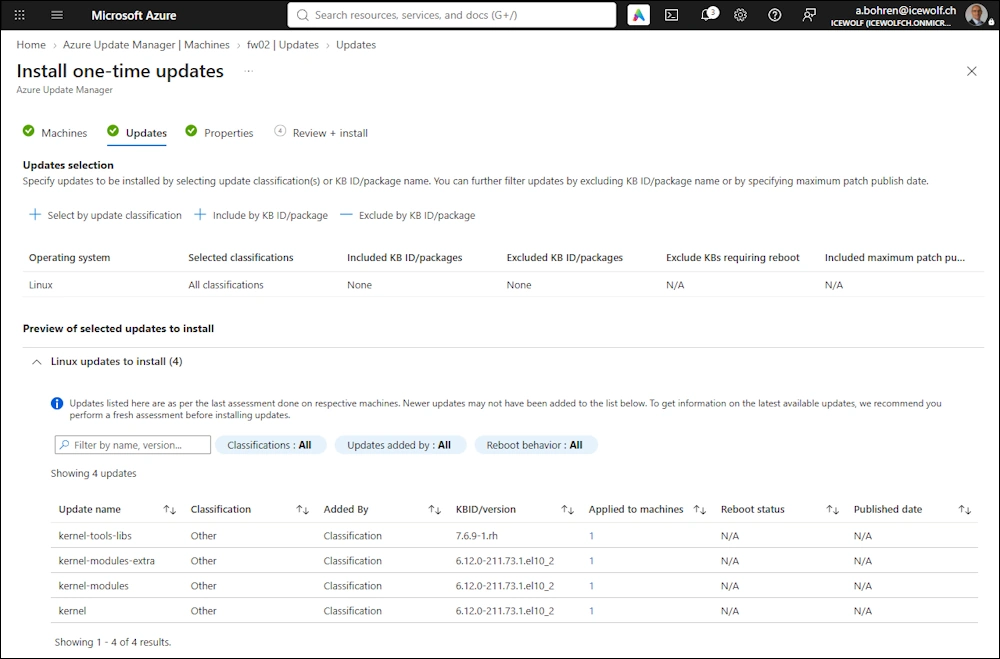
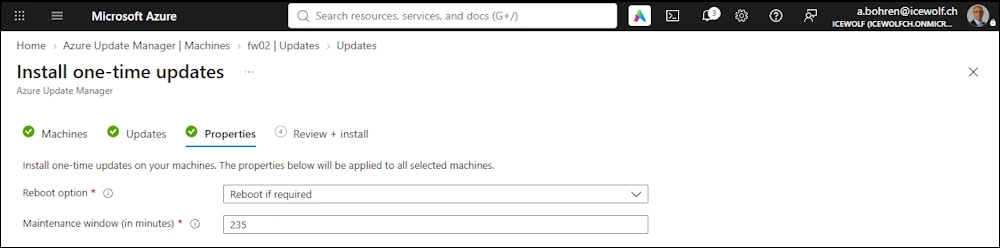
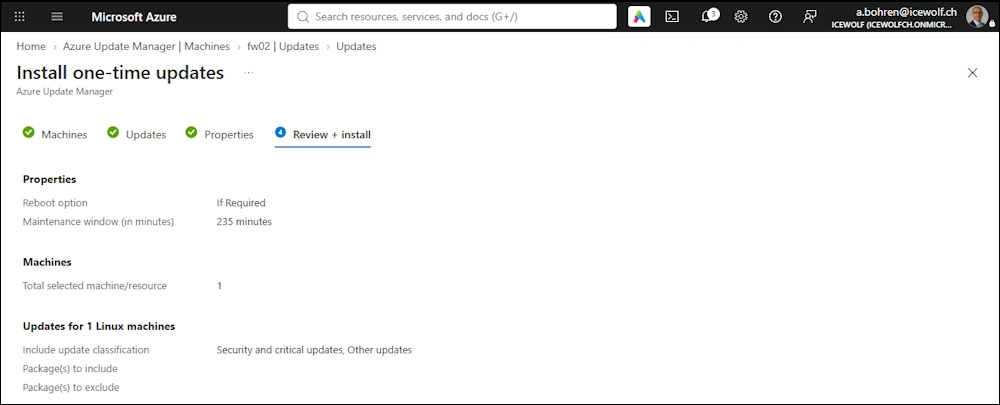
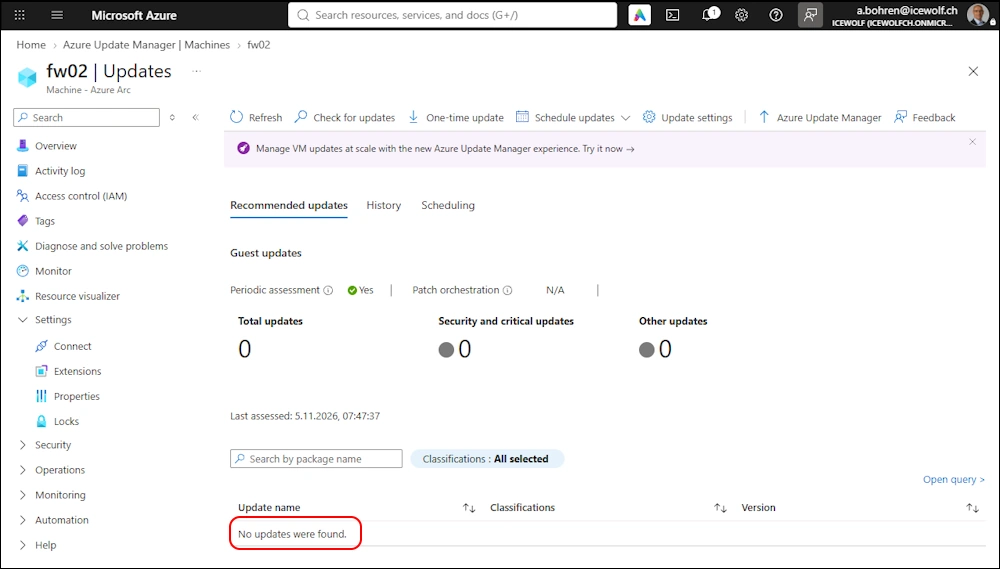
Updates have been installed
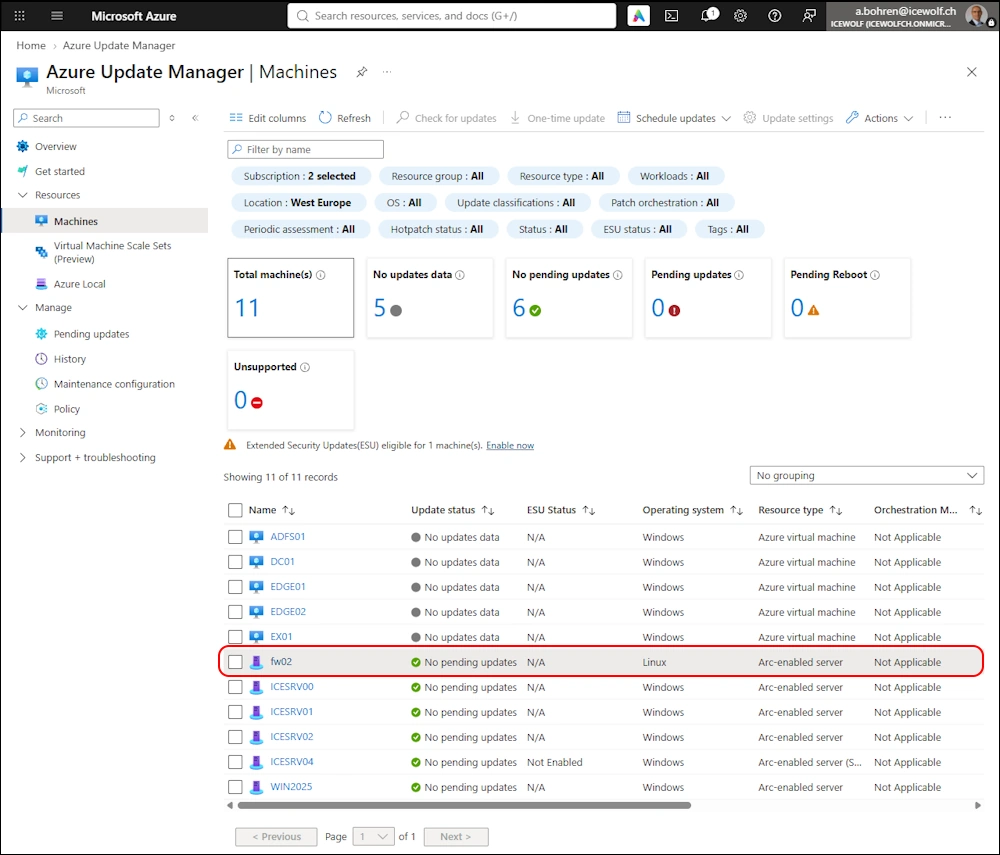
On the Machines view of Azure Update Manager - all ARC Servers are up to date including our Linux Server
Troubleshooting
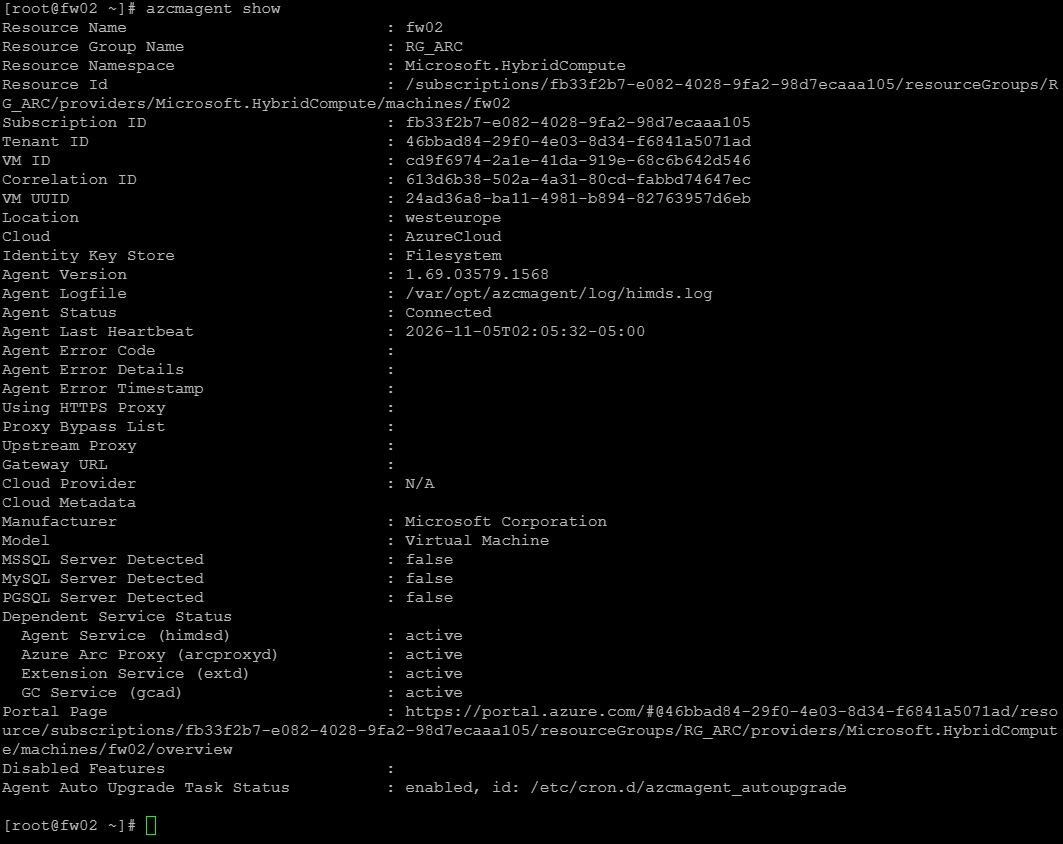
If you ever need to Troubleshoot - these commands might be helpful
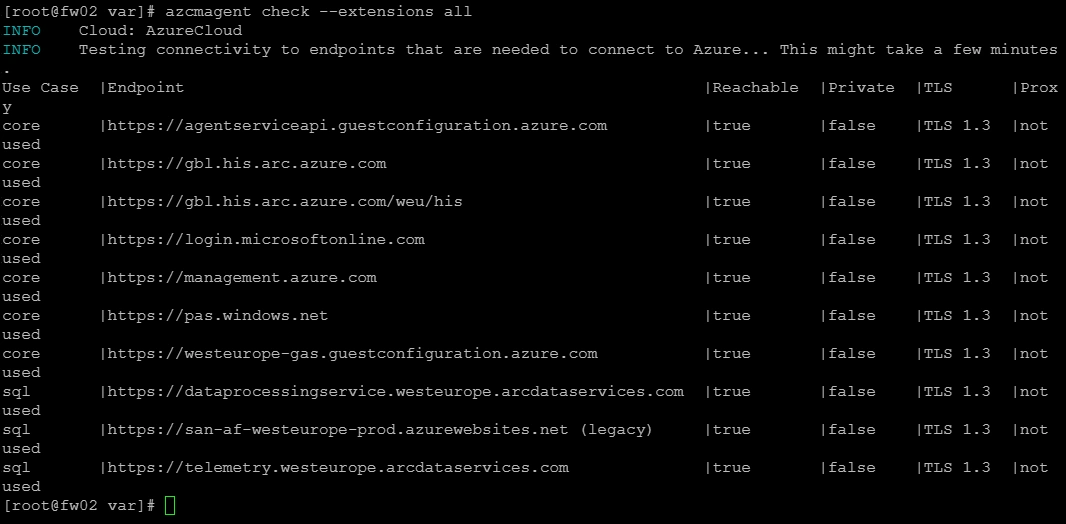
azcmagent show
azcmagent check --extensions all
Summary
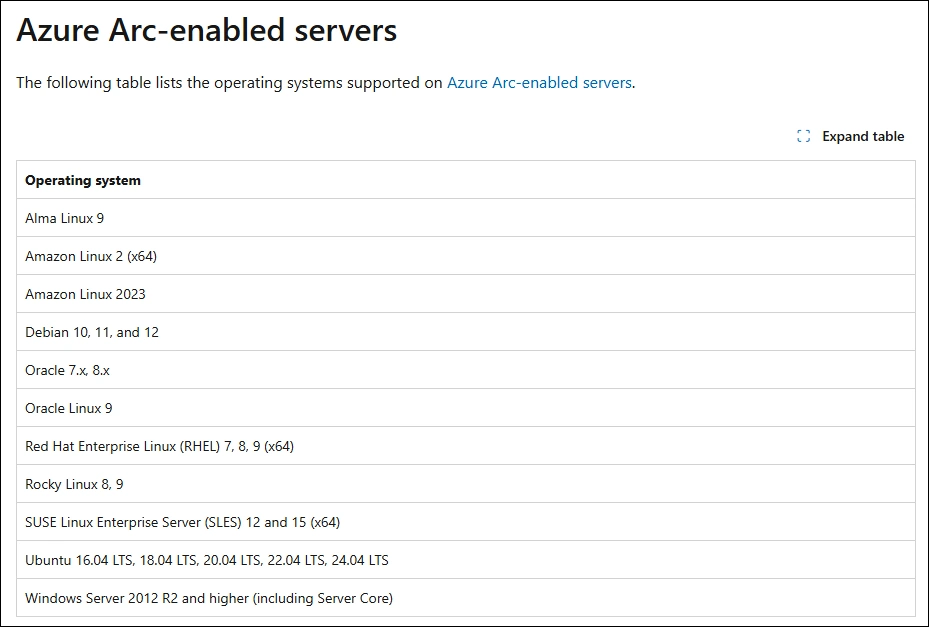
Maybe i should have checked the Compatibitily Matrix of supported Linux OS for ARC and Update Management.
It does only list Rocky 8 and 9
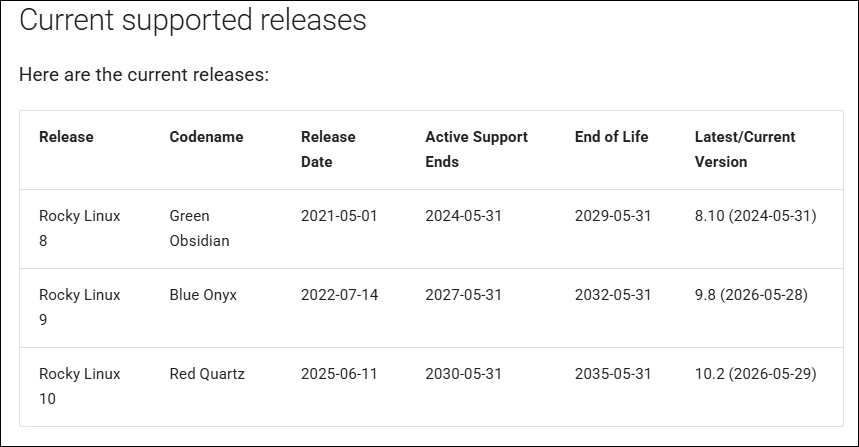
Rocky 10.2 is already available since May 2026
With some troubleshooting i was lucky and it still worked out fine.
Now i have a current Linux managed by Azure Arc and Azure Update Management.
Regards
Andres Bohren
Azure Logo Security Logo
