
Exploring the Next-Generation Azure CLI and Azure PowerShell Preview
Hi All,
On November 16, 2026, Microsoft released a public preview of the next generation of Azure CLI and Azure PowerShell. Both tools now run on a shared command engine with new experiences for discovering commands, managing sign-in contexts and troubleshooting failures. The new base is designed for a smaller disk footprint, more responsive commands and faster delivery of fixes and features. It adds named profiles for switching between environments and optional AI help when a command fails. In this post, I’ll look at what has changed and whether it’s worth trying now.
One limitation to keep in mind: preview coverage is limited to a subset of commands and scenarios, so it is not yet a replacement for your existing tools.
- Announcing Public Preview of the next generation of Azure CLI and Azure PowerShell
- Azure PowerShell (preview) documentation
- Get started with Azure PowerShell (preview)
- GitHub Repo azclips
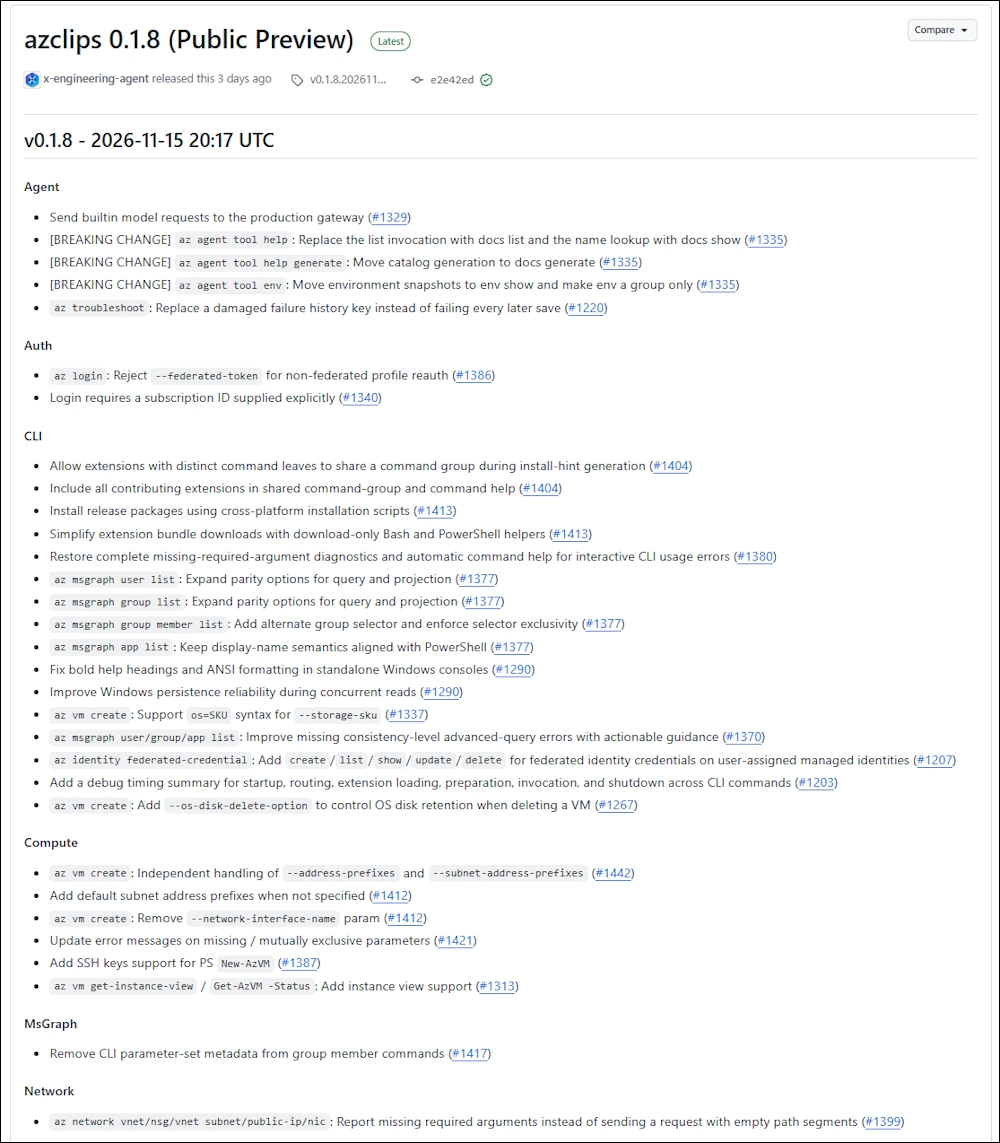
- Release Notes
Installation
In this Article i focus on the Public Preview of the PowerShell Modules
Make sure you don’t have installed any beta Modules of PowerShellGet - otherwise you will not get a clean install.
Get-InstalledPSResource -Name PowerShellGet

Install the Preview Modules
# Linux / macOS / WSL / Windows (PowerShell 7.6+)
Invoke-RestMethod https://raw.githubusercontent.com/Azure/azclips/main/install/azps-install.ps1 -ErrorAction Stop | Invoke-Expression

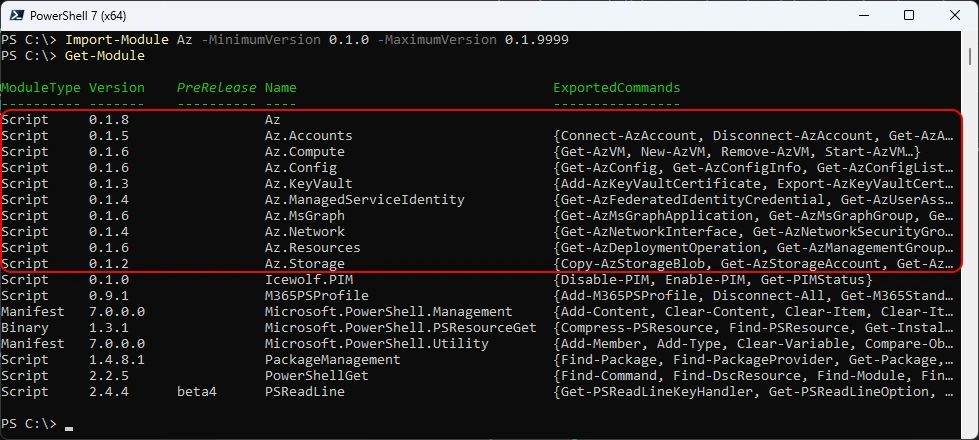
Import the Modules and list them - as you can see it’s only a subset of the PowerShell Modules of the current AZ PowerShell Modules
Import-Module Az -MinimumVersion 0.1.0 -MaximumVersion 0.1.9999
Get-Module
Az.Accounts
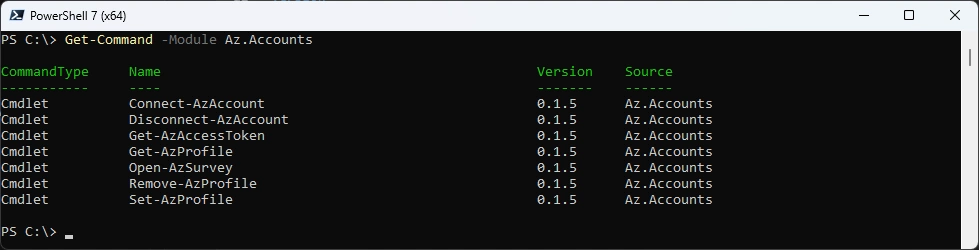
List commands
Get-Command -Module Az.Accounts
One of the interesting things is that you can create Profiles
###############################################################################
# Create AzProfile
###############################################################################
Get-AzProfile
Connect-AzAccount -SubscriptionId "42ecead4-eae9-4456-997c-1580c58b54ba" -TenantId "icewolfch.onmicrosoft.com" -OutProfile ICEPay
Get-AzProfile
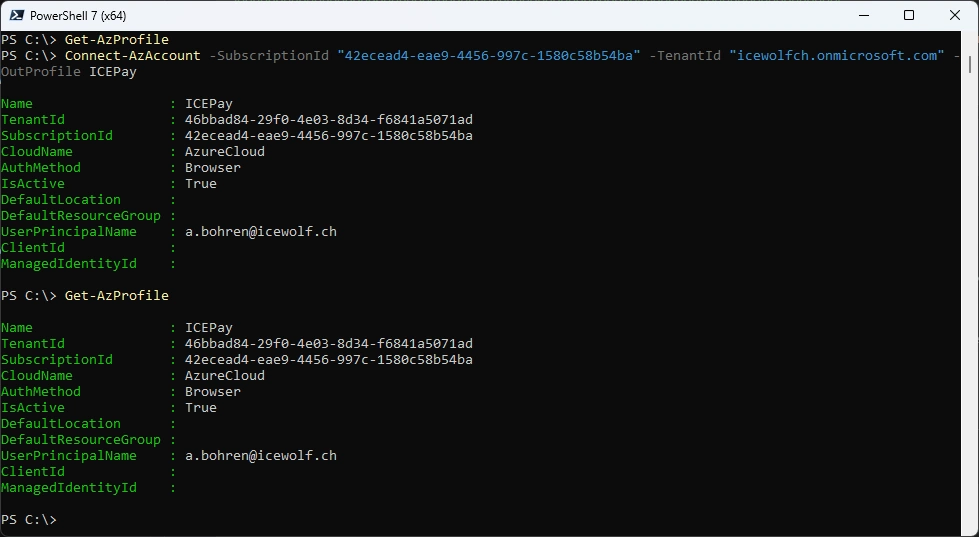
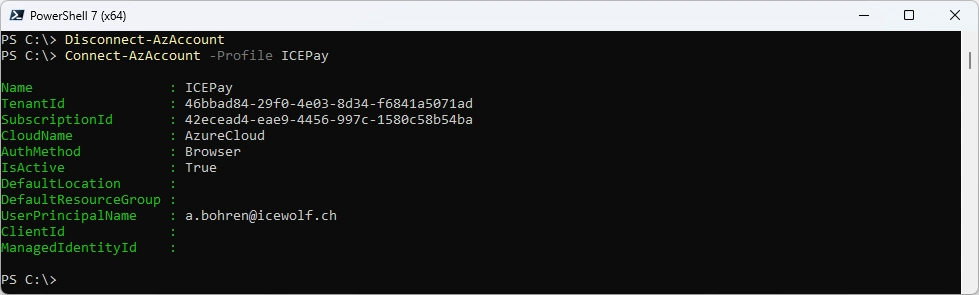
Use those Profiles to SignIn without remembering the SubscriptionId
Disconnect-AzAccount
Connect-AzAccount -Profile ICEPay
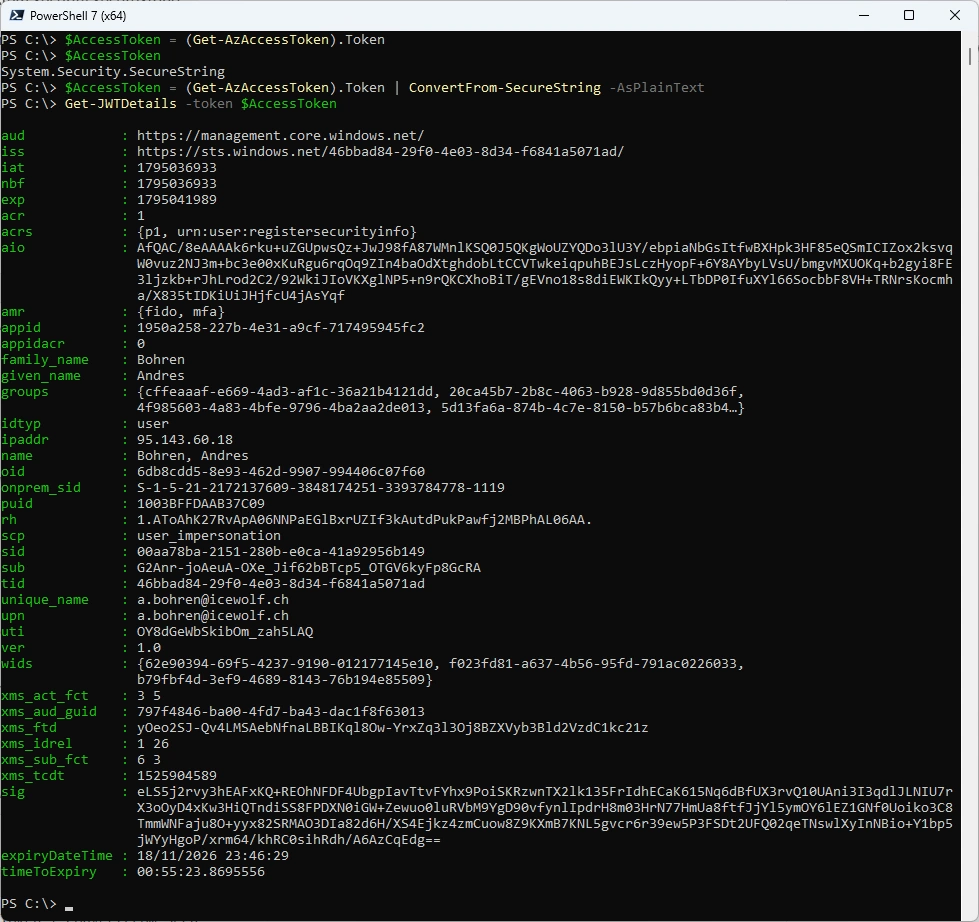
Another interesting thing is to get the AccessToken. It has the System.Security.SecureString Type and can be converted to PlainText.
If you have the JWTDetails Module installed you can inspect the AccessToken
# Install-PSResource -Name JWTDetails -Scope CurrentUser
$AccessToken = (Get-AzAccessToken).Token
$AccessToken
$AccessToken = (Get-AzAccessToken).Token | ConvertFrom-SecureString -AsPlainText
Get-JWTDetails -token $AccessToken
Az.Compute
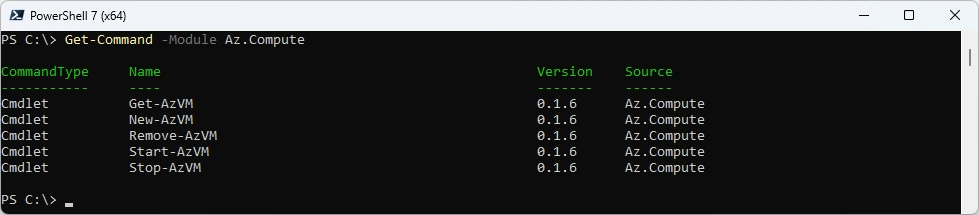
List commands
Get-Command -Module Az.Compute
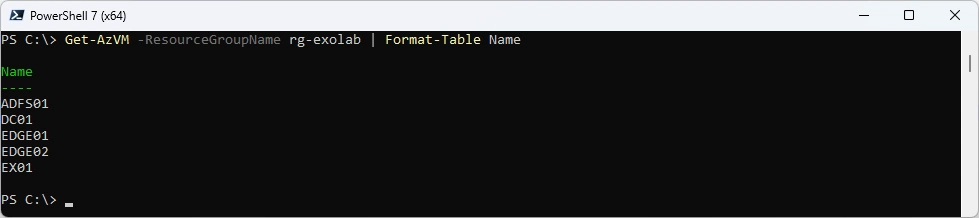
Get Azure VMs
Get-AzVM -ResourceGroupName rg-exolab | Format-Table Name
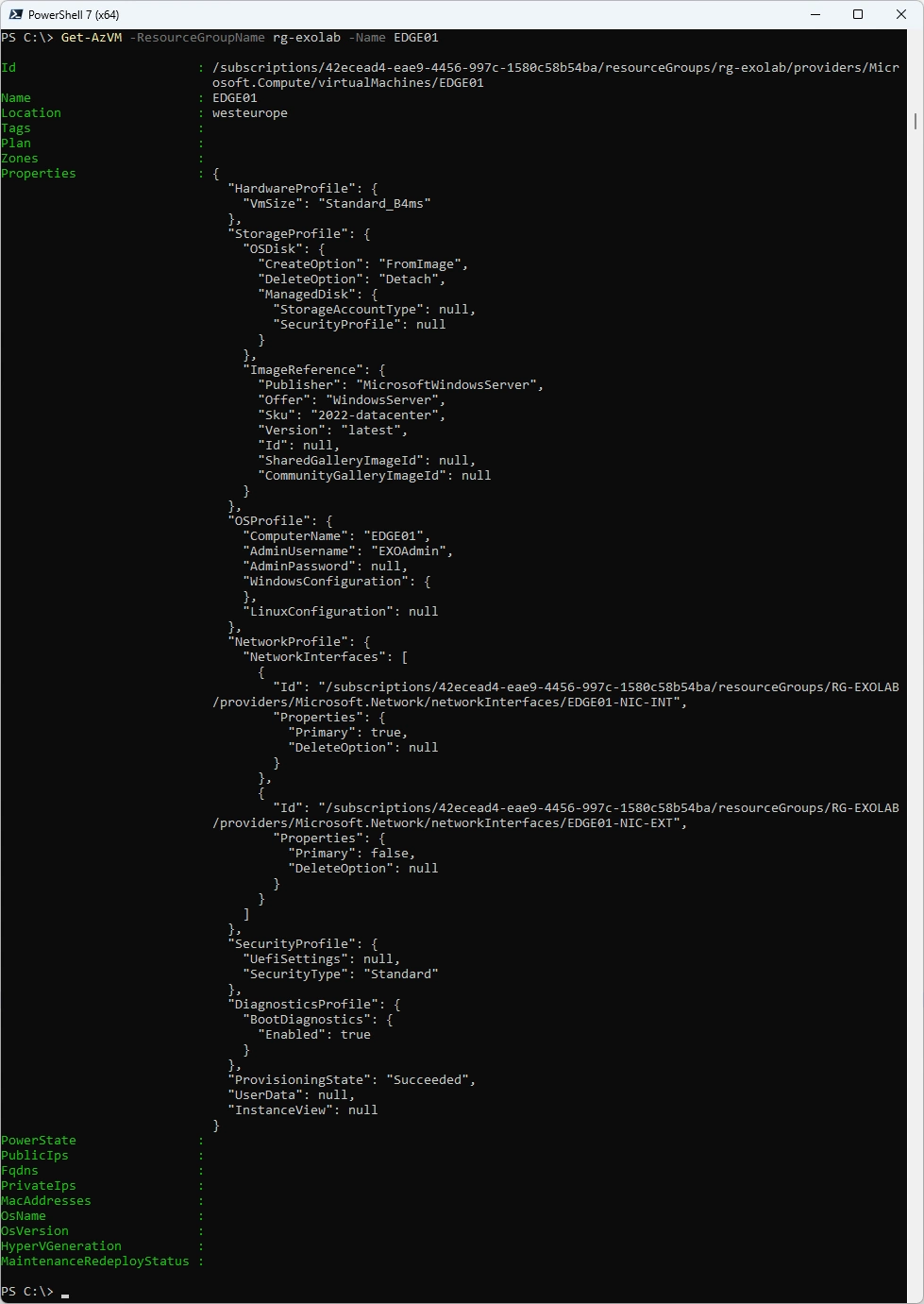
Get Azure VM Details
Get-AzVM -ResourceGroupName rg-exolab -Name EDGE01
Az.Config
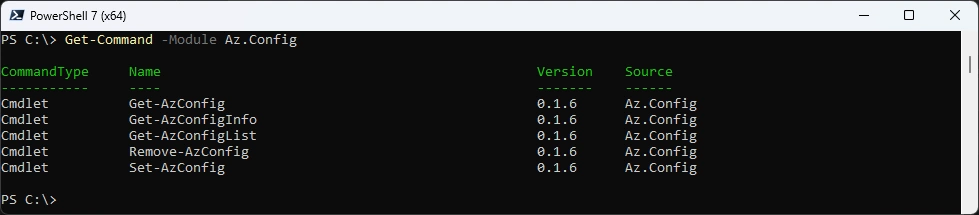
List commands
Get-Command -Module Az.Config
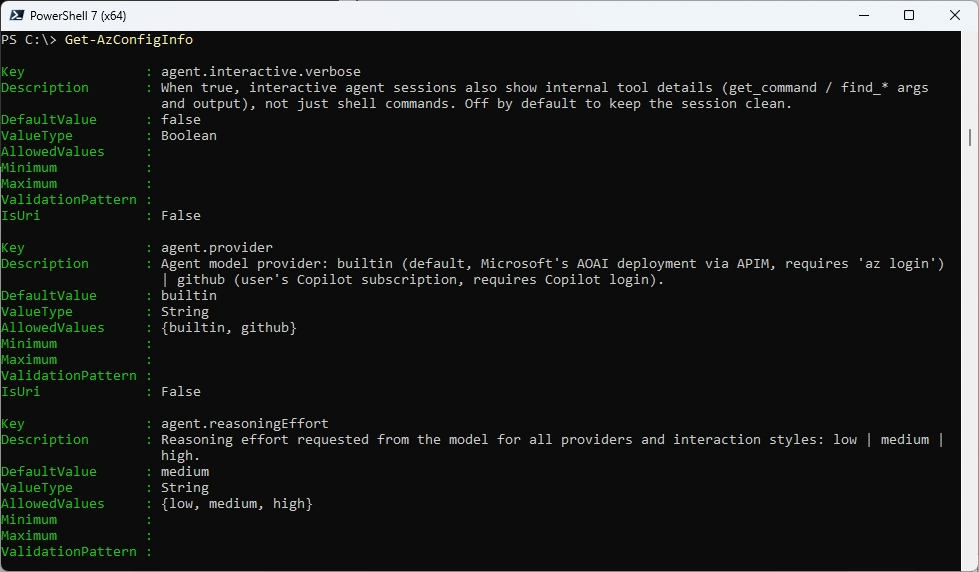
List Config Settings
Get-AzConfigInfo
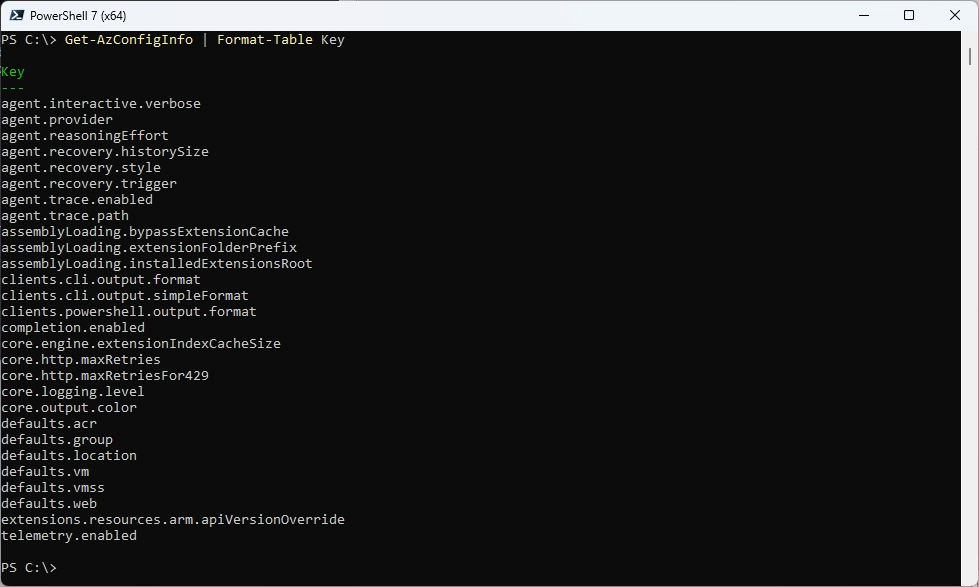
List the keys
Get-AzConfigInfo | Format-Table Key
Get a specific Setting
Get-AzConfig -Key telemetry.enabled

Change at a specific Setting
Set-AzConfig -Key telemetry.enabled -Value $False
Get-AzConfig -Key telemetry.enabled

Az.KeyVault
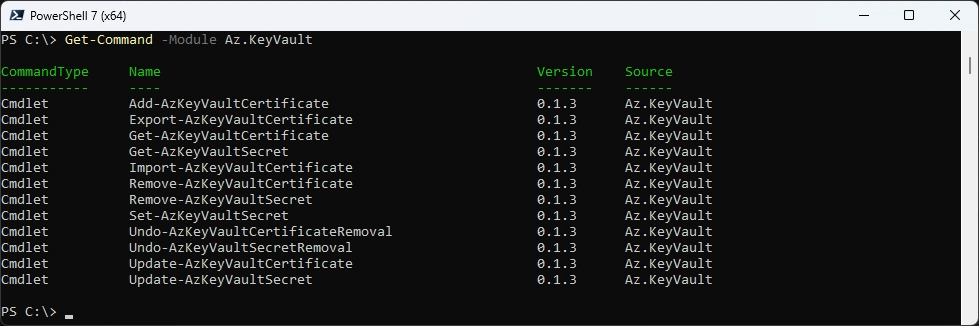
List commands
Get-Command -Module Az.KeyVault
Get KeyVault Secret
Get-AzKeyVaultSecret -VaultName IcewolfDevKeyVault -Name MyPassword -AsPlainText

Get KeyVault Certificate
$KVCert = Get-AzKeyVaultCertificate -VaultName IcewolfDevKeyVault -Name O365PowerShell5
$Cert = $KVCert.Certificate
$Cert

Az.ManagedServiceIdentity
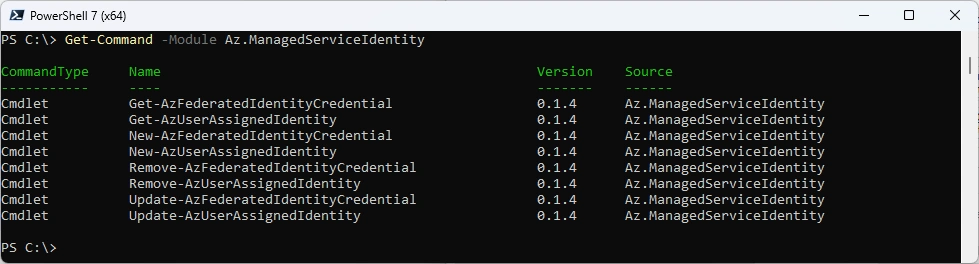
List commands
Get-Command -Module Az.ManagedServiceIdentity
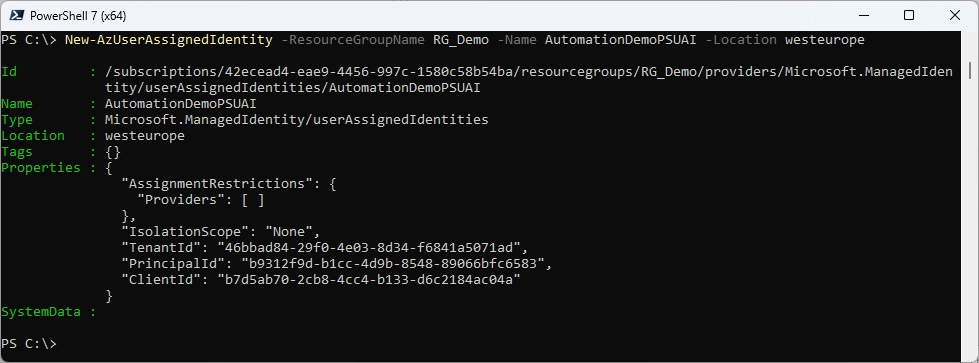
Create new UserAssignedIdentity
New-AzUserAssignedIdentity -ResourceGroupName RG_Demo -Name AutomationDemoPSUAI -Location westeurope
Remove UserAssignedIdentity
Remove-AzUserAssignedIdentity -ResourceGroupName RG_Demo -Name AutomationDemoPSUAI
Get-AzUserAssignedIdentity

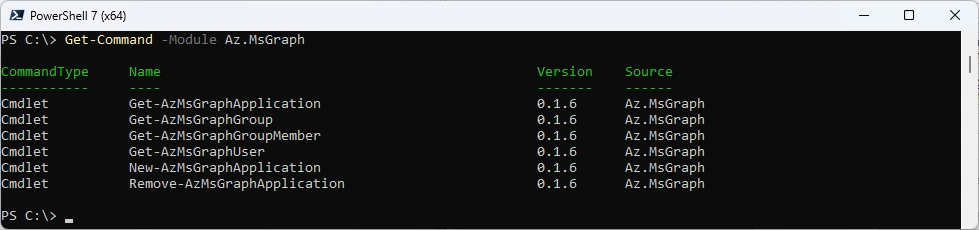
Az.MsGraph
List commands
Get-Command -Module Az.MsGraph
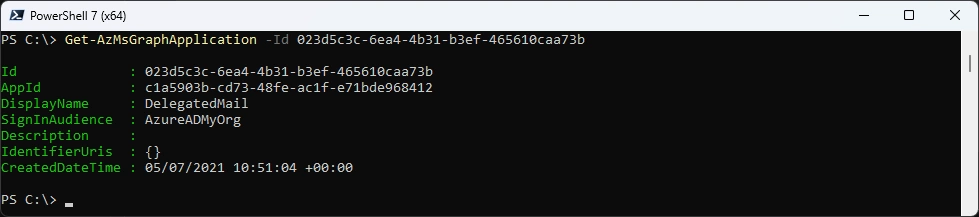
Get Entra Application with ApplicationID
Get-AzMsGraphApplication -Id "023d5c3c-6ea4-4b31-b3ef-465610caa73b"
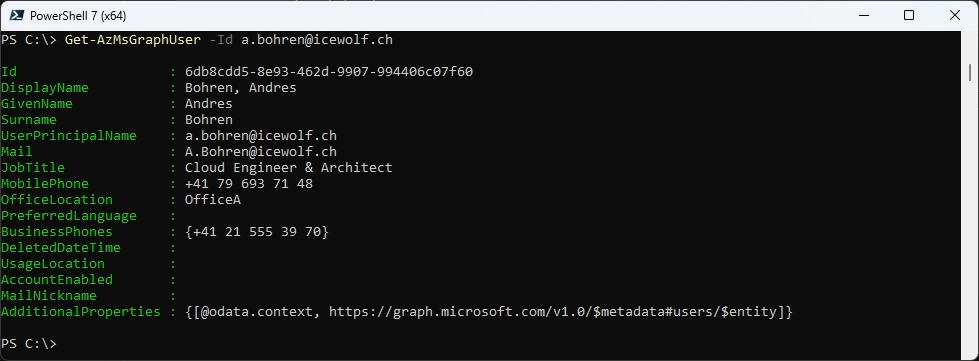
Get Entra User
Get-AzMsGraphUser -Id a.bohren@icewolf.ch
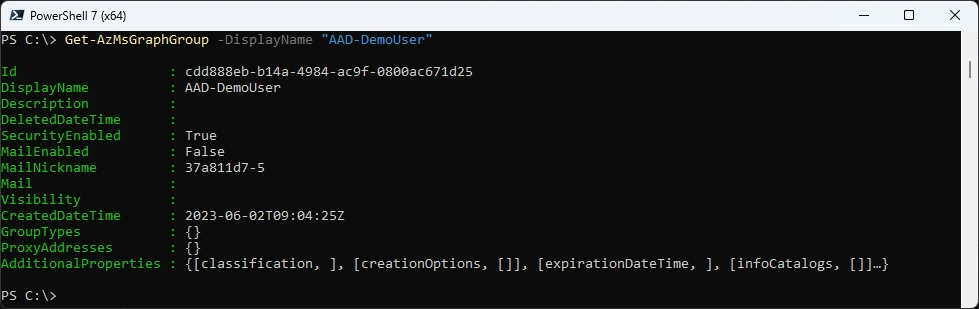
Get Entra Group
Get-AzMsGraphGroup -DisplayName "AAD-DemoUser"
Get Entra Group Members
Get-AzMsGraphGroupMember -GroupDisplayName "AAD-DemoUser"

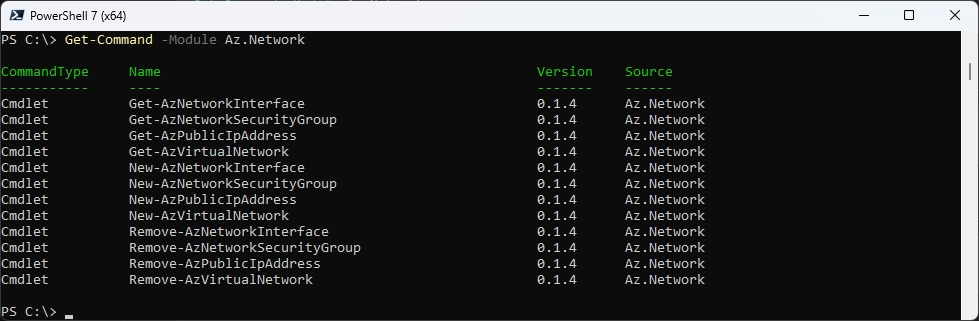
Az.Network
List commands
Get-Command -Module Az.Network
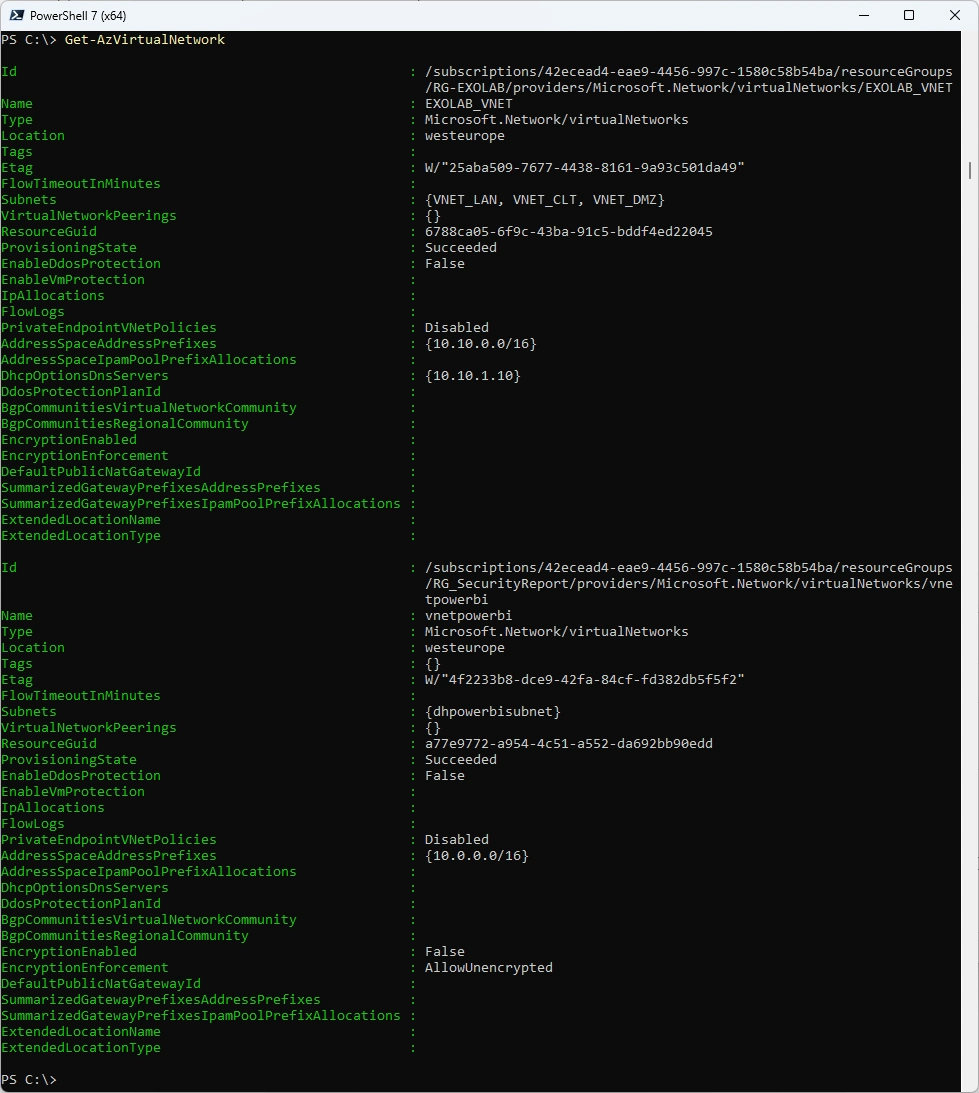
Get Azure Virtual Networks
Get-AzVirtualNetwork
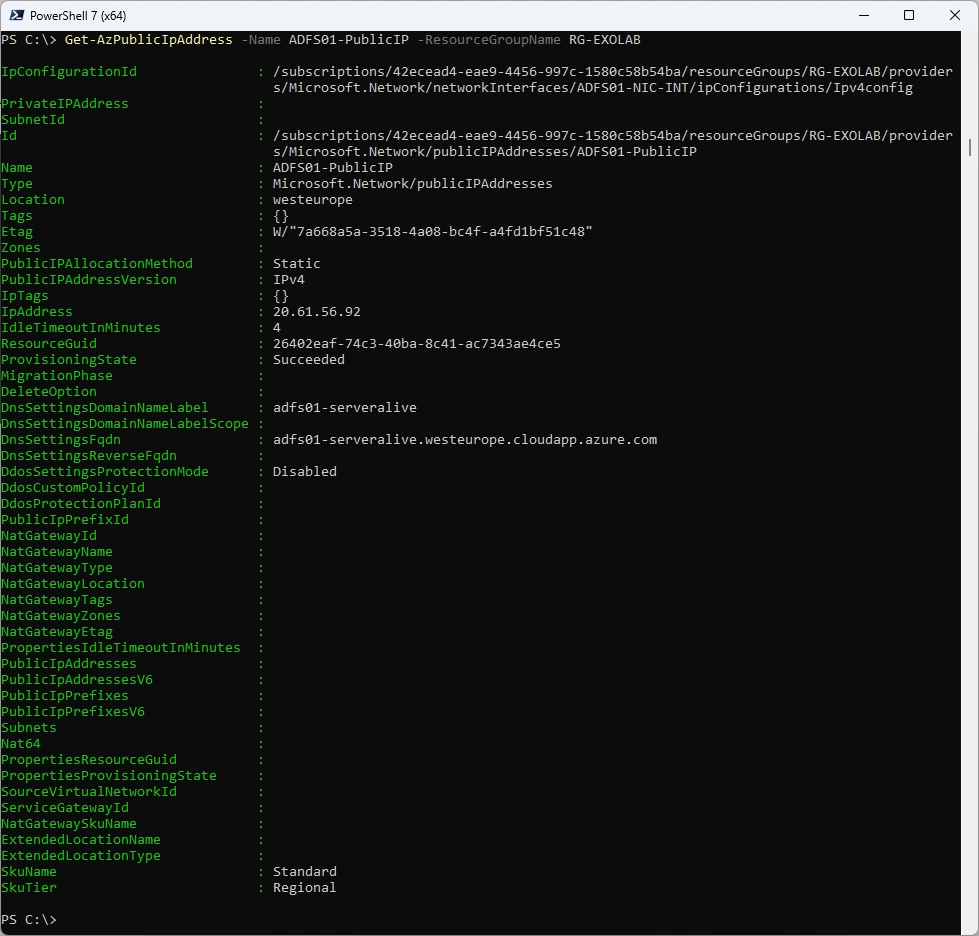
Get Public IP of a Specific Resource
Get-AzPublicIpAddress -Name ADFS01-PublicIP -ResourceGroupName RG-EXOLAB
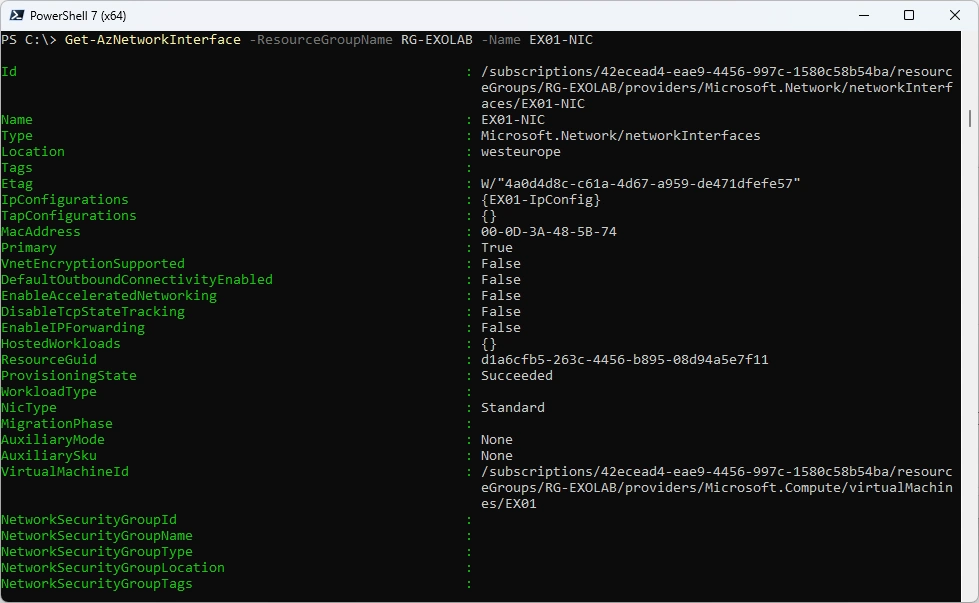
Get Network Interface
Get-AzNetworkInterface -ResourceGroupName RG-EXOLAB -Name EX01-NIC
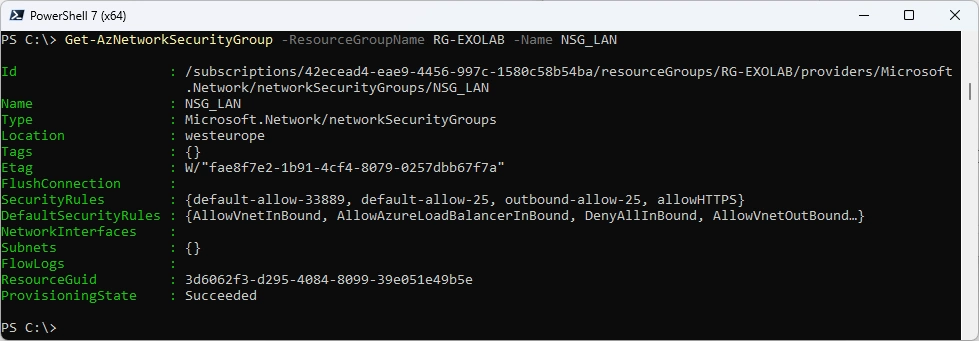
Get NSG
Get-AzNetworkSecurityGroup -ResourceGroupName RG-EXOLAB -Name NSG_LAN
Az.Resources
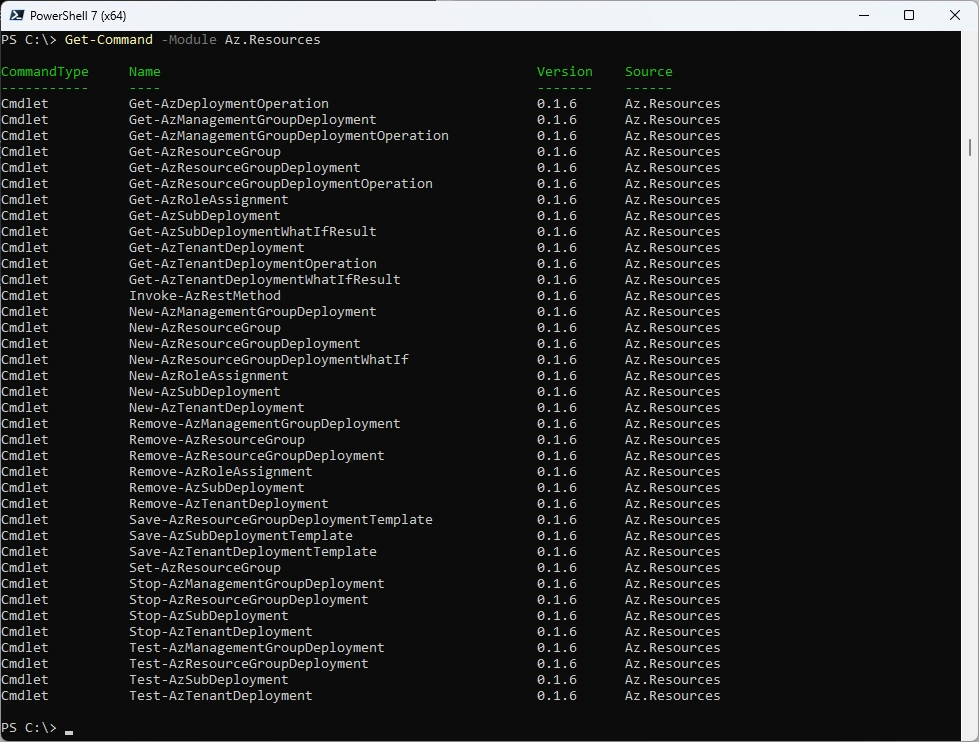
List commands
Get-Command -Module Az.Resources
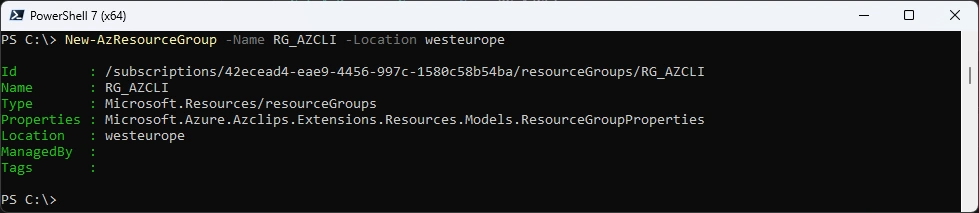
Create new Resource Group
New-AzResourceGroup -Name RG_AZCLI -Location westeurope
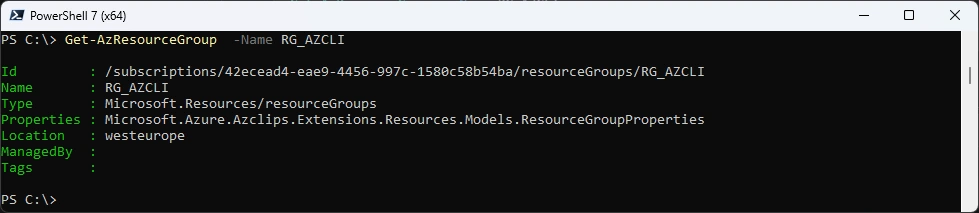
Get Resource Group
Get-AzResourceGroup -Name RG_AZCLI
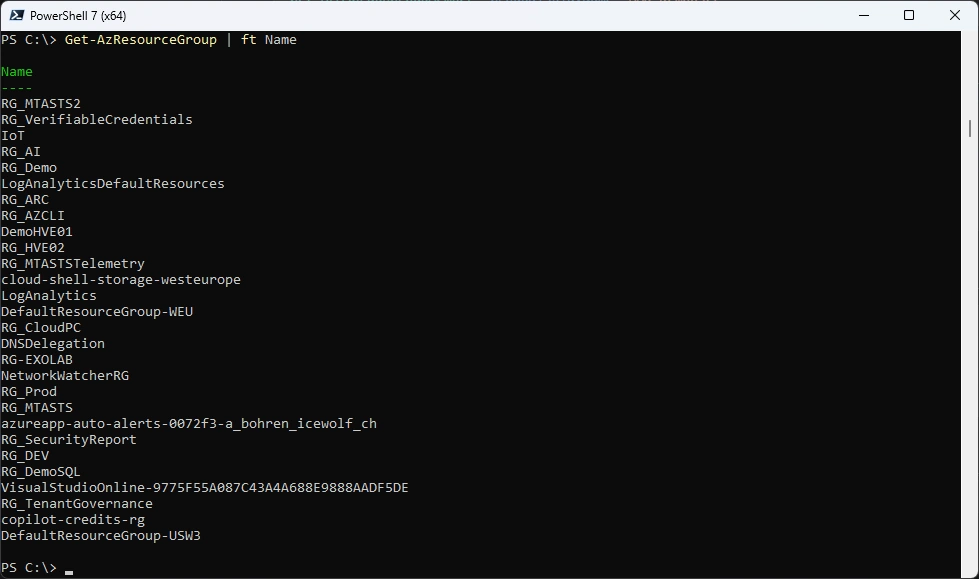
List Resource Groups
Get-AzResourceGroup | ft Name
Az.Storage
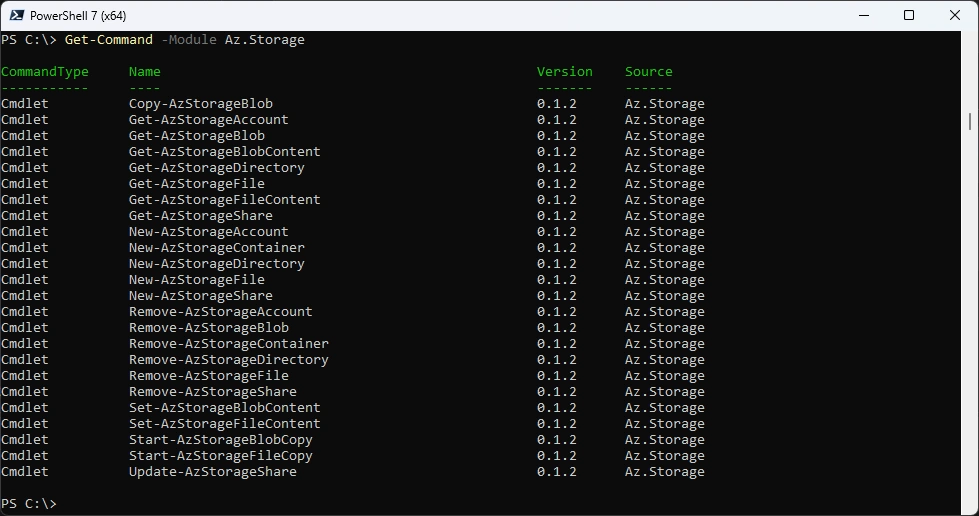
List commands
Get-Command -Module Az.Storage
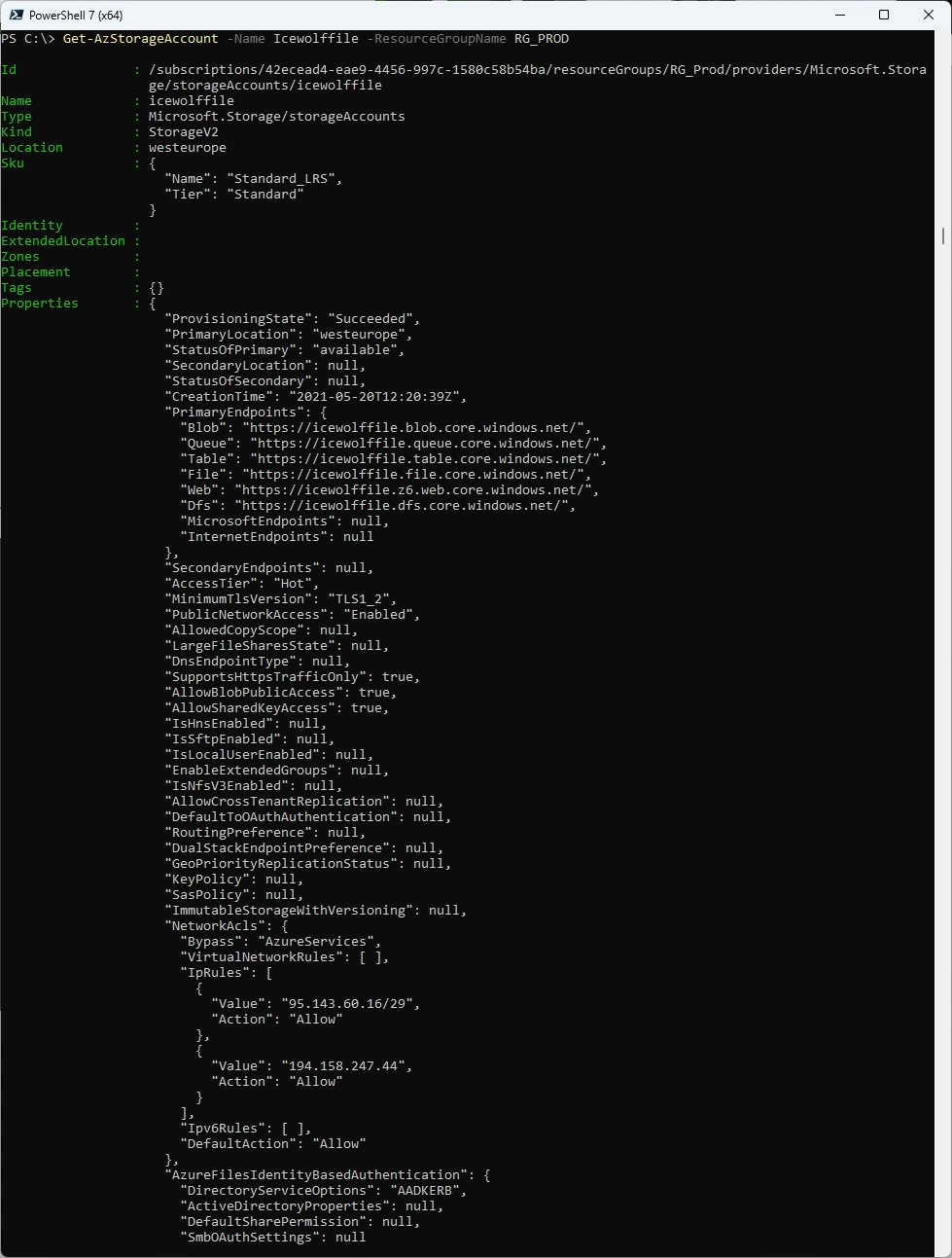
Get Storage Account
Get-AzStorageAccount -Name Icewolffile -ResourceGroupName RG_PROD
Summary
Microsoft’s next-generation Azure CLI and Azure PowerShell preview introduces a shared command engine designed to reduce installation size, improve responsiveness, and accelerate feature and bug-fix delivery. The article demonstrates installation and practical commands across accounts, compute, configuration, Key Vault, managed identities, Microsoft Graph, networking, resources, and storage.
Notable capabilities include named sign-in profiles, secure access-token retrieval, and familiar Azure management commands. Although the preview shows promise for a lighter and more streamlined administration experience, its limited command and service coverage means it is not yet ready to replace the existing Azure CLI or Az PowerShell modules in production.
There is still a lot to explore - go ahead and dig in yourself.
Regards
Andres Bohren
Azure Logo PowerShell Logo
