
PowerShell 7.6.10 released
Hi All,
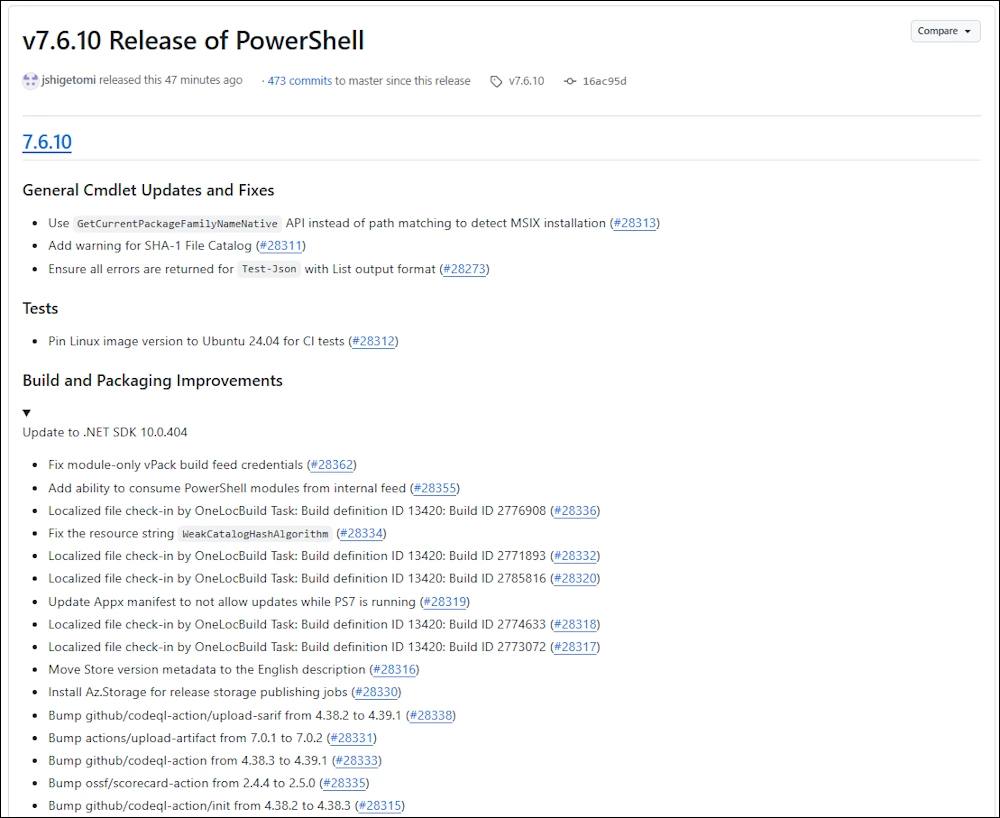
Today Microsoft has released the PowerShell Version 7.6.10
General Cmdlet Updates and Fixes
- Use GetCurrentPackageFamilyNameNative API instead of path matching to detect MSIX installation
- Add warning for SHA-1 File Catalog
- Ensure all errors are returned for Test-Json with List output format
Tests
- Pin Linux image version to Ubuntu 24.04 for CI tests
Build and Packaging Improvements
- Update to .NET SDK 10.0.404
- Fix module-only vPack build feed credentials
- Add ability to consume PowerShell modules from internal feed
- Localized file check-in by OneLocBuild Task: Build definition ID 13420: Build ID 2776908
- Fix the resource string WeakCatalogHashAlgorithm
- Localized file check-in by OneLocBuild Task: Build definition ID 13420: Build ID 2771893
- Localized file check-in by OneLocBuild Task: Build definition ID 13420: Build ID 2785816
- Update Appx manifest to not allow updates while PS7 is running
- Localized file check-in by OneLocBuild Task: Build definition ID 13420: Build ID 2774633
- Localized file check-in by OneLocBuild Task: Build definition ID 13420: Build ID 2773072
- Move Store version metadata to the English description
- Install Az.Storage for release storage publishing jobs
- Bump github/codeql-action/upload-sarif from 4.38.2 to 4.39.1
- Bump actions/upload-artifact from 7.0.1 to 7.0.2
- Bump github/codeql-action from 4.38.3 to 4.39.1
- Bump ossf/scorecard-action from 2.4.4 to 2.5.0
- Bump github/codeql-action/init from 4.38.2 to 4.38.3
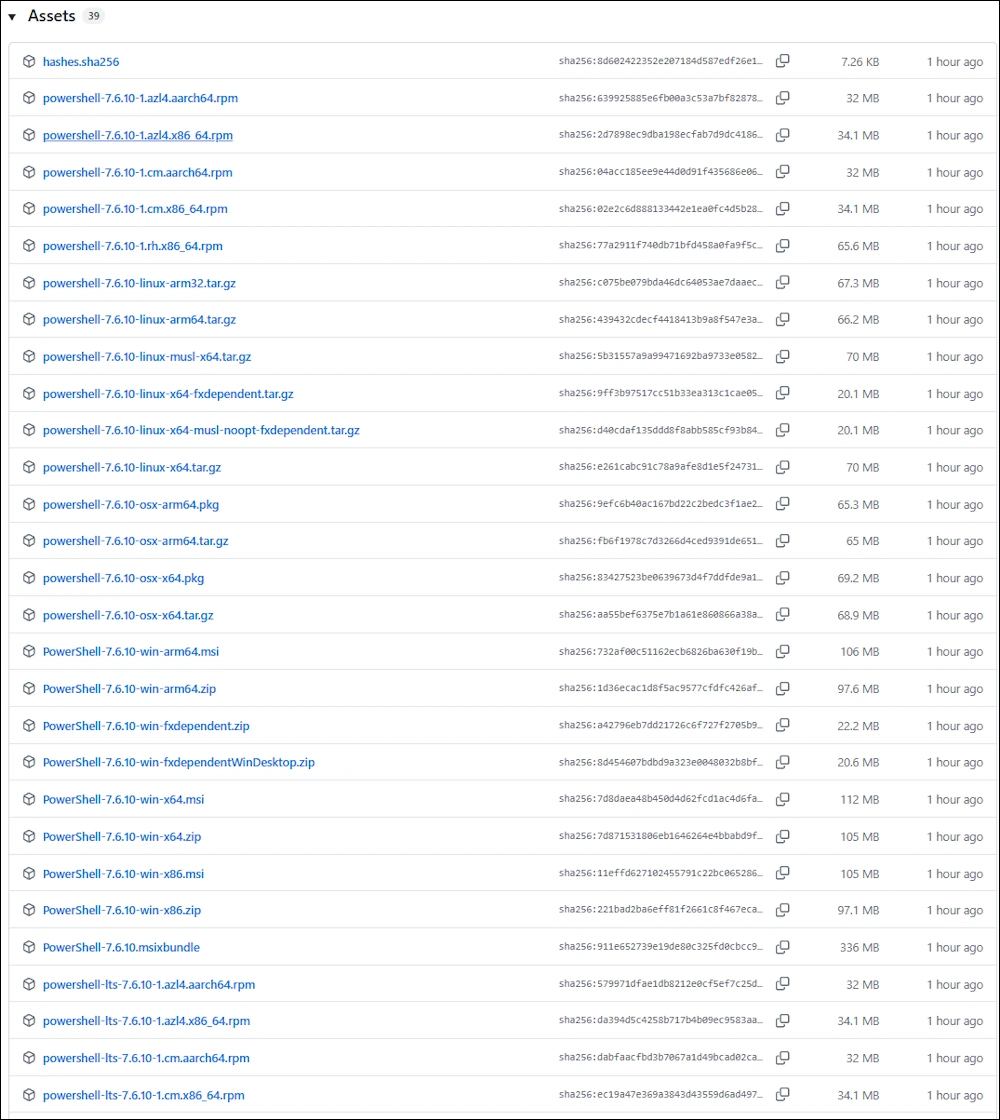
Assets
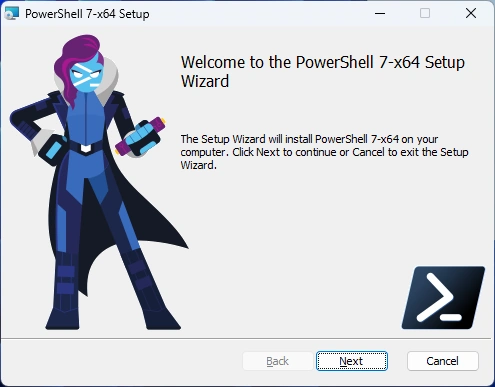
Installation
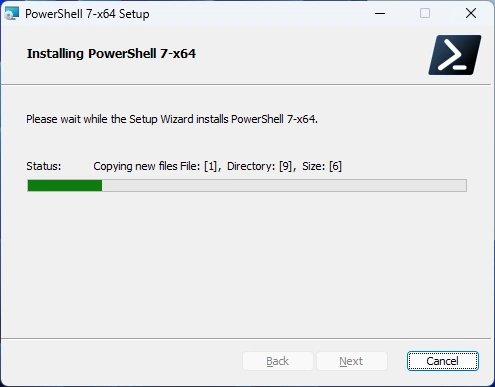
I’ve downloaded the x64 MSI and started it
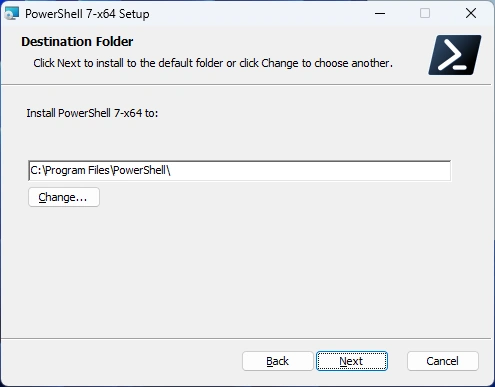
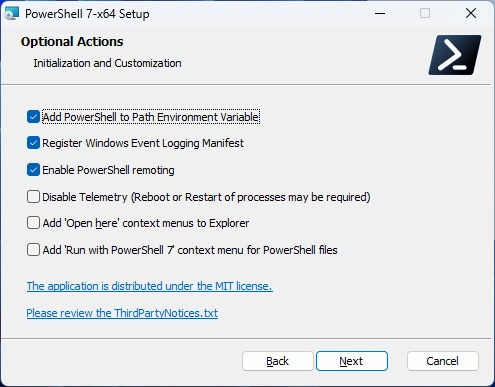
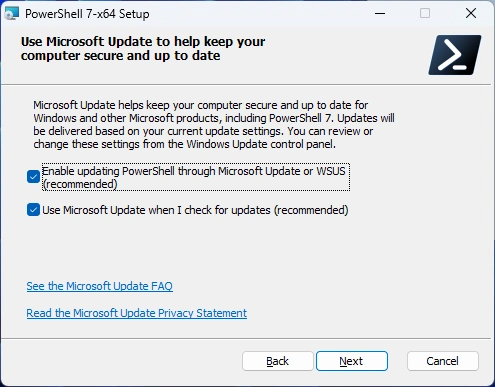
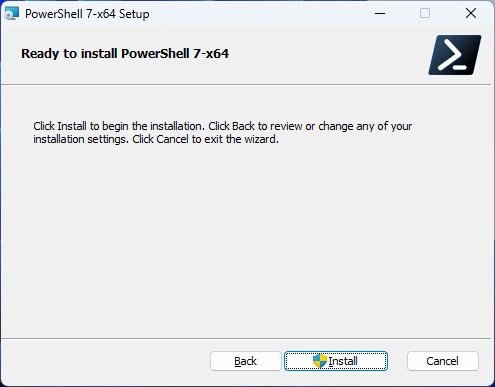
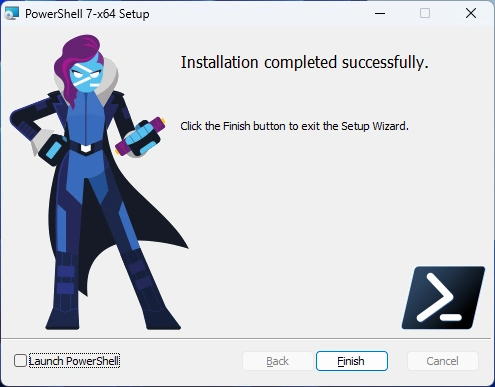
Installation was successfull
Testing
Start PowerShell 7 without Profile
start pwsh -noprofile

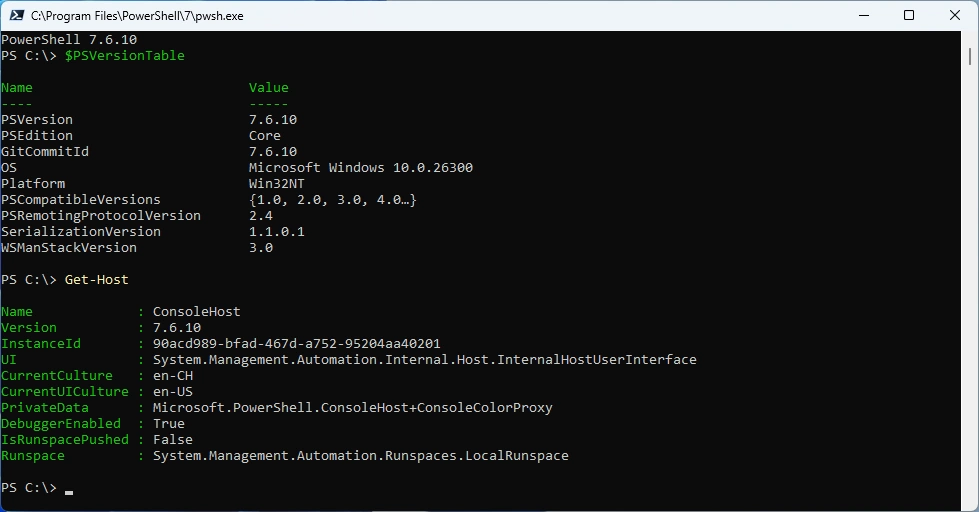
Let’s fire up PowerShell and check the Version
$PSVersionTable
Get-Host
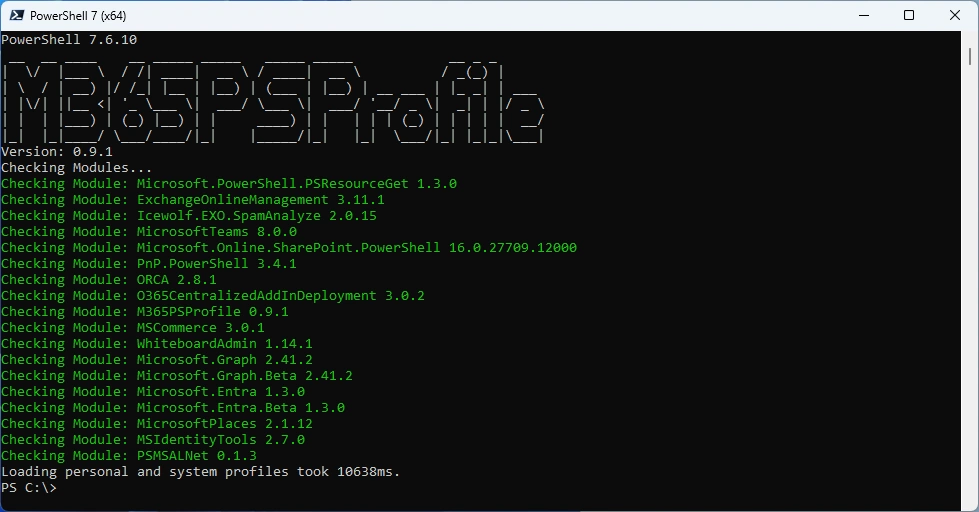
Looks like my PowerShell Module for updating the M365 Modules M365PSProfile still works. Find the Documentation here: GitHub Documentation
# Install-PSResource -Name M365PSProfile -Scope CurrentUser
# Add-M365PSProfile
Install-M365Module
Regards
Andres Bohren
PowerShell Logo