
MicrosoftTeams PowerShell Module 8.1.0 released
Hi All,
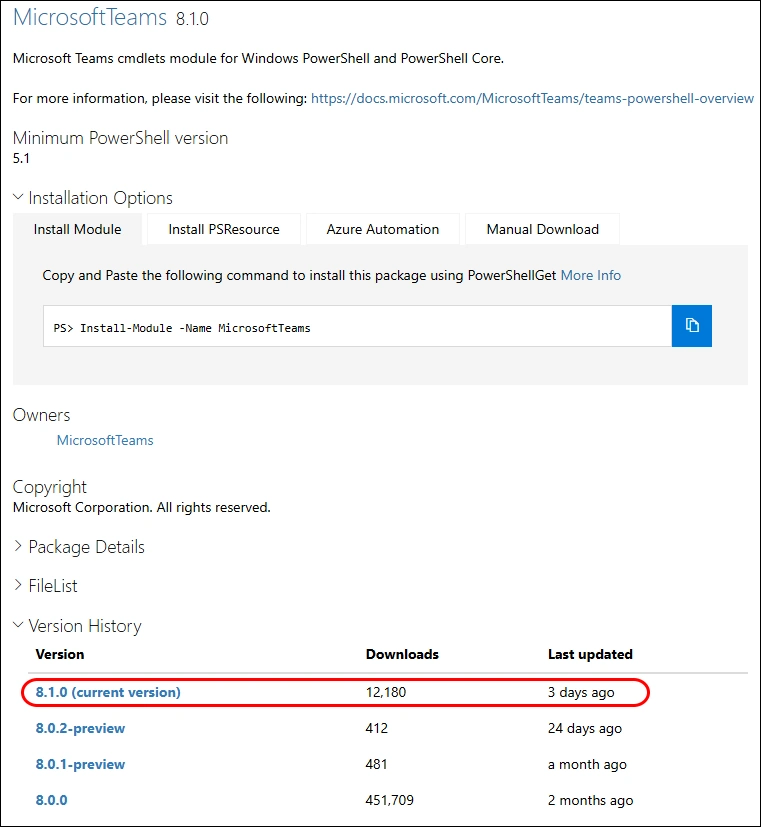
A few days ago, Microsoft has released the MicrosoftTeams PowerShell Module 8.1.0 to the PowerShell Gallery.
- PowerShell Gallery MicrosoftTeams 8.1.0
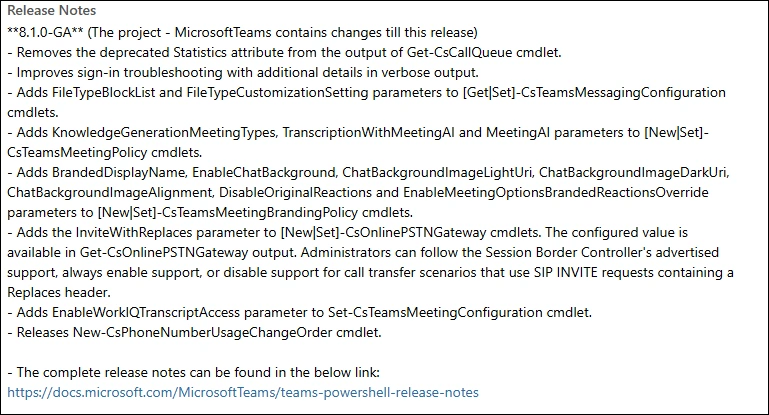
Release Notes:
- Removes the deprecated Statistics attribute from the output of Get-CsCallQueue cmdlet.
- Improves sign-in troubleshooting with additional details in verbose output.
- Adds FileTypeBlockList and FileTypeCustomizationSetting parameters to [Get|Set]-CsTeamsMessagingConfiguration cmdlets.
- Adds KnowledgeGenerationMeetingTypes, TranscriptionWithMeetingAI and MeetingAI parameters to [New|Set]-CsTeamsMeetingPolicy cmdlets.
- Adds BrandedDisplayName, EnableChatBackground, ChatBackgroundImageLightUri, ChatBackgroundImageDarkUri, ChatBackgroundImageAlignment, DisableOriginalReactions and EnableMeetingOptionsBrandedReactionsOverride parameters to [New|Set]-CsTeamsMeetingBrandingPolicy cmdlets.
- Adds the InviteWithReplaces parameter to [New|Set]-CsOnlinePSTNGateway cmdlets. The configured value is available in Get-CsOnlinePSTNGateway output. Administrators can follow the Session Border Controller’s advertised support, always enable support, or disable support for call transfer scenarios that use SIP INVITE requests containing a Replaces header.
- Adds EnableWorkIQTranscriptAccess parameter to Set-CsTeamsMeetingConfiguration cmdlet.
- Releases New-CsPhoneNumberUsageChangeOrder cmdlet.
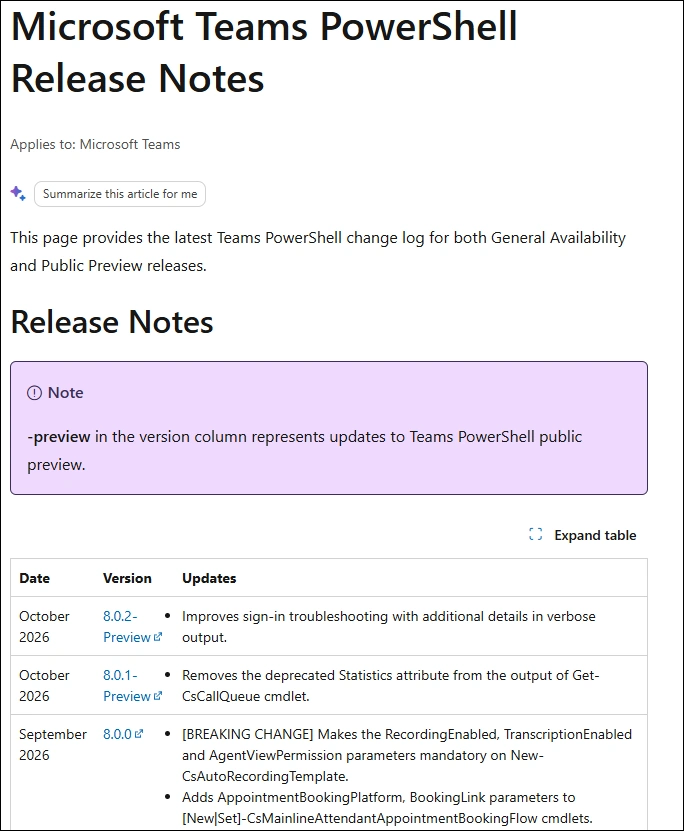
The Release Notes Website seems not yet updated
I am using the new PSResourceGet here instead of the PowerShellGet commands.
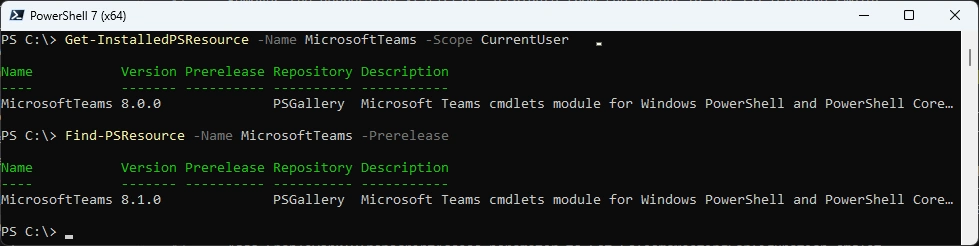
Check installed Module and what’s available in the PowerShell Gallery
Get-InstalledPSResource -Name MicrosoftTeams -Scope CurrentUser
Find-PSResource -Name MicrosoftTeams -Prerelease
Uninstall the old Module and install the new Module Version
Uninstall-PSResource -Name MicrosoftTeams -Scope CurrentUser
Install-PSResource -Name MicrosoftTeams -Scope CurrentUser -Repository PSGallery
Get-InstalledPSResource -Name MicrosoftTeams -Scope CurrentUser

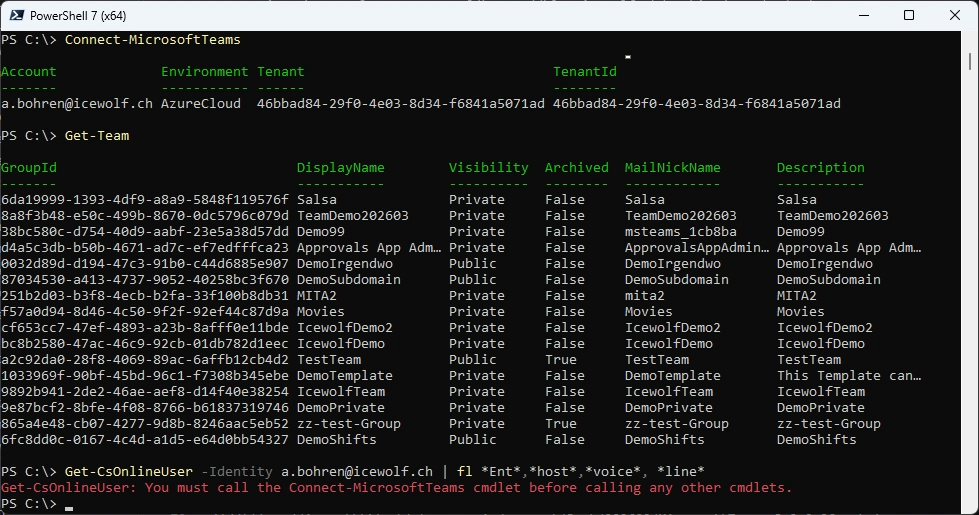
Some basic testing
Connect-MicrosoftTeams
Get-Team
Get-CsOnlineUser -Identity a.bohren@icewolf.ch | fl *Ent*,*host*,*voice*, *line*
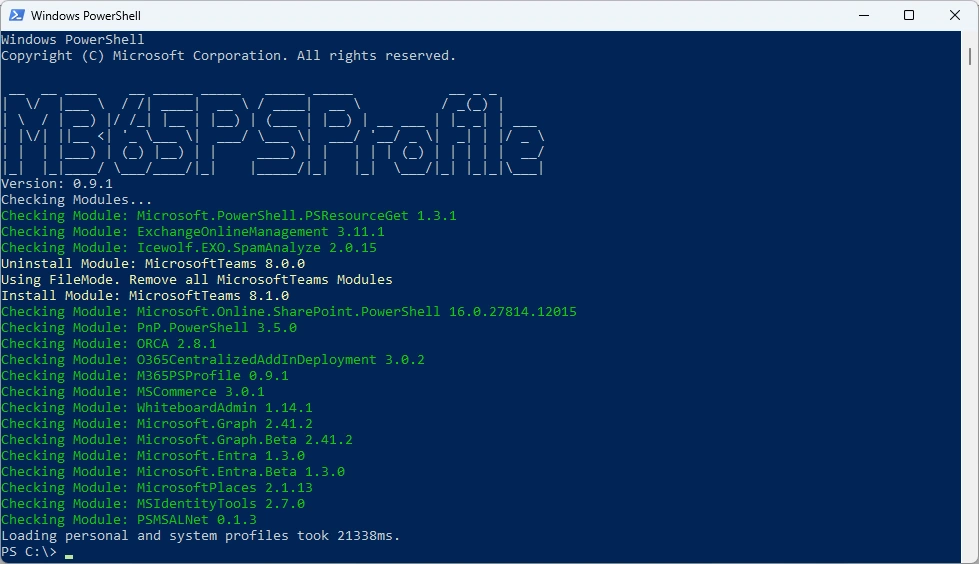
Or you can simply use my M365PSProfile Module - find the Documentation here: GitHub Documentation
Install-PSResource -Name M365PSProfile -Scope CurrentUser
Install-M365Module
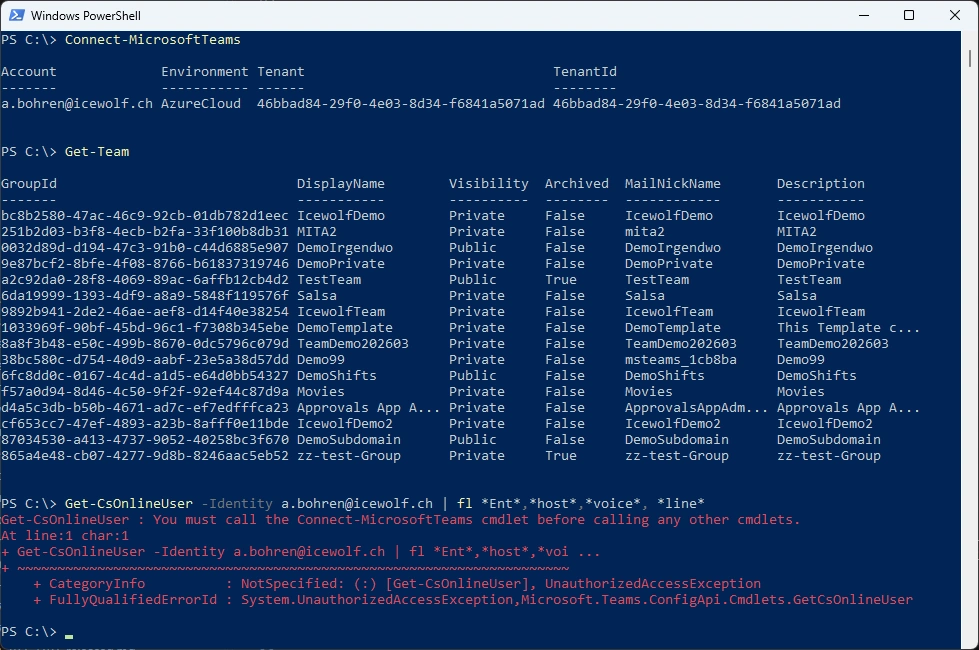
The Authentication Error is also present in PowerShell 5.1
Connect-MicrosoftTeams
Get-Team
Get-CsOnlineUser -Identity a.bohren@icewolf.ch | fl *Ent*,*host*,*voice*, *line*
Regards
Andres Bohren
PowerShell Logo Teams Logo
