
Entra Connect Sync 2.6.91 released

Hi All,
A few days ago, Microsoft has released the Entra Connect Sync Version 2.6.91.0.
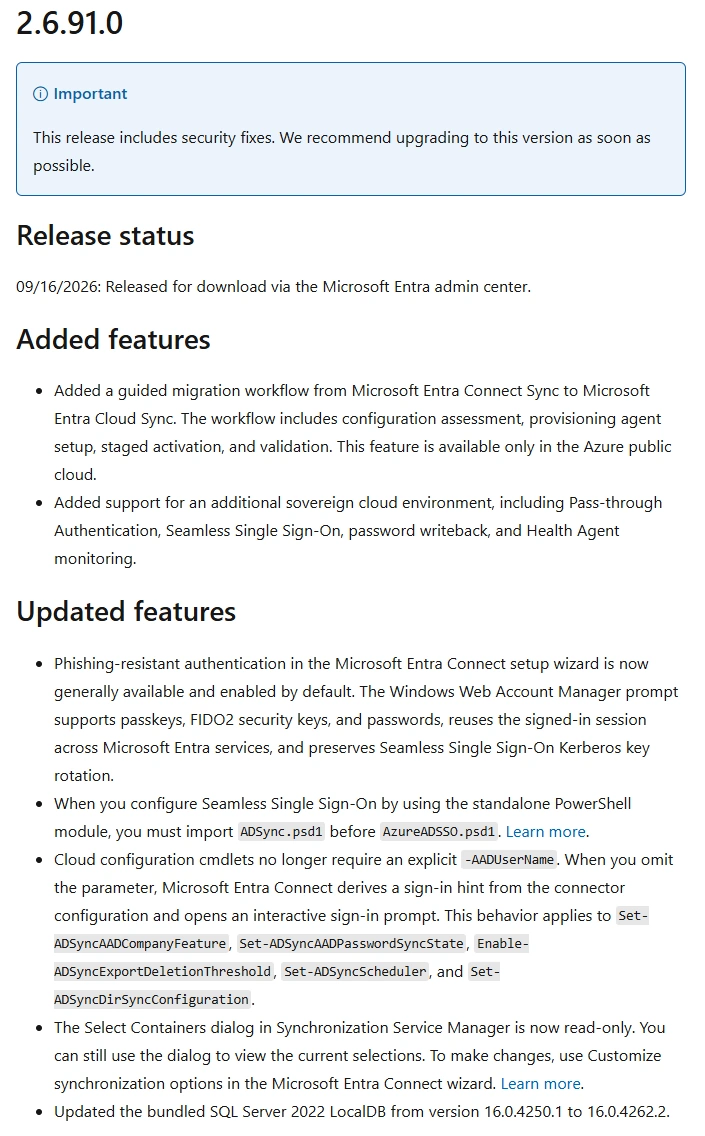
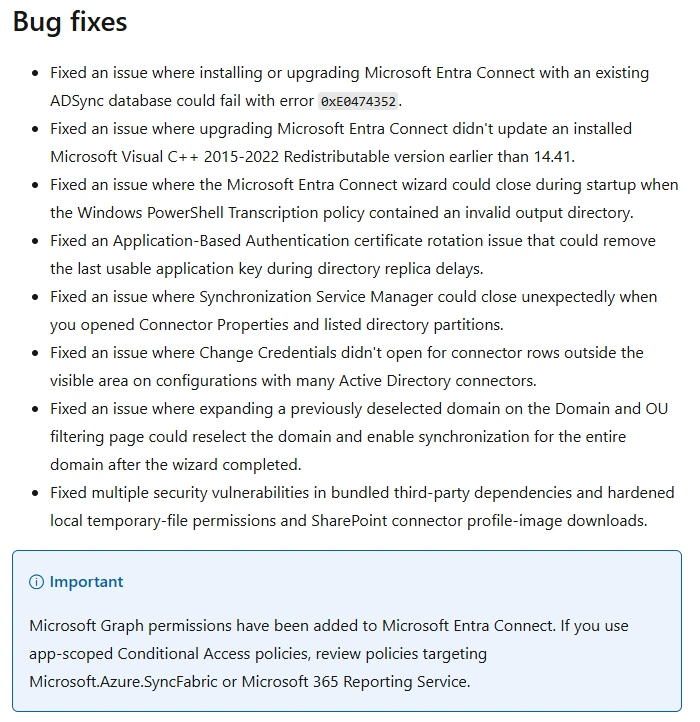
Check current version
#Version
(Get-Item "C:\Program Files\Microsoft Azure AD Sync\Bin\miiserver.exe").VersionInfo

Download
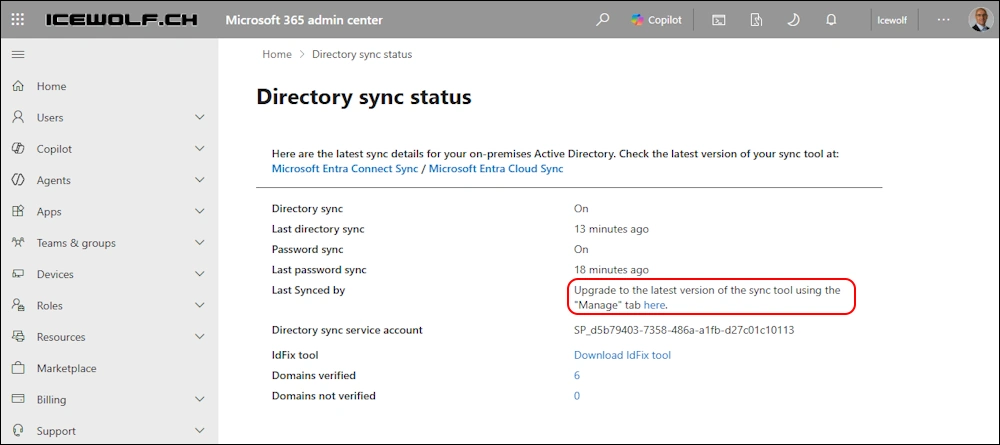
The easiest way is to check Entra Connect Sync in M365 Admin Center Directory sync status and use the Link there
Or go to the Entra Admin Portal and find it there Entra Admin Center > Identity > Entra Connect > Entra Connect Sync Download the latest Entra Connect Sync Version
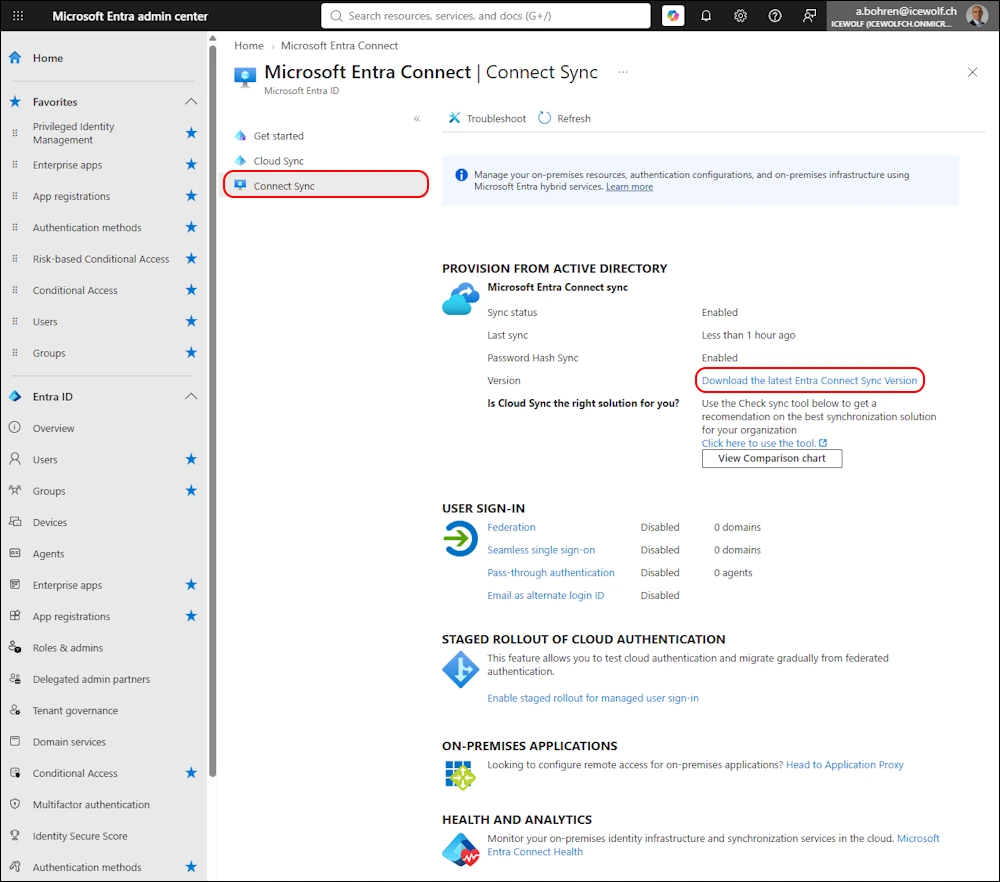
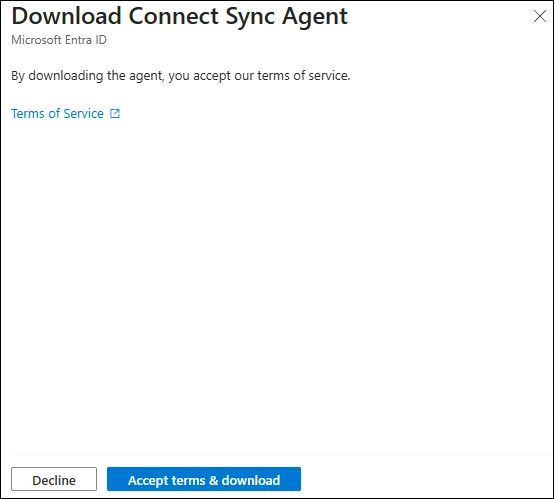
If you click on the Download Link you have to click on the “Accept terms & download” Button. It will download AzureAdConnect.msi 😂
Another missed chance to rename the Downloaded File 😉
Upgrade
After downloading the AzureAdConnect.msi you need to run it
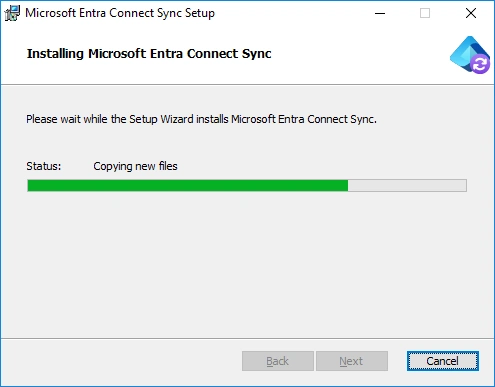
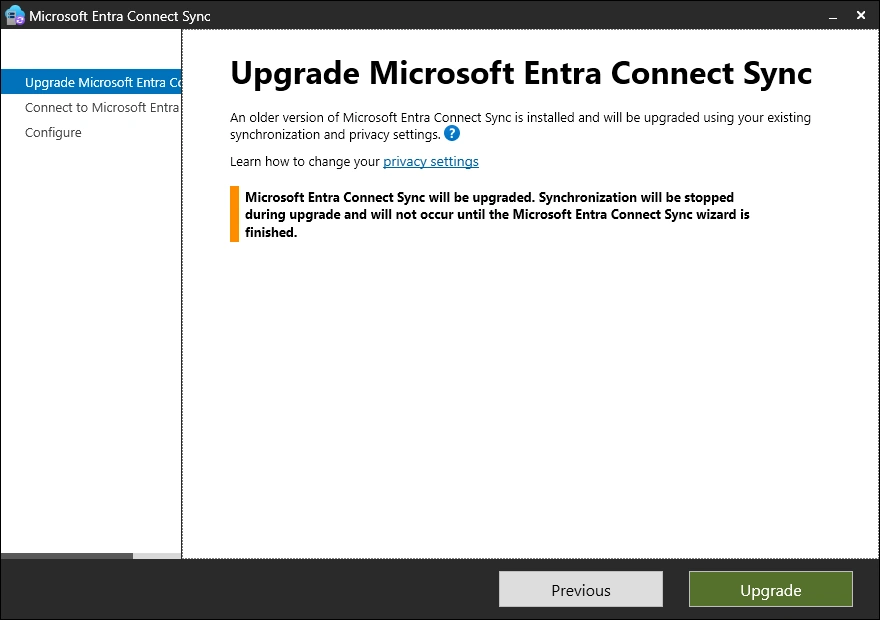
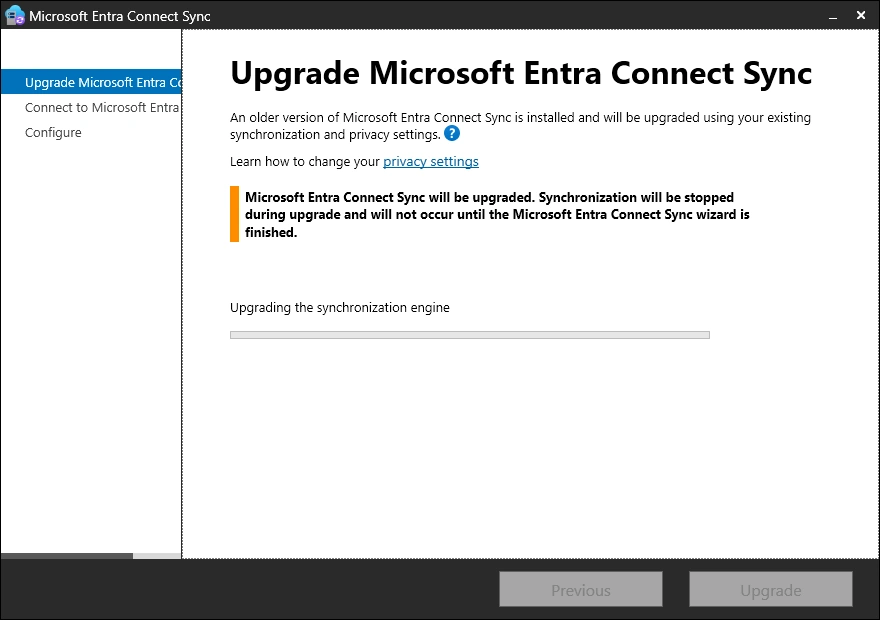
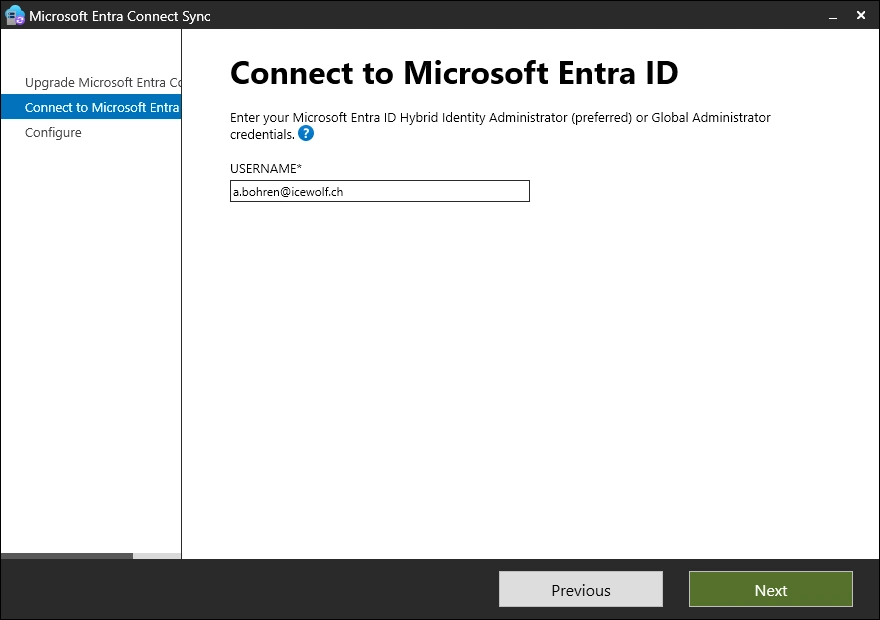
Now you need to Sign-In with the “Hybrid Identity Administrator” or “Global Administrator” Role
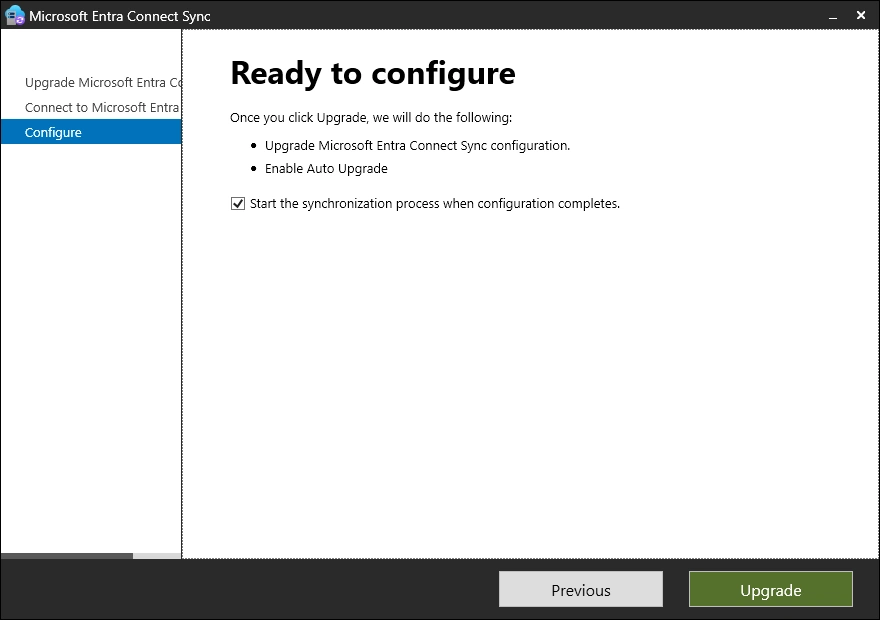
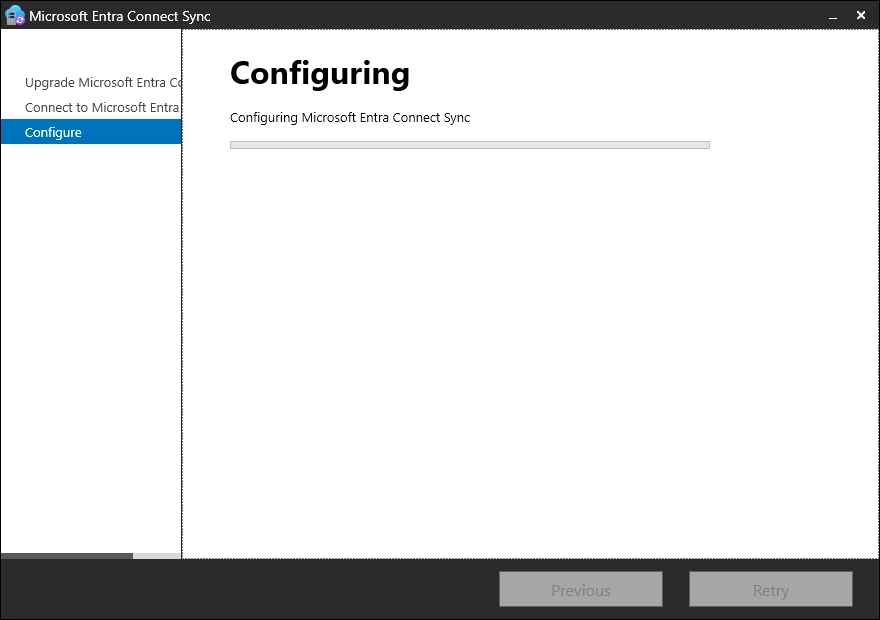
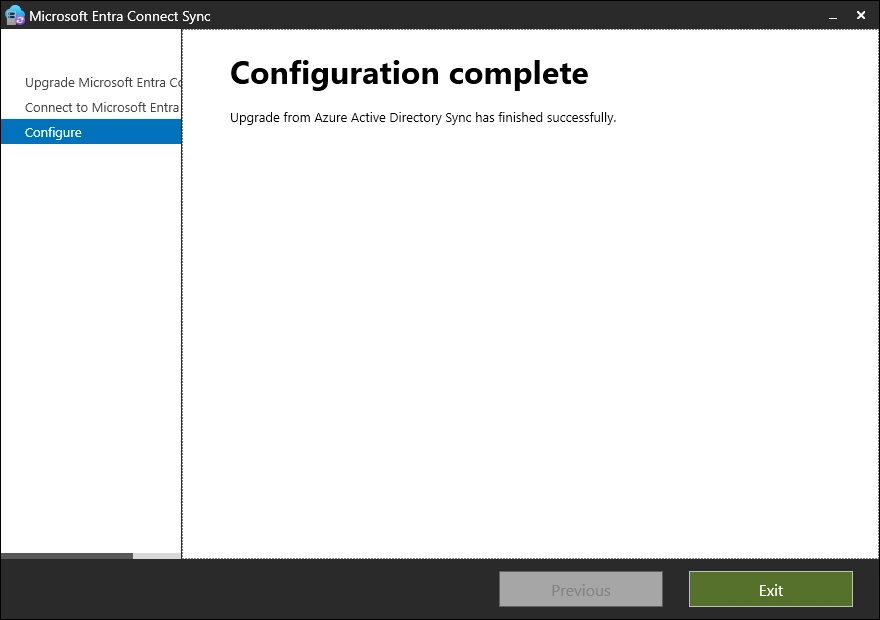
Upgrade was successful
Checks
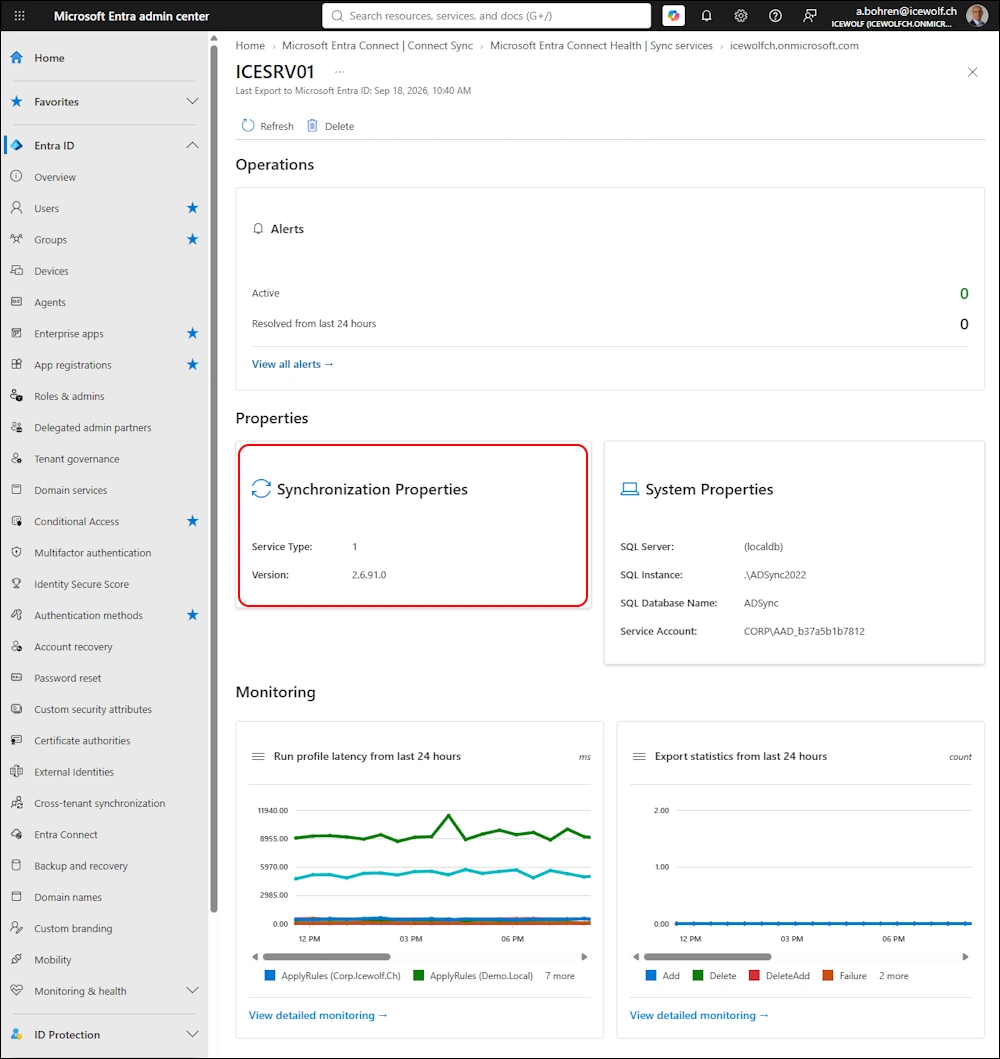
Let’s check the Version after the Installation
#Version
(Get-Item "C:\Program Files\Microsoft Azure AD Sync\Bin\miiserver.exe").VersionInfo

Check the AutoUpgrade Setting that will be set to Enabled
#Autoupgrade
Get-ADSyncAutoUpgrade
Get-ADSyncAutoUpgrade -Detail

Check Entra
It takes a while to update the Version Number in Entra.
It seems this part of Entra has been overhauled
Readyness Review vor Cloud Sync
Microsoft is pushing against Cloud Sync
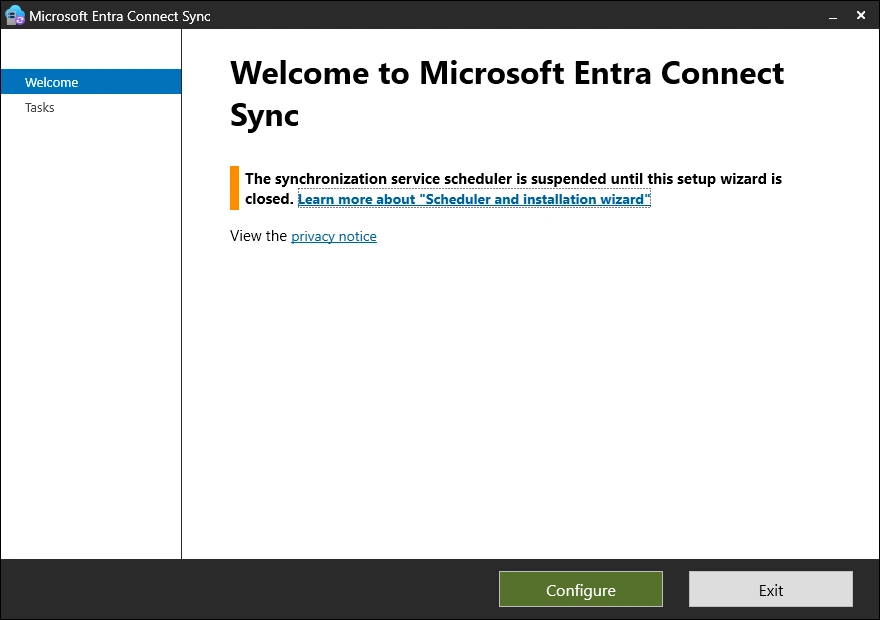
Now there is a Wizard that checks if your Entra Connect Sync Instance is supported for Migration. In my Opinion Required is a bit hard - Recommended would be sufficient.
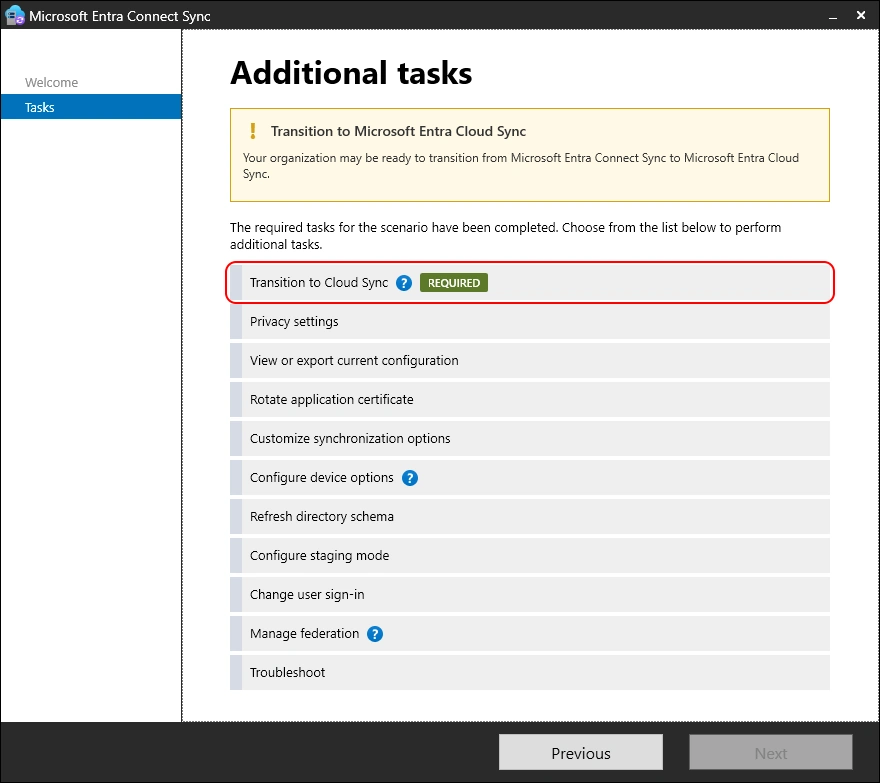
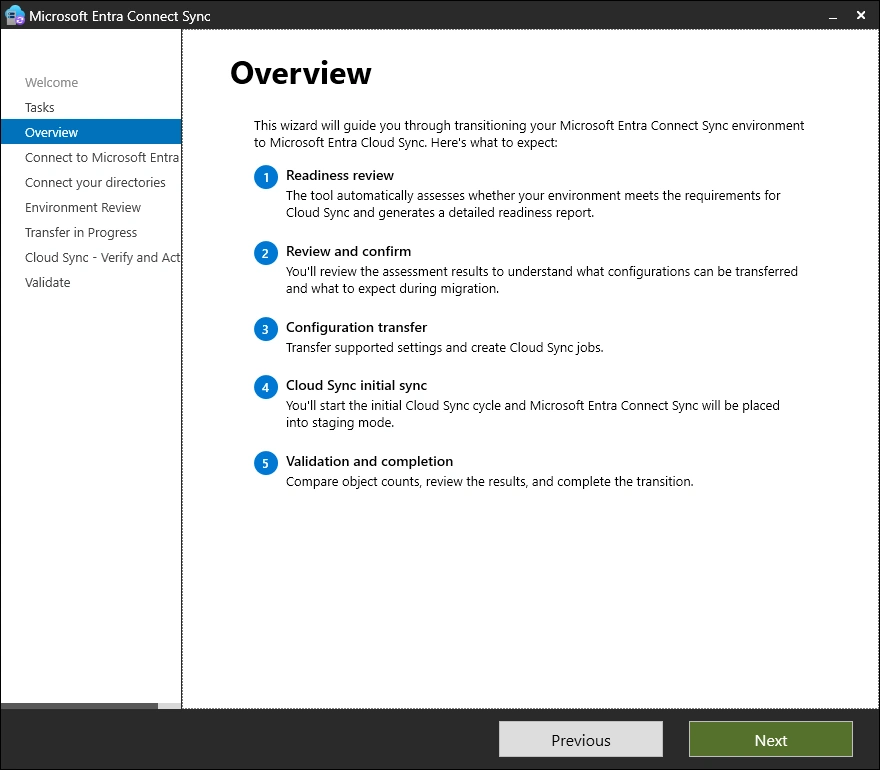
The Wizard checks your environment in five Steps
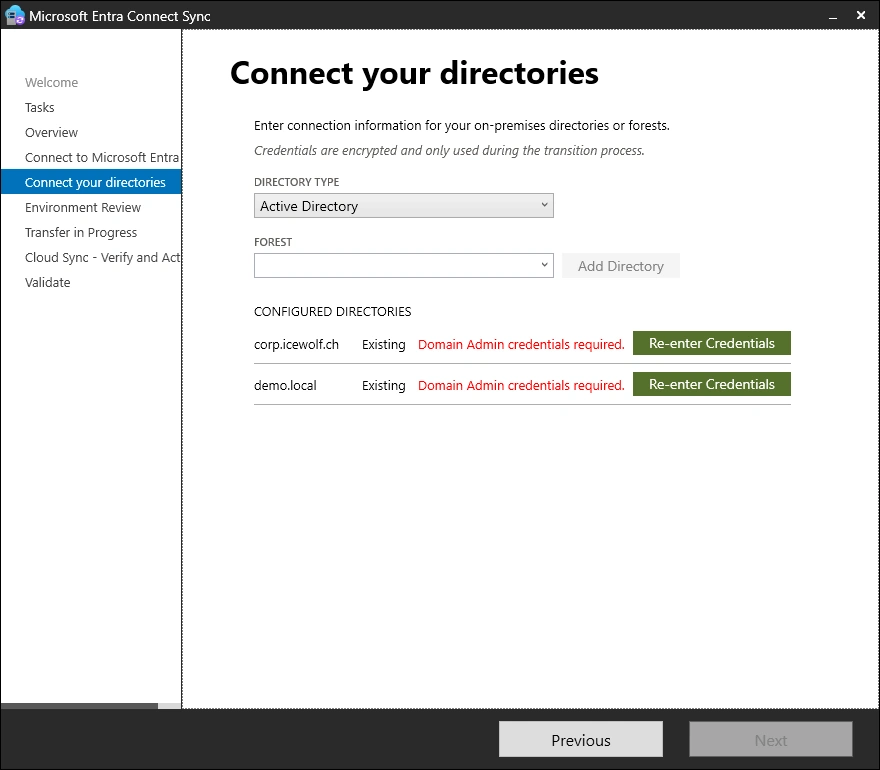
You need to reenter the Active Directory Credentials
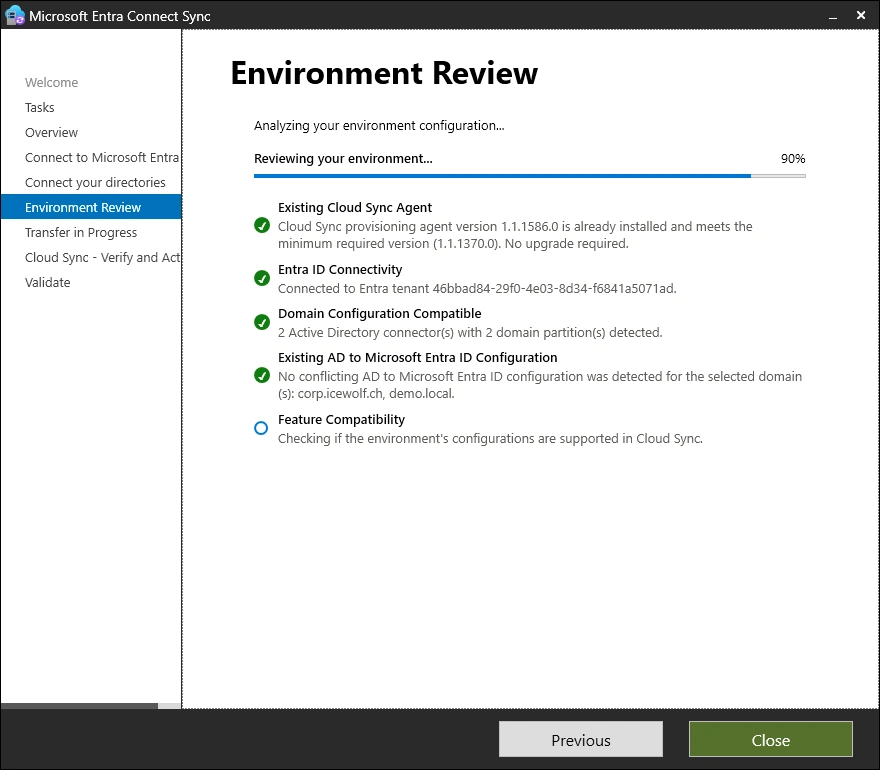
Checks are executed
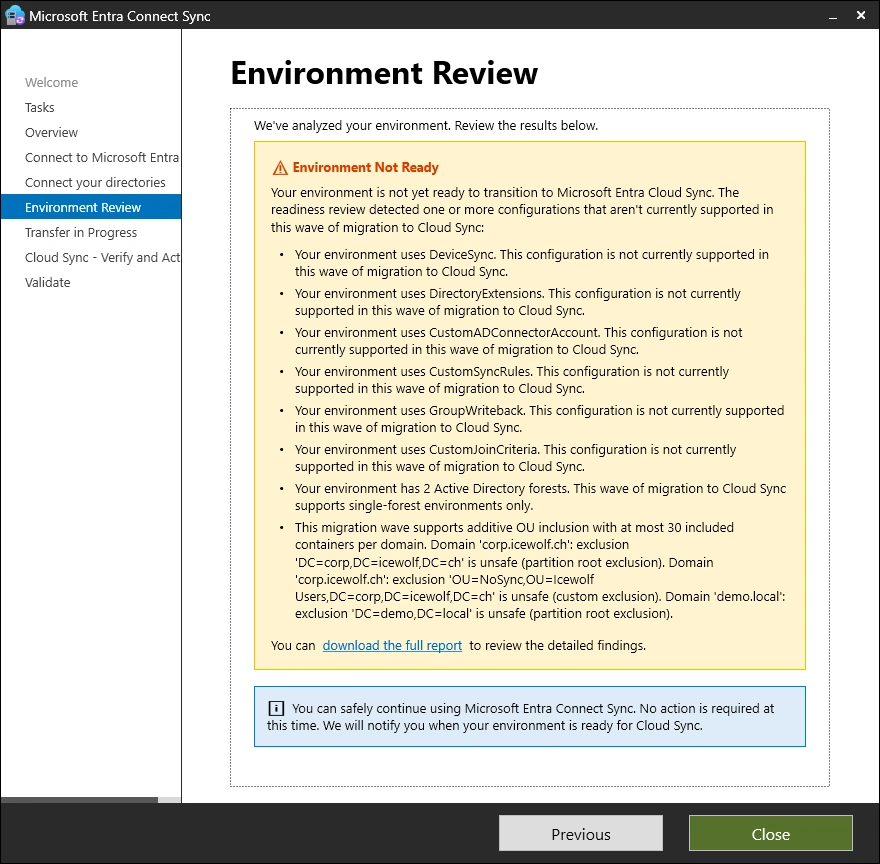
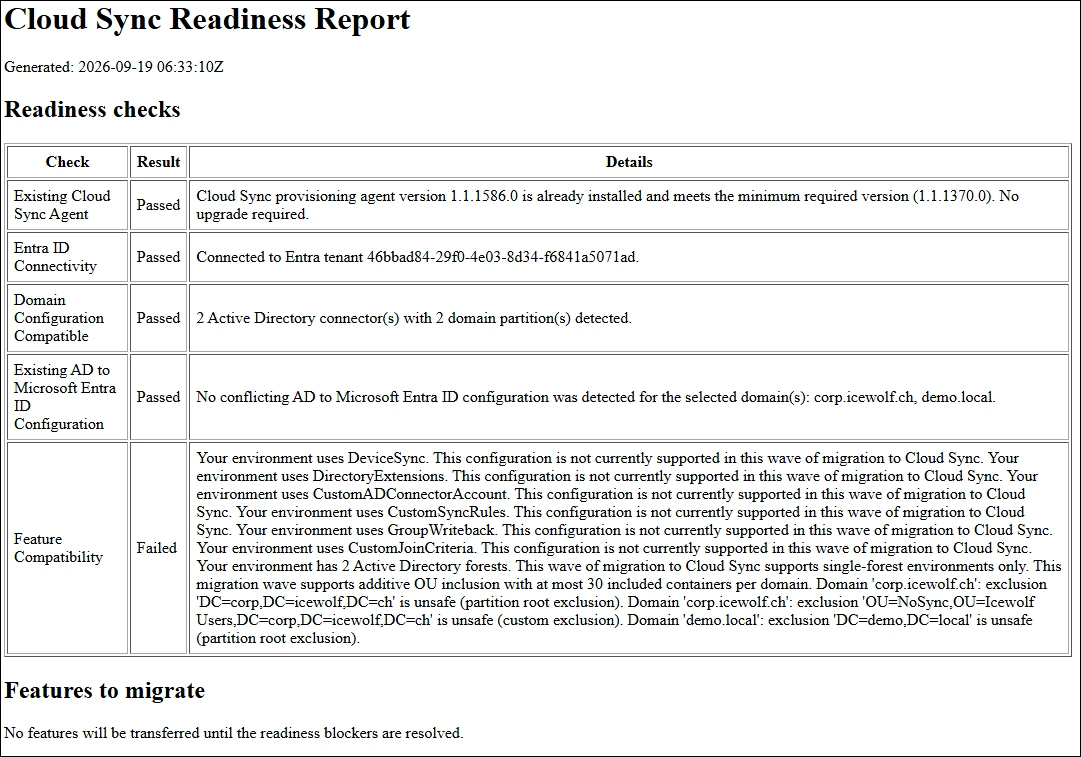
Now you get a report
- Device Sync is currently not supported
- Directory Extensions are currently not supported
- Custom AD Connector Account is currently not supported
- CustomSyncRules are currently not supported
- GroupWriteback is currently not supported
- CustomJoinCriteria is currently not supported
- Multiple Active Directorys are currently not supported
- Max 30 OU’s but only inclusion and no exclusion are supported
I’ve also downloaded the HTML Report
Summary
It’s the first step, Microsoft only supports a very limited and easy setup. As you can see there is still a big gap, that needs closing. Probably Microsoft get’s more insights and statistics out of this and can prioritize further development of Cloud Sync.
At the current development speed it will take them still years 😉
Regards
Andres Bohren
EntraID Logo