
PnP.PowerShell 3.2.0 released
Hi All,
Just a few Hours ago, the PnP.PowerShell Module 3.2.0 has been released. That’s almost a year since the last release PnP.PowerShell 3.1.0
- PowerShell Gallery PnP.PowerShell 3.2.0
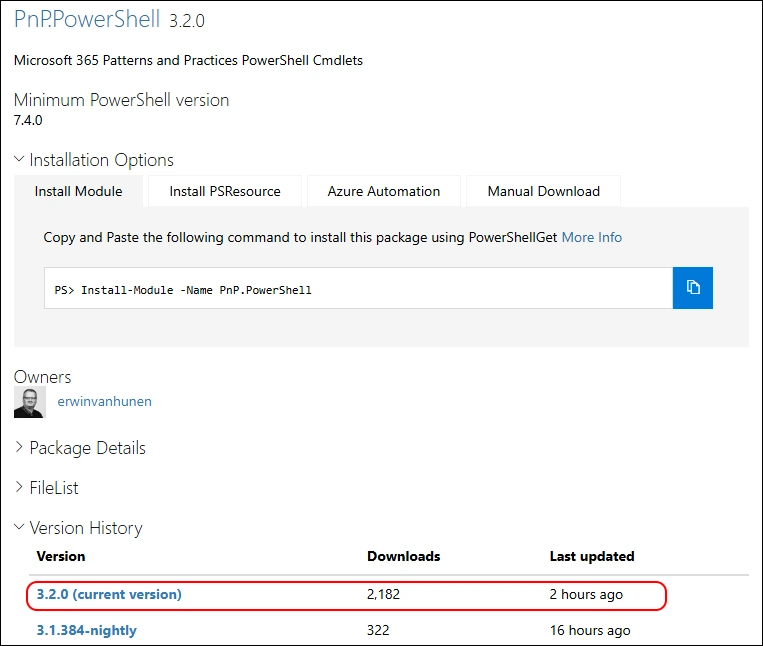
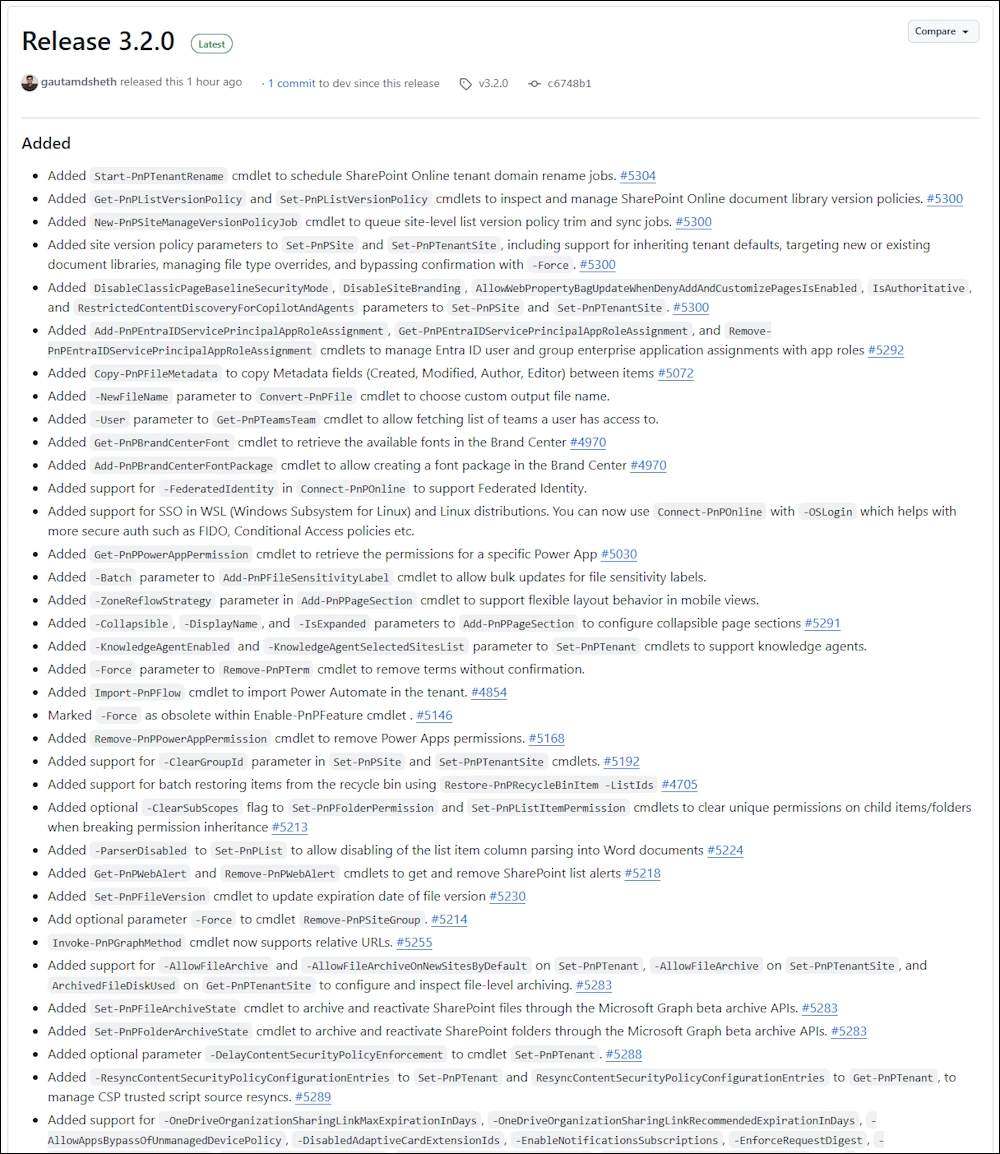
I am using the new PSResourceGet here instead of the PowerShellGet commands.
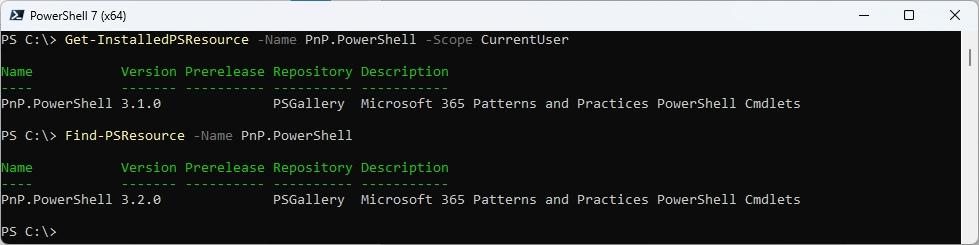
Show installed Versions and what’s available in PowerShell Gallery
Get-InstalledPSResource -Name PnP.PowerShell -Scope CurrentUser
Find-PSResource -Name PnP.PowerShell
Uninstall the old Module and install the new Module
Uninstall-PSResource -Name PnP.PowerShell -Scope CurrentUser
Install-PSResource -Name M365PSProfile -Scope CurrentUser
Get-InstalledPSResource -Name PnP.PowerShell -Scope CurrentUser

I have blogged about how to Register the Entra ID App for PnP.PowerShell
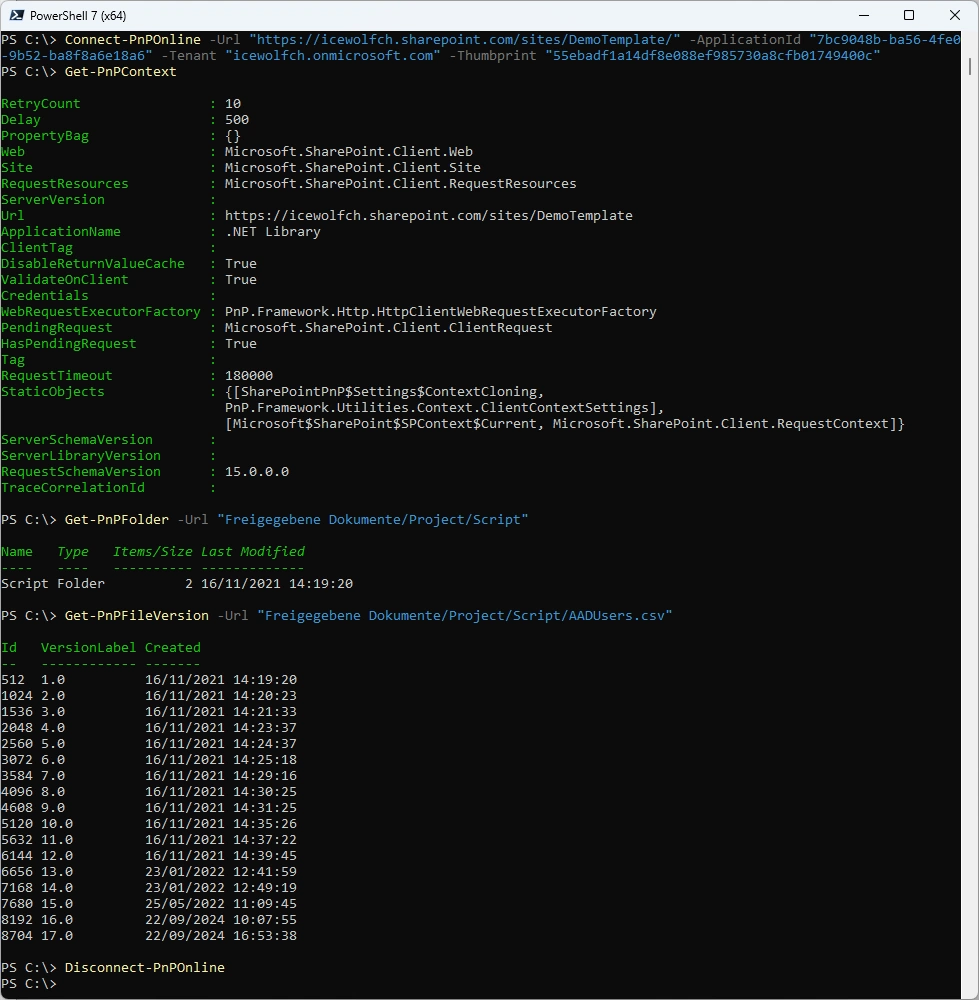
Connect with App and Certificate and some basic tests
Connect-PnPOnline -Url "https://icewolfch.sharepoint.com/sites/DemoTemplate/" -ApplicationId "7bc9048b-ba56-4fe0-9b52-ba8f8a6e18a6" -Tenant "icewolfch.onmicrosoft.com" -Thumbprint "55ebadf1a14df8e088ef985730a8cfb01749400c"
Get-PnPContext
Get-PnPFolder -Url "Freigegebene Dokumente/Project/Script"
Get-PnPFileVersion -Url "Freigegebene Dokumente/Project/Script/AADUsers.csv"
Disconnect-PnPOnline
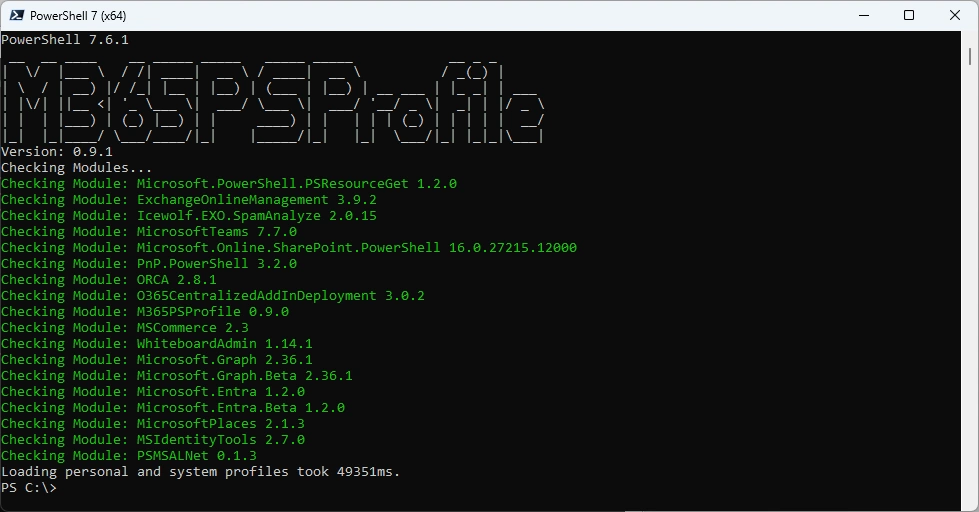
Or you can simply use my M365PSProfile Module - find the Documentation here: Documentation
Install-PSResource -Name M365PSProfile -Scope CurrentUser
Install-M365Module
Regards
Andres Bohren
PowerShell Logo SharePoint Logo
