
MicrosoftTeams PowerShell Module 7.8.0 released
Hi All,
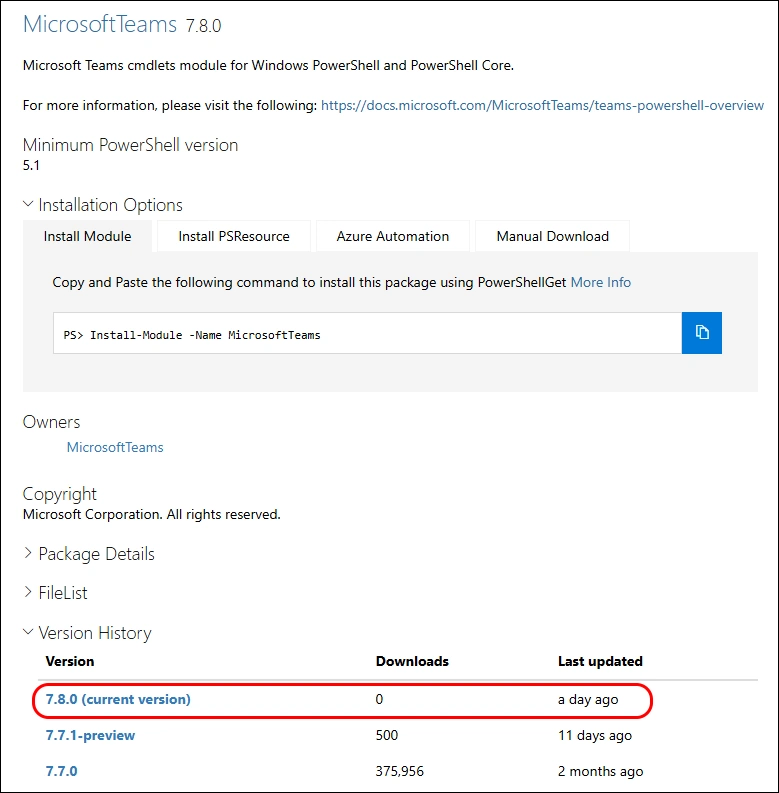
Yesterday, Microsoft has released the MicrosoftTeams PowerShell Module 7.8.0 to the PowerShell Gallery.
- PowerShell Gallery MicrosoftTeams 7.8.0
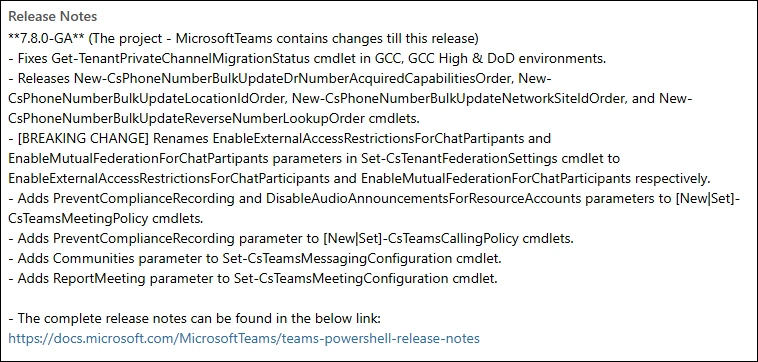
Read more details in the Release Notes
- Fixes Get-TenantPrivateChannelMigrationStatus cmdlet in GCC, GCC High & DoD environments.
- Releases New-CsPhoneNumberBulkUpdateDrNumberAcquiredCapabilitiesOrder, New-CsPhoneNumberBulkUpdateLocationIdOrder, New-CsPhoneNumberBulkUpdateNetworkSiteIdOrder, and New-CsPhoneNumberBulkUpdateReverseNumberLookupOrder cmdlets.
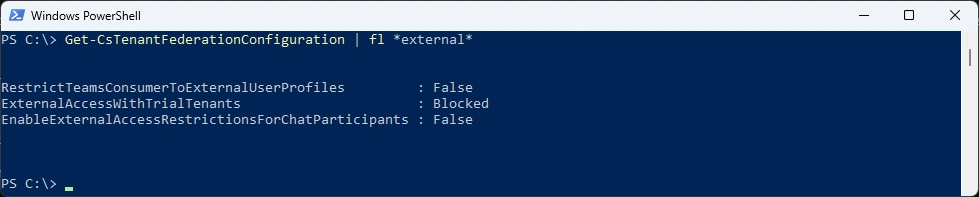
- [BREAKING CHANGE] Renames EnableExternalAccessRestrictionsForChatPartipants and EnableMutualFederationForChatPartipants parameters in Set-CsTenantFederationSettings cmdlet to EnableExternalAccessRestrictionsForChatParticipants and EnableMutualFederationForChatParticipants respectively.
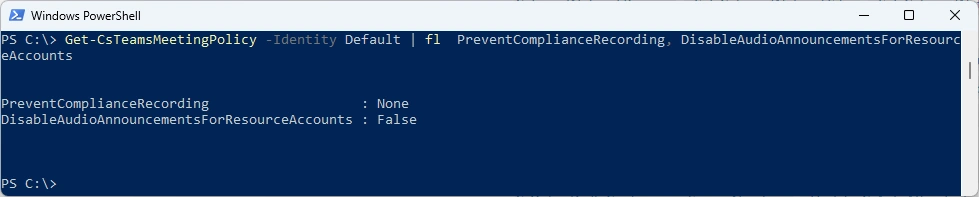
- Adds PreventComplianceRecording and DisableAudioAnnouncementsForResourceAccounts parameters to [New|Set]-CsTeamsMeetingPolicy cmdlets.
- Adds PreventComplianceRecording parameter to [New|Set]-CsTeamsCallingPolicy cmdlets.
- Adds Communities parameter to Set-CsTeamsMessagingConfiguration cmdlet.
- Adds ReportMeeting parameter to Set-CsTeamsMeetingConfiguration cmdlet.
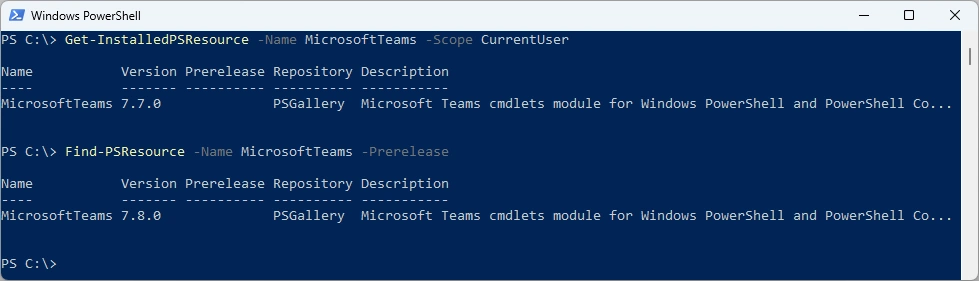
I am using the new PSResourceGet here instead of the PowerShellGet commands.
Check installed Module and what’s available in the PowerShell Gallery
Get-InstalledPSResource -Name MicrosoftTeams -Scope CurrentUser
Find-PSResource -Name MicrosoftTeams -Prerelease
Uninstall the old Module
Uninstall-PSResource -Name MicrosoftTeams -Scope CurrentUser
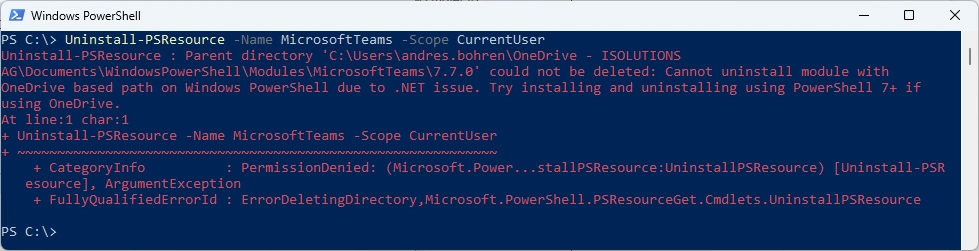
I’ve updated the M365PSProfile PowerShell Module and the Uninstall-M365Module Function with the Parameter -FileMode. It will delete the Module Folder of that Module.
Uninstall-M365Module -Modules MicrosoftTeams -Scope CurrentUser -FileMode

Install the new Version and check it
Install-PSResource -Name MicrosoftTeams -Scope CurrentUser
Get-InstalledPSResource -Name MicrosoftTeams -Scope CurrentUser

Some basic testing
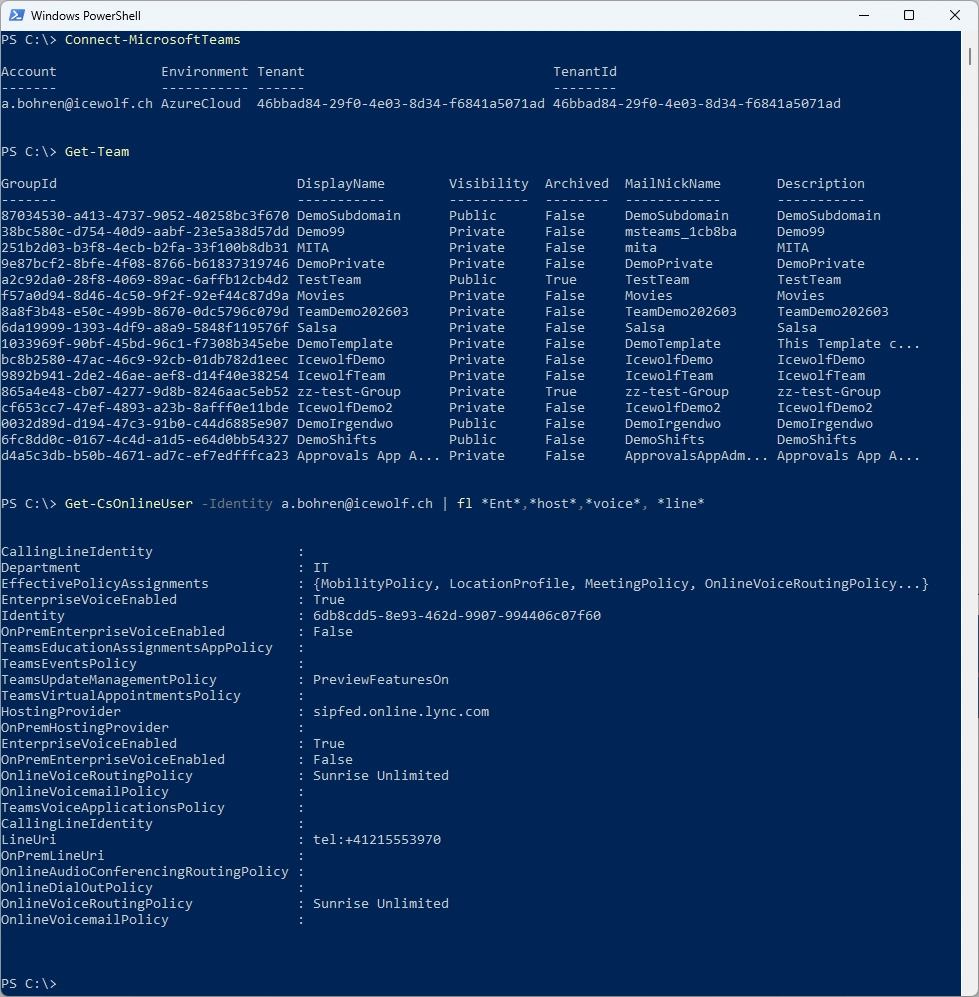
Connect-MicrosoftTeams
Get-Team
Get-CsOnlineUser -Identity a.bohren@icewolf.ch | fl *Ent*,*host*,*voice*, *line*
New Commandlets or updates
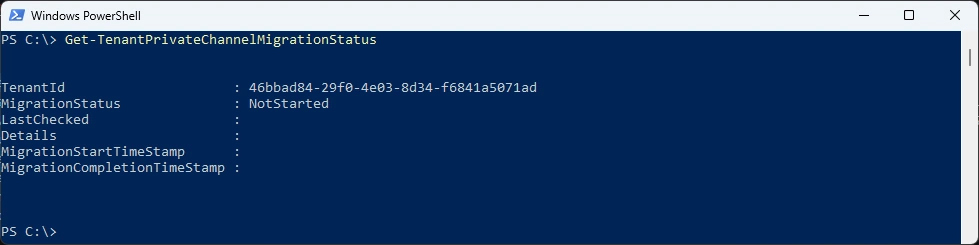
Get-TenantPrivateChannelMigrationStatus
Get-CsTenantFederationConfiguration | fl *external*
Get-CsTeamsMeetingPolicy -Identity Default | fl PreventComplianceRecording, DisableAudioAnnouncementsForResourceAccounts
Get-CsTeamsCallingPolicy -Identity Global | fl PreventComplianceRecording

Get-CsTeamsMessagingConfiguration -Identity Global | fl Communities, ReportMeeting

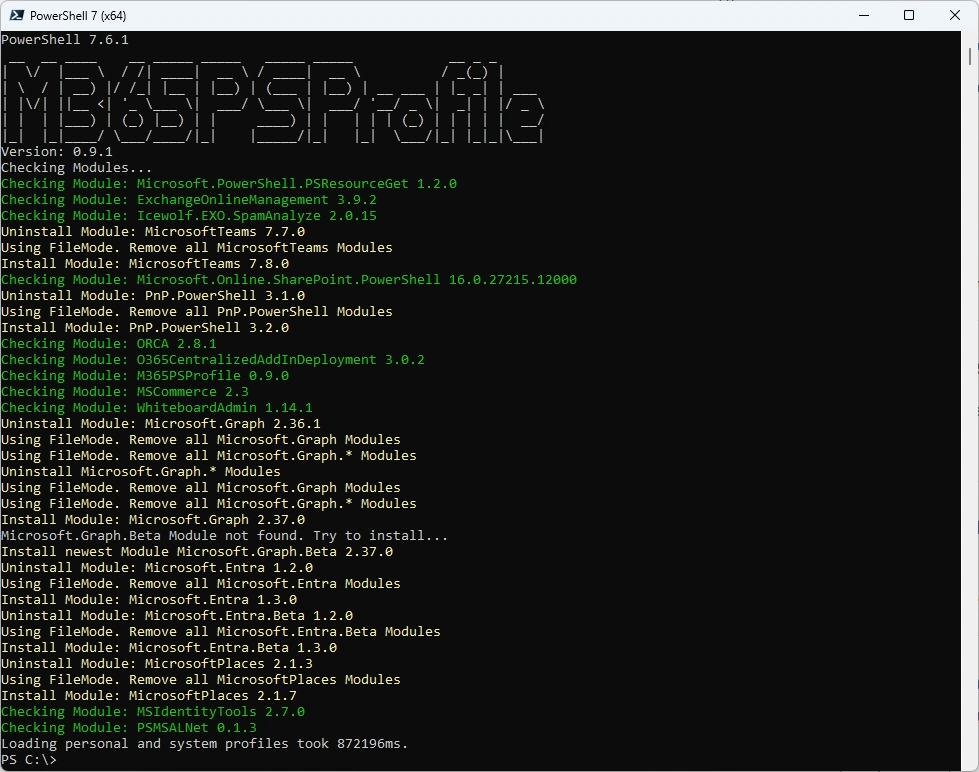
Or you can simply use my M365PSProfile Module - find the Documentation here: GitHub Documentation
Install-PSResource -Name M365PSProfile -Scope CurrentUser
Install-M365Module
Regards
Andres Bohren
PowerShell Logo Teams Logo
