
MicrosoftTeams PowerShell Module 7.9.0 released
Hi All,
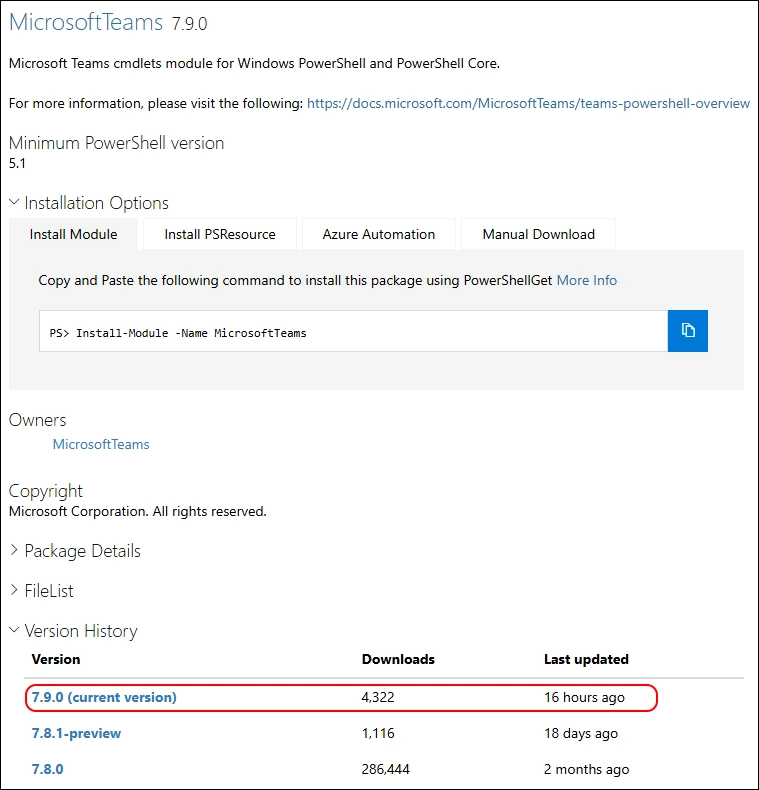
Yesterday, Microsoft has released the MicrosoftTeams PowerShell Module 7.9.0 to the PowerShell Gallery.
- PowerShell Gallery MicrosoftTeams 7.9.0
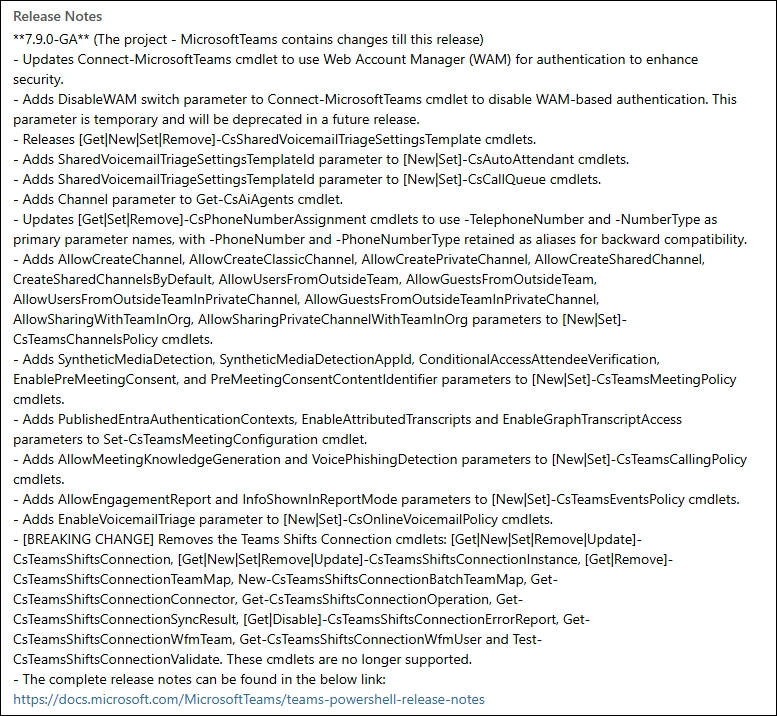
Read more details in the Release Notes
- Updates Connect-MicrosoftTeams cmdlet to use Web Account Manager (WAM) for authentication to enhance security.
- Adds DisableWAM switch parameter to Connect-MicrosoftTeams cmdlet to disable WAM-based authentication. This parameter is temporary and will be deprecated in a future release.
- Releases [Get|New|Set|Remove]-CsSharedVoicemailTriageSettingsTemplate cmdlets.
- Adds SharedVoicemailTriageSettingsTemplateId parameter to [New|Set]-CsAutoAttendant cmdlets.
- Adds SharedVoicemailTriageSettingsTemplateId parameter to [New|Set]-CsCallQueue cmdlets.
- Adds Channel parameter to Get-CsAiAgents cmdlet.
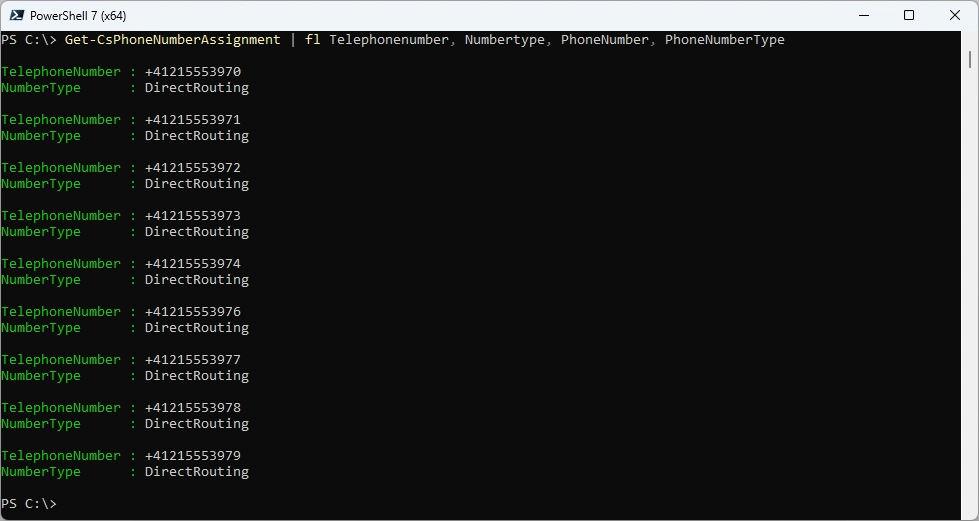
- Updates [Get|Set|Remove]-CsPhoneNumberAssignment cmdlets to use -TelephoneNumber and -NumberType as primary parameter names, with -PhoneNumber and -PhoneNumberType retained as aliases for backward compatibility.
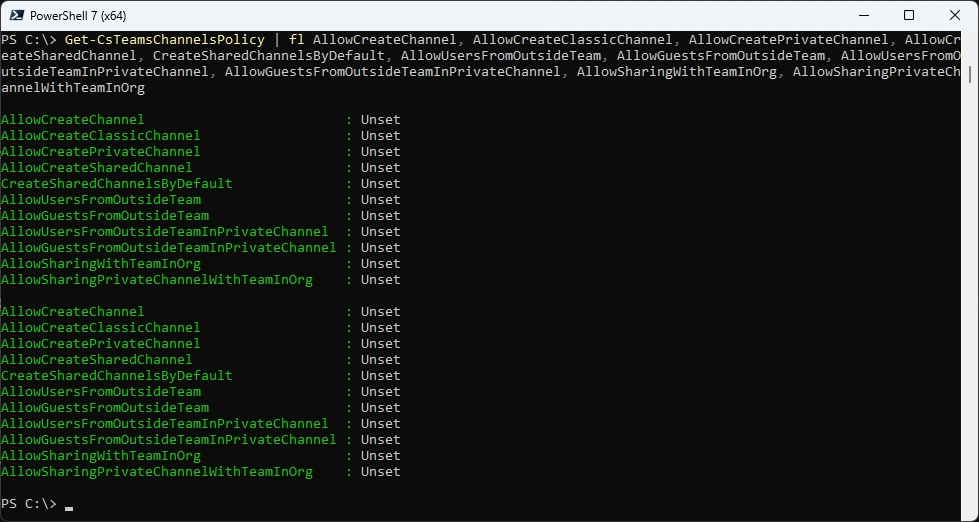
- Adds AllowCreateChannel, AllowCreateClassicChannel, AllowCreatePrivateChannel, AllowCreateSharedChannel, CreateSharedChannelsByDefault, AllowUsersFromOutsideTeam, AllowGuestsFromOutsideTeam, AllowUsersFromOutsideTeamInPrivateChannel, AllowGuestsFromOutsideTeamInPrivateChannel, AllowSharingWithTeamInOrg, AllowSharingPrivateChannelWithTeamInOrg parameters to [New|Set]-CsTeamsChannelsPolicy cmdlets.
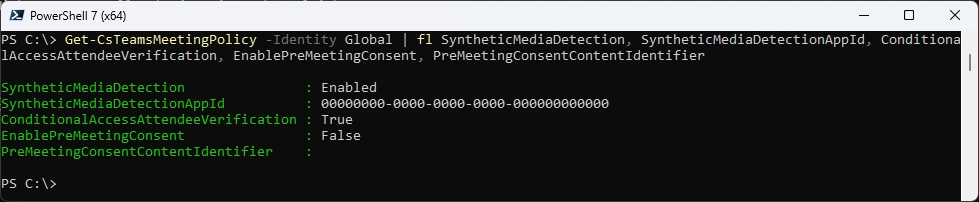
- Adds SyntheticMediaDetection, SyntheticMediaDetectionAppId, ConditionalAccessAttendeeVerification, EnablePreMeetingConsent, and PreMeetingConsentContentIdentifier parameters to [New|Set]-CsTeamsMeetingPolicy cmdlets.
- Adds PublishedEntraAuthenticationContexts, EnableAttributedTranscripts and EnableGraphTranscriptAccess parameters to Set-CsTeamsMeetingConfiguration cmdlet.
- Adds AllowMeetingKnowledgeGeneration and VoicePhishingDetection parameters to [New|Set]-CsTeamsCallingPolicy cmdlets.
- Adds AllowEngagementReport and InfoShownInReportMode parameters to [New|Set]-CsTeamsEventsPolicy cmdlets.
- Adds EnableVoicemailTriage parameter to [New|Set]-CsOnlineVoicemailPolicy cmdlets.
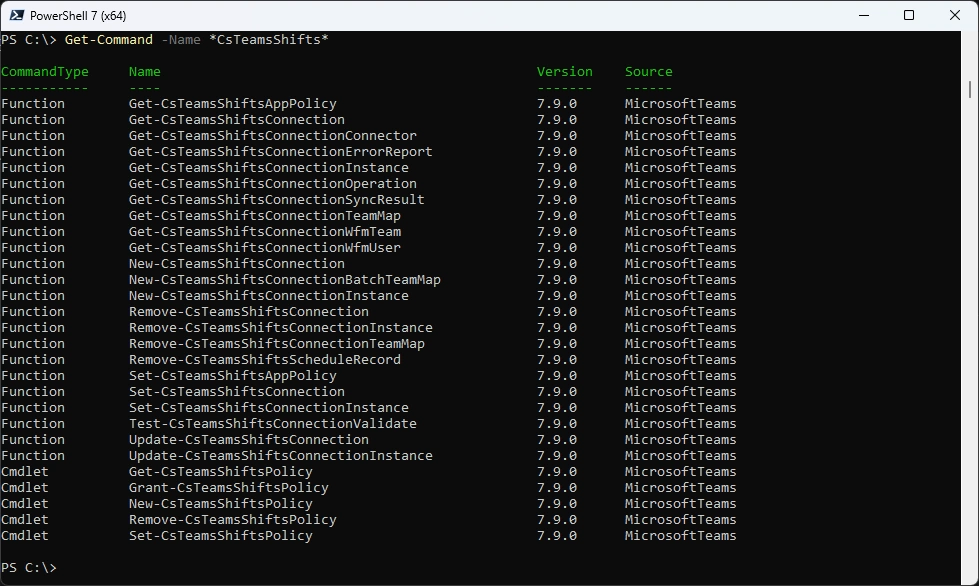
- [BREAKING CHANGE] Removes the Teams Shifts Connection cmdlets: [Get|New|Set|Remove|Update]-CsTeamsShiftsConnection, [Get|New|Set|Remove|Update]-CsTeamsShiftsConnectionInstance, [Get|Remove]-CsTeamsShiftsConnectionTeamMap, New-CsTeamsShiftsConnectionBatchTeamMap, Get-CsTeamsShiftsConnectionConnector, Get-CsTeamsShiftsConnectionOperation, Get-CsTeamsShiftsConnectionSyncResult, [Get|Disable]-CsTeamsShiftsConnectionErrorReport, Get-CsTeamsShiftsConnectionWfmTeam, Get-CsTeamsShiftsConnectionWfmUser and Test-CsTeamsShiftsConnectionValidate. These cmdlets are no longer supported.
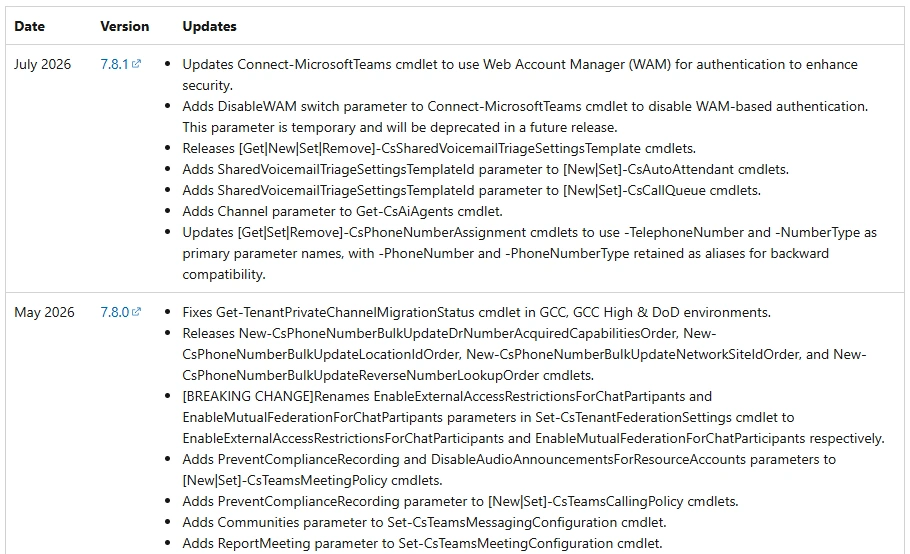
The Release Notes Website seems not yet updated
I am using the new PSResourceGet here instead of the PowerShellGet commands.
Check installed Module and what’s available in the PowerShell Gallery
Get-InstalledPSResource -Name MicrosoftTeams -Scope CurrentUser
Find-PSResource -Name MicrosoftTeams -Prerelease
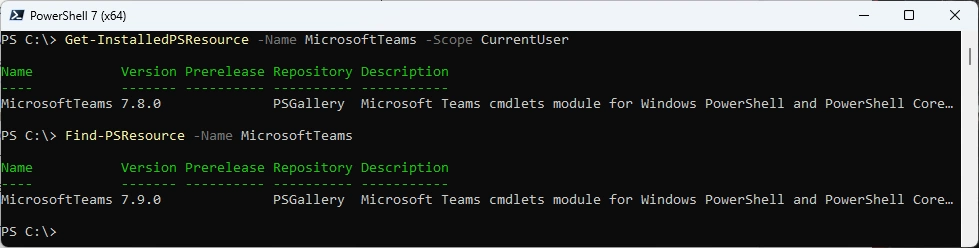
Uninstall the old Module
Uninstall-PSResource -Name MicrosoftTeams -Scope CurrentUser

Install the new Version and check it
Install-PSResource -Name MicrosoftTeams -Scope CurrentUser -Repository PSGallery
Get-InstalledPSResource -Name MicrosoftTeams -Scope CurrentUser

Some basic testing
Connect-MicrosoftTeams
Get-Team
Get-CsOnlineUser -Identity a.bohren@icewolf.ch | fl *Ent*,*host*,*voice*, *line*
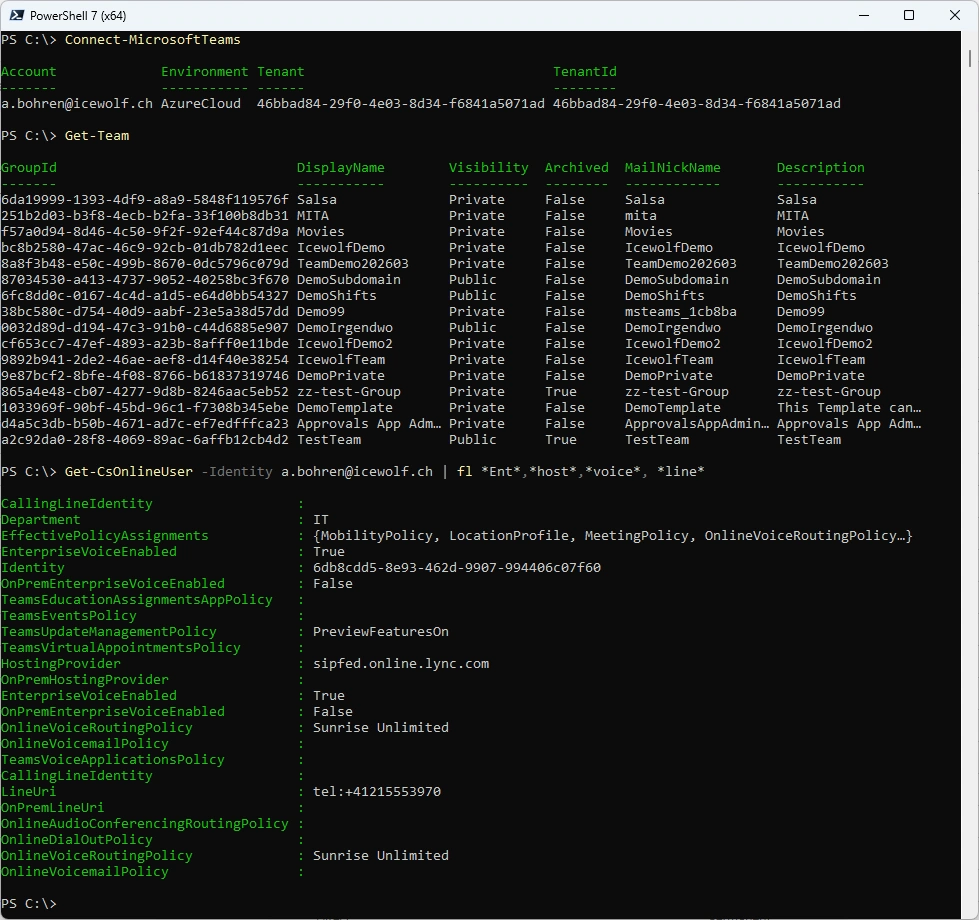
New Commandlets or updates
You can use the -DisableWAM Parameter
Connect-MicrosoftTeams -DisableWAM

It will use the Browser to Authenticate
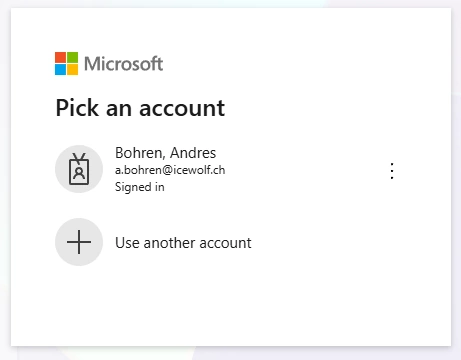
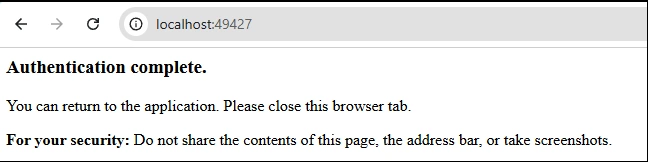
Get-CsSharedVoicemailTriageSettingsTemplate
Get-CsAutoAttendant | fl Identity, SharedVoicemailTriageSettingsTemplateId
Get-CsCallQueue | fl Identity, SharedVoicemailTriageSettingsTemplateId
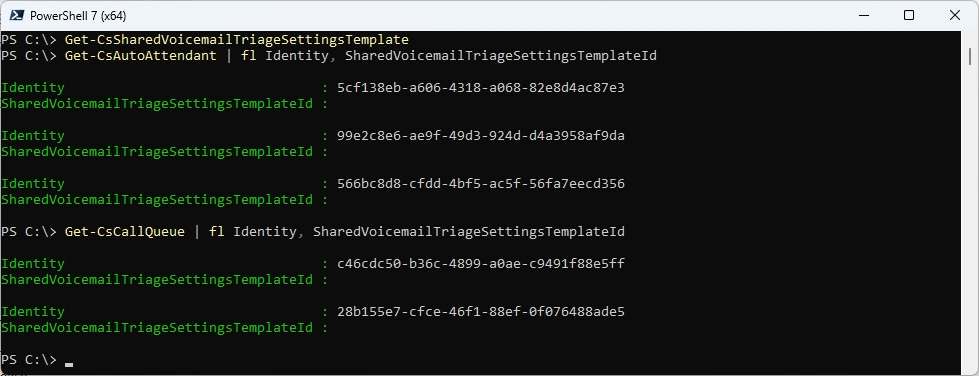
Get-CsAiAgents -IsTeamsIvrEnabled -ProviderId "9d8f559b-5de4-46a4-902a-ad4271e83efa,905de543-6cf8-44a4-ab05-83bcd500f39e"

With the Get-CsPhoneNumberAssignment command - i only see the new properties
Get-CsPhoneNumberAssignment | fl Telephonenumber, Numbertype, PhoneNumber, PhoneNumberType
Get-CsTeamsChannelsPolicy | fl AllowCreateChannel, AllowCreateClassicChannel, AllowCreatePrivateChannel, AllowCreateSharedChannel, CreateSharedChannelsByDefault, AllowUsersFromOutsideTeam, AllowGuestsFromOutsideTeam, AllowUsersFromOutsideTeamInPrivateChannel, AllowGuestsFromOutsideTeamInPrivateChannel, AllowSharingWithTeamInOrg, AllowSharingPrivateChannelWithTeamInOrg
Get-CsTeamsMeetingPolicy -Identity Global | fl SyntheticMediaDetection, SyntheticMediaDetectionAppId, ConditionalAccessAttendeeVerification, EnablePreMeetingConsent, PreMeetingConsentContentIdentifier
Get-CsTeamsMeetingConfiguration | fl PublishedEntraAuthenticationContexts, EnableAttributedTranscripts, EnableGraphTranscriptAccess

Get-CsTeamsCallingPolicy -Identity Global | fl AllowMeetingKnowledgeGeneration, VoicePhishingDetection

Get-CsTeamsEventsPolicy | fl AllowEngagementReport, InfoShownInReportMode

Get-CsOnlineVoicemailPolicy -Identity Global | fl EnableVoicemailTriage

Reduced Shifts Commandlets
Get-Command -Name *CsTeamsShifts*
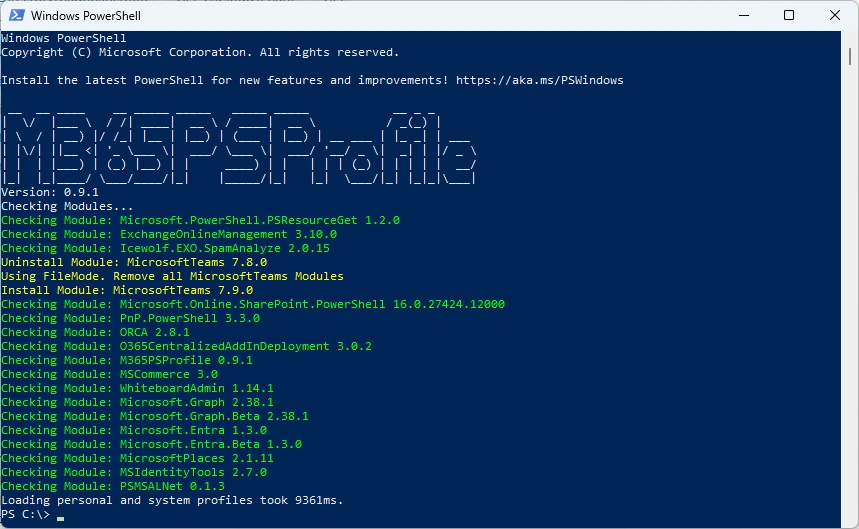
Or you can simply use my M365PSProfile Module - find the Documentation here: GitHub Documentation
Install-PSResource -Name M365PSProfile -Scope CurrentUser
Install-M365Module
Regards
Andres Bohren
PowerShell Logo Teams Logo
