
Move Azure Arc Servers to a diffrent Subscription

Hi All,
The MPN Offer for Microsoft Partners has been discontinued.
The MPN offer will be discontinued by January 2026, coinciding with the expiration of MAPS, Silver, and Gold benefits
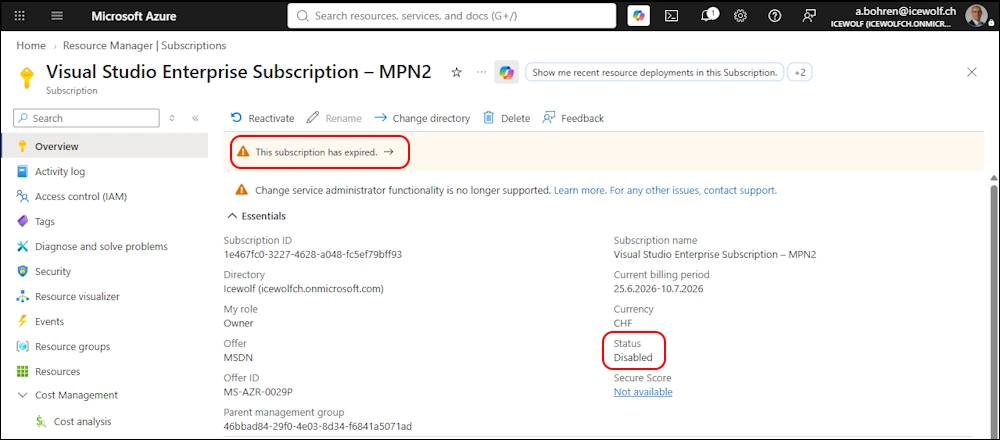
As you can see my MPN Subscription has been expired and is now disabled
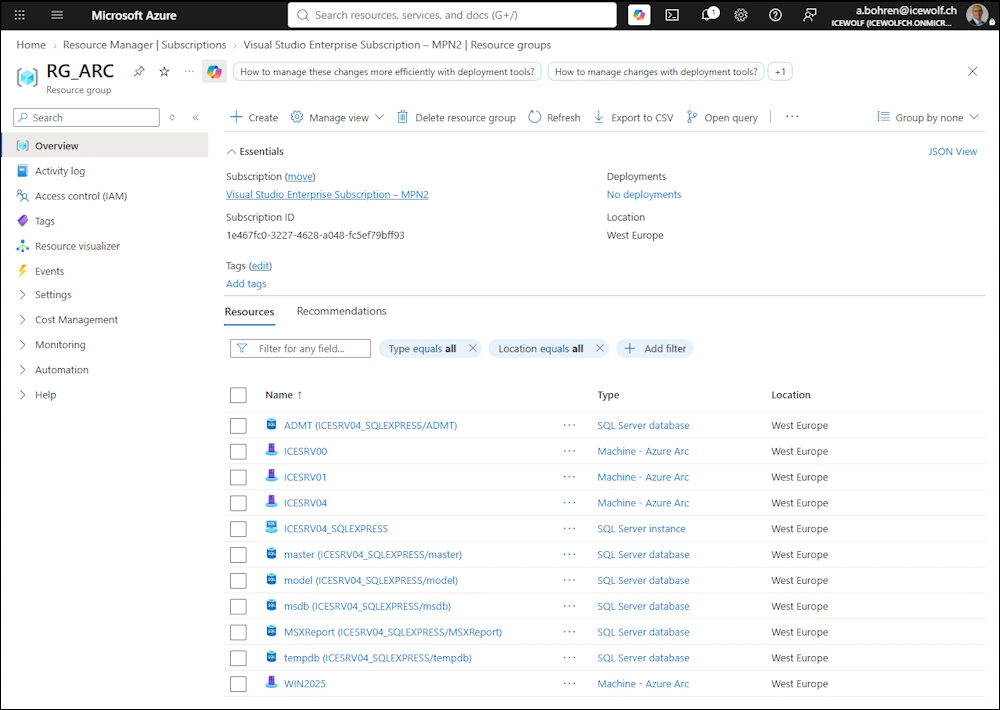
I can still see the ARC Resources in that Subscription - but they are now write protected
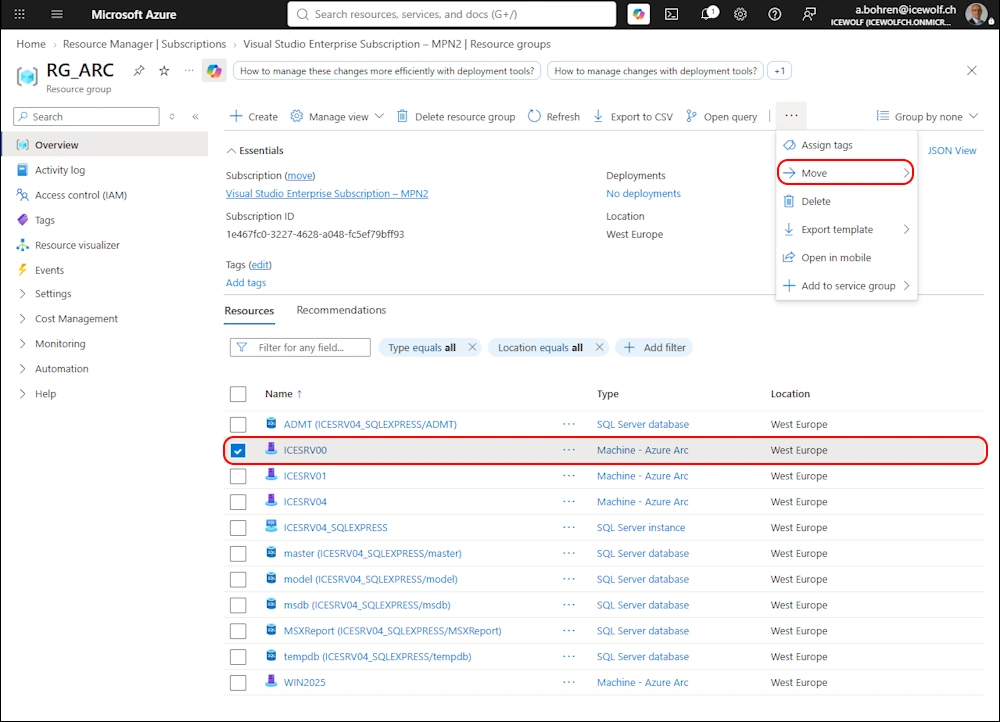
Move Resources in Azure
What you would typically do is to move the Azure Resources to a new Subscription
Select the new subscription and Resource Group
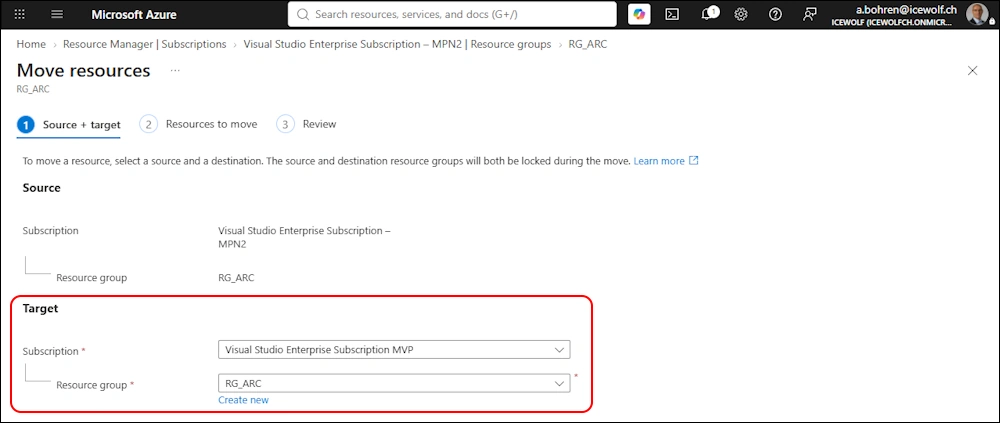
This fails due to the fact, that the Subscription is disabled
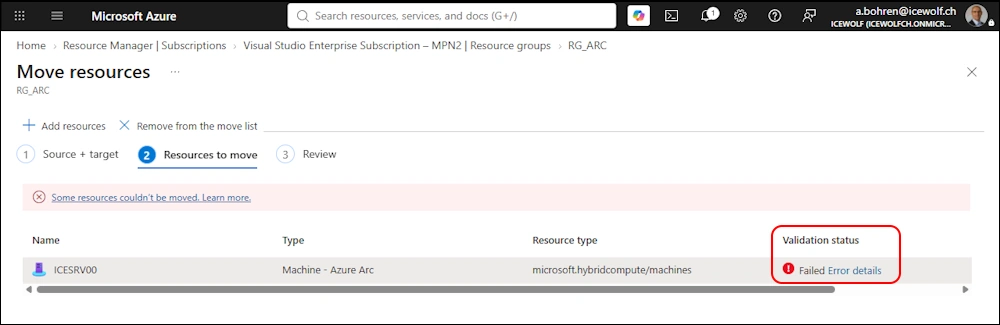
Detailed error message

Reconnect to another Subscription
There is another way to archieve this. On the Arc Enabled Server we have the azcmagent CLI
Let’s disconnect the Server from Azure Arc
# Disconnect the server from Azure Arc
azcmagent disconnect

You need to Authenticate to Microsoft Azure via Browser
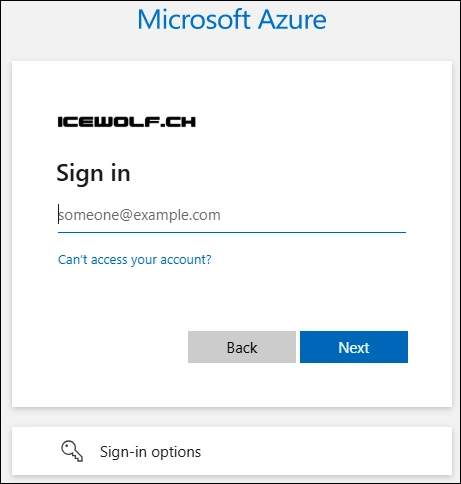
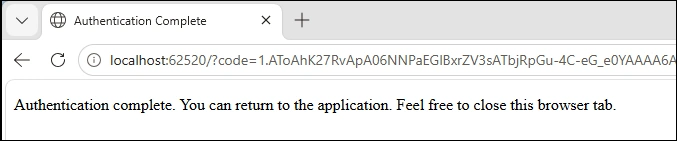
Authentication is complete and the command will be executed
Now we need to reconnect the Server to the new Subscription. We can do that with the command below.
# Connect the server to Azure Arc
$SubscriptionID = "fb33f2b7-e082-4028-9fa2-98d7ecaaa105"
$RG = "RG_ARC"
$TenantId = "46bbad84-29f0-4e03-8d34-f6841a5071ad"
$Location = "westeurope"
azcmagent connect --subscription-id $SubscriptionID --resource-group $RG --tenant-id $TenantId --location $Location
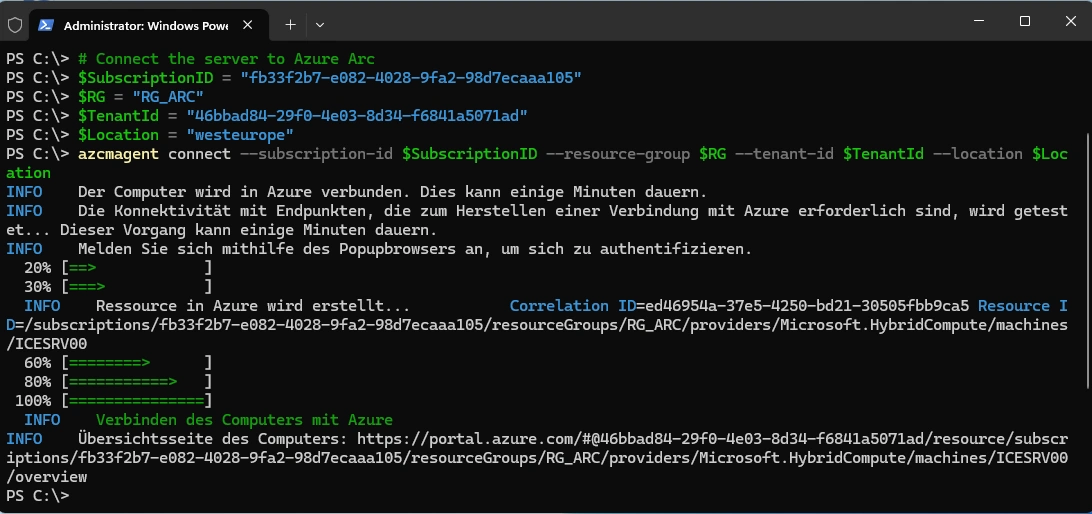
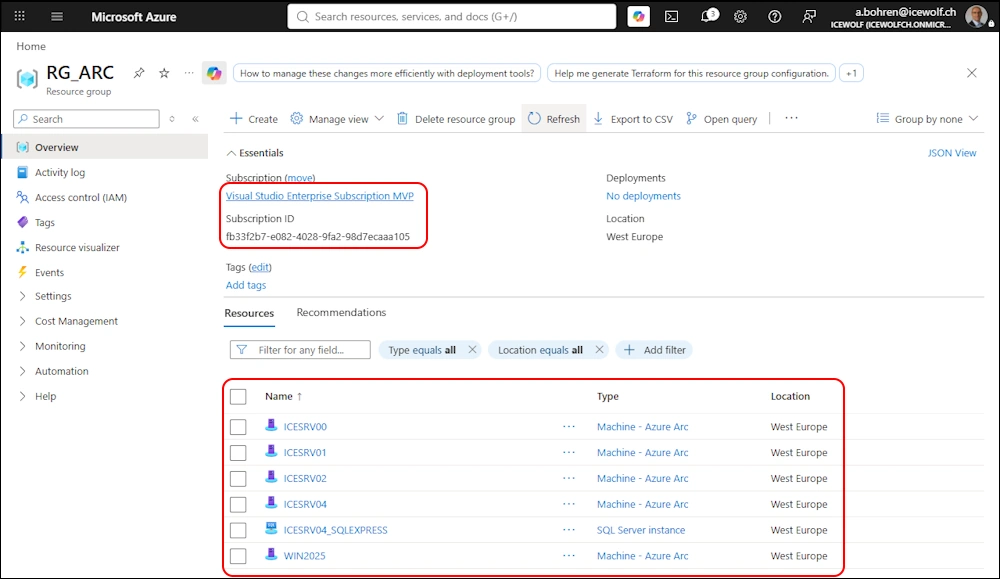
I’ve done that for all my ARC Servers and now it looks like this in the Azure Portal
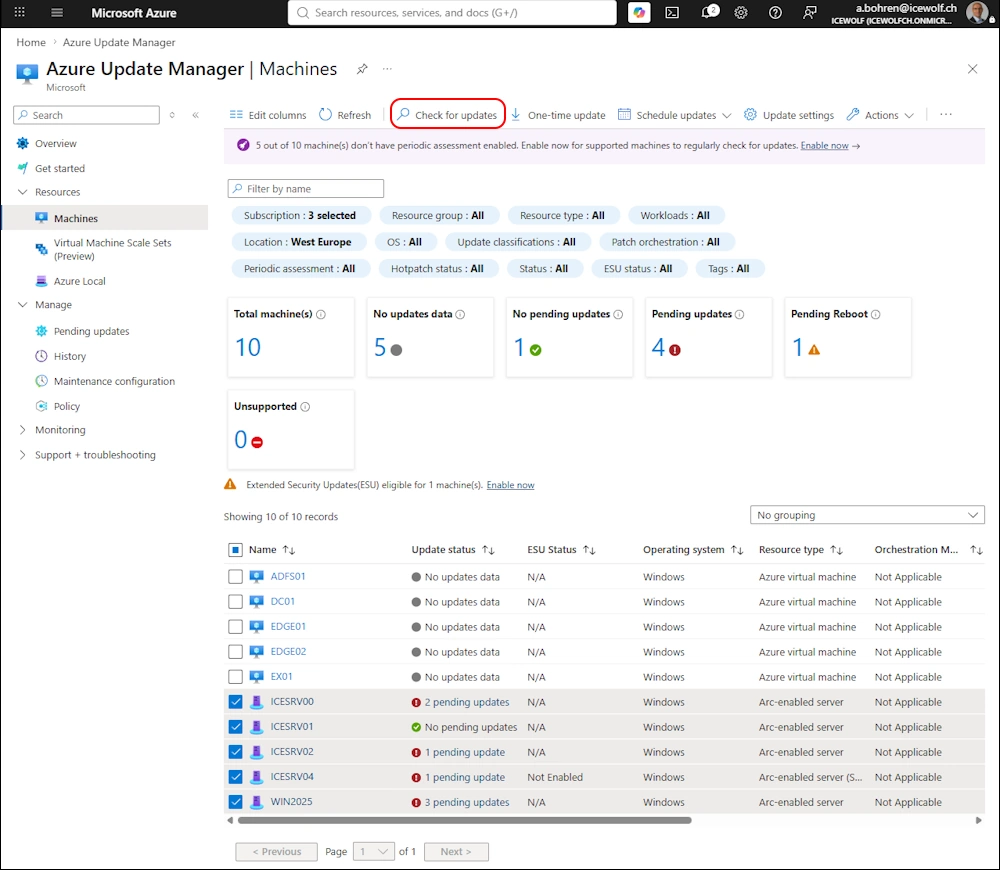
I’ve been using Azure Update Manager to check the Updates for the ARC Enabled Servers - this will also install the required Extensions on those Servers.
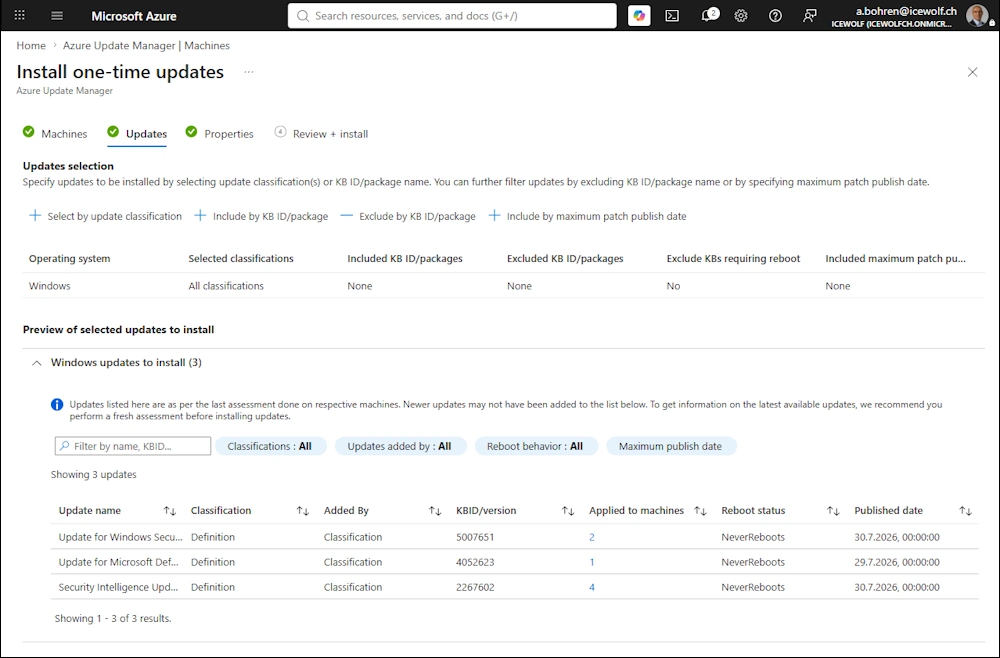
Install the Updates
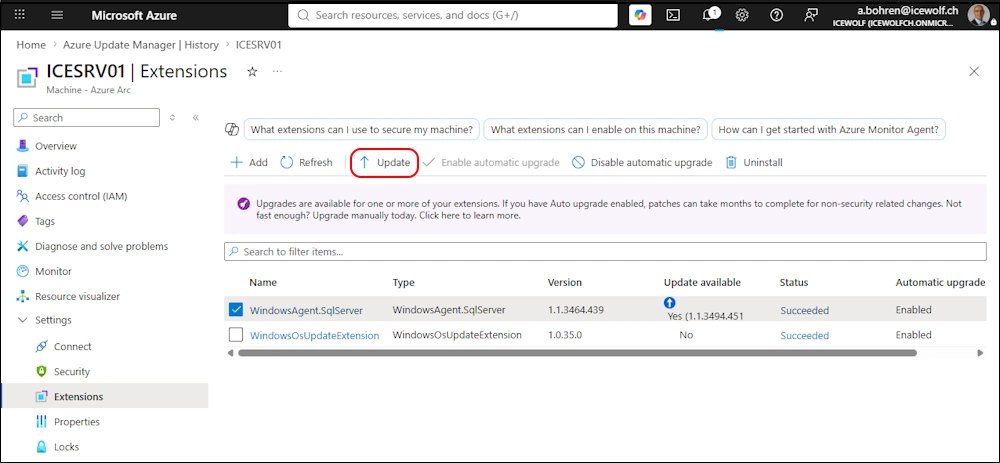
Go to the Extensions of each Server and check if the Extensions can be updated.
Regards
Andres Bohren
Azure Logo