
PowerShell Module Microsoft.Online.SharePoint.PowerShell 16.0.27515.12000 released
Hi All,
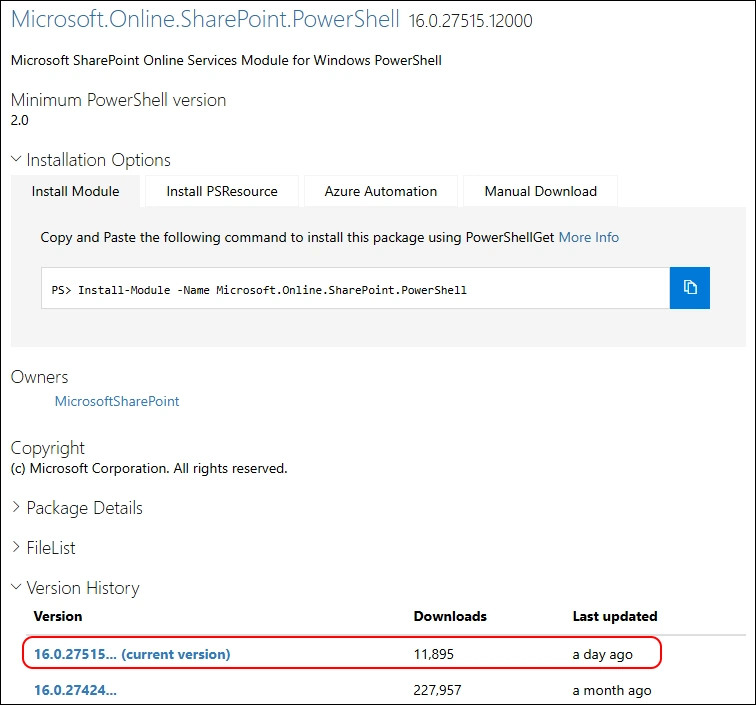
Yesterday Microsoft has released the Microsoft.Online.SharePoint.PowerShell 16.0.27515.12000 PowerShell Module.
- PowerShell Gallery Microsoft.Online.SharePoint.PowerShell
I am using the new PSResourceGet here instead of the PowerShellGet commands.
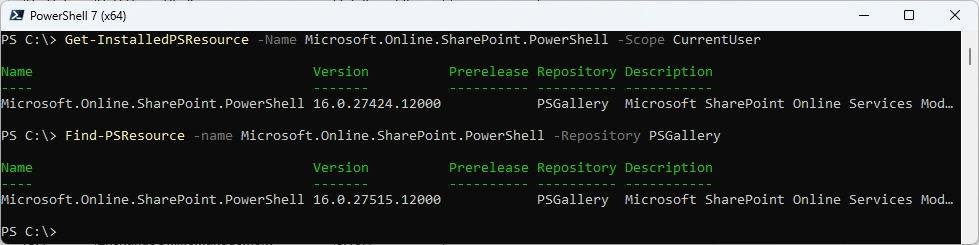
Show installed Versions and what’s available in PowerShell Gallery
Get-InstalledPSResource -Name Microsoft.Online.SharePoint.PowerShell -Scope CurrentUser
Find-PSResource -Name Microsoft.Online.SharePoint.PowerShell
Uninstall the old Version and install the new Version of the Module
Uninstall-PSResource -Name Microsoft.Online.SharePoint.PowerShell -Scope CurrentUser
Install-PSResource -Name Microsoft.Online.SharePoint.PowerShell -Scope CurrentUser -Repository PSGallery
Get-InstalledPSResource -Name Microsoft.Online.SharePoint.PowerShell -Scope CurrentUser

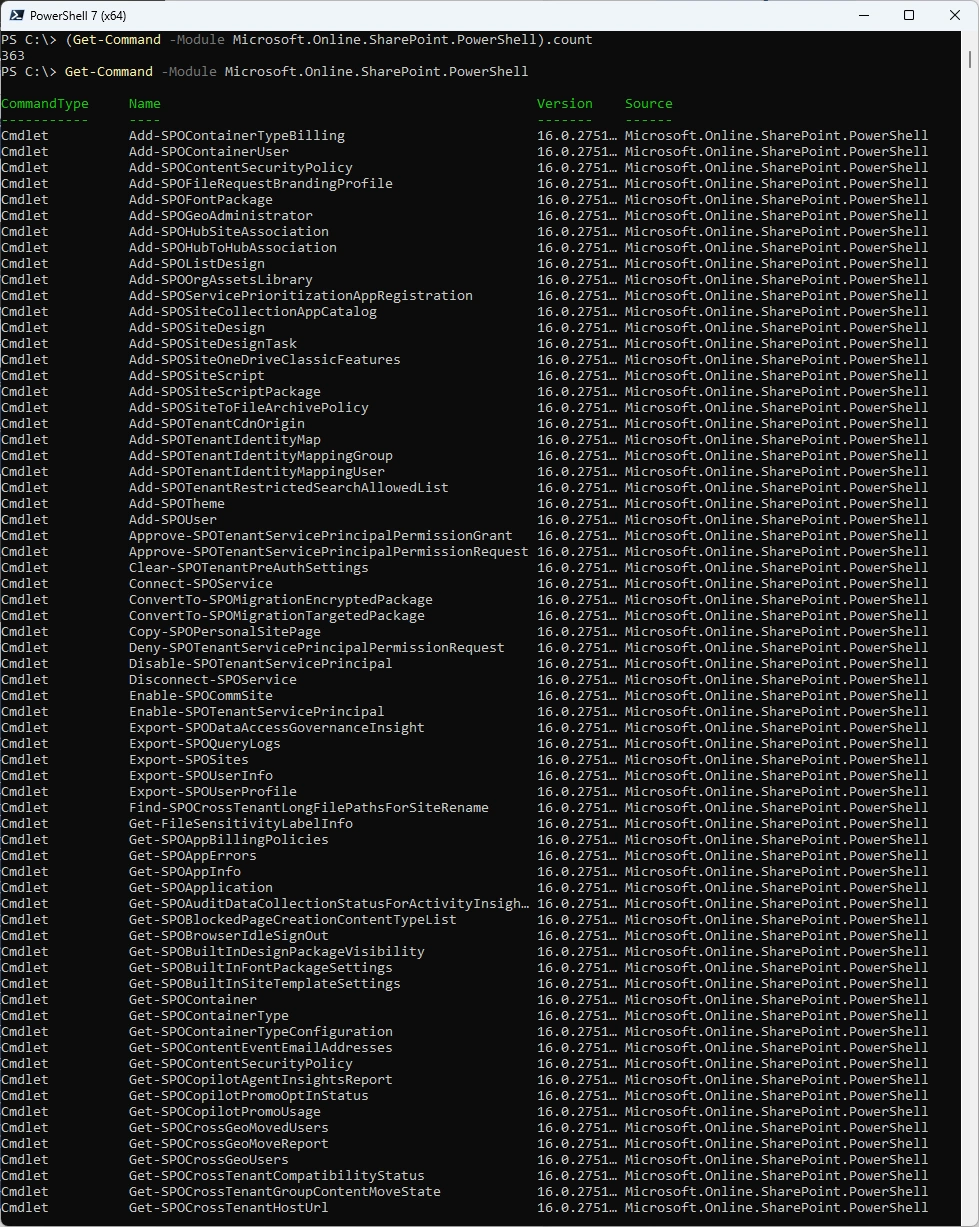
List the Commands of the Module
(Get-Command -Module Microsoft.Online.SharePoint.PowerShell).count
Get-Command -Module Microsoft.Online.SharePoint.PowerShell
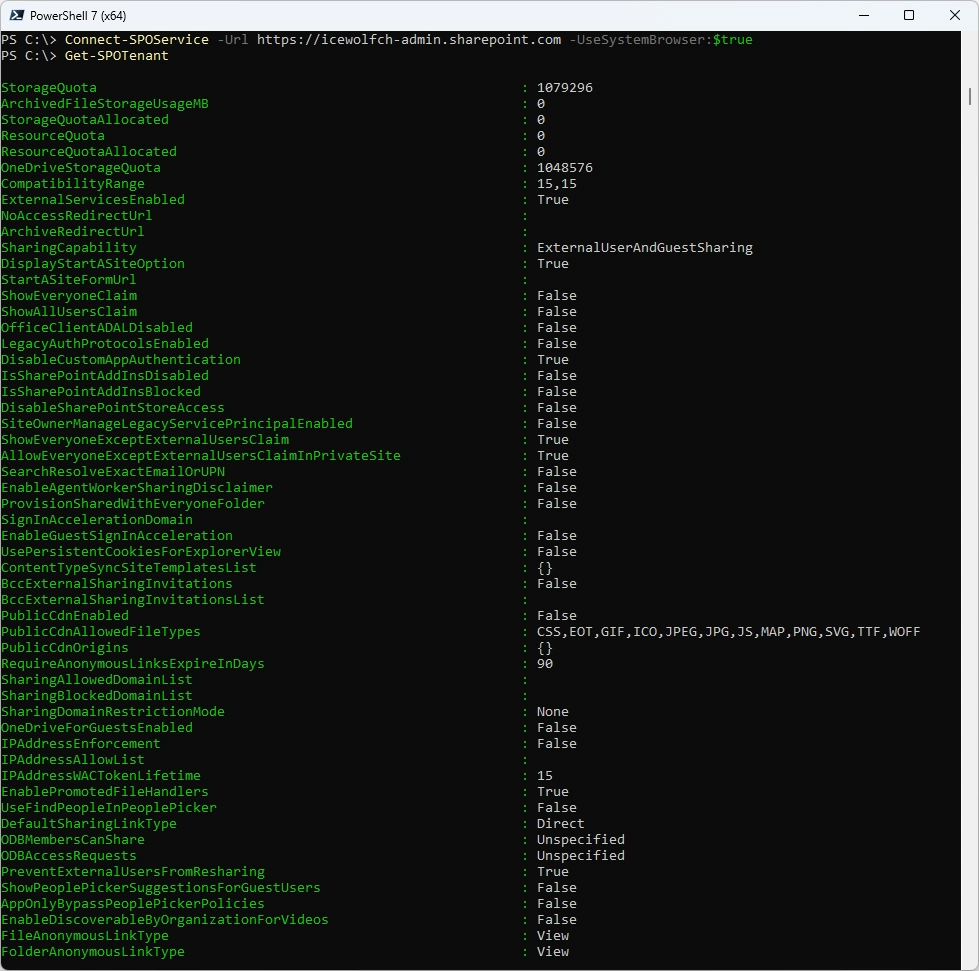
Connect to Sharepoint Online and get the SharePoint Tenant Settings
Connect-SPOService -Url https://icewolfch-admin.sharepoint.com -UseSystemBrowser:$true
Get-SPOTenant
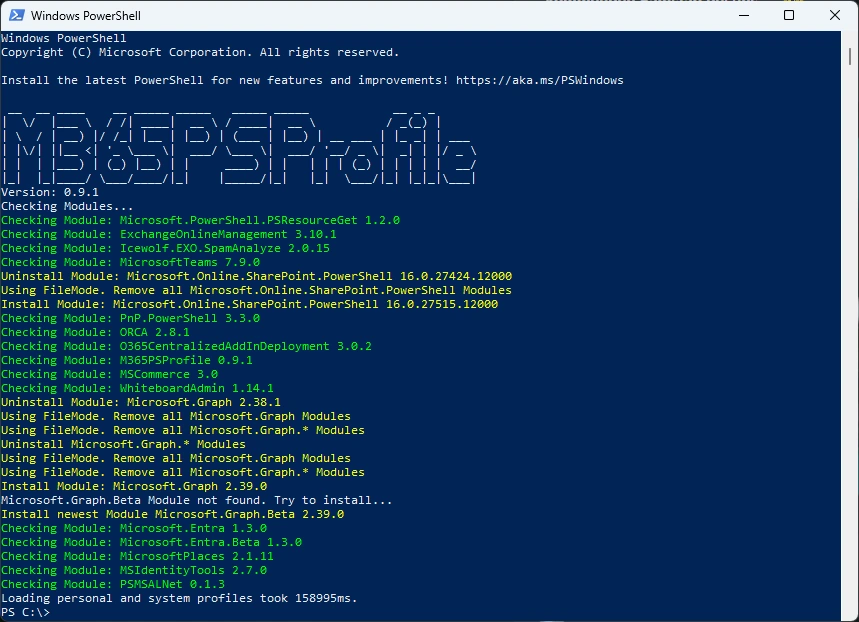
Or you can simply use my M365PSProfile Module - find the Documentation here: GitHub Documentation
Install-M365Module
Regards
Andres Bohren
PowerShell Logo