
MSCommerce PowerShell Module 3.0.1 released
Hi All,
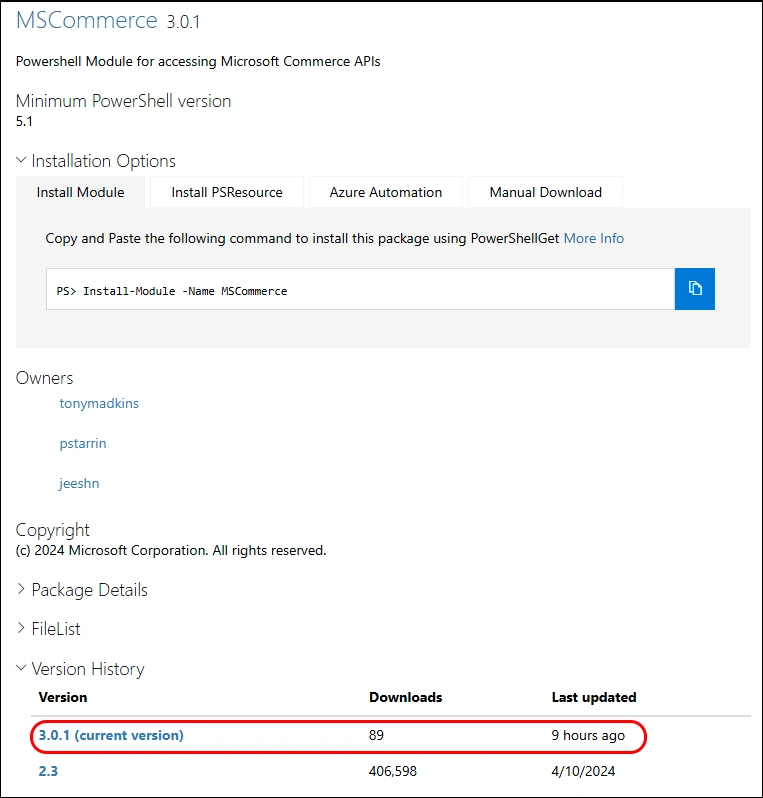
Just a few hours ago, a new Version of MSCommerce PowerShell Module has been released.
- PowerShell Gallery MSCommerce 3.0.1
Release Notes:
- 3.0.1 - Servicing release. Functionally identical to 3.0 and re-signed so that installation succeeds; 3.0 could fail signature validation on some systems and has been unlisted, so install 3.0.1 instead. Changes carried over from 3.0, relevant when upgrading from 2.x: Connect-MSCommerce now uses Web Account Manager (WAM) broker authentication and is supported on Windows only; the -RedirectUri parameter has been removed; requires Microsoft.Identity.Client 4.67.2.

I am using the new PSResourceGet here instead of the PowerShellGet commands.
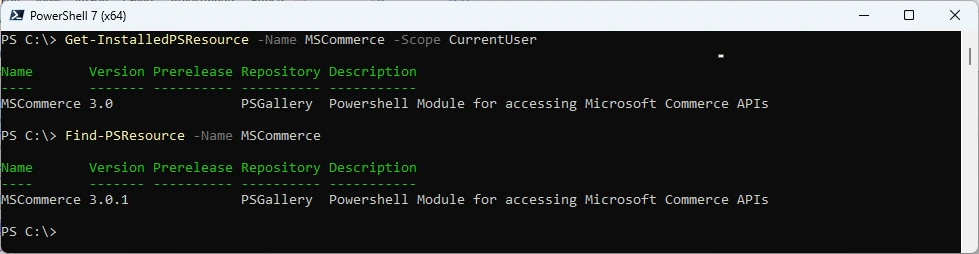
Show installed Versions and what’s available in PowerShell Gallery
Get-InstalledPSResource -Name MSCommerce -Scope CurrentUser
Find-PSResource -Name MSCommerce
Uninstall the old Module and install the new Module
Uninstall-PSResource -Name MSCommerce -Scope CurrentUser
Install-PSResource -Name MSCommerce -Scope CurrentUser
Get-InstalledPSResource -Name MSCommerce -Scope CurrentUser

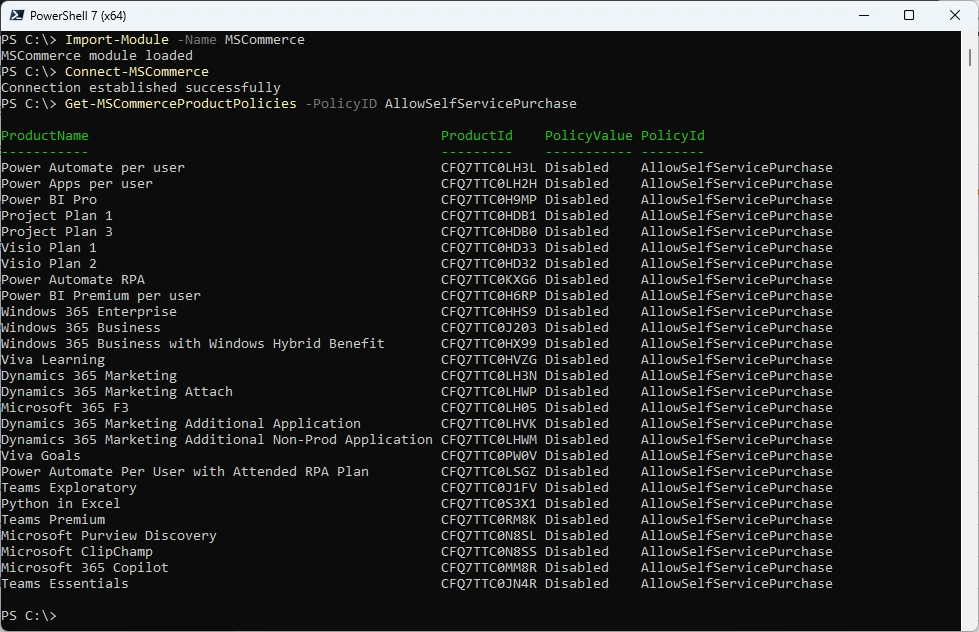
Let’s test it. You need to have the “Billing Administrator” or the “Global Administrator” Entra Role.
Import-Module -Name MSCommerce
Connect-MSCommerce
Get-MSCommerceProductPolicies -PolicyID AllowSelfServicePurchase
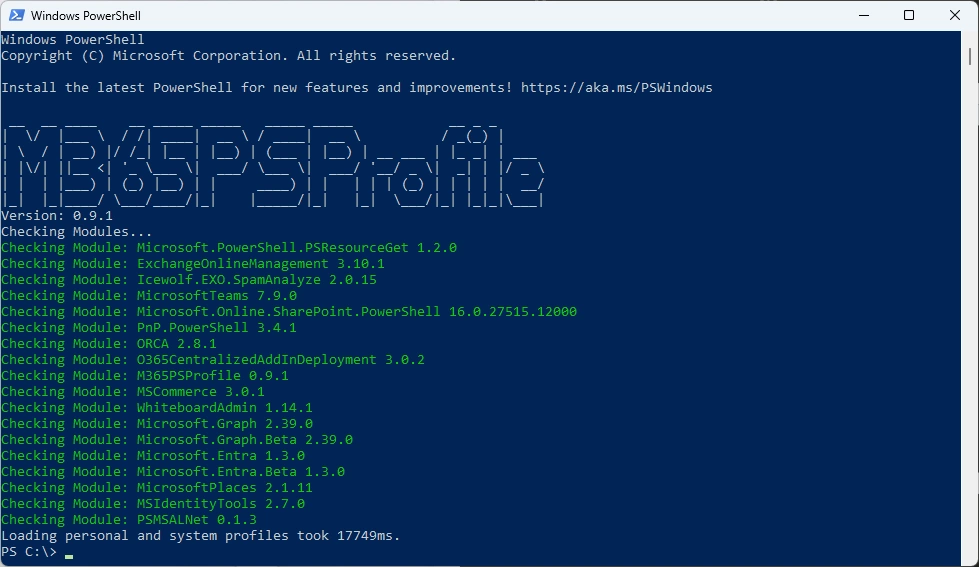
Or you can simply use my M365PSProfile Module - find the Documentation here: GitHub Documentation
# Install-PSResource -Name M365PSProfile
# Add-M365PSProfile
Install-M365Module
Regards
Andres Bohren
M365 Logo PowerShell Logo
