
Microsoft.Graph PowerShell Modules 2.41.0 released

Hi All,
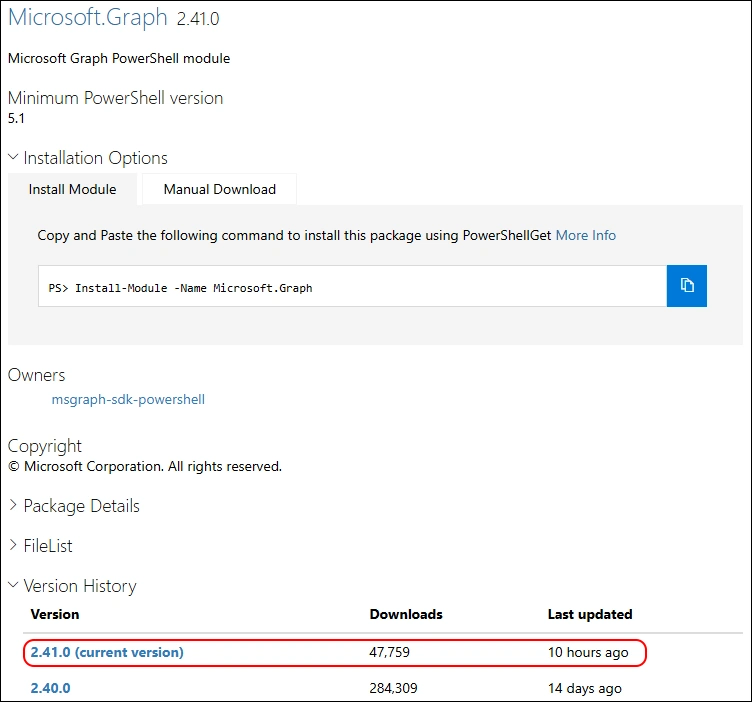
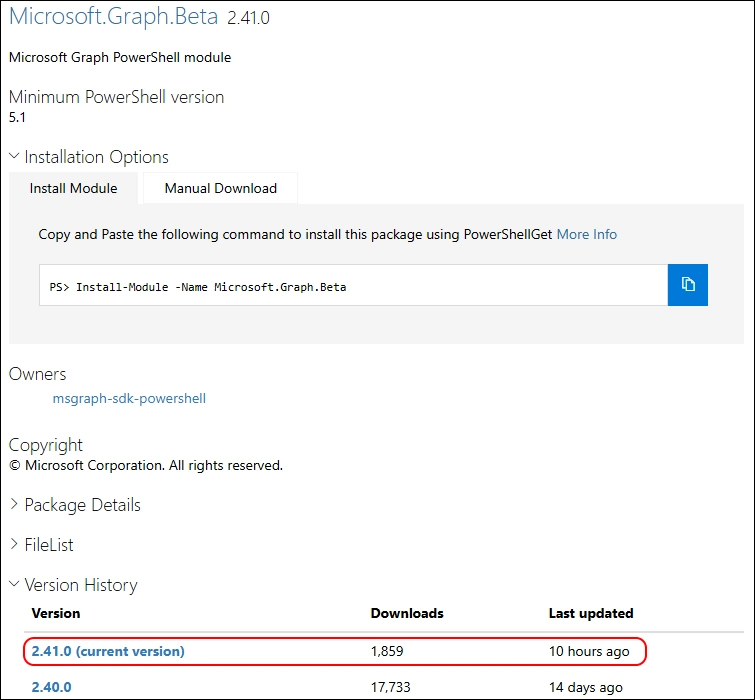
A few hours ago, Microsoft has released the Version 2.41.0 of Microsoft.Graph and Microsoft.Graph.Beta Modules.
- PowerShell Gallery Microsoft.Graph 2.41.0
- PowerShell Gallery Microsoft.Graph.Beta 2.41.0
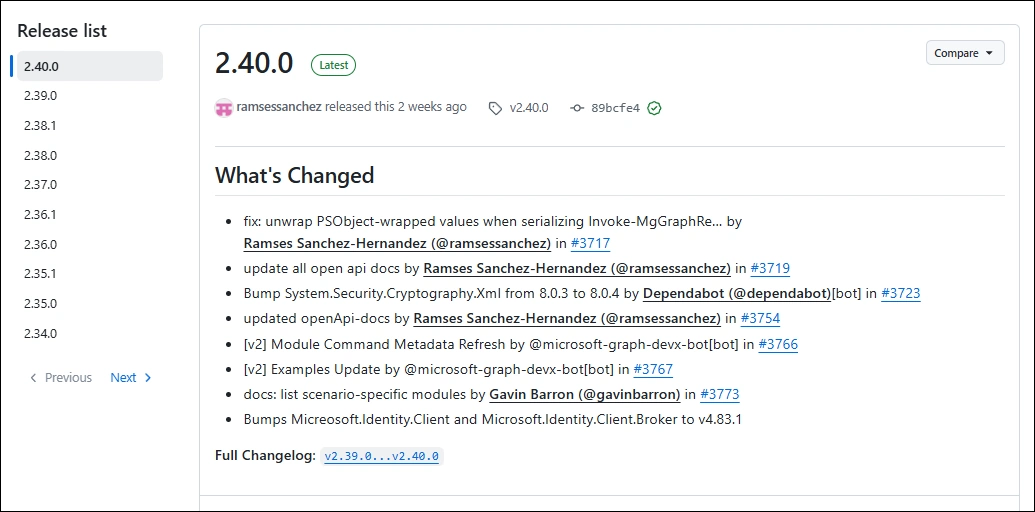
Release Notes have not been published so far
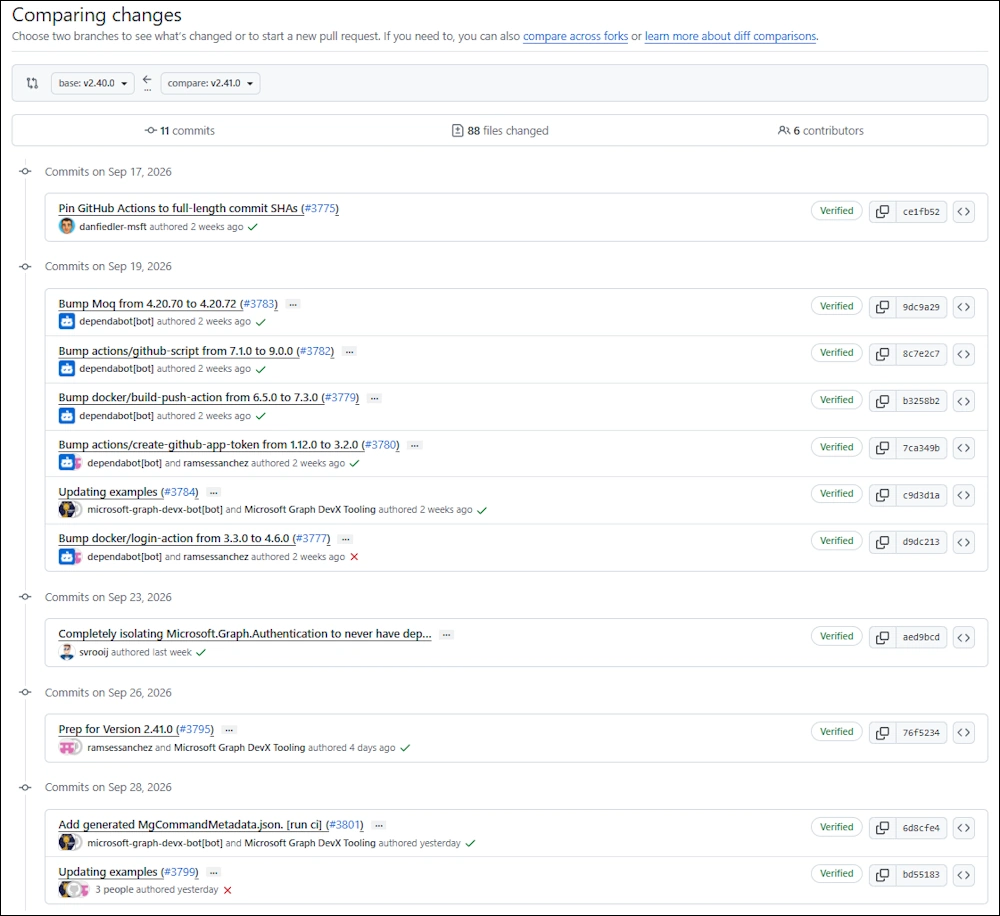
But we can use the Github CompareChanges
I am using the new PSResourceGet here instead of the PowerShellGet commands.
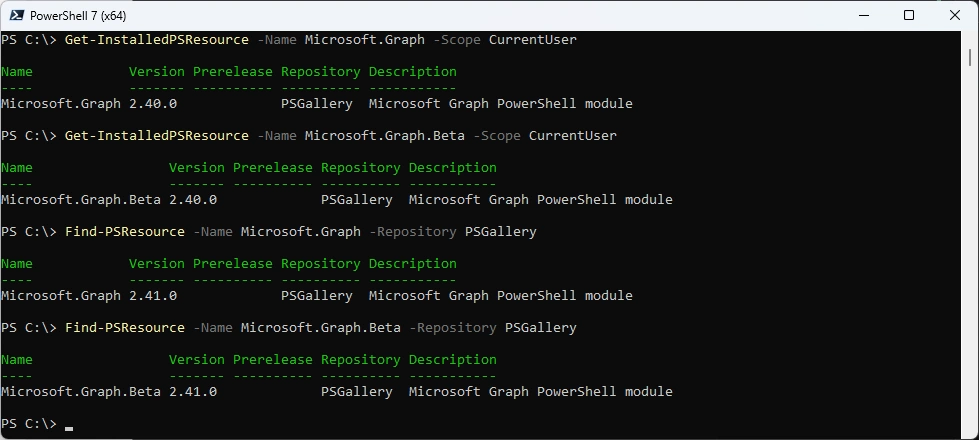
Show installed Versions and what’s available in PowerShell Gallery
Get-InstalledPSResource -Name Microsoft.Graph -Scope CurrentUser
Get-InstalledPSResource -Name Microsoft.Graph.Beta -Scope CurrentUser
Find-PSResource -Name Microsoft.Graph -Repository PSGallery
Find-PSResource -Name Microsoft.Graph.Beta -Repository PSGallery
Uninstalling the old Microsoft.Graph Modules.
Uninstall-PSResource -Name Microsoft.Graph -Scope CurrentUser -SkipDependencyCheck
Uninstall-PSResource -Name Microsoft.Graph.* -Scope CurrentUser -SkipDependencyCheck

Installing the New Microsoft.Graph Modules
Install-PSResource -Name Microsoft.Graph -Scope CurrentUser -Repository PSGallery
Install-PSResource -Name Microsoft.Graph.Beta -Scope CurrentUser -Repository PSGallery

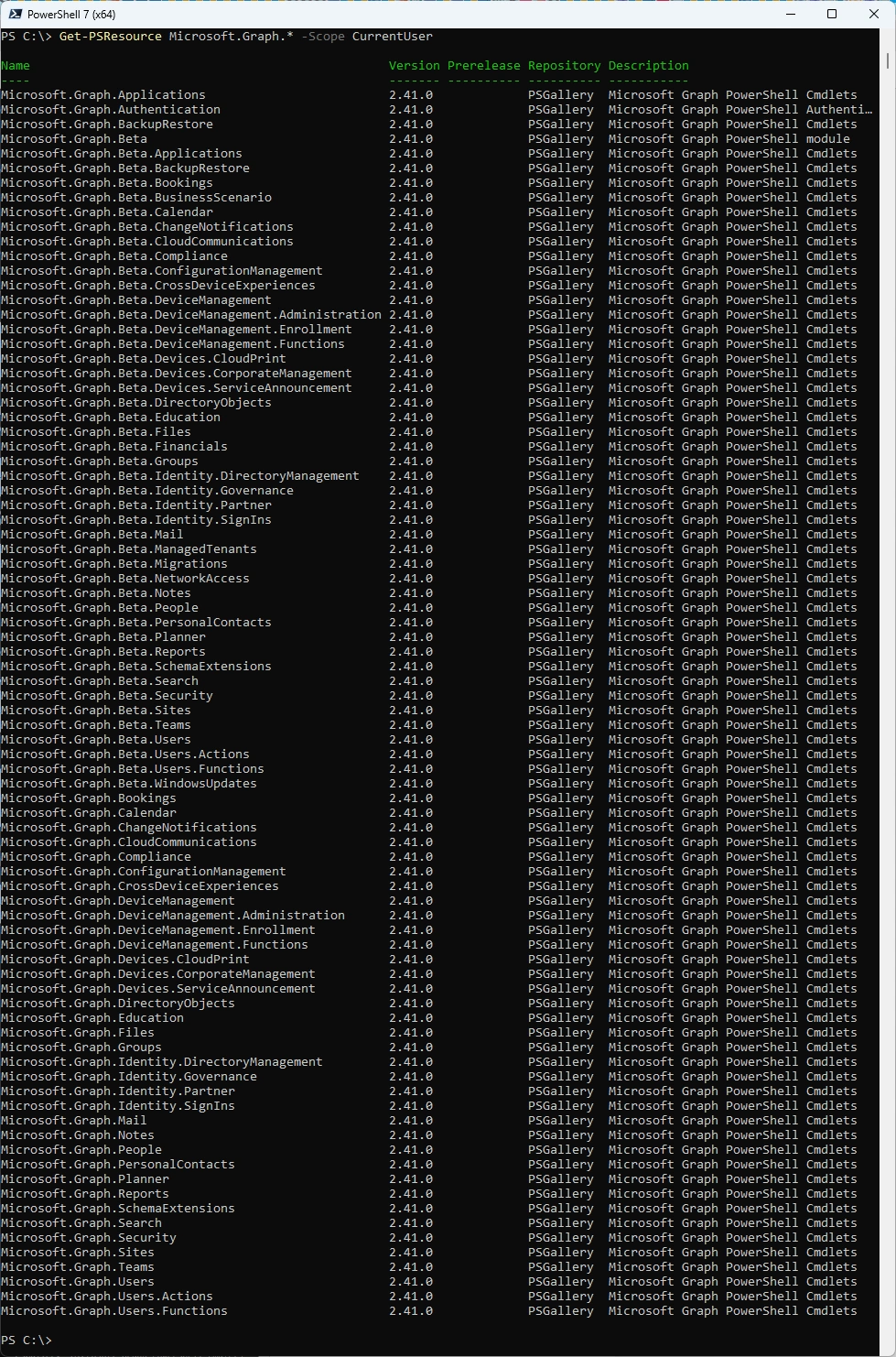
List all the Modules
Get-PSResource Microsoft.Graph.* -Scope CurrentUser
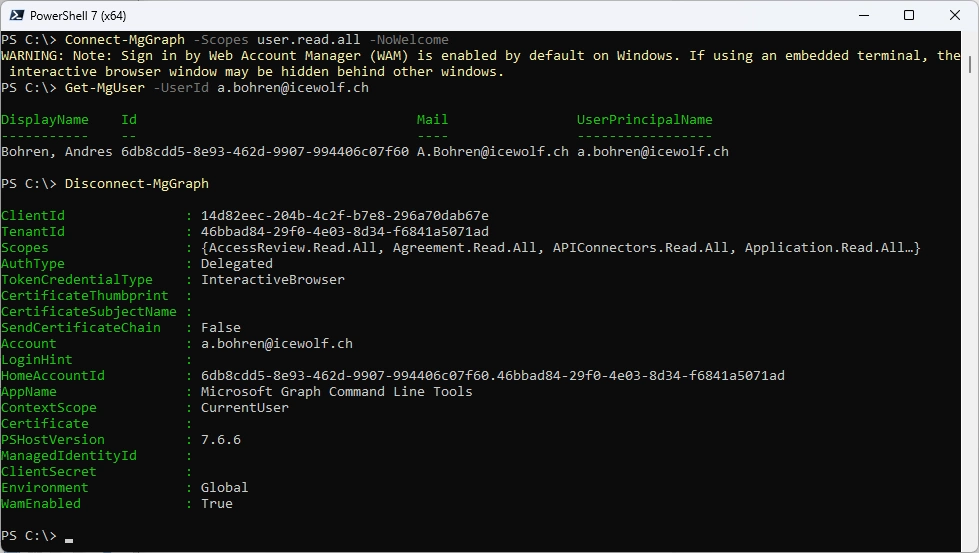
Some basic testing
Connect-MgGraph -Scopes user.read.all -NoWelcome
Get-MgUser -UserId a.bohren@icewolf.ch
Disconnect-MgGraph
Microsoft Artifact Registry (MAR)
With Microsoft.PowerShell.PSResourceGet v1.3.0 the Microsoft Artifact Registry (MAR) will become a defalt registered repository
Get-PSResourceRepository -Name MicrosoftArtifactRegistry

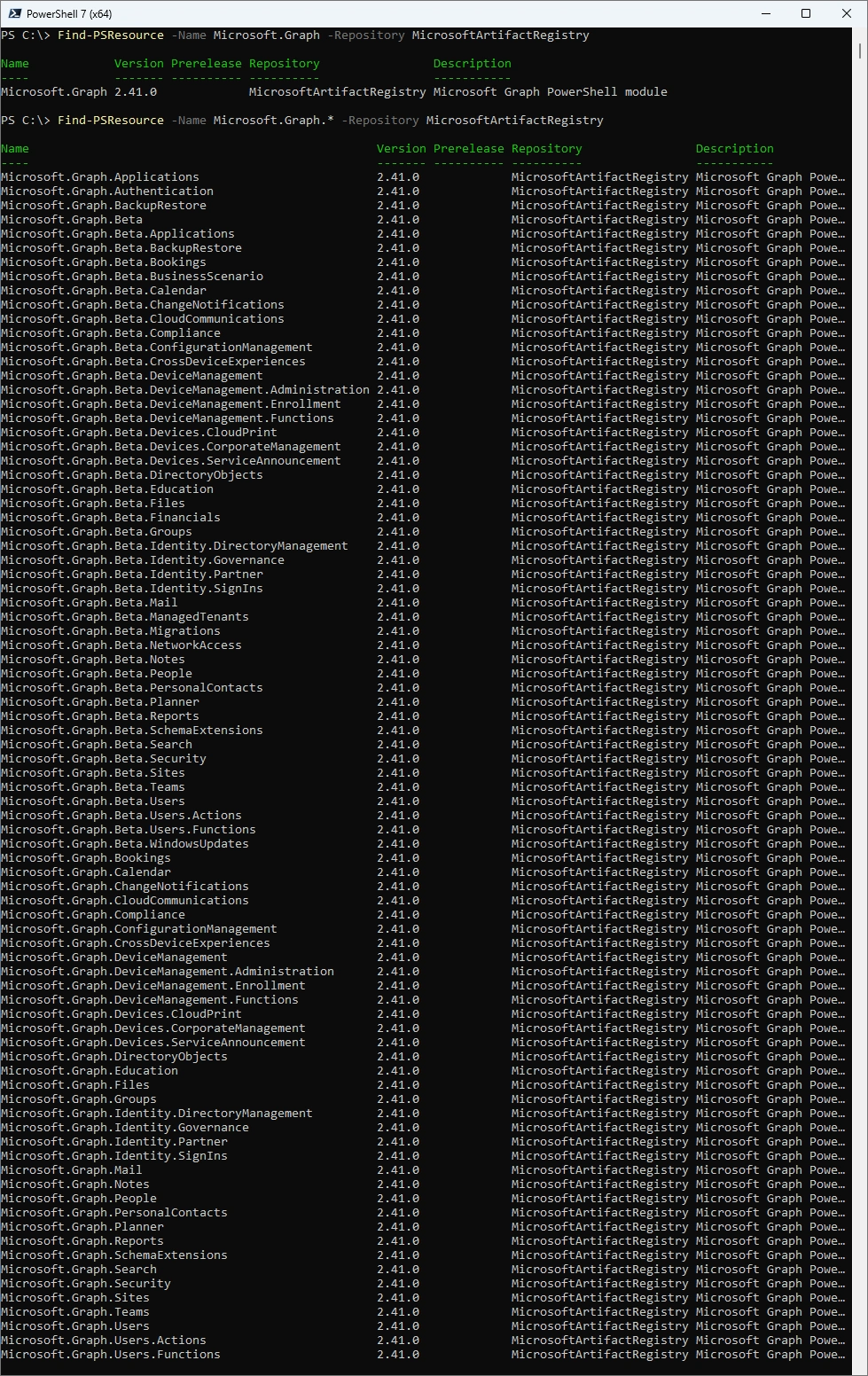
First time the Microsoft.Graph Modules are published to Microsoft Artifact Registry (MAR)
Find-PSResource -Name Microsoft.Graph -Repository MicrosoftArtifactRegistry
Find-PSResource -Name Microsoft.Graph.* -Repository MicrosoftArtifactRegistry
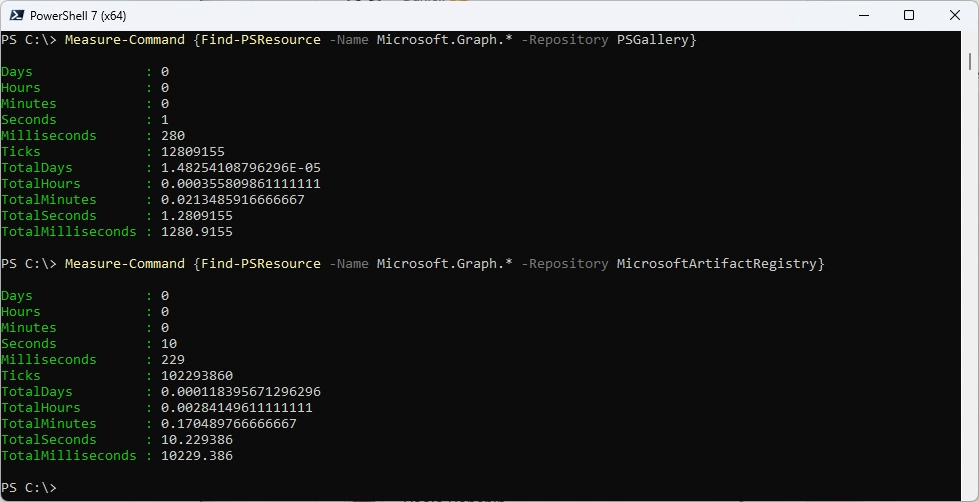
For now Microsoft Artifact Registry ist mutch slower
Measure-Command {Find-PSResource -Name Microsoft.Graph.* -Repository PSGallery}
Measure-Command {Find-PSResource -Name Microsoft.Graph.* -Repository MicrosoftArtifactRegistry}
Separate AssemblyLoadContext in PowerShell 7
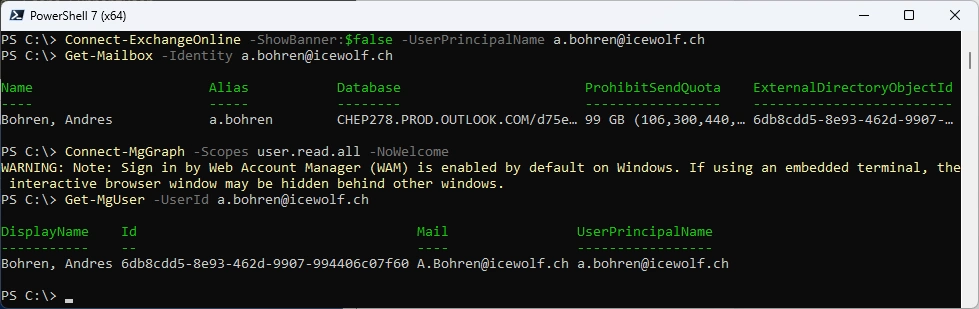
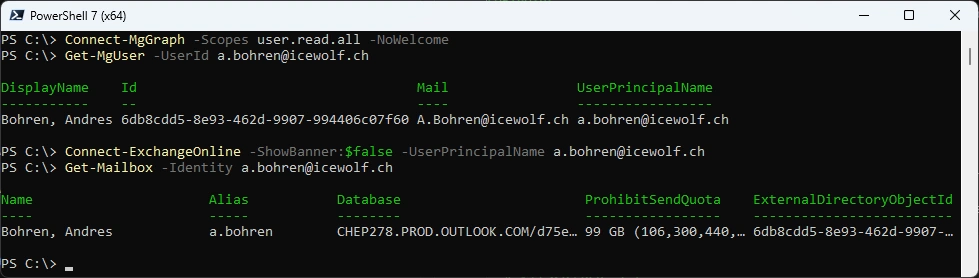
Stephan van Rooij made a Github PR that loads the Authentication in a separate AssemblyLoadContext under PowerShell 7 - no more Authentication Library Clash with Graph Modules
# Load ExchangeOnline Module first - then Graph
Connect-ExchangeOnline -ShowBanner:$false -UserPrincipalName a.bohren@icewolf.ch
Get-Mailbox -Identity a.bohren@icewolf.ch
Connect-MgGraph -Scopes user.read.all -NoWelcome
Get-MgUser -UserId a.bohren@icewolf.ch
# Load Graph Module first - then ExchangeOnline
Connect-MgGraph -Scopes user.read.all -NoWelcome
Get-MgUser -UserId a.bohren@icewolf.ch
Connect-ExchangeOnline -ShowBanner:$false -UserPrincipalName a.bohren@icewolf.ch
Get-Mailbox -Identity a.bohren@icewolf.ch
M365PSProfile
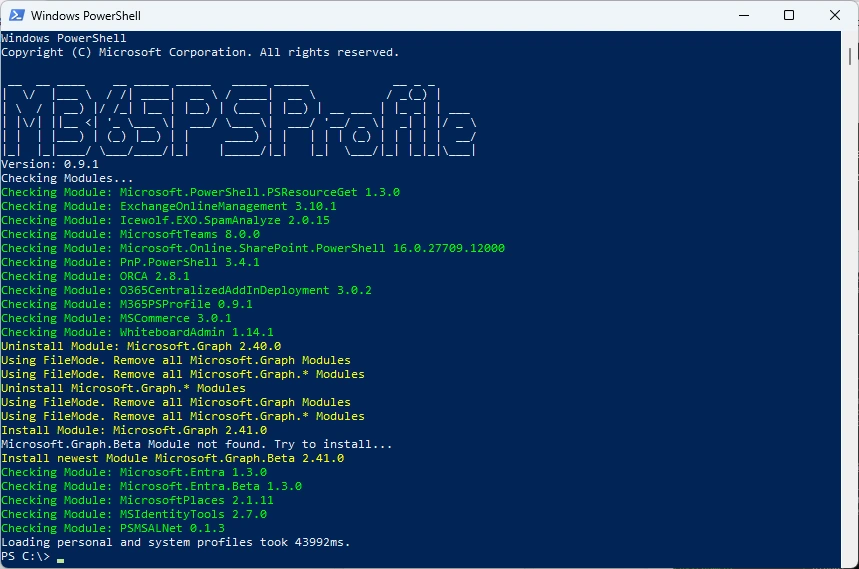
Or you can simply use my M365PSProfile Module - find the Documentation here: GitHub Documentation
# Install-PSResource -Name M365PSProfile -Scope CurrentUser
# Add-M365PSProfile
Install-M365Module
Azure Automation
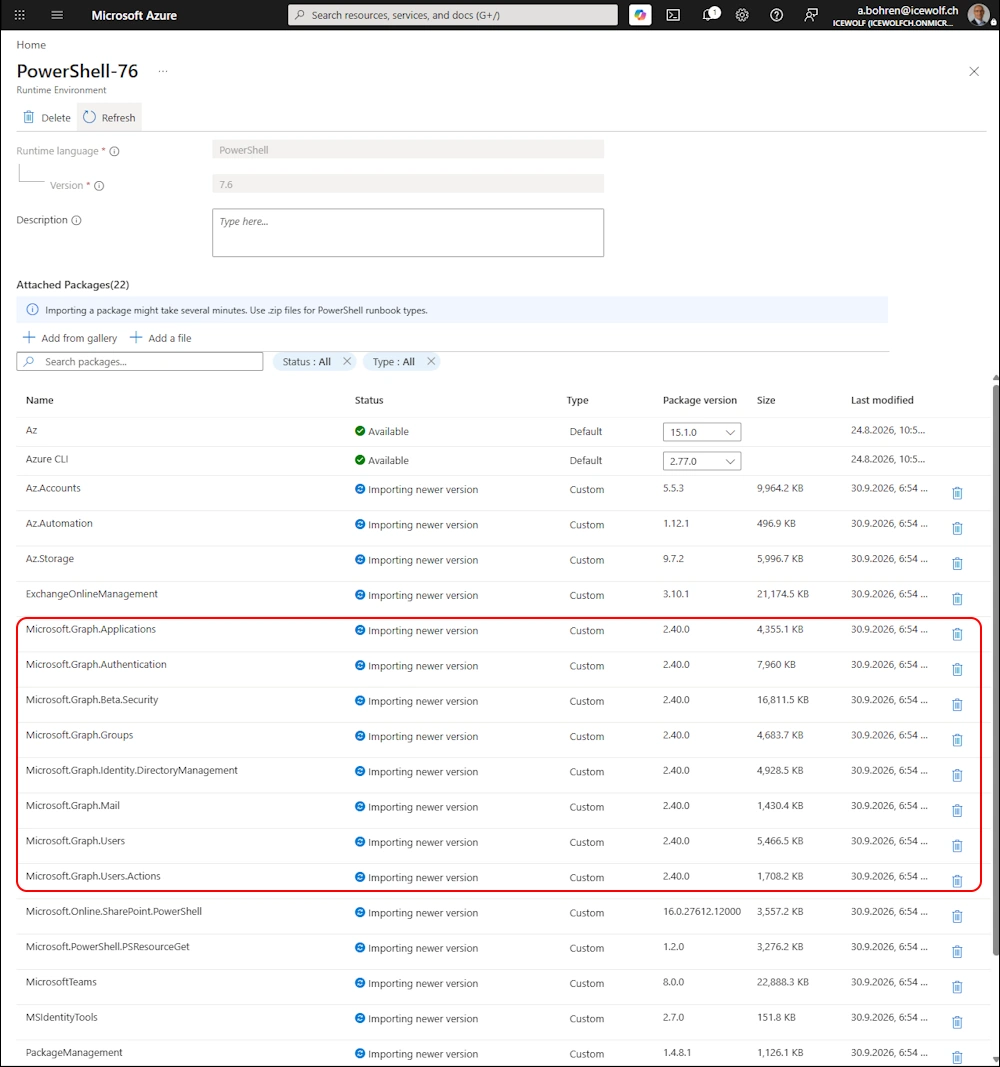
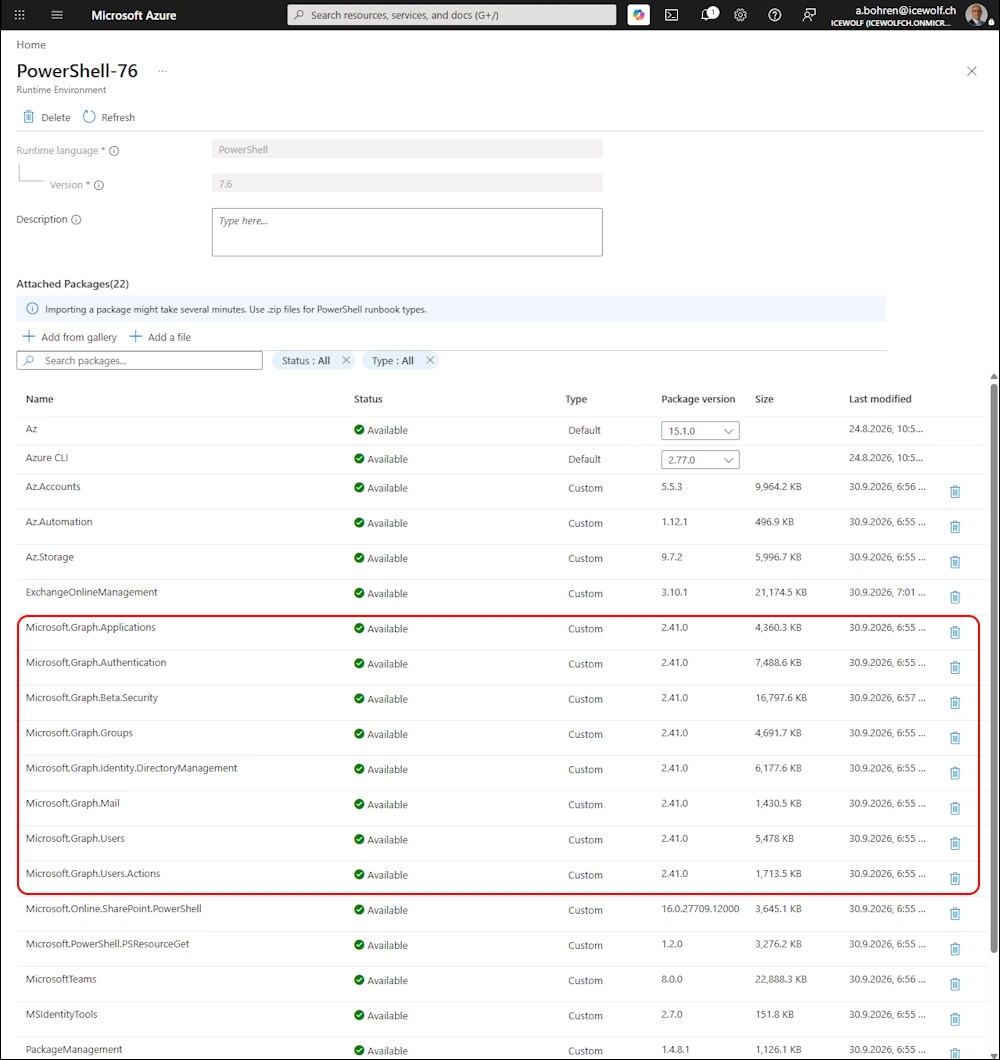
Don’t forget to update the Microsoft.Graph Modules on Azure Automation
Regards
Andres Bohren
M365 Logo PowerShell Logo
