
Get-Mailprotection fixes some SPF Loops

Hi All,
I was stumbling across some weird SPF Records.
Scenario 1: Include Loop with the Domain
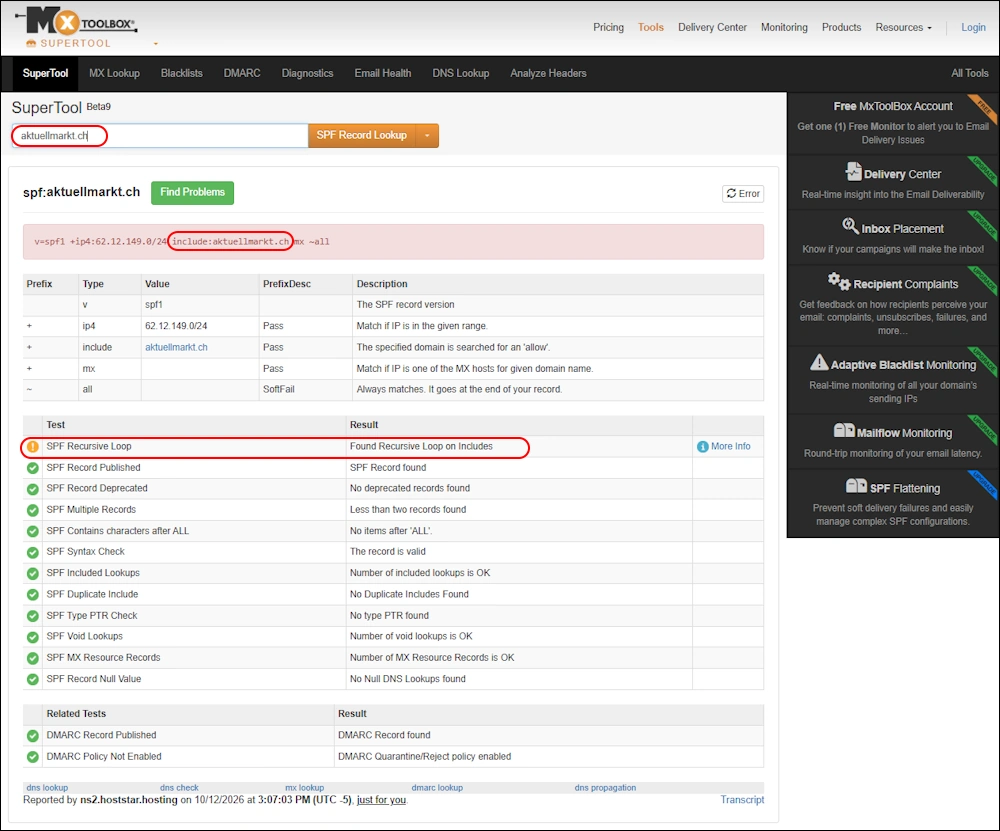
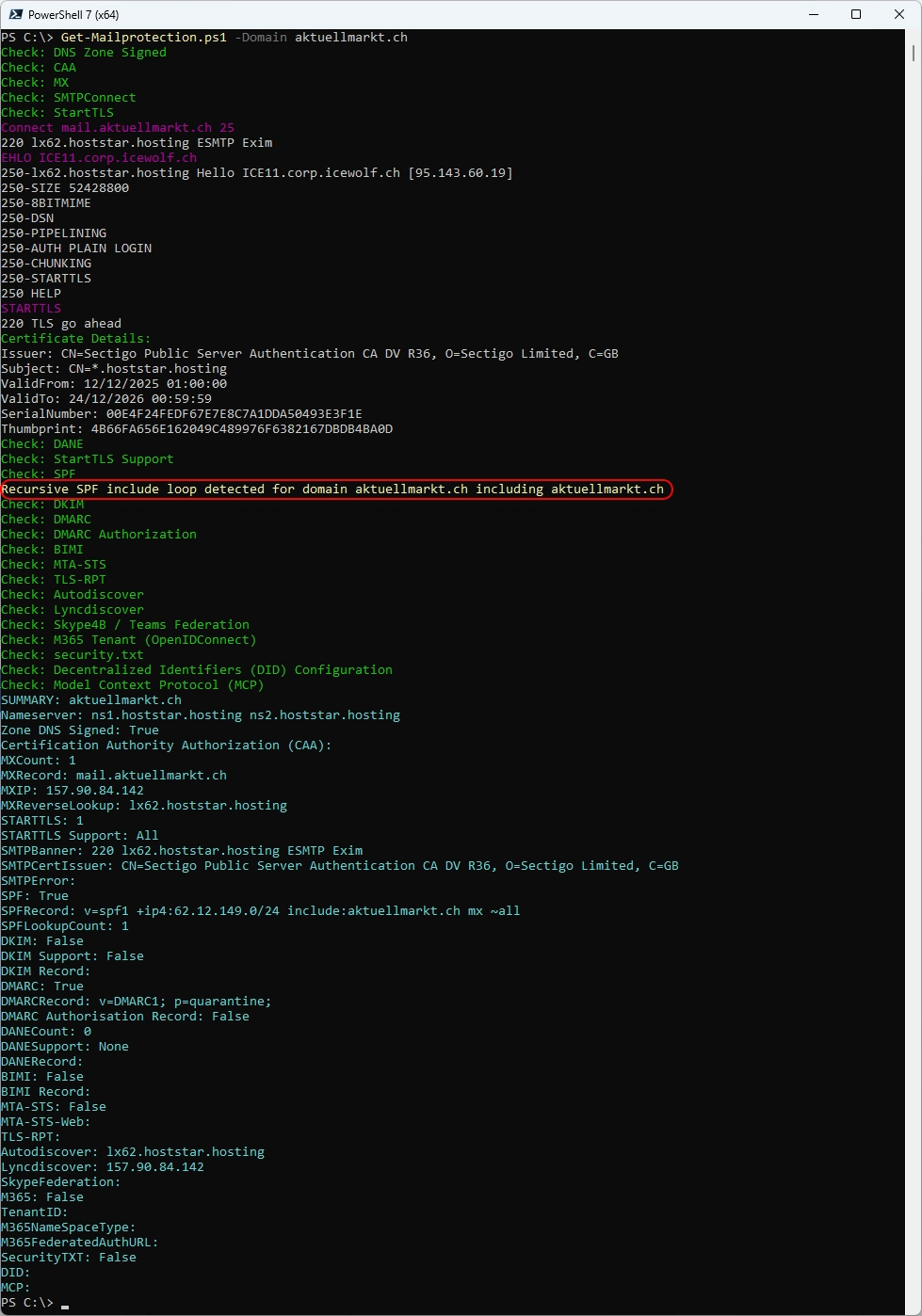
The SPF Record for the Domain aktuellmarkt.ch has an Include with the domain itself. That creates a Loop and should not exist. It’s simply wrong ☹️
v=spf1 +ip4:62.12.149.0/24 include:aktuellmarkt.ch mx ~all
Scenario 2: Include Loop by another Domain
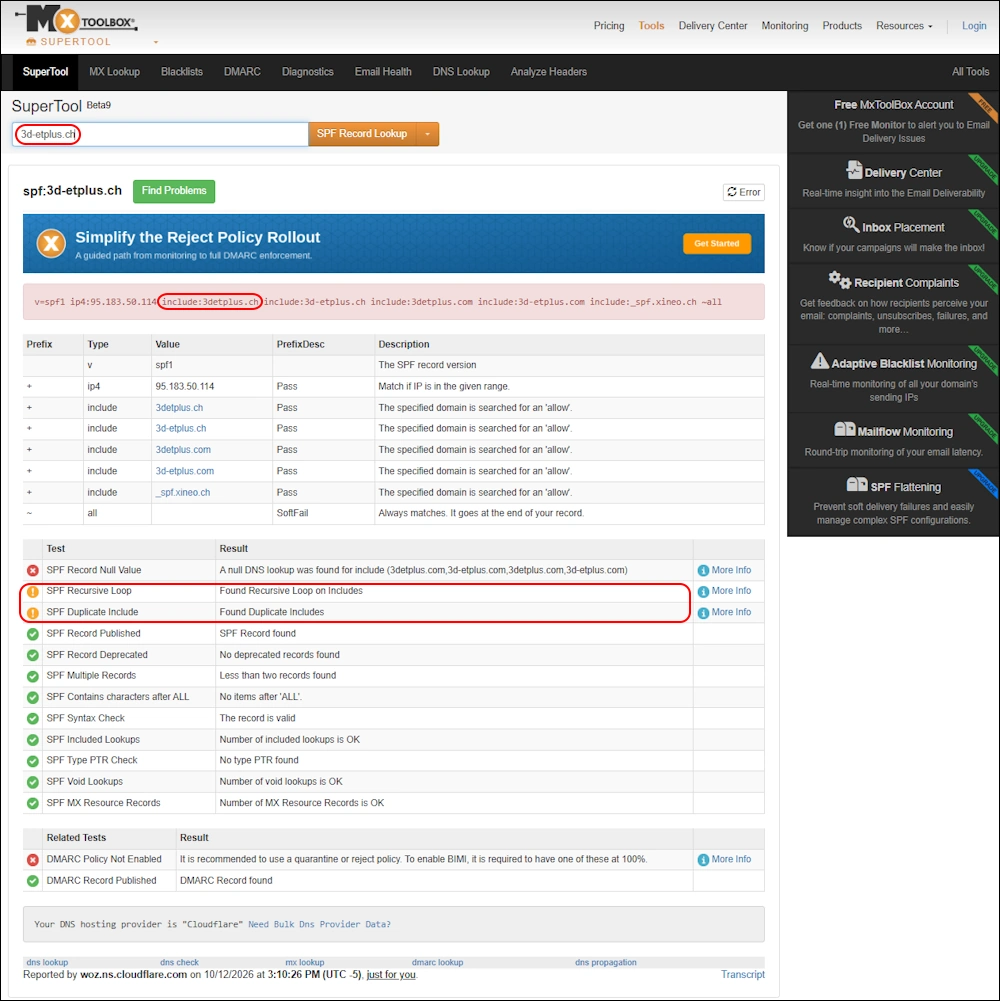
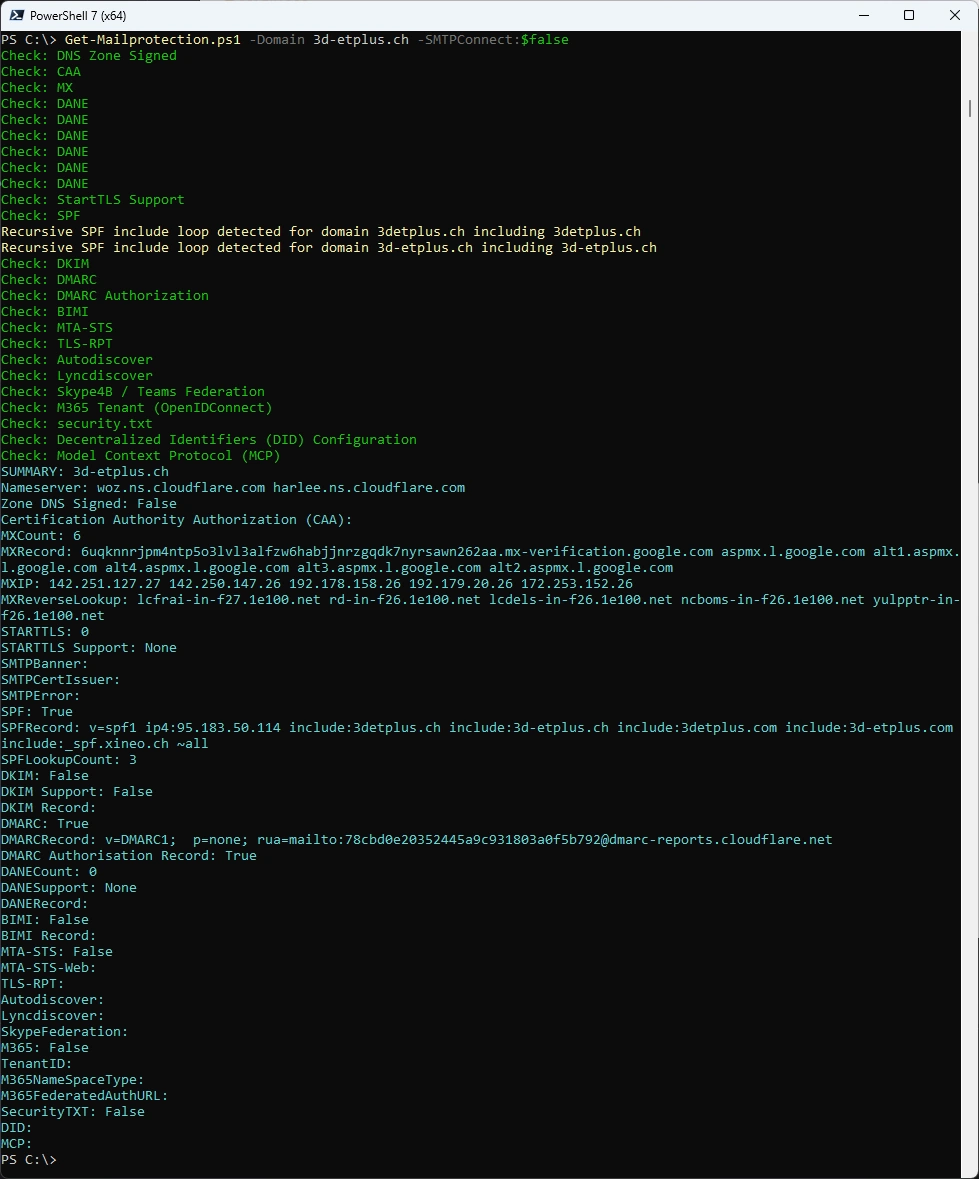
The SPF Record for the Domain 3d-etplus.ch has an Include with the domain 3detplus.ch.
v=spf1 ip4:95.183.50.114 include:3detplus.ch include:3d-etplus.ch include:3detplus.com include:3d-etplus.com include:_spf.xineo.ch ~all
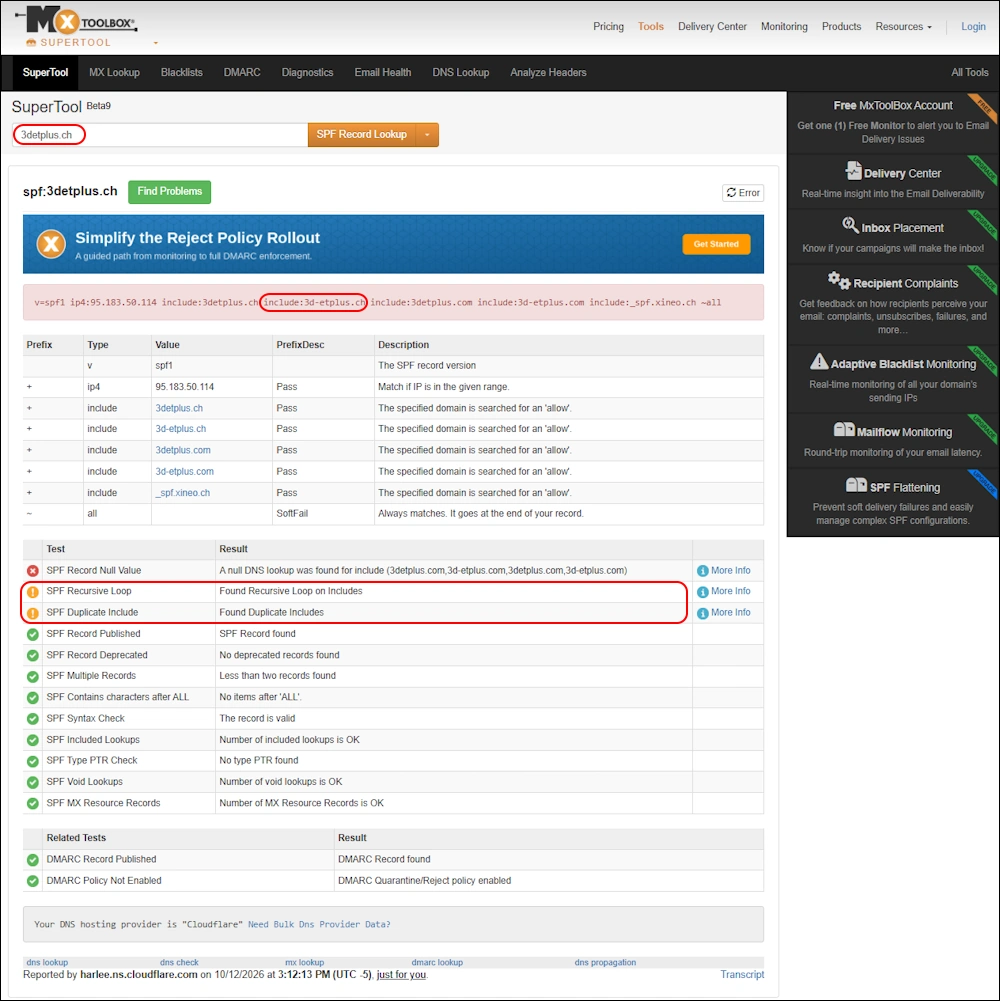
The SPF Record for the Domain 3detplus.ch has an Iclude with the domain 3d-etplus.ch. That creates a Loop
v=spf1 ip4:95.183.50.114 include:3detplus.ch include:3d-etplus.ch include:3detplus.com include:3d-etplus.com include:_spf.xineo.ch ~all
Get-Mailprotection
I’ve updated my PowerShell Script to detect and escape Scenario 1 sometimes. But the SPFLookupcount will not be acurate anymore.
- Docu on my GitHub Repo Readme.md
- PSGallery Get-Mailprotection
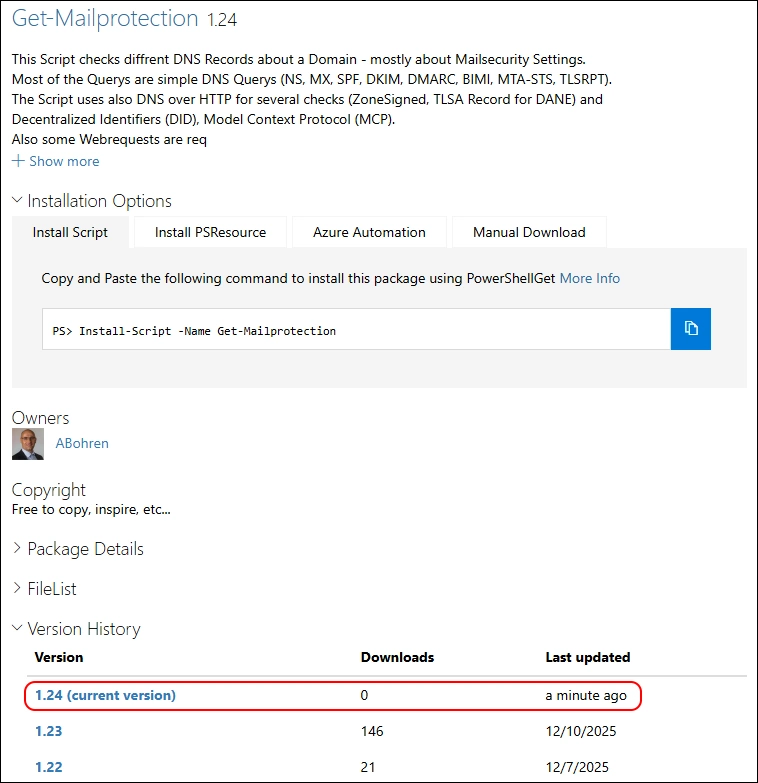
Release NotesVersion 1.24
- Added Logic for detecting SPF Loops in Include Mechanism
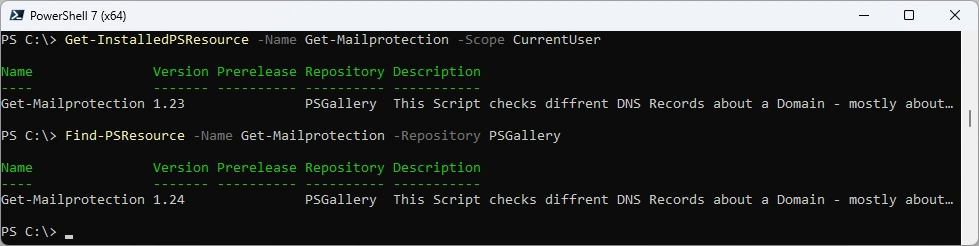
Get-InstalledPSResource -Name Get-Mailprotection -Scope CurrentUser
Find-PSResource -Name Get-Mailprotection -Repository PSGallery
Uninstall old Script - install new Script from PSGallery
Uninstall-PSResource -Name Get-Mailprotection -Scope CurrentUser
Install-PSResource -Name Get-Mailprotection -Scope CurrentUser -Repository PSGallery
Get-InstalledPSResource -Name Get-Mailprotection -Scope CurrentUser

Make sure you update it in Powershell 5.1 too
Uninstall-PSResource -Name Get-Mailprotection -Scope CurrentUser
Install-PSResource -Name Get-Mailprotection -Scope CurrentUser -Repository PSGallery

Let’s test with aktuellmarkt.ch
Get-Mailprotection.ps1 -Domain aktuellmarkt.ch
Let’s test with 3d-etplus.ch
Get-Mailprotection.ps1 -Domain 3d-etplus.ch -SMTPConnect:$false
Regards
Andres Bohren
Exchange Logo PowerShell Logo Security Logo

