
Azure PowerShell Module AZ 16.2.0 released
Hi All,
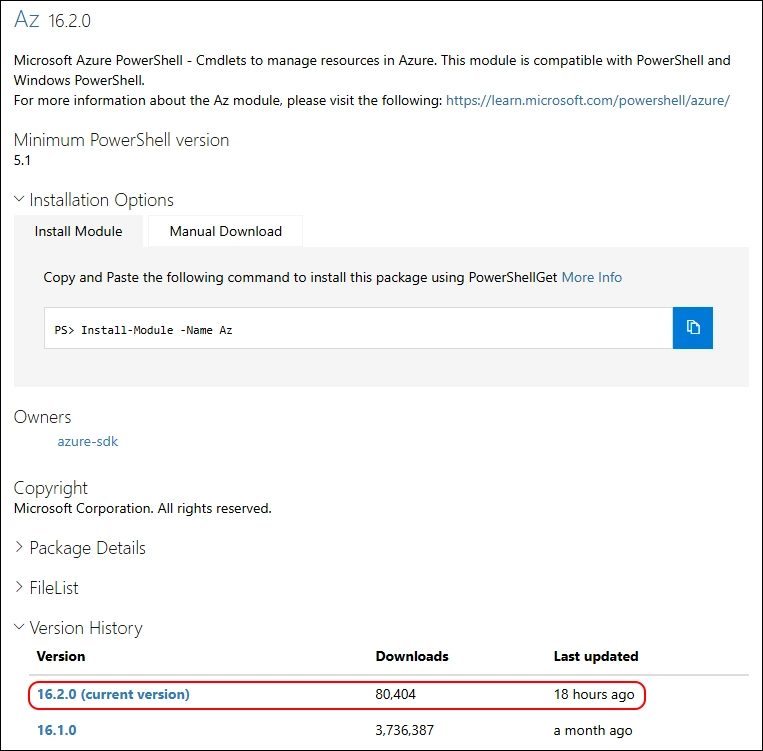
A day ago, a new Version of the AZ (Azure) PowerShell Module has been released to PowerShell Gallery.
- PowerShell Gallery Az 16.2.0
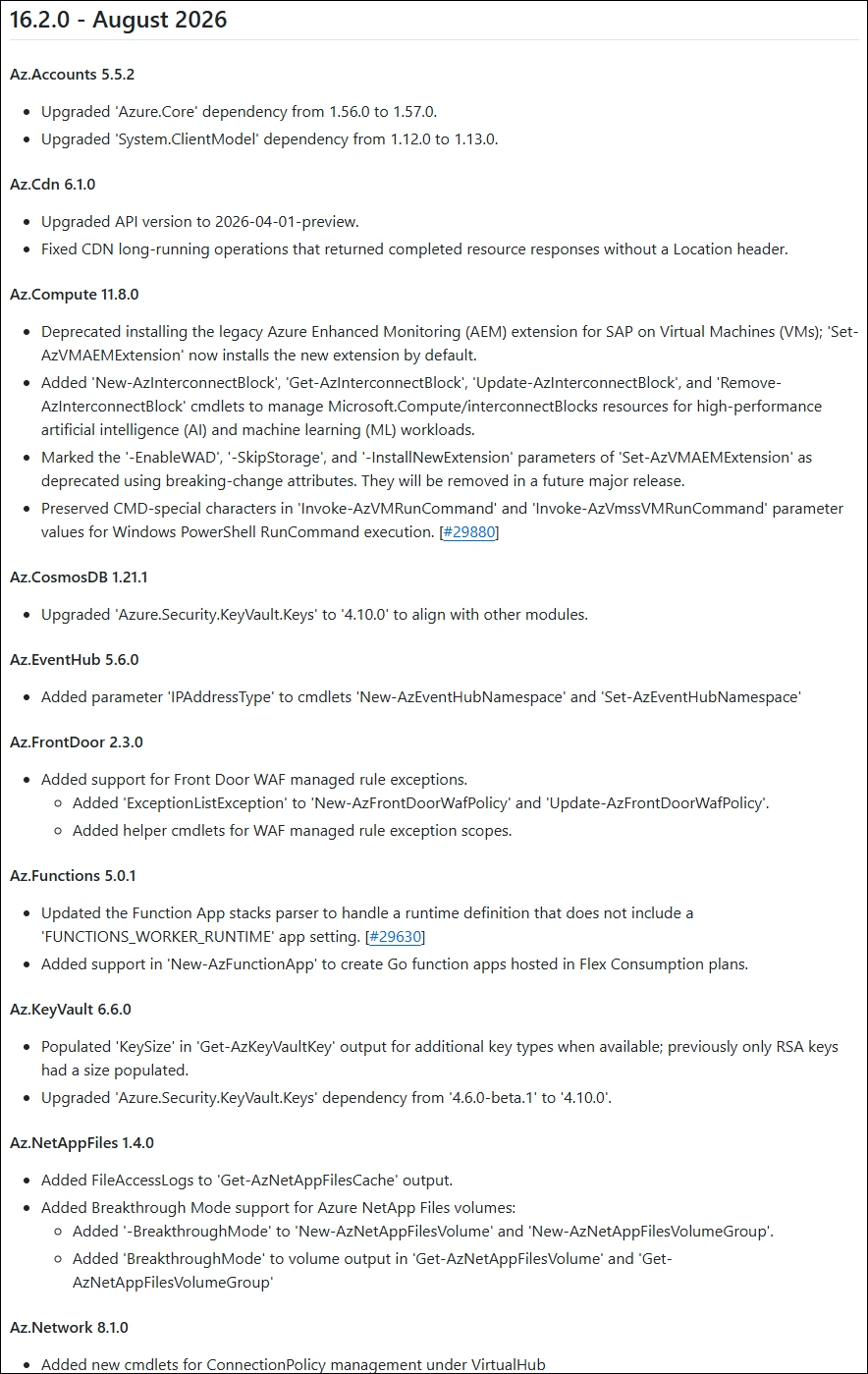
- GitHub Release Notes Az
I am using the new PSResourceGet here instead of the PowerShellGet commands.
Make sure you use the Microsoft.PowerShell.PSResourceGet 1.2.0
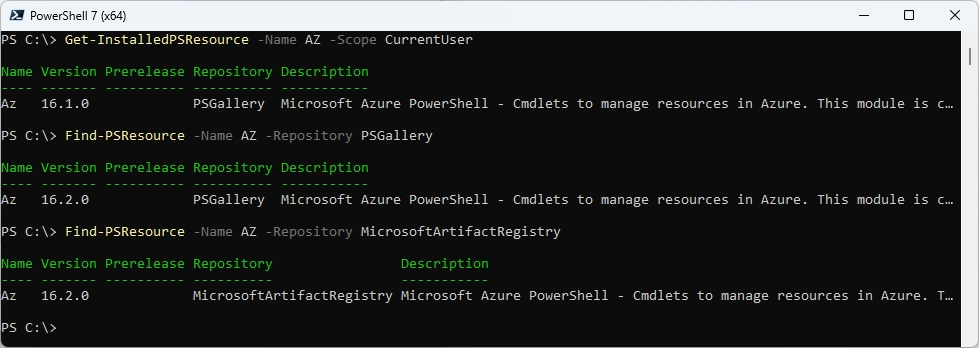
Show installed Versions and what’s available in PowerShell Gallery and in Microsoft Artifact Registry
Get-InstalledPSResource -Name AZ -Scope CurrentUser
Find-PSResource -Name AZ -Repository PSGallery
Find-PSResource -Name AZ -Repository MicrosoftArtifactRegistry
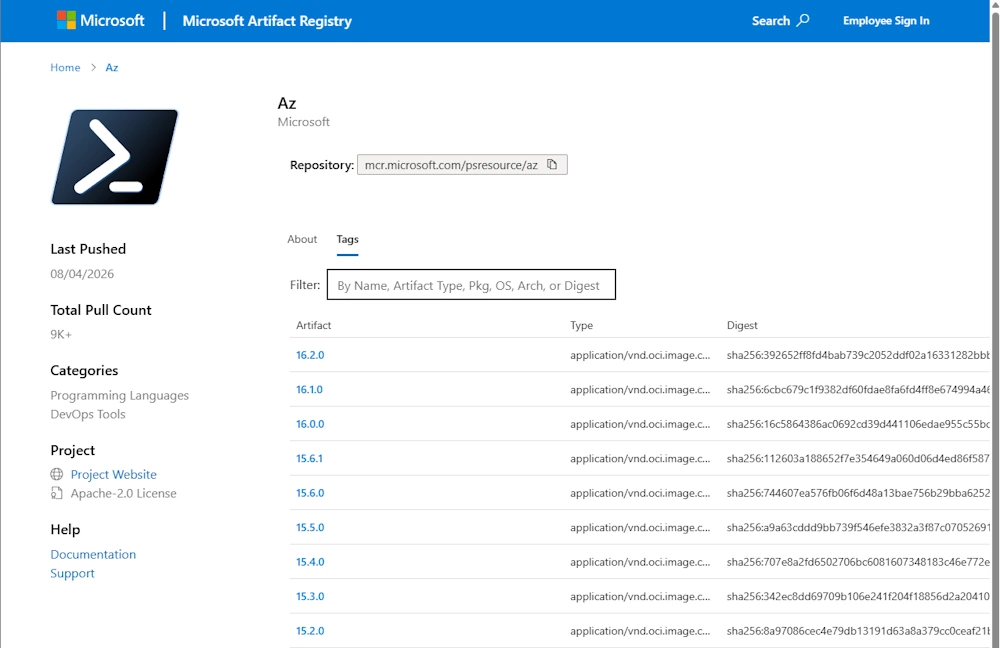
Microsoft Artifact Registry (MAR)
List the PowerShell Module Repositorys
Get-PSResourceRepository

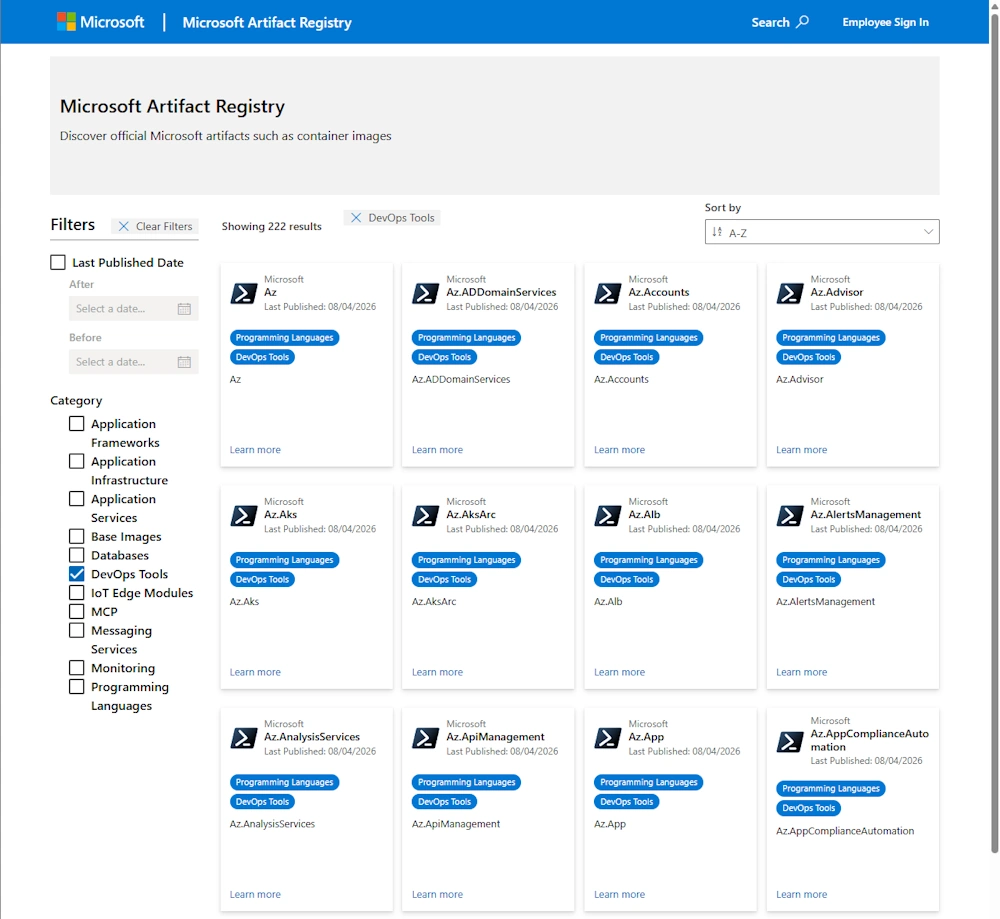
- Details from AZ Module in Microsoft Artifact Registry
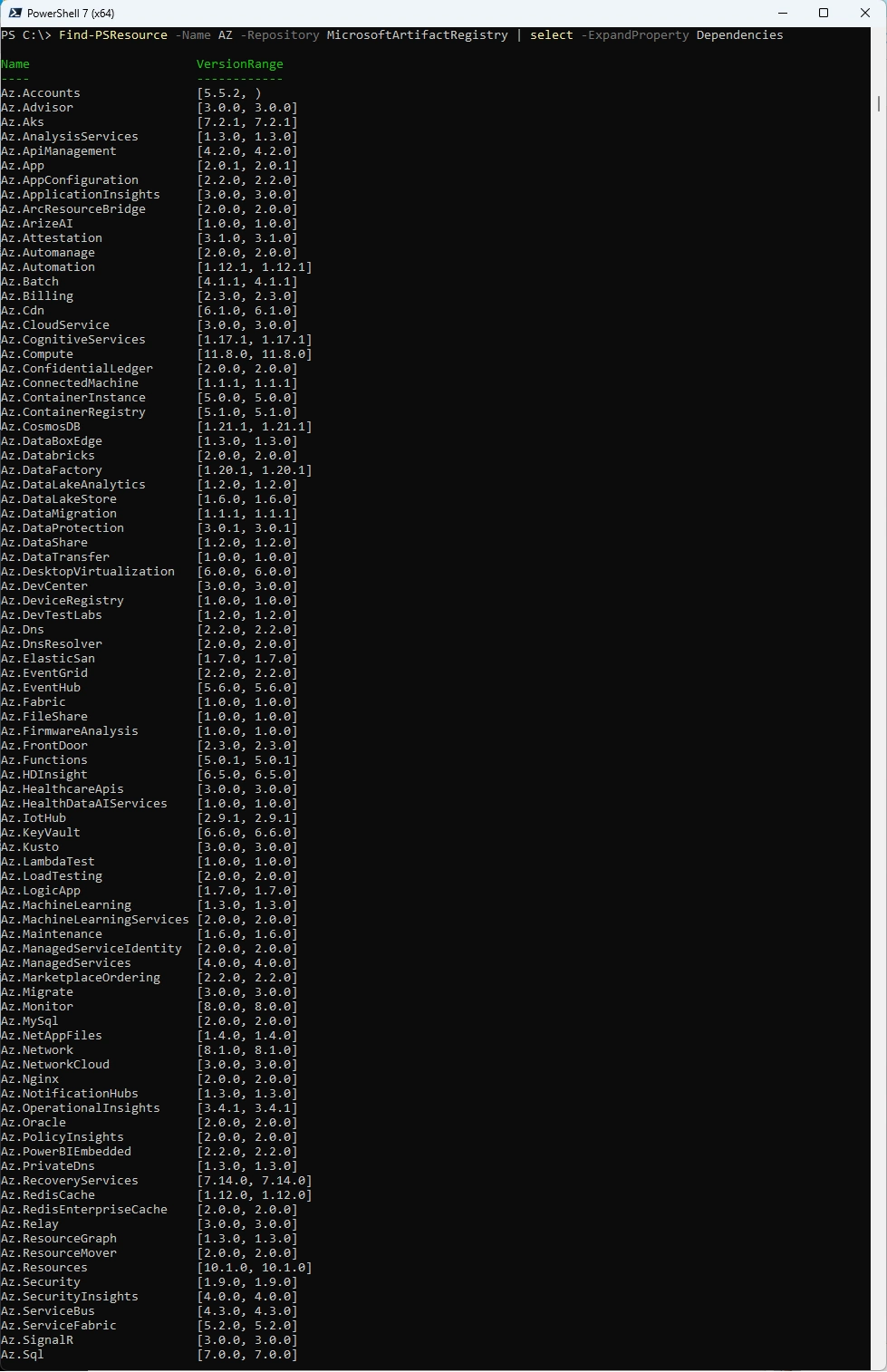
List the dependencies from the AZ Module in Microsoft Artifact Registry
Find-PSResource -Name AZ -Repository MicrosoftArtifactRegistry | select -ExpandProperty Dependencies
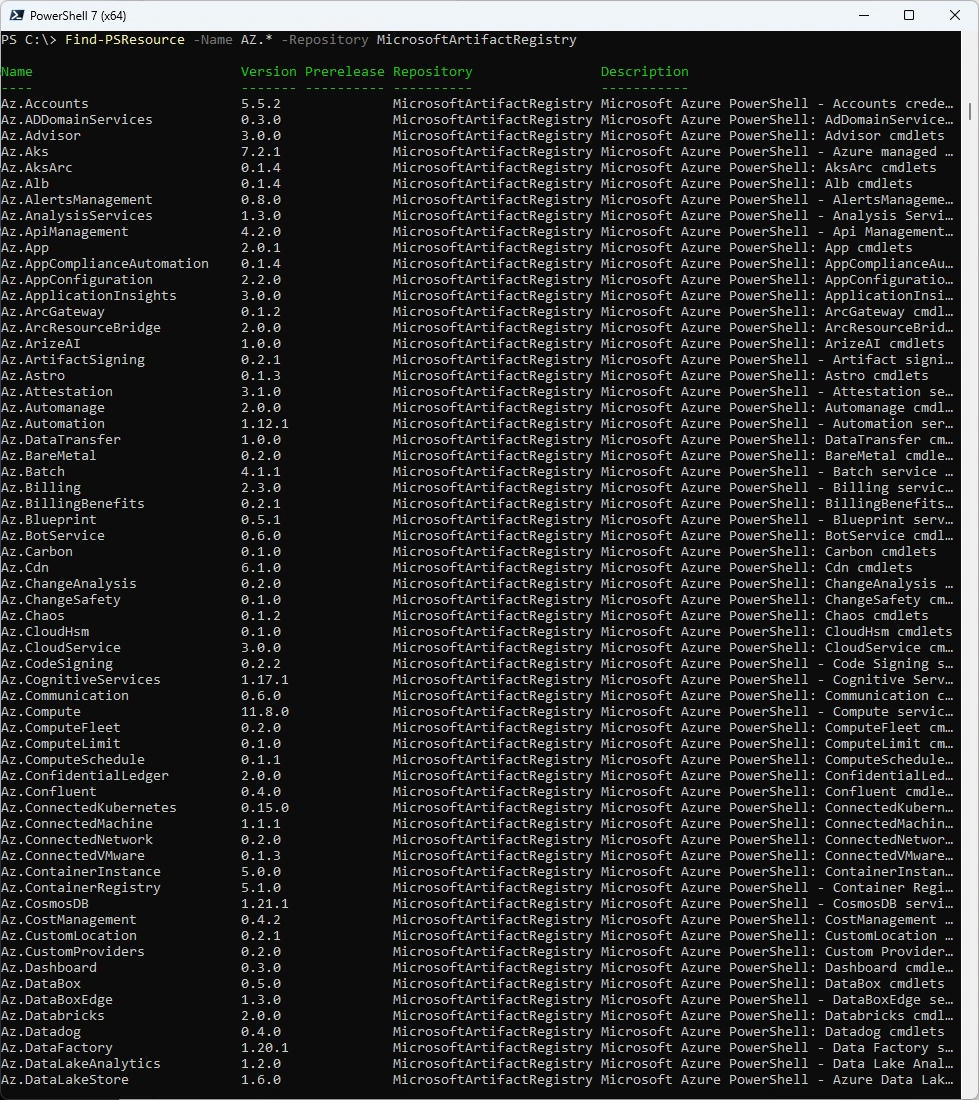
List all AZ.* Modules in Microsoft Artifact Registry. It felt long until the results where displayed.
Find-PSResource -Name AZ.* -Repository MicrosoftArtifactRegistry
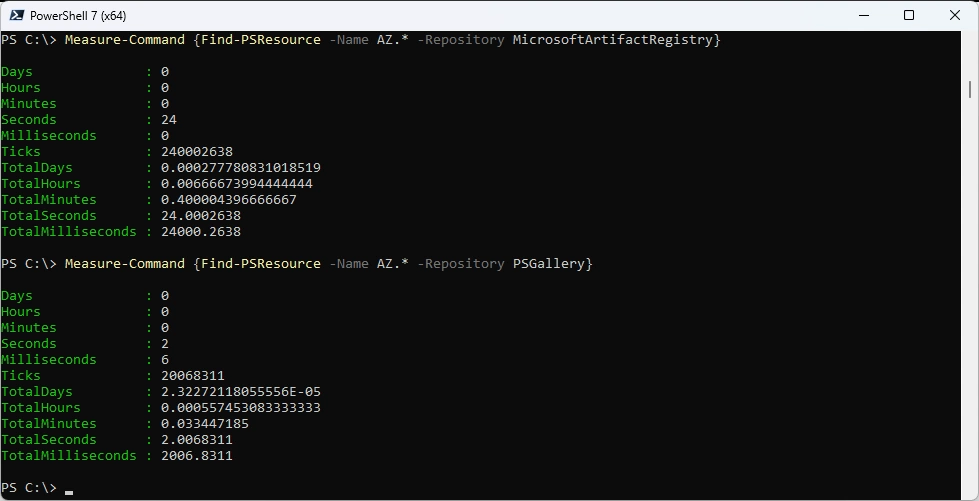
Let’s measure the time between MicrosoftArtifactRegistry and PSGallery. 24 Seconds compared to 2 Seconds feels really slow.
Measure-Command {Find-PSResource -Name AZ.* -Repository MicrosoftArtifactRegistry}
Measure-Command {Find-PSResource -Name AZ.* -Repository PSGallery}
Uninstall the old Modules
Uninstall-PSResource AZ -Scope CurrentUser -SkipDependencyCheck
Uninstall-PSResource AZ.* -Scope CurrentUser -SkipDependencyCheck

Install the new AZ Modules from the Microsoft Artifict Registry
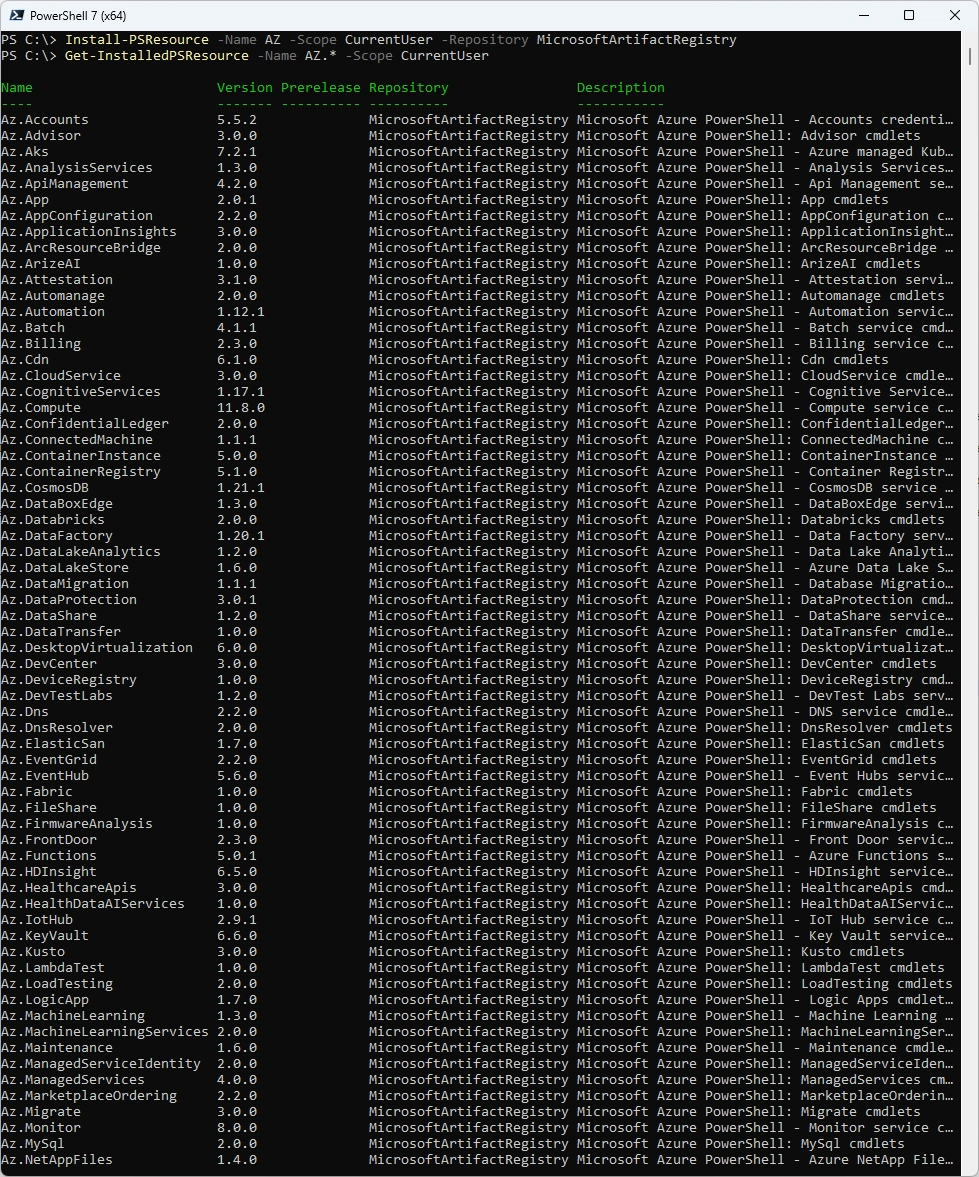
Install-PSResource -Name AZ -Scope CurrentUser -Repository MicrosoftArtifactRegistry
Get-InstalledPSResource -Name AZ -Scope CurrentUser
Testing
Some Testing - there seems to be some Identity Clash with the Microsoft.PowerShell.PSResourceGet Module
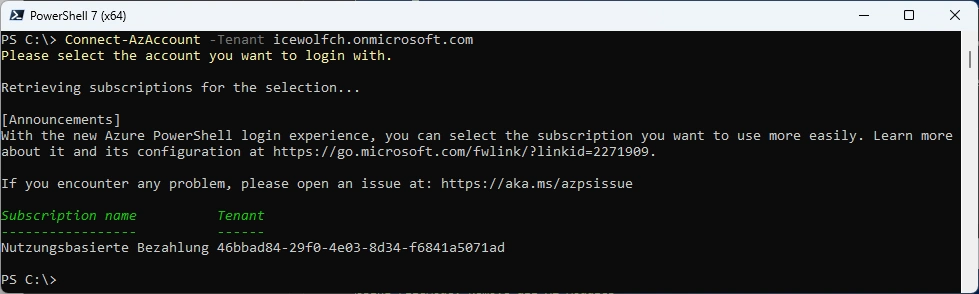
Connect-AzAccount -Tenant icewolfch.onmicrosoft.com

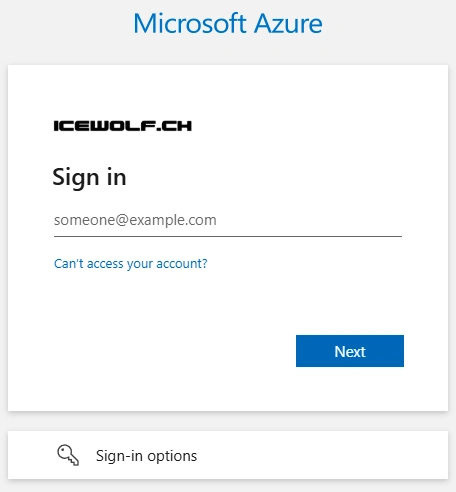
On a Browser Window you need to Login
Login successful
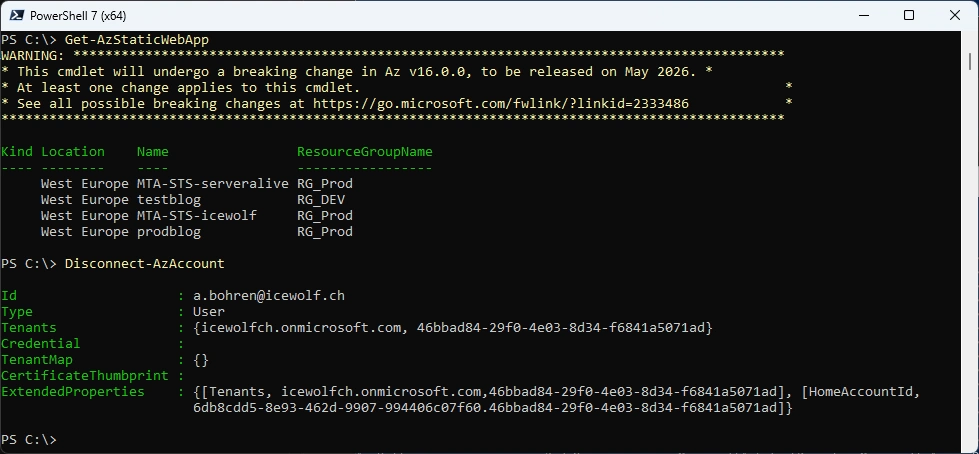
Let’s list the Azure Static Websites
Get-AzStaticWebApp
Disconnect-AzAccount
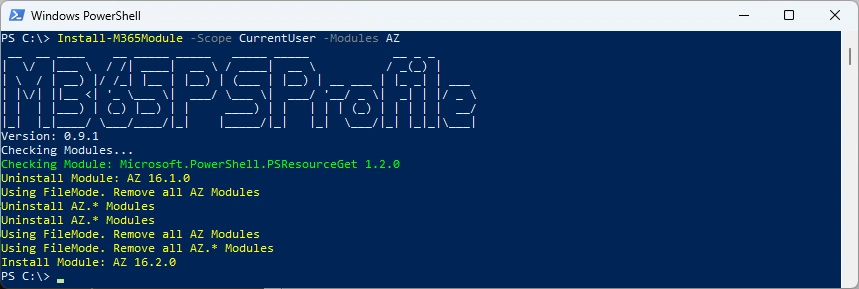
Or you can simply use my M365PSProfile Module - find the Documentation here: GitHub Documentation
# Install-PSResource -Name M365PSProfile
# Add-M365PSProfile
Install-M365Module -Scope CurrentUser -Modules AZ
Regards
Andres Bohren
Azure Logo PowerShell Logo
