
Azure PowerShell Module AZ 15.6.1 released
Hi All,
Yesterday, a new Version of the AZ (Azure) PowerShell Module has been released to PowerShell Gallery.
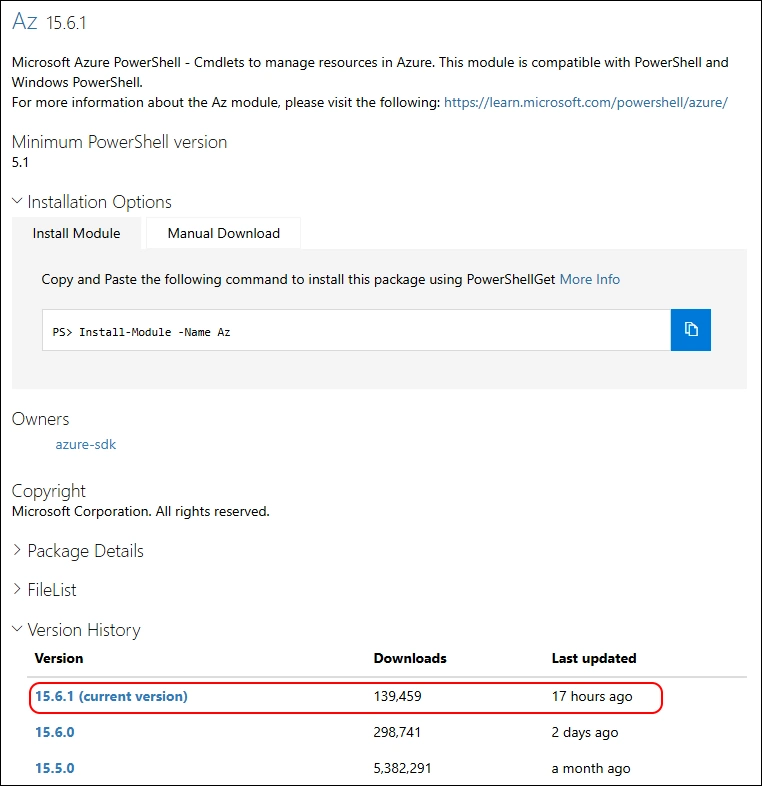
- PowerShell Gallery Az 15.6.0
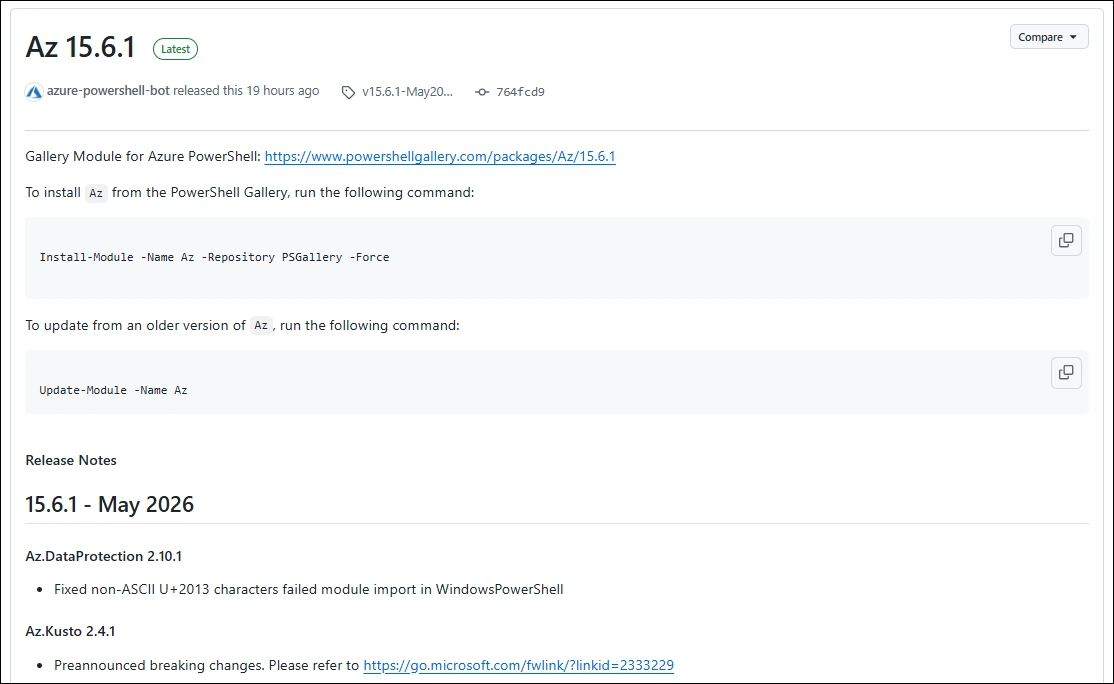
- GitHub Release Notes Az
I am using the new PSResourceGet here instead of the PowerShellGet commands.
Make sure you use the Microsoft.PowerShell.PSResourceGet 1.2.0
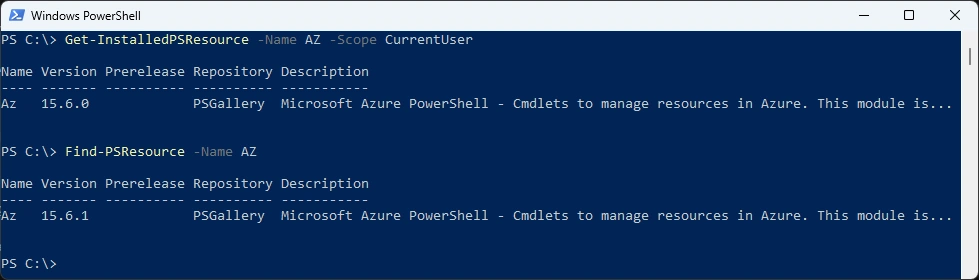
Show installed Versions and what’s available in PowerShell Gallery
Get-InstalledPSResource -Name AZ -Scope CurrentUser
Find-PSResource -Name AZ
Uninstall the old Modules
Uninstall-PSResource AZ -Scope CurrentUser -SkipDependencyCheck
Uninstall-PSResource AZ.* -Scope CurrentUser -SkipDependencyCheck

In the last few months i’ve noticed that uninstalling some Modules seems to have Problems. If you have Problems use the following PowerShell Module with the -FileMode Parameter
I’ve updated the M365PSProfile PowerShell Module and the Uninstall-M365Module Function with the Parameter -FileMode. It will delete the Module Folder of that Module.
Install-PSResource M365PSProfile
Import-Module M365PSProfile
Uninstall-M365Module -Modules AZ -Scope CurrentUser -FileMode

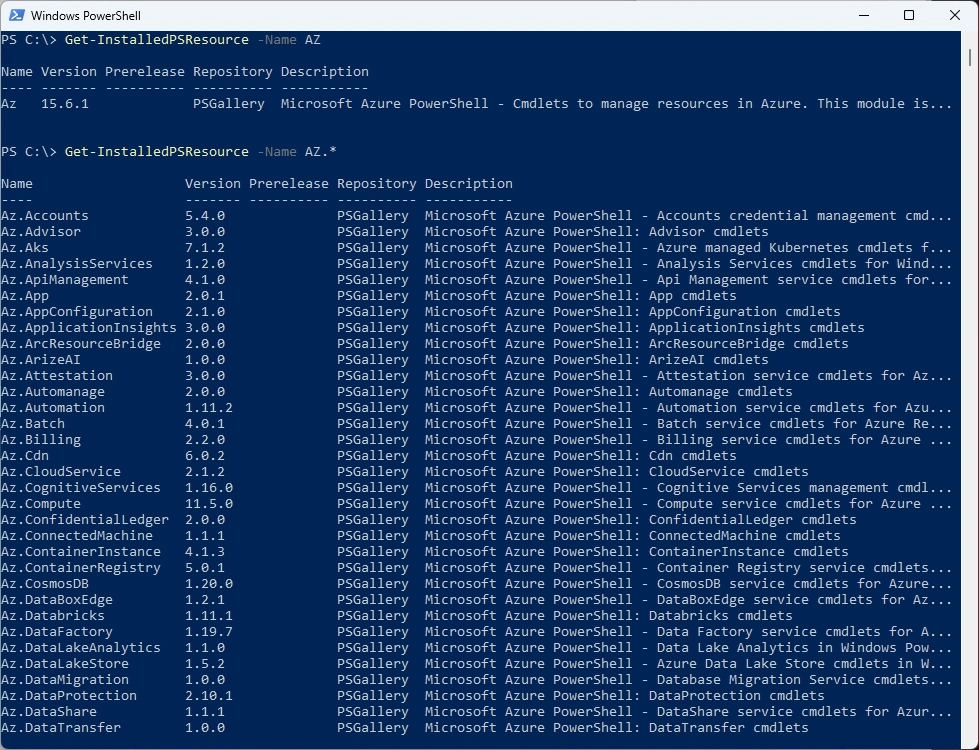
Now i can install the newest AZ Module and list all the AZ.* Modules
Install-PSResource -Name AZ -Scope CurrentUser

List all the Modules from the AZ Modules
Get-InstalledPSResource -Name AZ
Get-InstalledPSResource -Name AZ.*
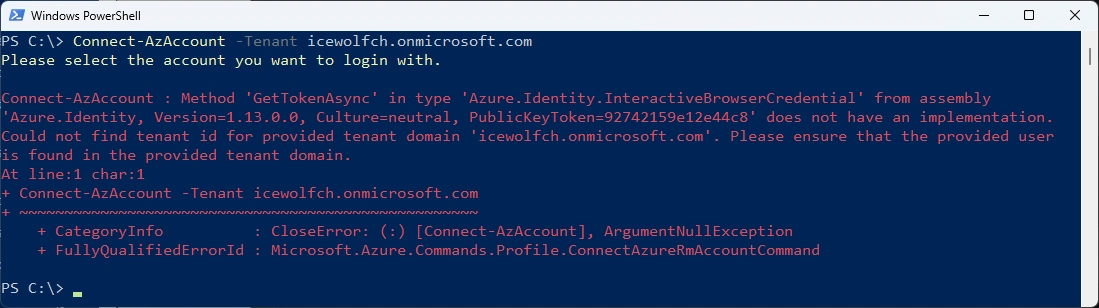
Some Testing - there seems to be some Identity Clash with the Microsoft.PowerShell.PSResourceGet Module
Connect-AzAccount -Tenant icewolfch.onmicrosoft.com
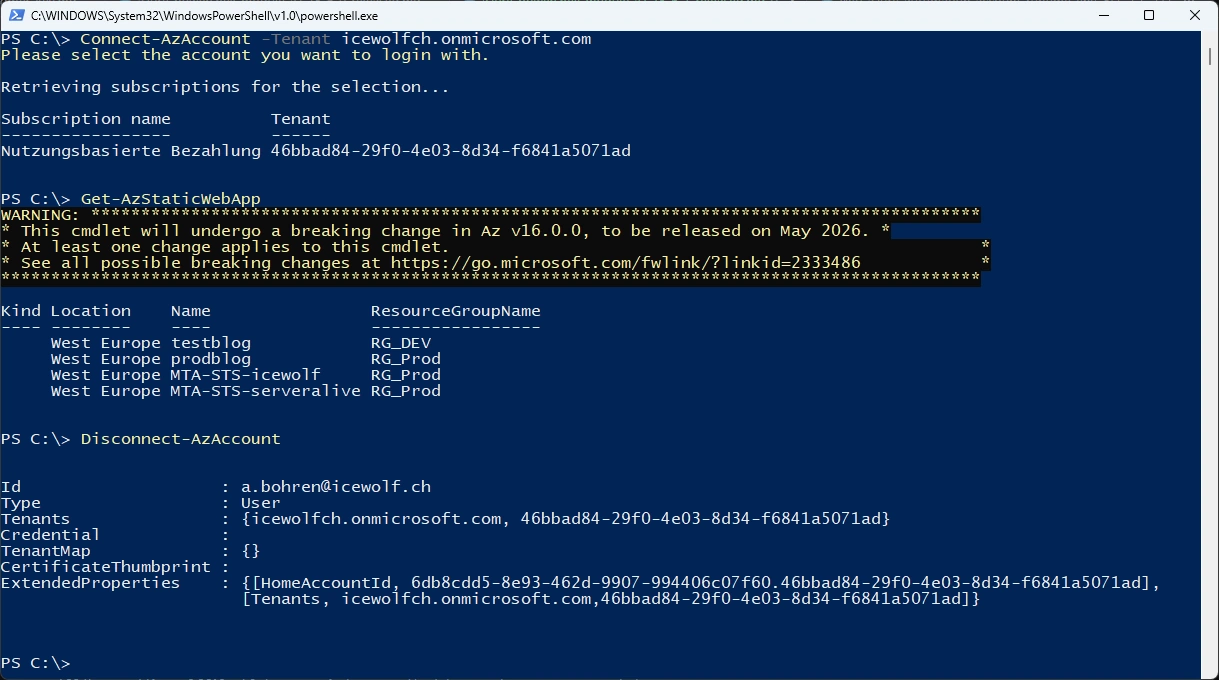
Let’s try with “PowerShell -NoProfile”
Connect-AzAccount -Tenant icewolfch.onmicrosoft.com
Get-AzStaticWebApp
Disconnect-AzAccount
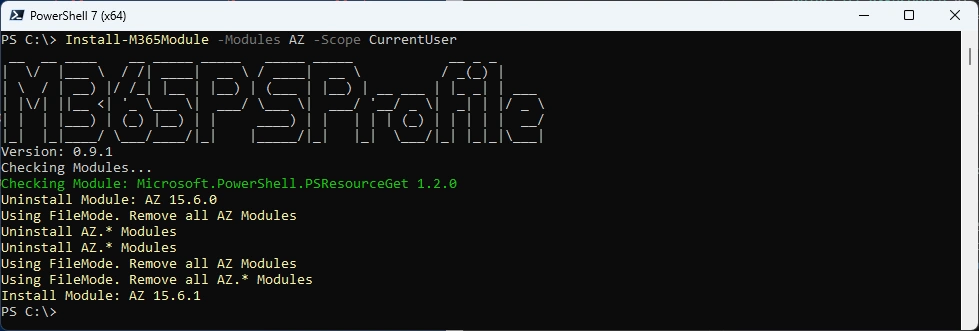
Or you can simply use my M365PSProfile Module - find the Documentation here: GitHub Documentation
Install-PSResource -Name M365PSProfile
Add-M365PSProfile
Install-M365Module -Scope CurrentUser -Modules AZ
Get-InstalledPSResource -Name AZ.* -Scope CurrentUser
Regards
Andres Bohren
Azure Logo PowerShell Logo
